
Nitro PDF Professional (Nitro Pro)
Allows one to create, convert, and edit files
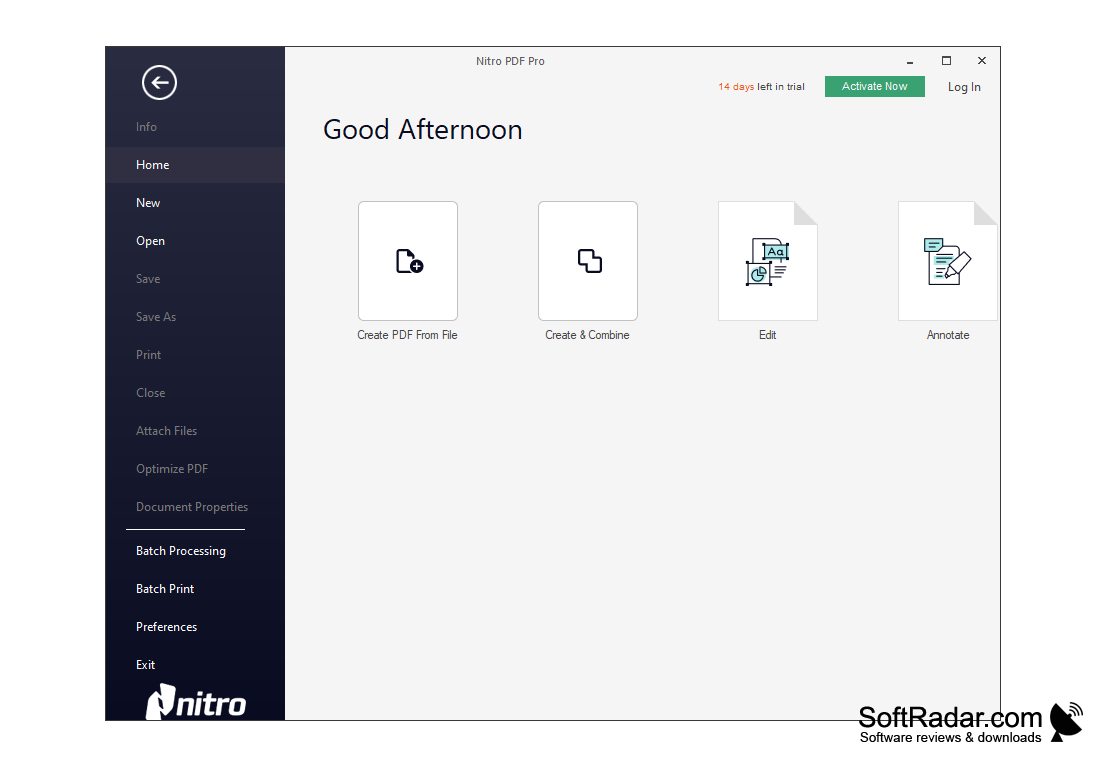
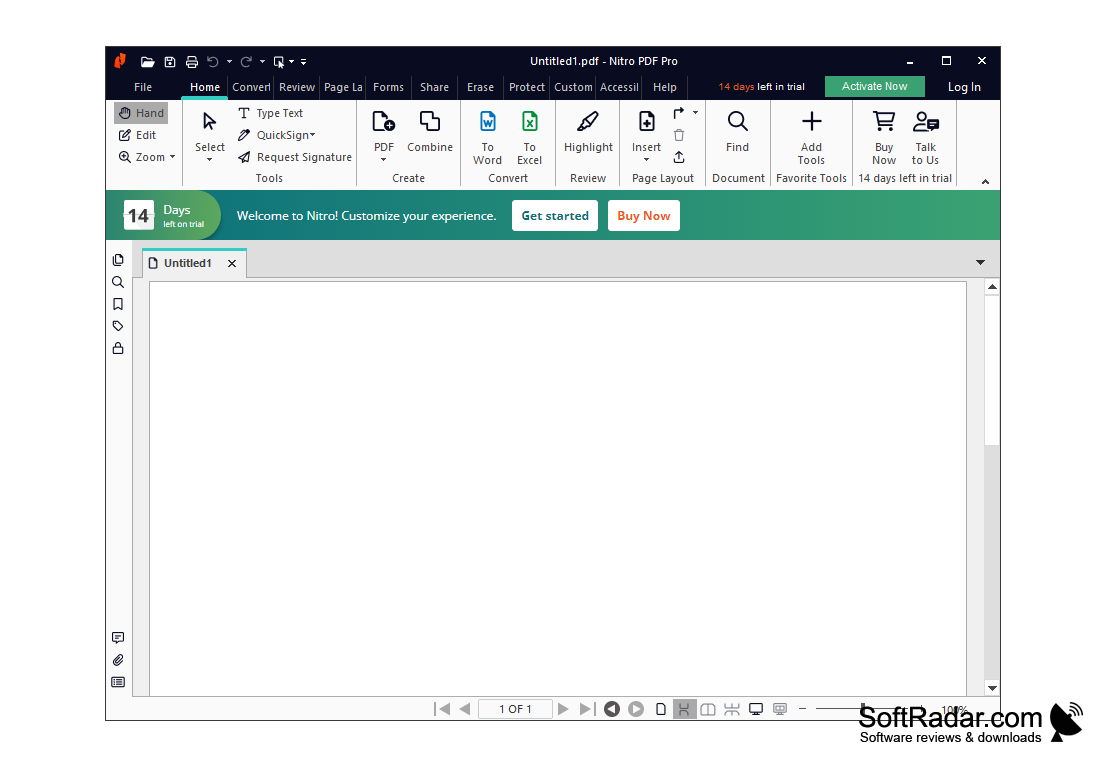
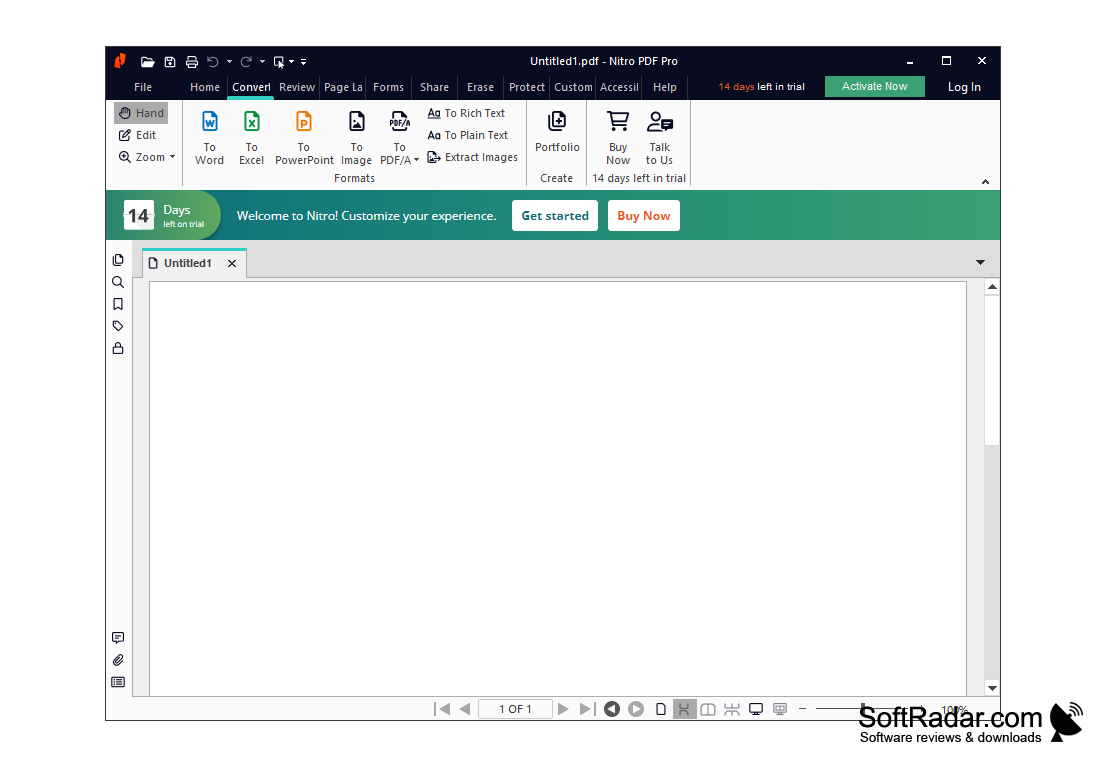
Nitro PDF Professional is a powerful program for creating and editing PDF documents. This application includes the widest range of tools for working with PDF: with its help you can create PDF and PDF/A documents from virtually any file, combine several documents into one PDF file, convert files in batch mode, scan documents and save them in PDF format. Nitro PDF Professional users can bookmark, export PDF documents to Microsoft Office and OpenOffice formats, and extract images and texts from PDF files. In PDF editing mode, you can adjust font settings, insert images into the document, change their order, position and size, and control brightness, contrast and other image parameters. Nitro PDF Professional allows you to use headers and footers, add watermarks and logos to pages, and automatically create bookmarks and links. Another useful feature is the built-in OCR option. It allows you to create PDF files based on scanned paper pages. Nitro PDF Professional also allows you to search, replace and highlight text, draw by hand, provide author comments on documents, encrypt PDF files with 256-bit keys, and restrict users' rights to print, copy and edit documents.
Nitro PDF Professional offers extensive tools for creating, editing, and converting PDF documents with built-in OCR and 256-bit encryption.
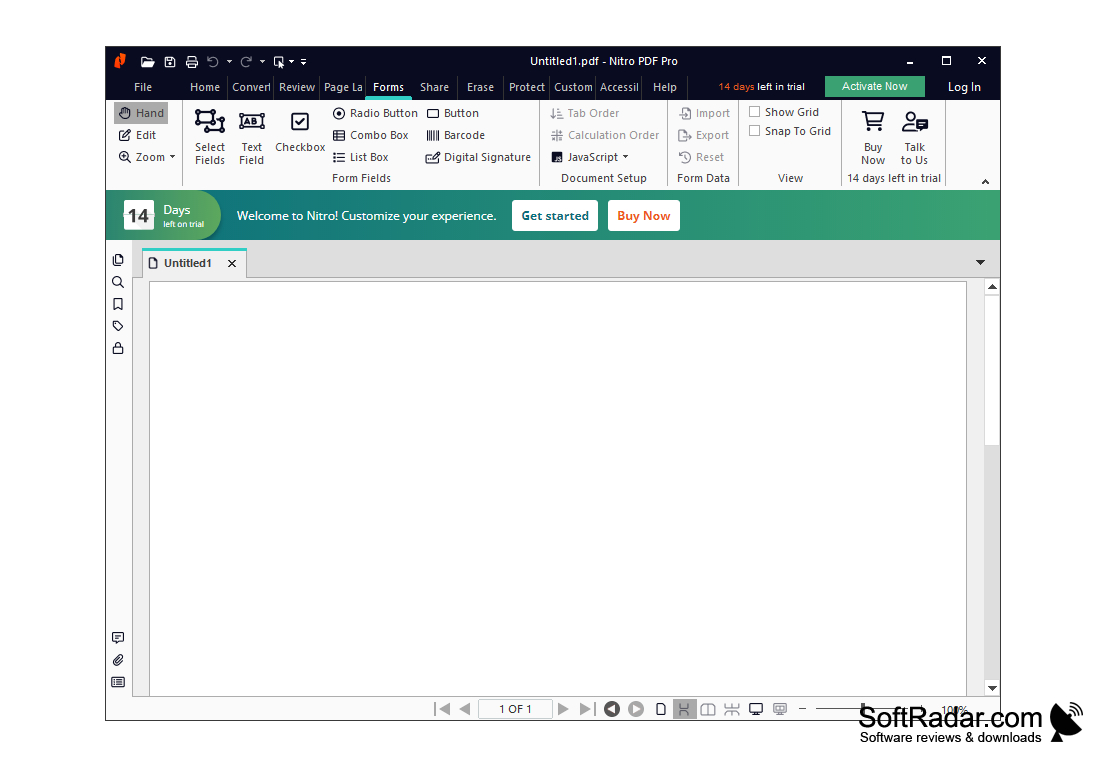
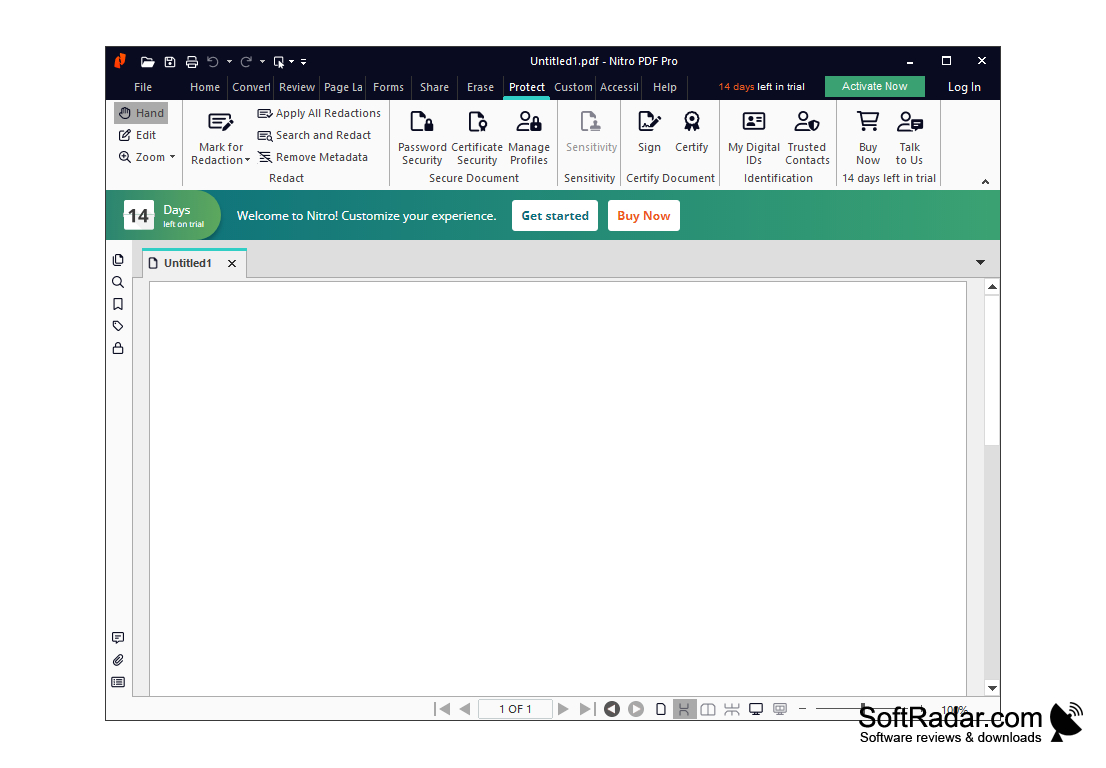
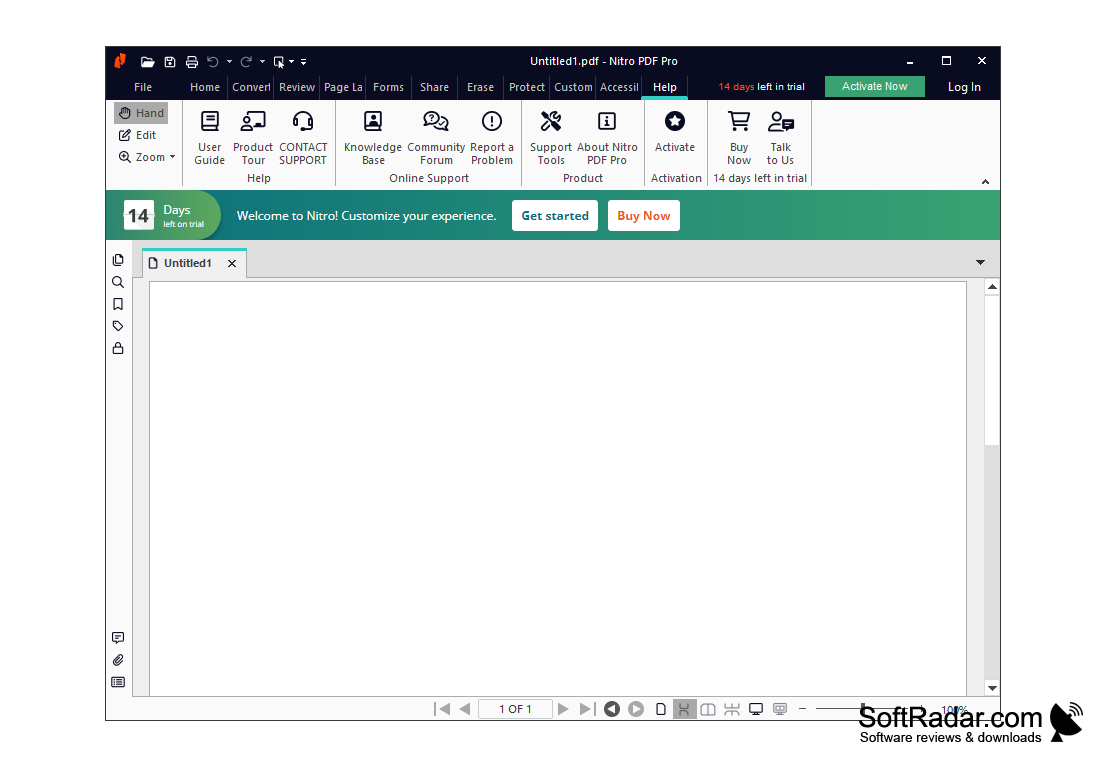
- Create and edit PDF documents;
- batch conversion of files;
- support for Microsoft Office and OpenOffice formats;
- automatic creation of bookmarks and links in the document;
- text recognition (OCR).
PROS
Allows easy editing, conversion, and collaboration on PDF files.
Supports document signing and form-filling functionalities.
CONS
Lacks some advanced features like embedded video support.
The user interface is not highly intuitive or user-friendly.