
O&O RegEditor
Gain access to Window registry and modify it
Operating system: Windows
Publisher: O&O Software
Release: O&O RegEditor 16.1.6660
Antivirus check: VirusTotal report
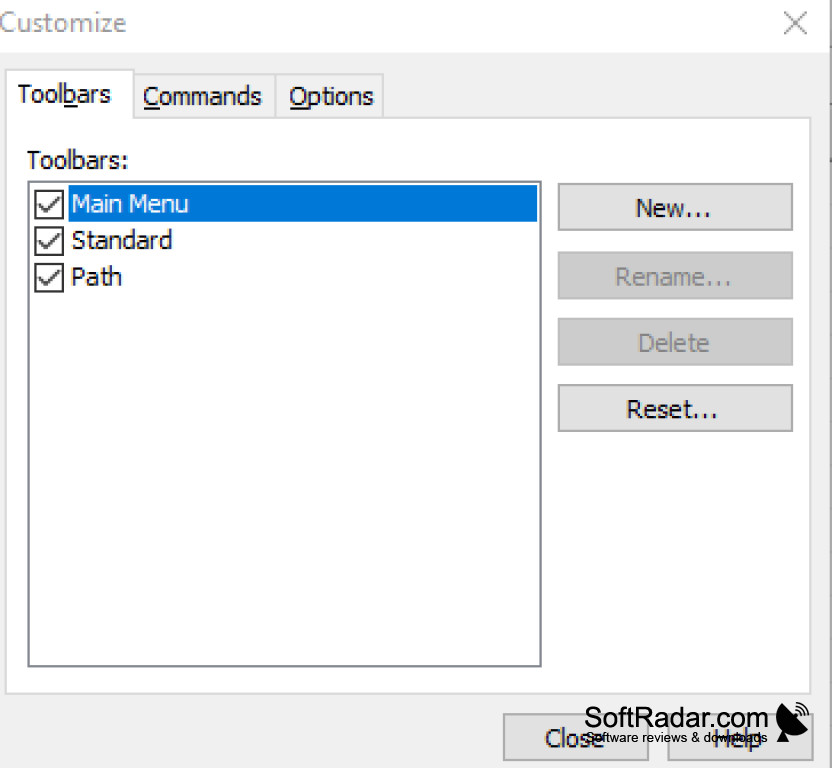
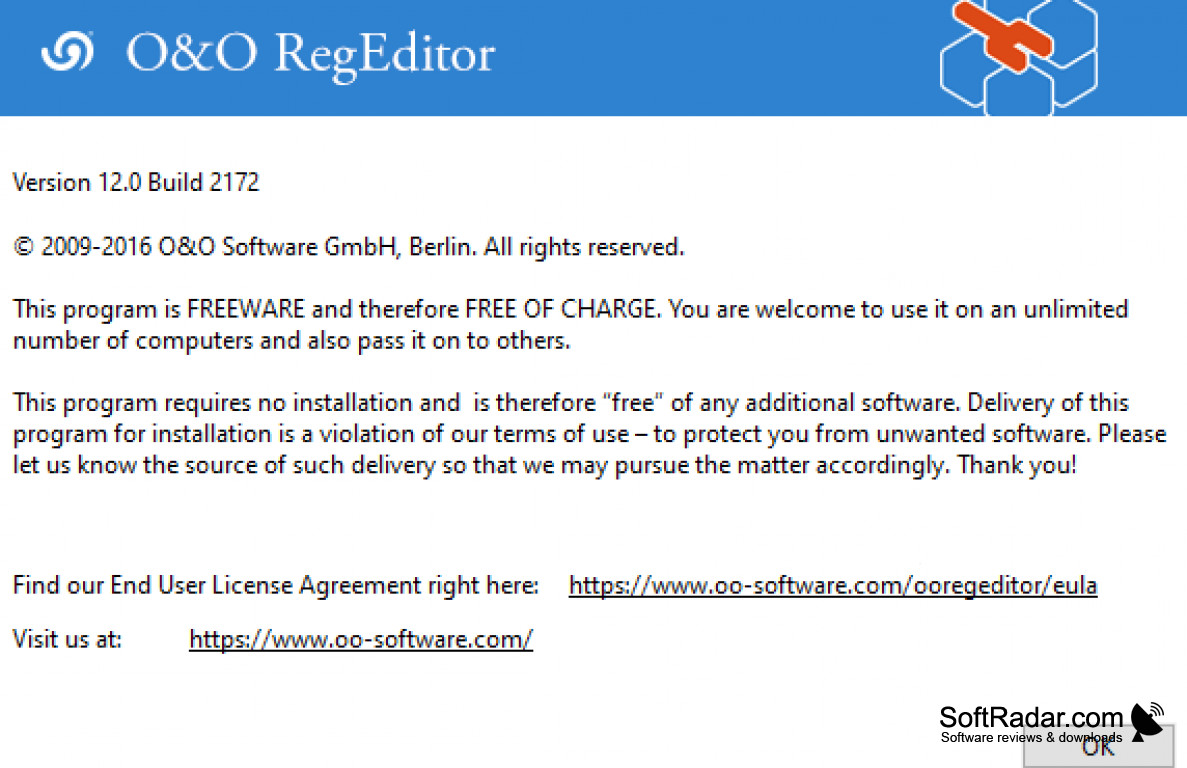
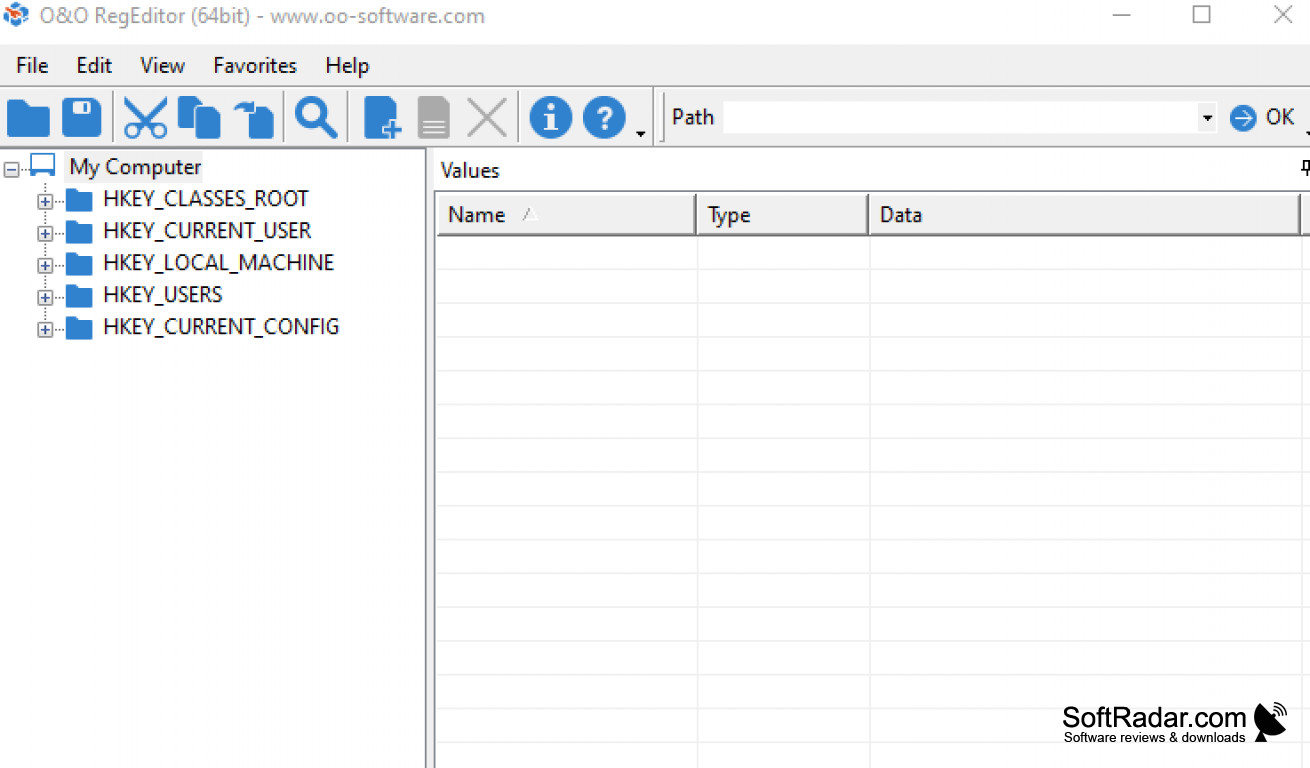
O&O RegEditor for Windows provides users a secondary way to access registry editor in Windows. This makes it easy to overwrite keys, manage user permissions, and export registry settings to a file on your PC. O&O RegEditor grants access to the user's Windows registry and modifies it as desired. The goal of the application is to give users an easier way to do this without using the registry editor that is already built-in.
O&O RegEditor does not require any installation, so you can save the file to any portable method and open the program anywhere you want. Once users are in the program, they are presented with a clean, clear layout that allows them to investigate registry hives, rename or modify values and launch completely new values that include string, expandable string, multi-line string, binary value, and numerical value.
O&O RegEditor allows its user to copy information from the application to their PC's Clipboard. It also allows users to import and export files into or from a selected registry database, set up and manage user permissions for select keys, and even has a search function to find data in keys and values. The program gives users the option to open paste and overwrite keys, create a list of favorites and save that as a file on your PC or print it, open a key in the registry database, and highlight commonly used keys.
Tests of the O&O RegEditor program shows it is stable and worked without crashing or erroring-out. It does not use much CPU or RAM, so it has minimal impact on your PC's performance. The program is a simple, relatable option for editing the Windows registry for users at all levels of computer skills.
Portable program and easy to use!
Features:
- Portable
- Easy-to-use
- Import and Export Data
- Copy and Past Entire Keys or Parts of Keys
- Registry Export with XML Format
- Minimal CPU and RAM usage
- No installation needed, portable
PROS
Offers advanced search and replace function.
Lightweight and runs smoothly with minimal system resources.
CONS
No option for automatic backup before making changes.
Interface could be more user-friendly.


