RadiAnt DICOM Viewer
Fast Windows DICOM viewer for opening and reviewing medical images such as X-ray, CT, MRI and ultrasound studies.
Operating system: Windows
Publisher: Medixant
Release: RadiAnt DICOM Viewer 2026.1
Antivirus check: VirusTotal report
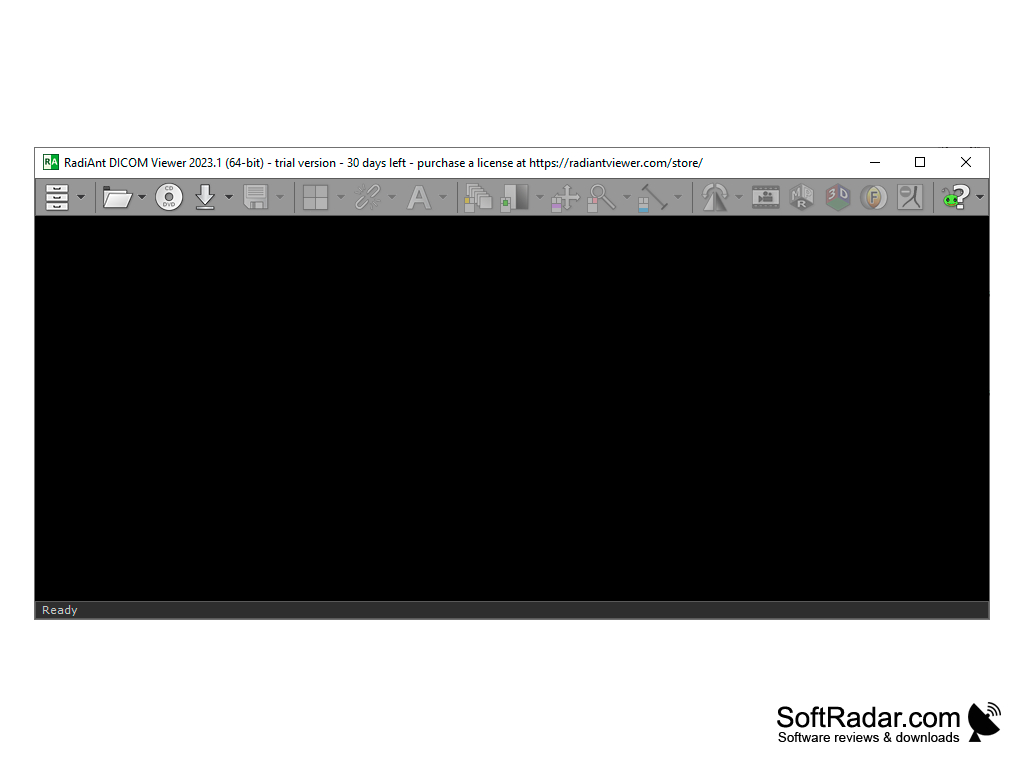
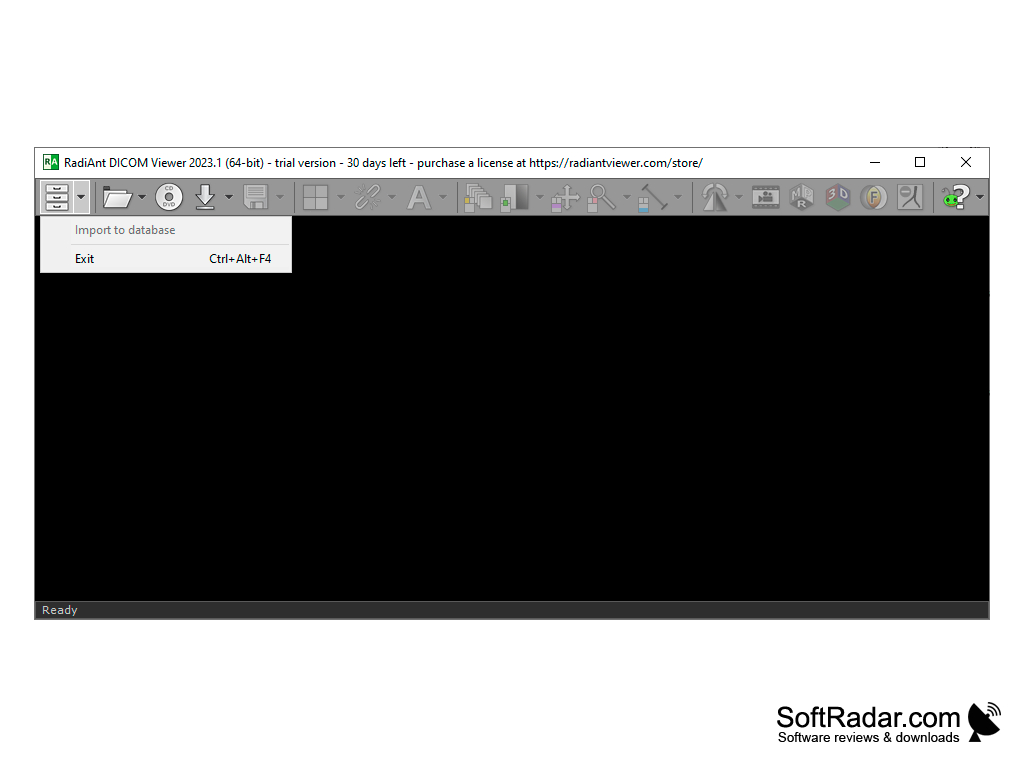
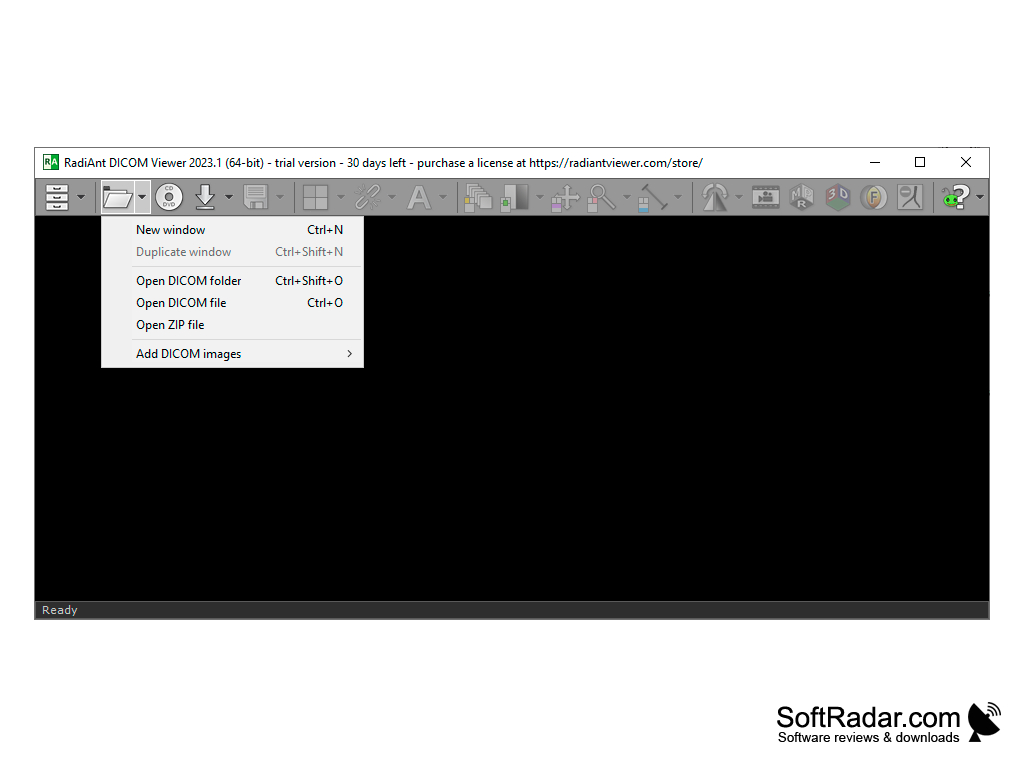
RadiAnt DICOM Viewer is a DICOM-PACS image viewer for medical images. This format is usually used in medical institutions to store the results of X-rays, CT, MRI, ultrasound and other studies. In addition to the images themselves, these files also store patient and study data, measurements and notes. The program is aimed at doctors, researchers and students, but patients also use RadiAnt DICOM Viewer to look at studies they received on a disc; the developer states that it is not a certified medical product and is not intended for diagnosis.
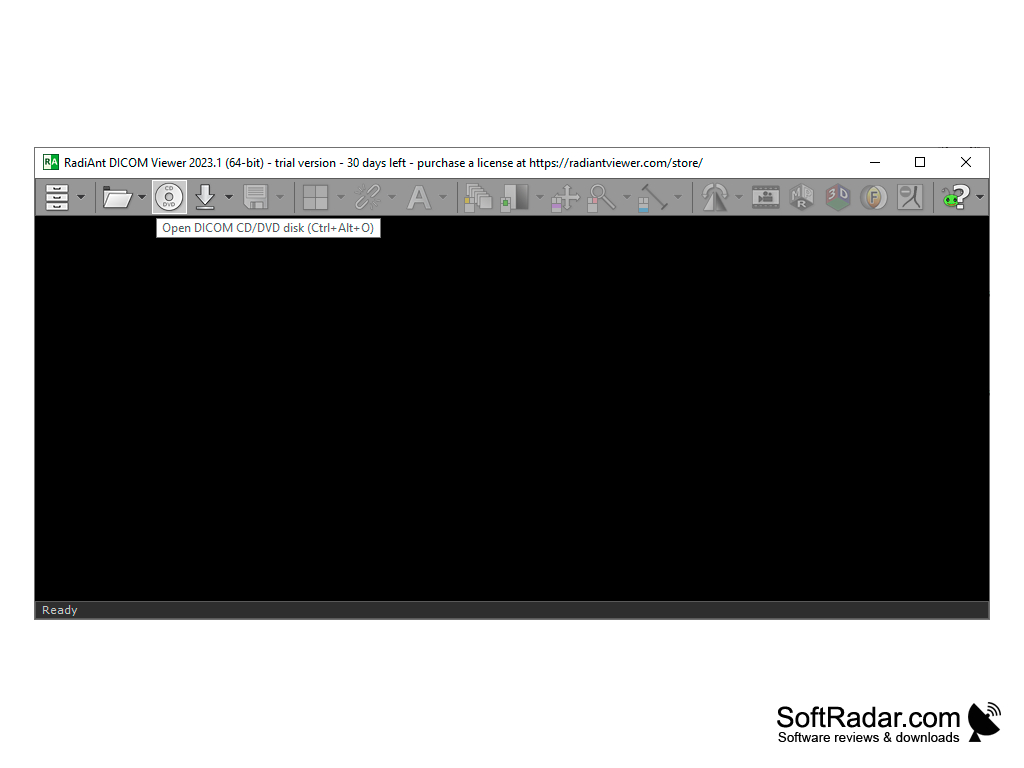
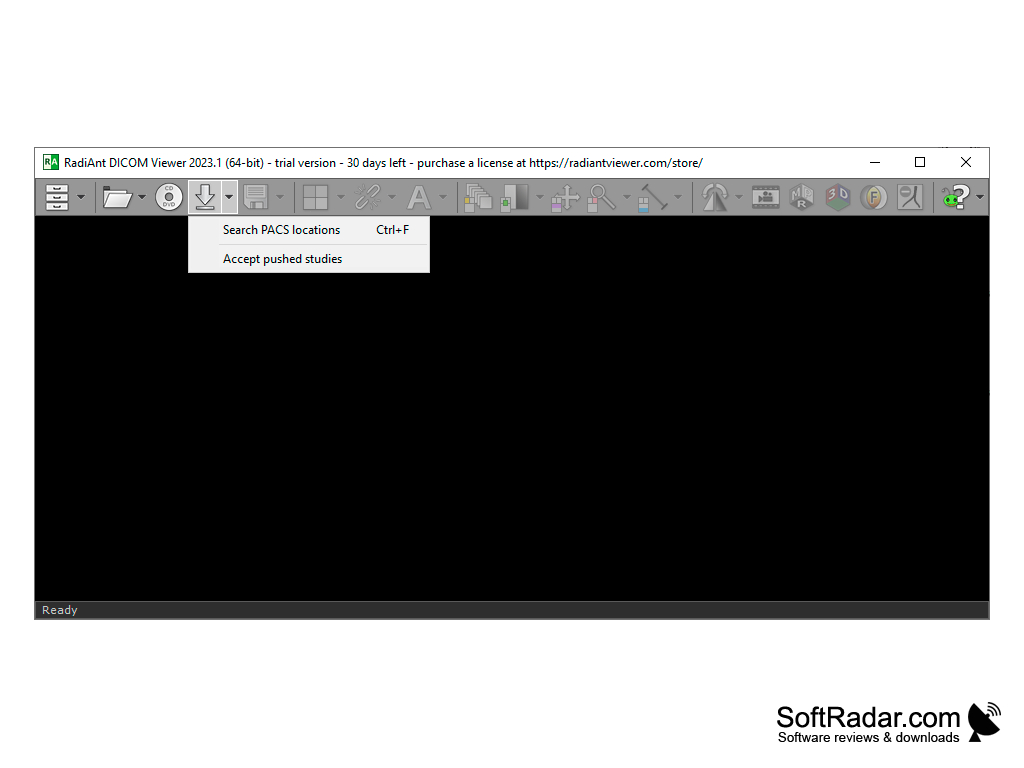
The program offers several modes of viewing images and even allows you to make some "cosmetic" changes. Thus, for example, the "viewer" can display the image in the negative, open it to the full screen and show several series side by side for visual comparison. Studies can be opened from CD/DVD disks, USB flash drives, local and network folders and PACS servers, or in the traditional way: by pressing the "Open" button and specifying the path to the file or archive in which it is contained (the program knows how to unpack ZIP).
For more comfortable viewing of DICOM-files, the program provides smooth scaling functions, brightness and contrast (window) adjustment, image rotation keys and a slider for browsing through the images of a series. It also offers length and region measurements, 3D multiplanar reconstruction (MPR), volume rendering and printing. Among the most useful features of RadiAnt DICOM Viewer is adding annotations and exporting the image to more familiar JPEG/BMP formats. RadiAnt is commercial software sold as a subscription by Medixant, with a free trial that includes all features.
RadiAnt DICOM Viewer allows for efficient viewing and simple modifications of medical images, with features like annotations, image rotation, and export options.
32-bit or 64-bit Windows
PROS
Convenient user-friendly interface.
Supports multiple image formats and modalities.
CONS
Requires technical knowledge for efficient use.
No native Mac or Linux version available.