
Redream
Redream is an emulator that enables you to play classic SEGA Dreamcast games on your computer.
Operating system: Windows
Publisher: Anthony Pesch
Release: Redream 1.5.0
Antivirus check: VirusTotal report
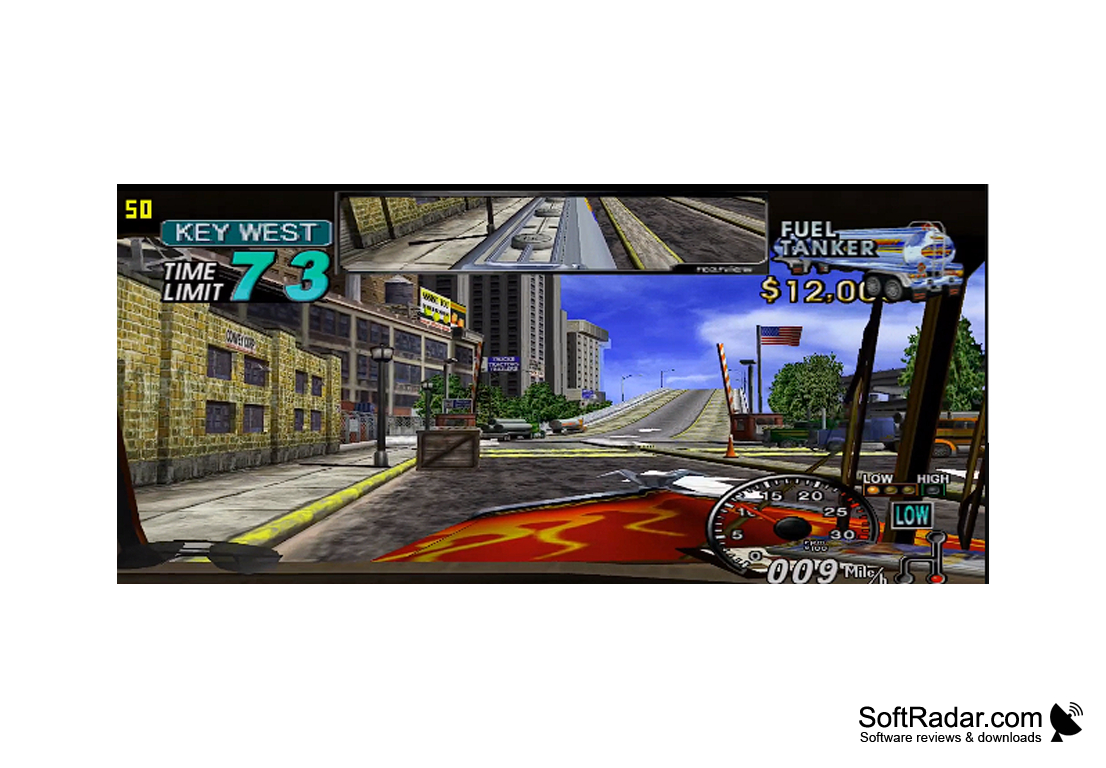
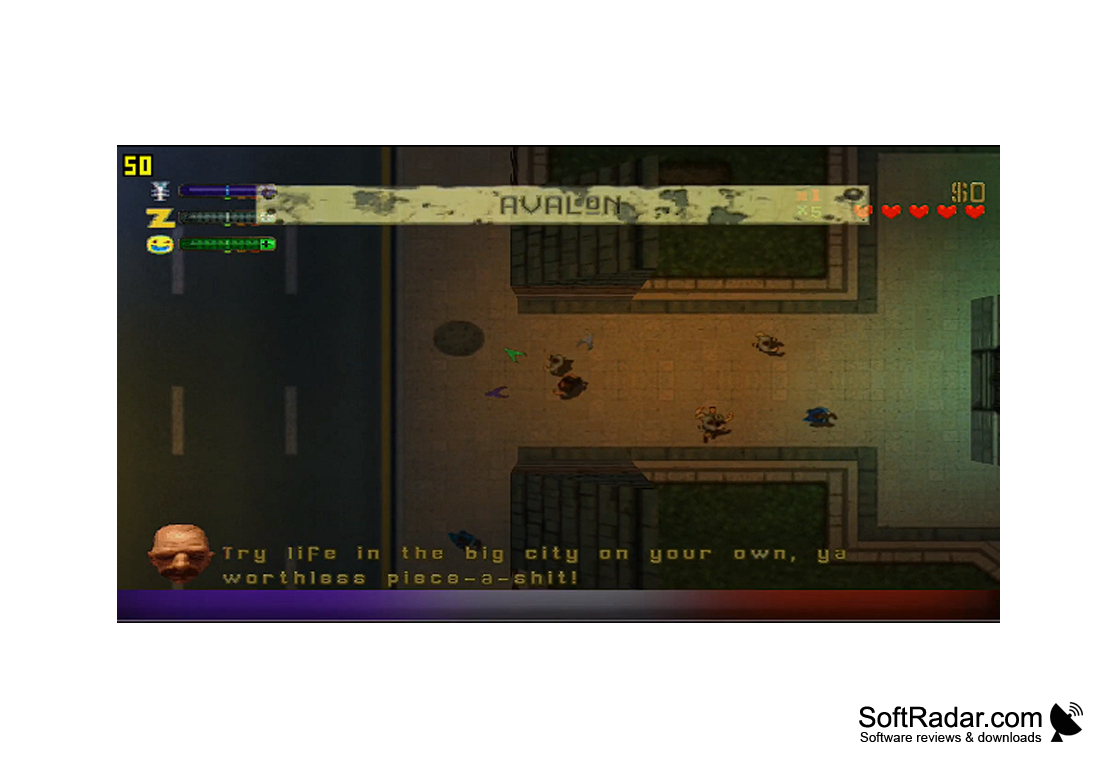

Redream: A Powerful Dreamcast Emulator
Redream is a Dreamcast emulator that allows gamers to play their favorite Dreamcast games, in high definition if they wish, on their Windows, Mac, Linux, Android and Raspberry Pi 4 devices. Redream is developed by Anthony Pesch; the emulator is free to use, and an optional one-time premium upgrade helps fund development. Redream is one of the most compatible Dreamcast emulators available: over 95% of the Dreamcast library can be played from start to finish.
Redream provides an easy way to play classic Dreamcast games on modern devices.
Features
• Easy Installation: Redream needs no installation: download it, extract it to a folder and run it. There is no controller configuration, and no BIOS or flash files are required, because it uses its own replacement BIOS.
• High-Definition: Redream can render games at 1080p or 4K and supports widescreen codes. High-definition rendering is part of the premium upgrade, a one-time payment starting at $6.
• Accurate Emulation: Redream plays over 95% of the Dreamcast library from beginning to end and runs at a smooth 60 Hz even on older desktops. Stable releases are rare, but development builds are published regularly.
• Multi-Platform Support: Redream is available for Windows, Mac, Linux, Android and the Raspberry Pi 4. A premium licence works on all supported platforms.
• Cheat Codes: Redream supports cheat codes, allowing gamers to customize their experience.
• Save States: Redream supports save states, allowing gamers to save their progress and pick up where they left off. The premium upgrade adds multiple save state slots per game.
• Game Library: Add a directory with your own Dreamcast disc images and the games appear in the main menu with automatic cover art. Redream supports GDI, BIN/CUE, CHD and CDI images.
• Multiplayer Support: Redream supports up to four players in local multiplayer games, and the keyboard or controllers can be bound to any of the four ports.
• Controller Support: Most gamepads and arcade sticks are configured automatically when connected, and any button can be rebound manually in the Input menu.
• Customization: Redream allows users to customize their experience with a variety of options, from input binds and an optional original BIOS to graphical settings.
Redream is a powerful and easy to use Dreamcast emulator that allows gamers to play their favorite Dreamcast games, in high definition with the premium upgrade. With its broad compatibility, multi-platform support, cheat codes, save states, game library with cover art, multiplayer support, controller support, and customizable options, Redream is a good choice for those looking to relive their favorite Dreamcast games.
x86-64 CPU with SSE2 or AVX2 support
512 MB RAM
OpenGL 3.1 compatible graphics
PROS
Supports a vast range of Dreamcast games.
High-definition rendering with the premium upgrade.
CONS
HD rendering and extra save slots require a paid upgrade.
The stable release has not been updated for a long time.