
RKill
An easy to use tool for Windows that kills known malware processes
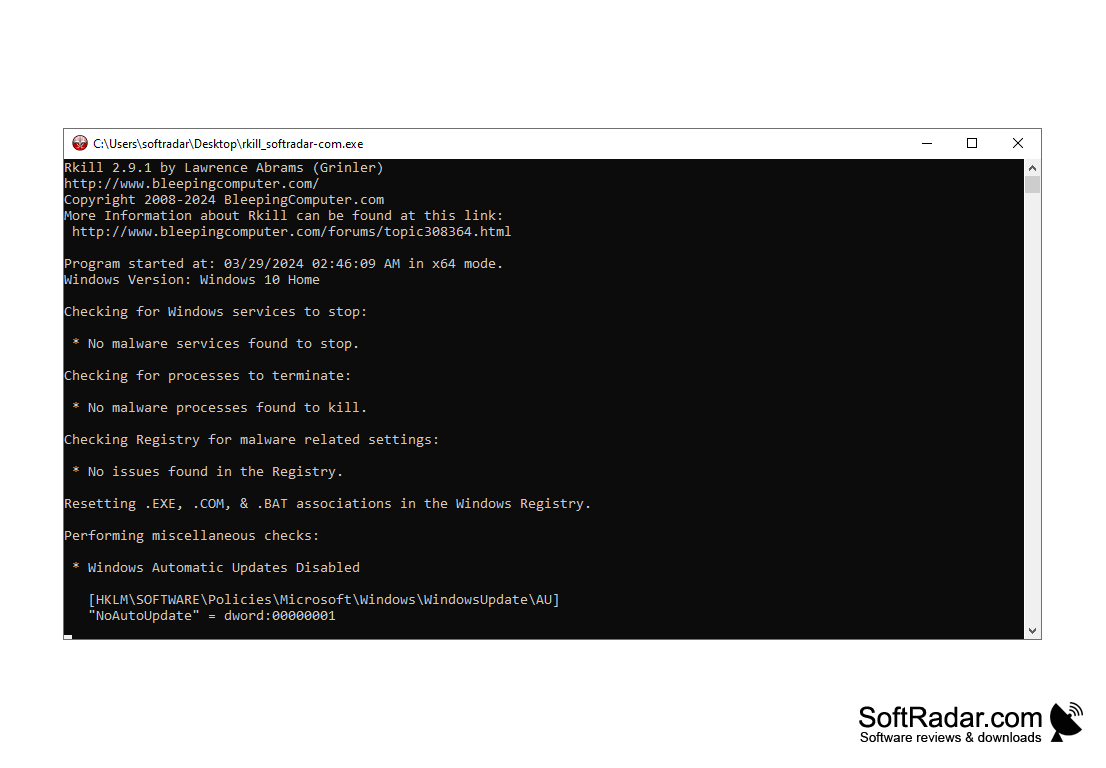
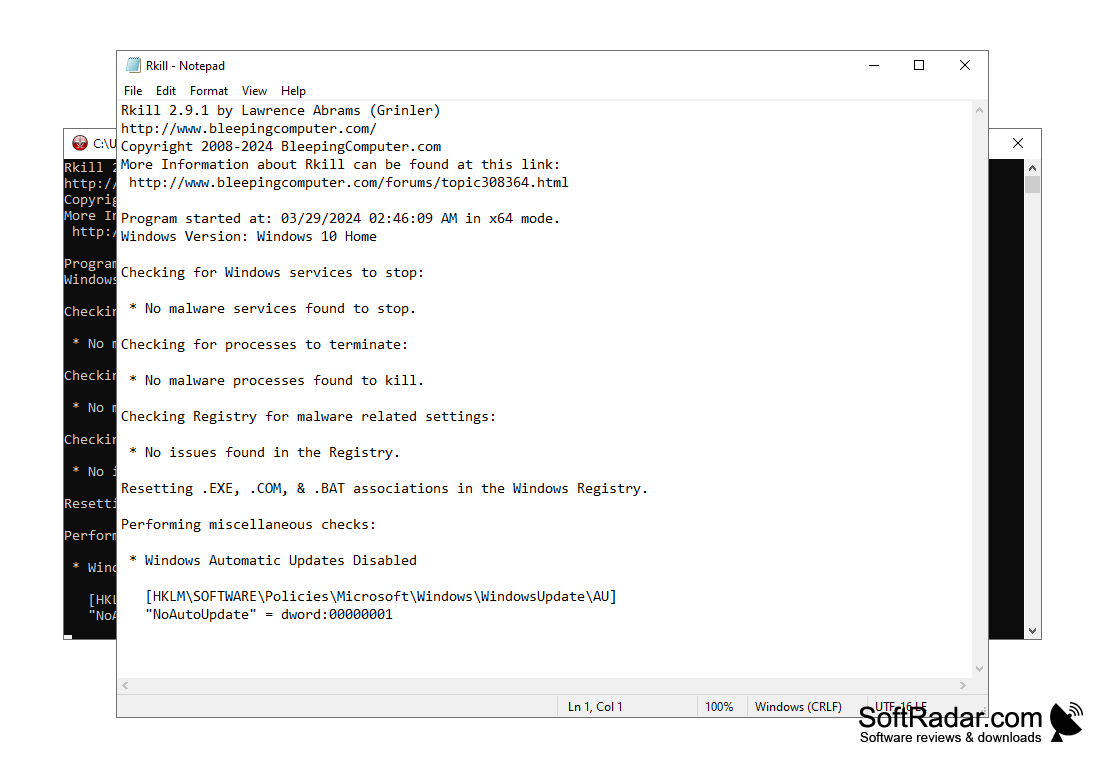
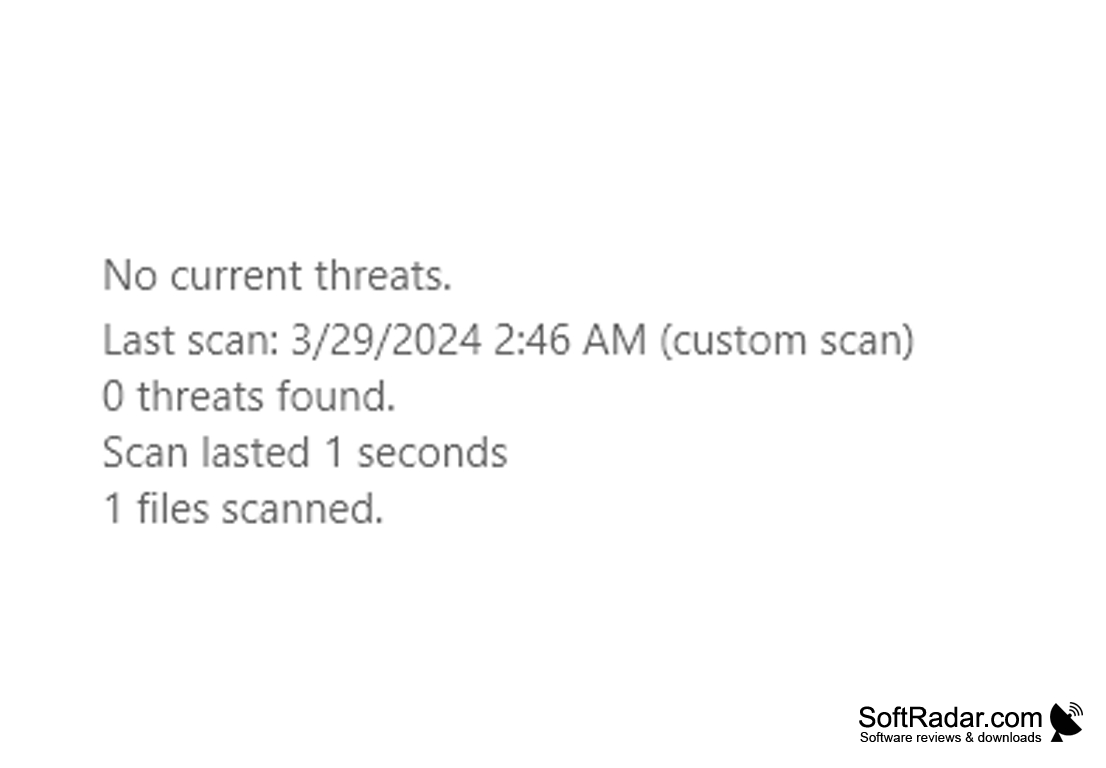
RKill is a utility capable of "killing" malicious processes running in the system. Many viruses, having penetrated your computer, specifically block the user's ability to manage the processes and do not allow to run antiviruses. That's why this program was created, which, after launching, terminates the work of 32- and 64-bit viruses known to it and removes entries in the system registry that do not allow the user to run antivirus and some other applications. Actually, that's all RKill can do - "kill" processes associated with common viruses and clean up registry entries. At the end of the work the list of completed processes is displayed. Once RKill has worked, you can use any antivirus to clean your computer from malware that has settled on it.
RKill effectively terminates malicious processes, allowing users to regain control and run antivirus applications.
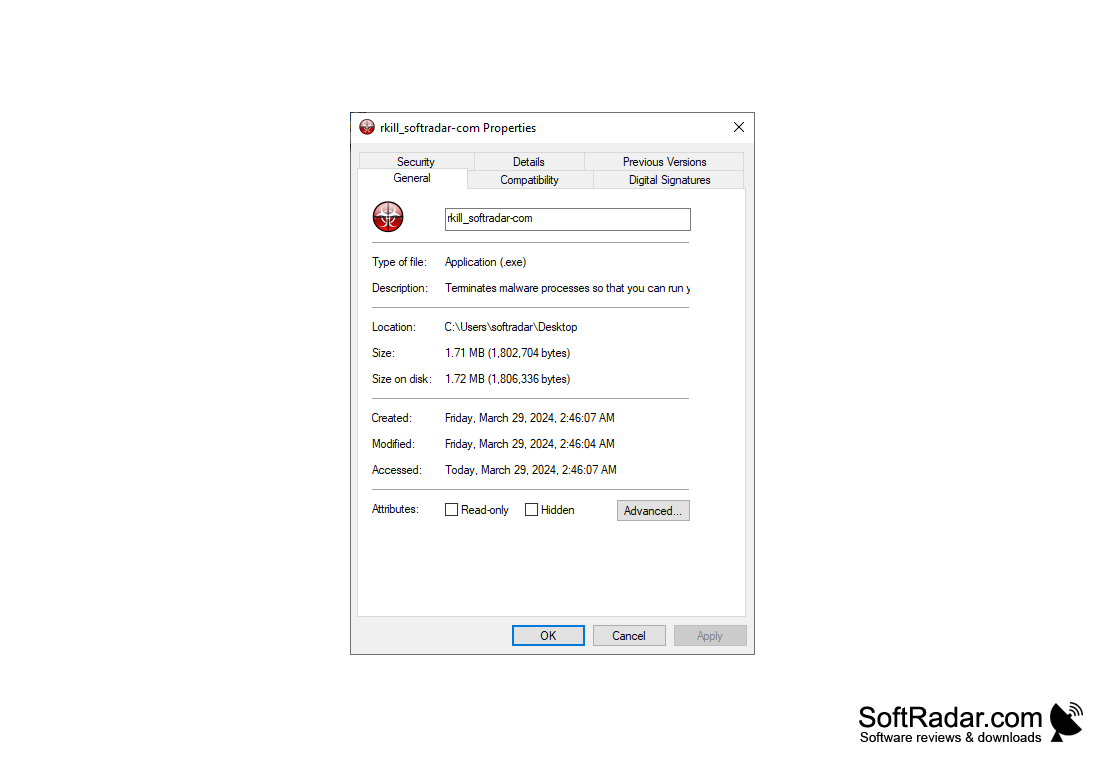
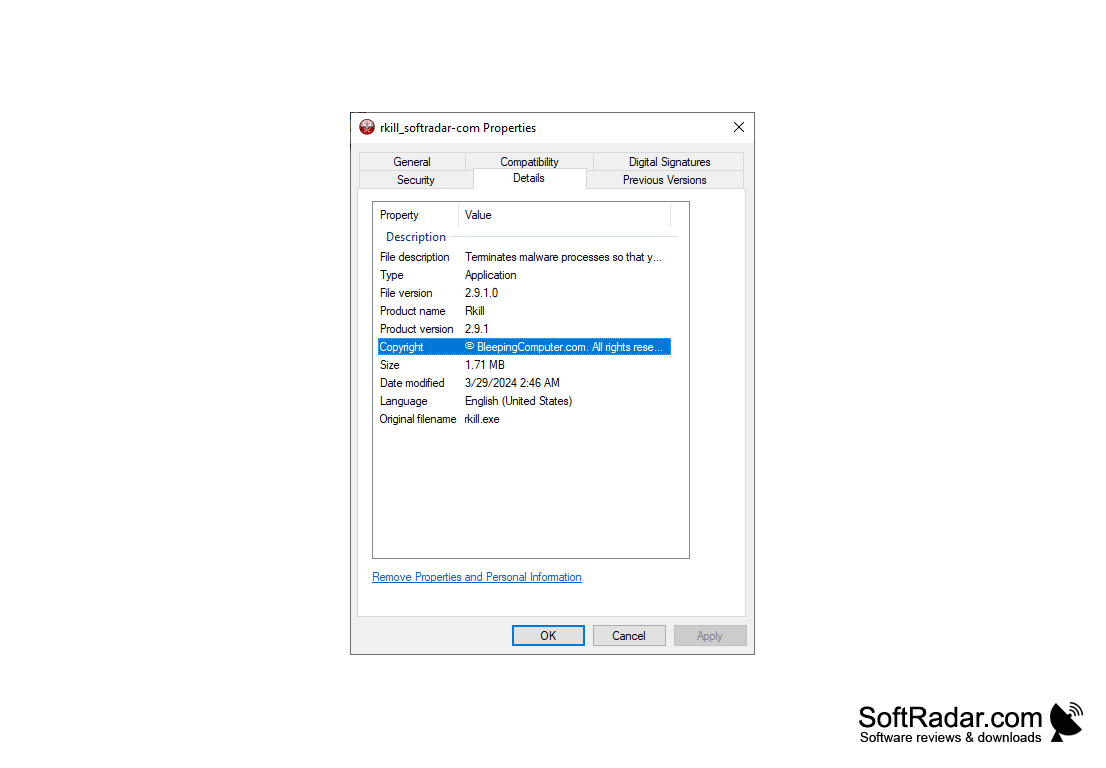
- Completion of malicious processes;
- Correction of virus-altered entries in the system registry.
PROS
User-friendly with a simple interface.
Offers comprehensive malware activity report.
CONS
May generate false positives during scans.
Limited compatibility with other security software.


