

SAVIHost
Test out your VST plugins before you use them in a project
Operating system: Windows
Publisher: Hermannseib
Release : SAVIHost 1.42
Antivirus check: passed
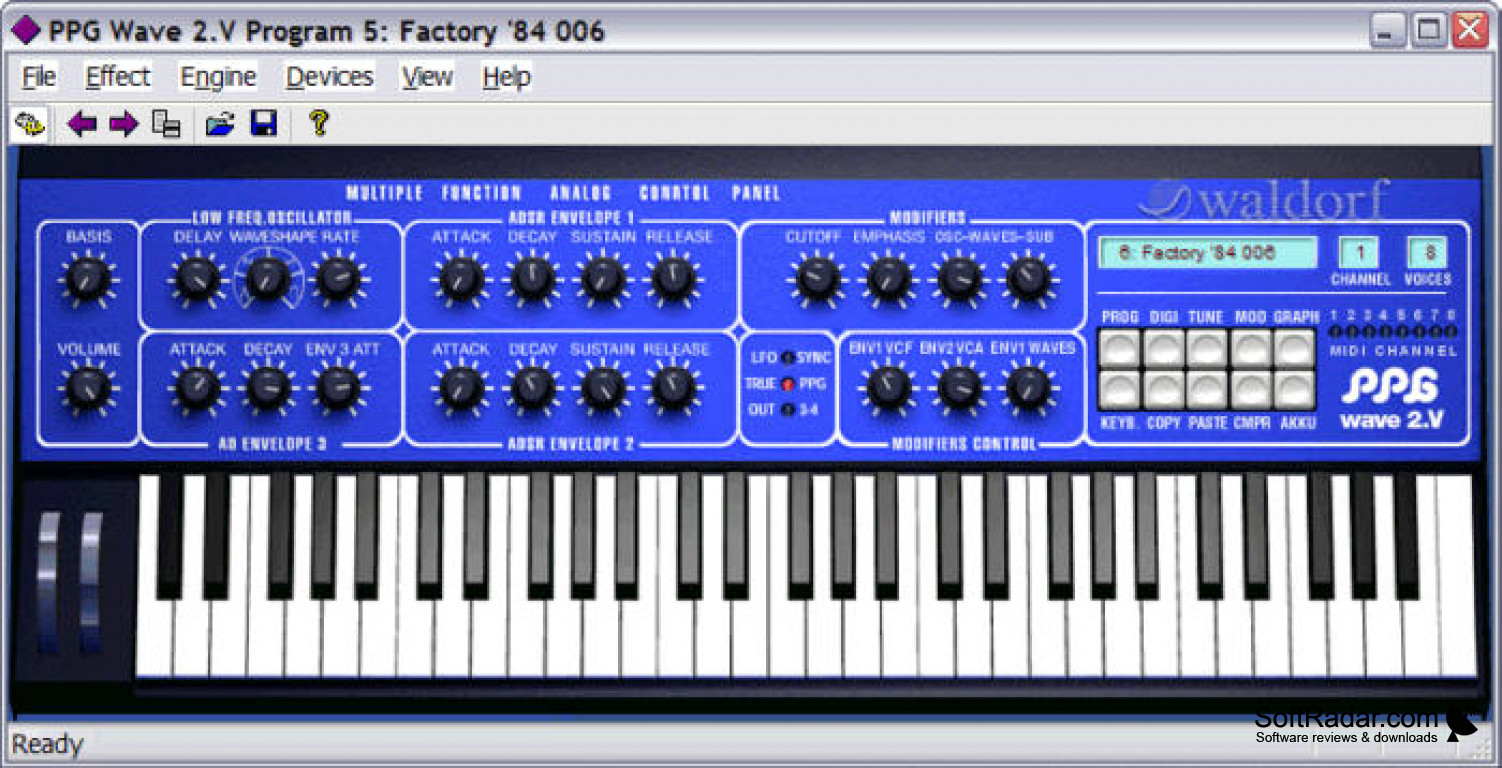
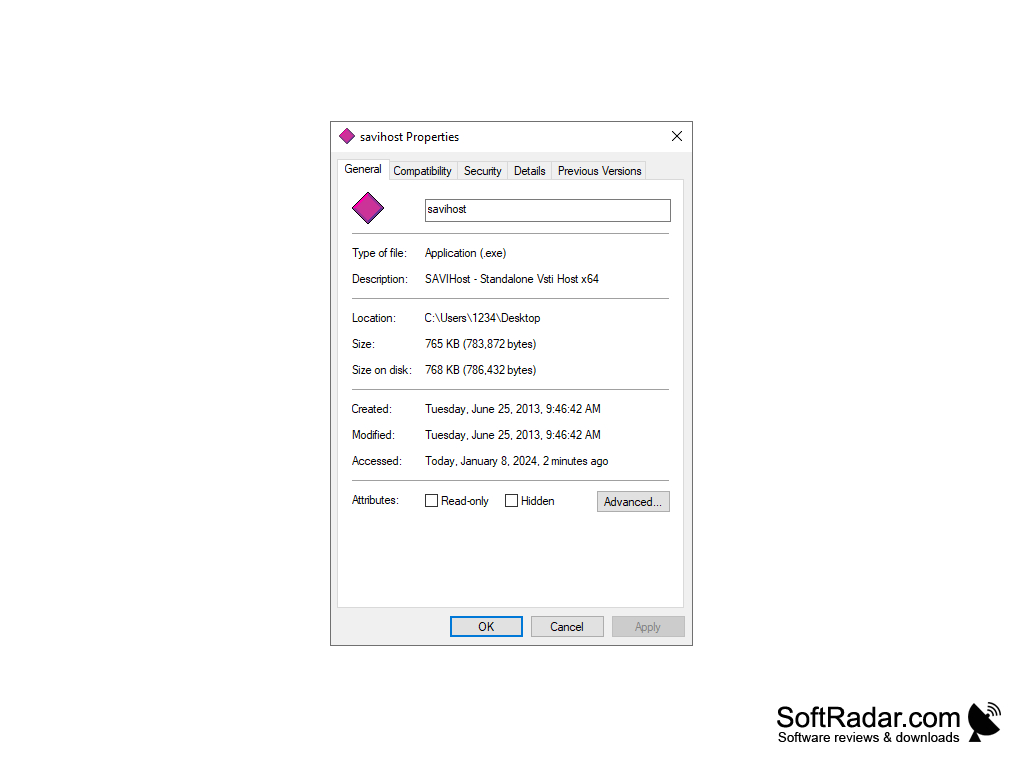
SAVIHost makes trying out Visual Studio Technology files as simple as launching an application. After downloading the app, you rename the SAVIHost.exe file to the name of your desired plugin. The plugin is then converted to an executable format. Click on this file, and the instrument program can be played and configured to achieve the desired sound.
Features:
- Very simple to use, new instrument applications can be created and launched merely by renaming the file
- Quickly test plugins requiring external MIDI input by using the built-in keyboard
- The keyboard is resizable and can be played by mouse/cursor or computer keyboard input
- Keyboard in cursor mode has a dynamic volume response, creating louder or softer notes depending on cursor location
- Configure velocity, modulation, and pitch of the keyboard
- Supports many types of input source devices in addition to the built-in keyboard
- Comes with a preset filter effect bank for different genres of music, and is compatible with external filters
- Automatically transpose audio by semitones or octaves
- Allows the user to test one instrument individually, making troubleshooting problems less challenging
- Lightweight application loads and runs quickly
- Efficiently runs only one plugin at a time, so system resources are conserved
- Many instances of the SAVIHost program can exist at once, each for an individual VST plugin
- Compatible with ASIO device drivers to boost performance
- Metronome tool makes it easy to change the tempo
SAVIHost is a reliable application that takes the complexity out of testing VST plugins. Quickly and easily try out your instrument before you start to create, and use the built-in features and options to create the perfect sound. This application is excellent for beginners as it doesn't require too much technical knowledge, but also boasts powerful sound transformation features that appeal to more experienced users. Further documentation and the full user manual are available online, as well as the free software download.
SAVIHost is possibly the simplest host to use because it makes VST instrument files easily run as executable files.
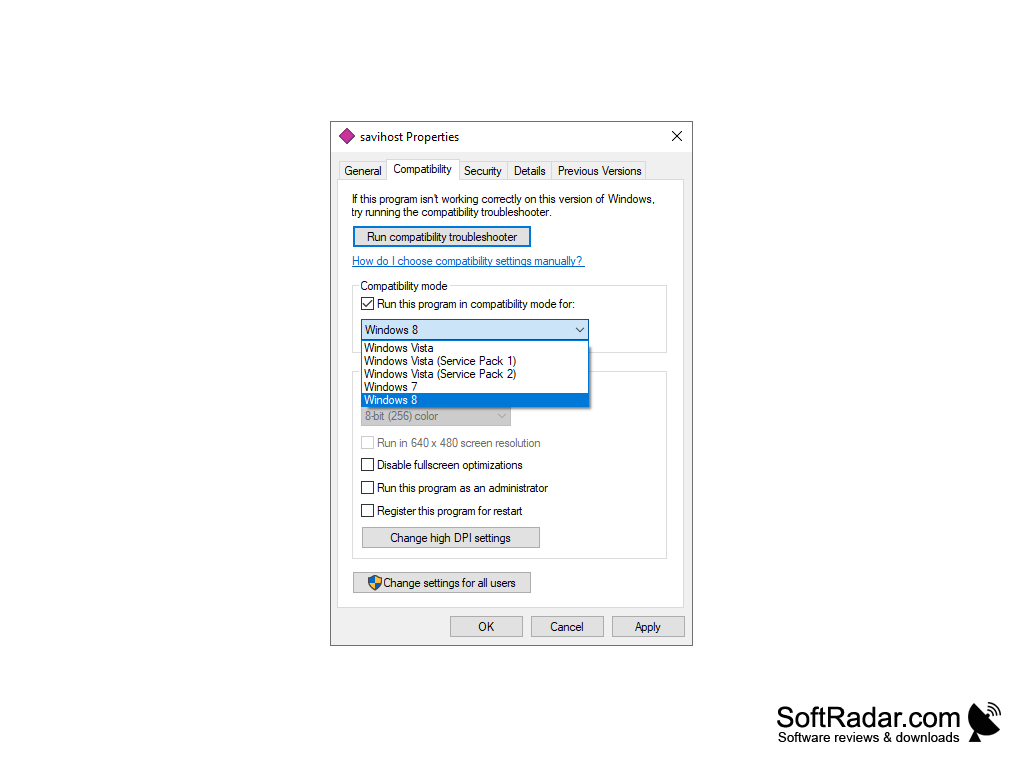
- available in 32 and 64-bit versions, requires Windows Vista/XP/7 or higher
- free to download and use
- the creator does accept donations via Paypal or cryptocurrency
- different variant packages come with or without a built-in keyboard
PROS
User-friendly interface and easy to navigate.
Provides excellent low-latency performance.
CONS
May have compatibility issues with certain VST plugins.
Interface can be confusing for beginners.


