
ScreenXpert
ScreenXpert is an Asus utility for Windows users who arrange apps across one or more displays and want quick access to monitor and input controls.
Operating system: Windows
Publisher: Asus
Release: ScreenXpert 4.0.5.0
Antivirus check: VirusTotal report
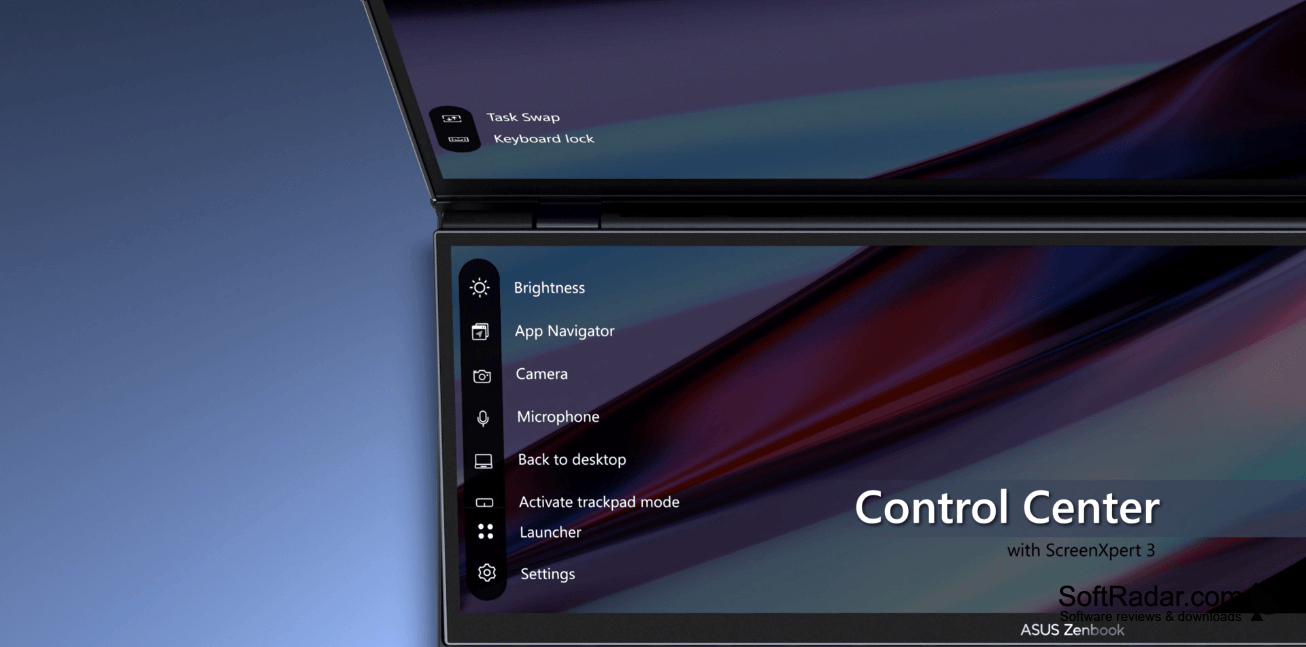
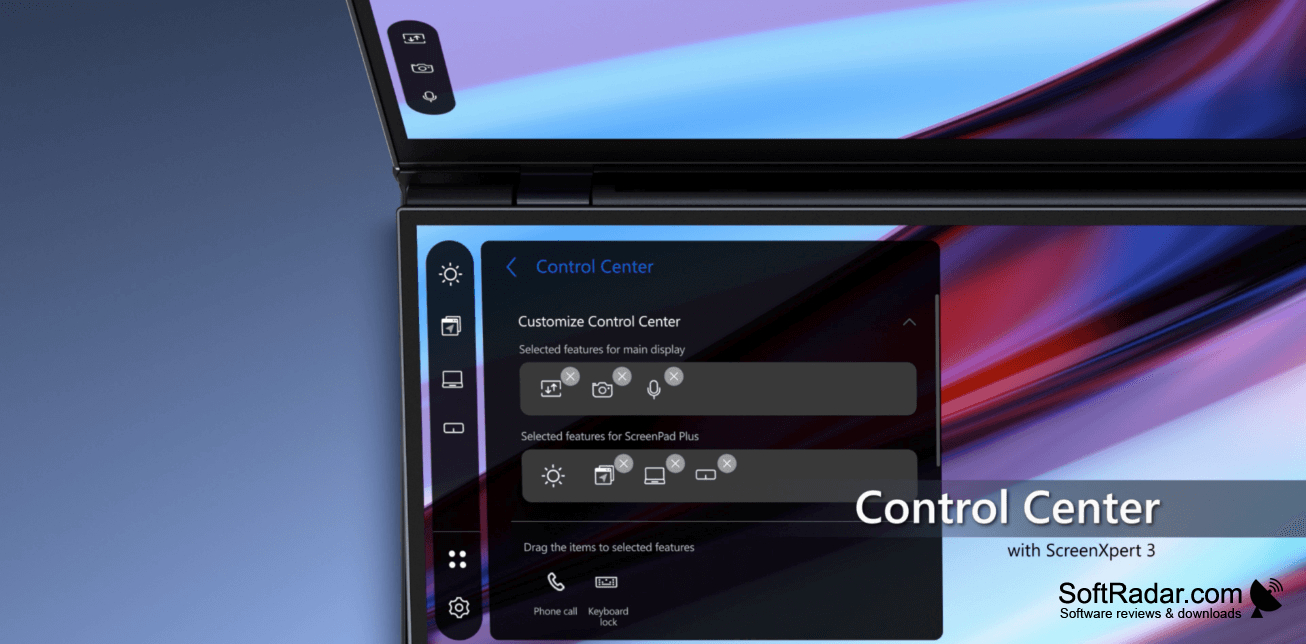
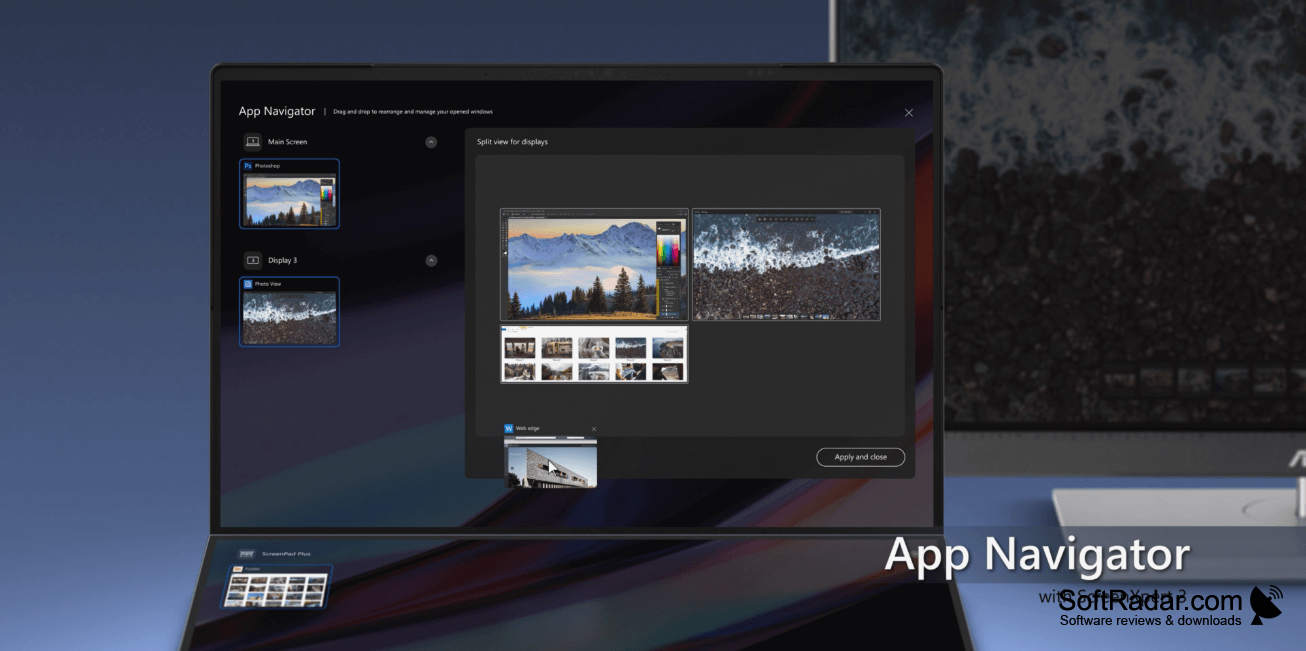
ScreenXpert helps Windows users organize their desktop when working with several applications or connected monitors. It can also be used on a laptop with an additional built-in screen. Place windows where they are needed, keep the pointer on one display when necessary, and return to a familiar arrangement of open windows after switching tasks.
Keep related app windows in place across screens and bring back a saved workspace without arranging everything again.
The utility provides window placement options, saved groups of applications, and keyboard shortcuts for common actions. You can choose which microphone to use and change display options from its on-screen controls. Compatible Asus monitors allow adjustments such as brightness and contrast through the app; other connected displays may offer fewer controls. A small sidebar provides access to these tools while you work.
Features:
- Arrange application windows in designated screen areas
- Restore saved groups of app windows
- Keep the pointer within one monitor
- Adjust compatible Asus monitor brightness and contrast
- Choose the active microphone input
- Set keyboard shortcuts for display actions
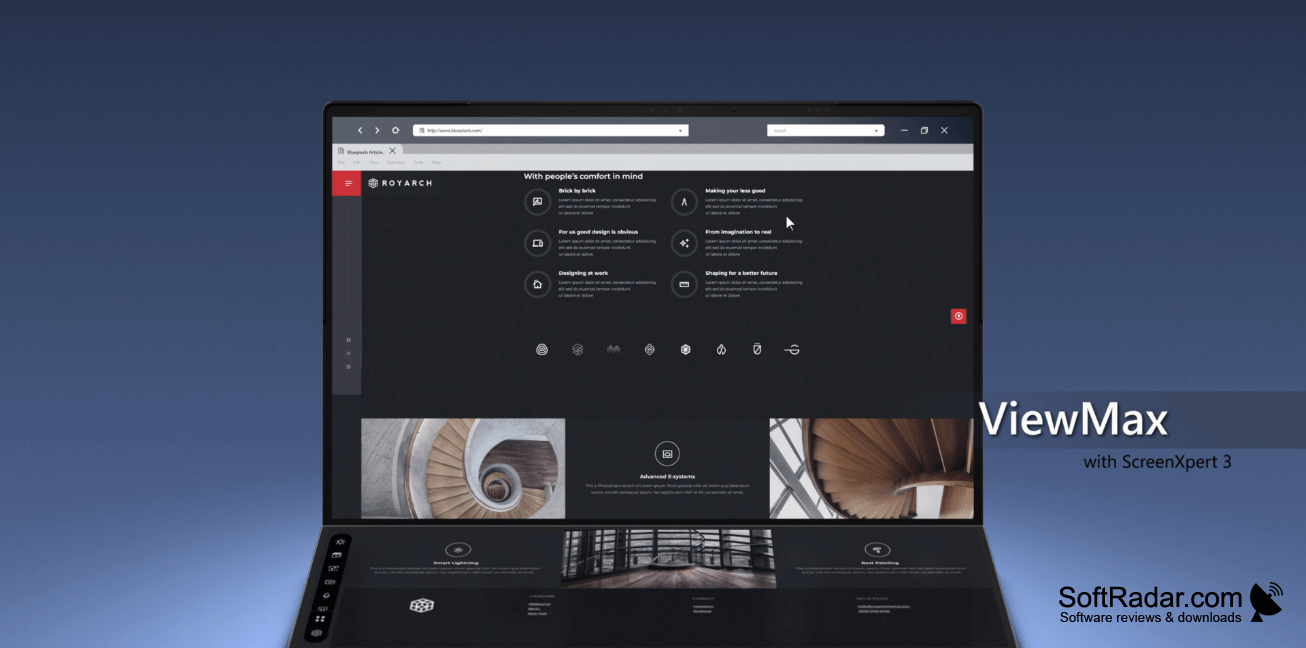

Compatible ASUS hardware for full functionality
Secondary display for dual-screen features
PROS
Restores grouped window layouts with one click.
CONS
Window controls sometimes misbehave after system updates.


