
Stardict
Free open source software provided
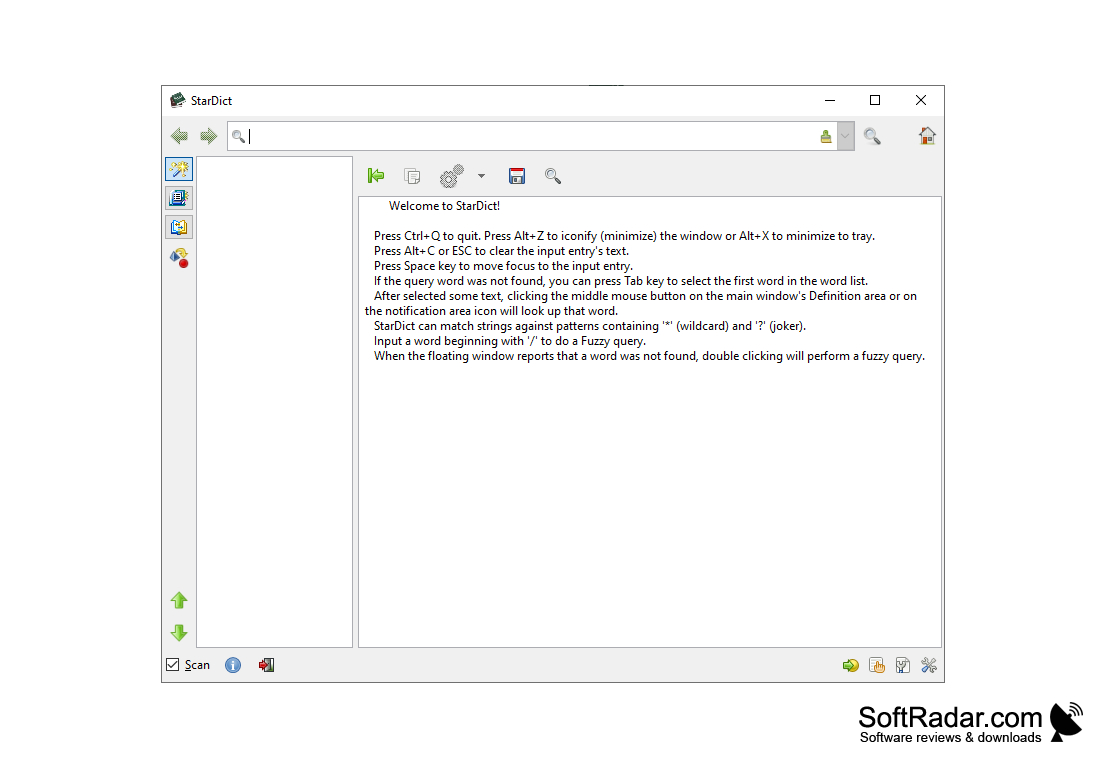
StarDict is one of the best open source electronic dictionaries. It allows you not only to translate words, but also to voice them, as well as to use fuzzy queries and templates. Additional dictionaries can be added to the program (the number of which is already more than 100), thus expanding the possibilities of StarDict. The program supports full-text search of words in data and various operands in the search query.
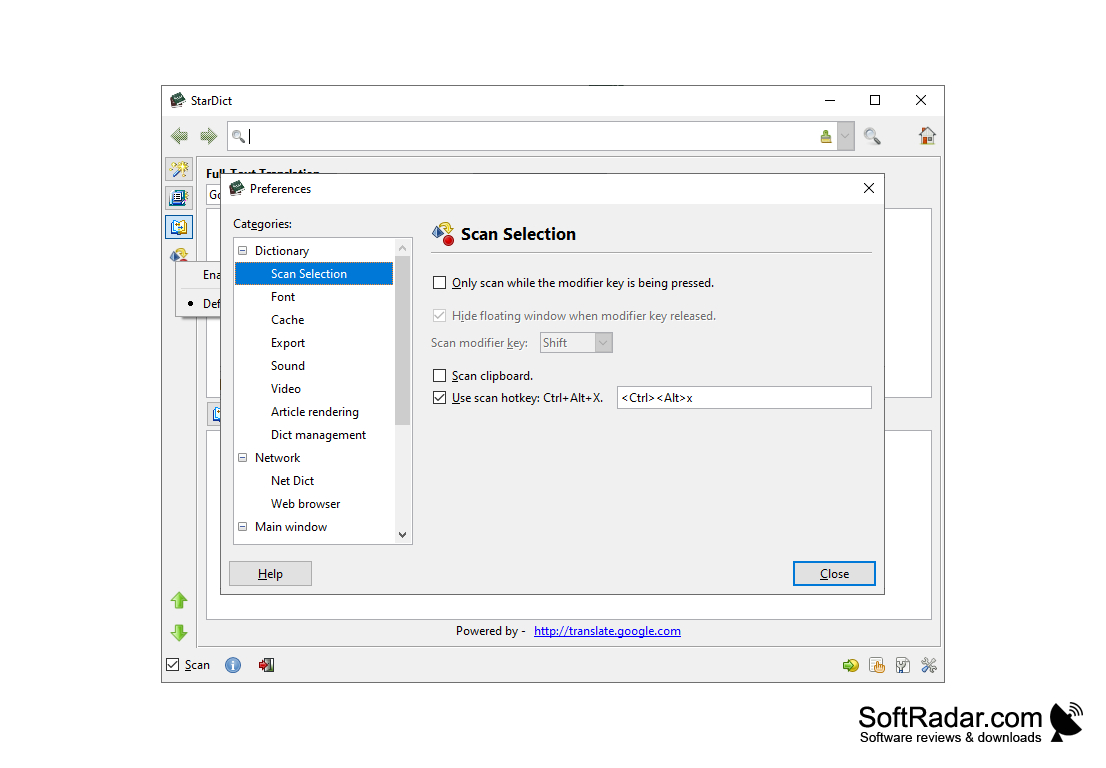
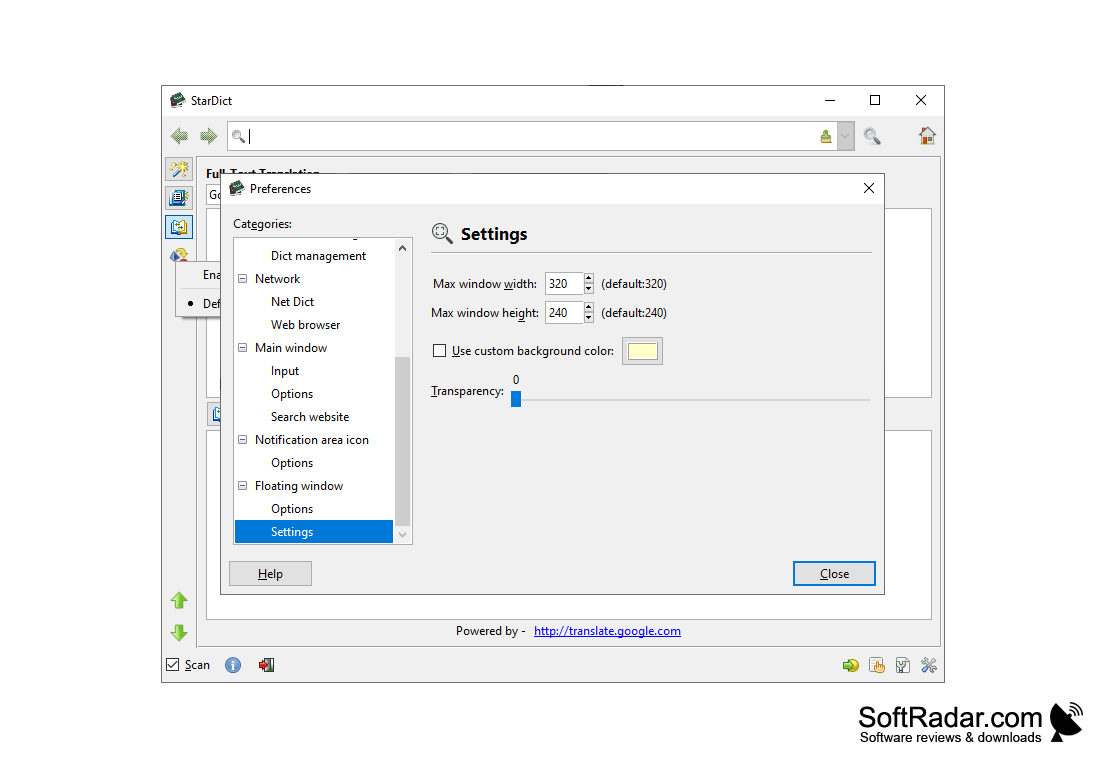
In addition, there is a function to scan the highlighted word. If it is enabled, StarDict will automatically search your databases for words you have selected in other applications and will display the result in a small pop-up window. To manage the connected dictionaries, the program has a full-fledged built-in manager, where you can connect/disconnect dictionaries or set the order of request.
StarDict's main benefit is its ability to provide comprehensive, voiced translations across various applications automatically.
- more powerful: thousands of free dictionaries for the program can be found on the Internet, both official and third-party developers. You can also convert dictionaries from other programs (e.g. Lingvo) to StarDict format;
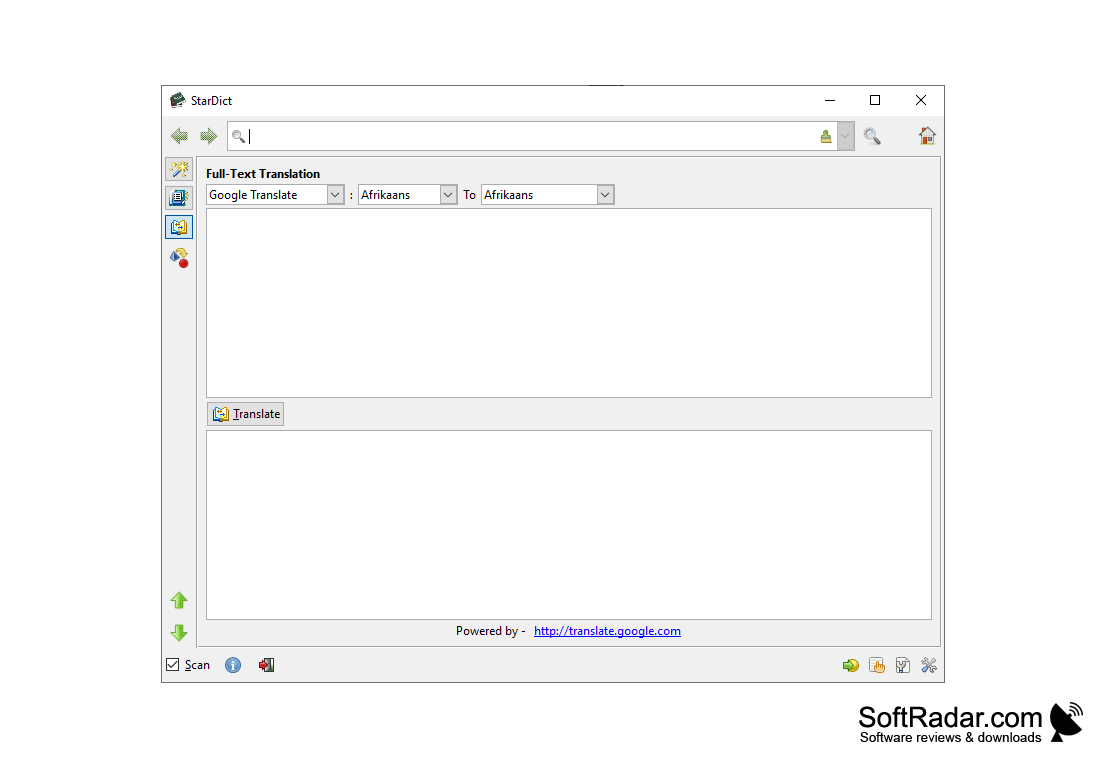
- Full-text translation: not individual words, but whole text with good results in one click. Online translators from Google, Yahoo, Altavista, etc. are used;
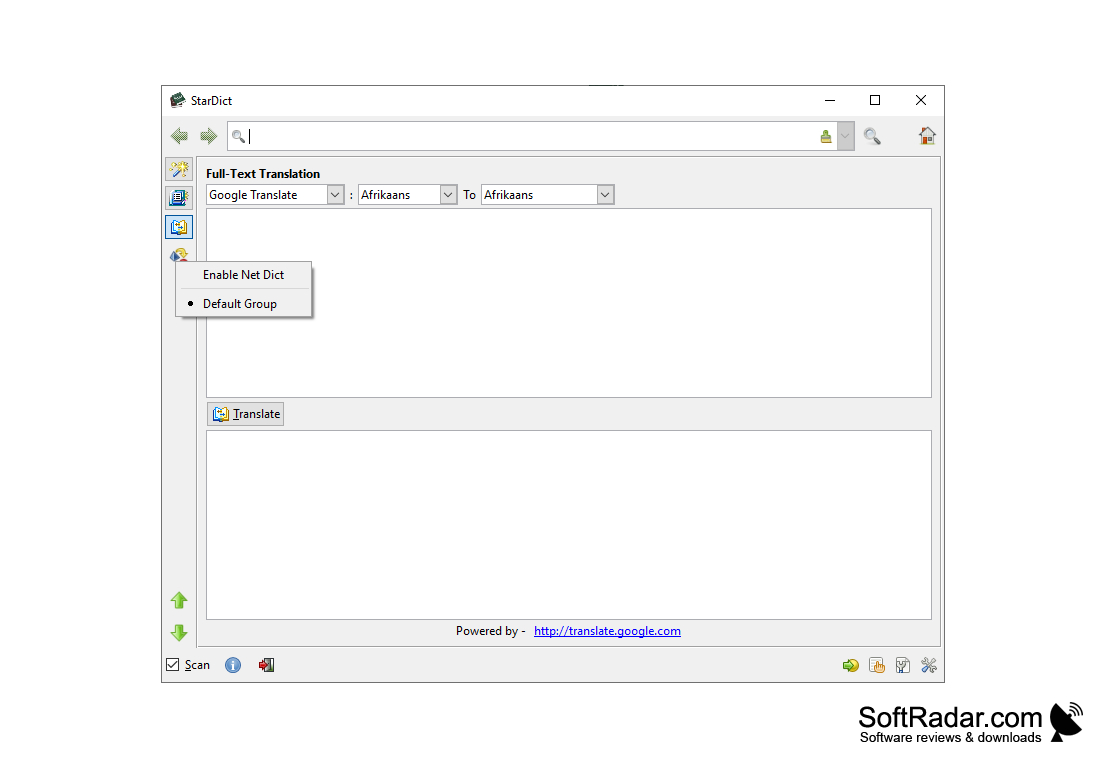
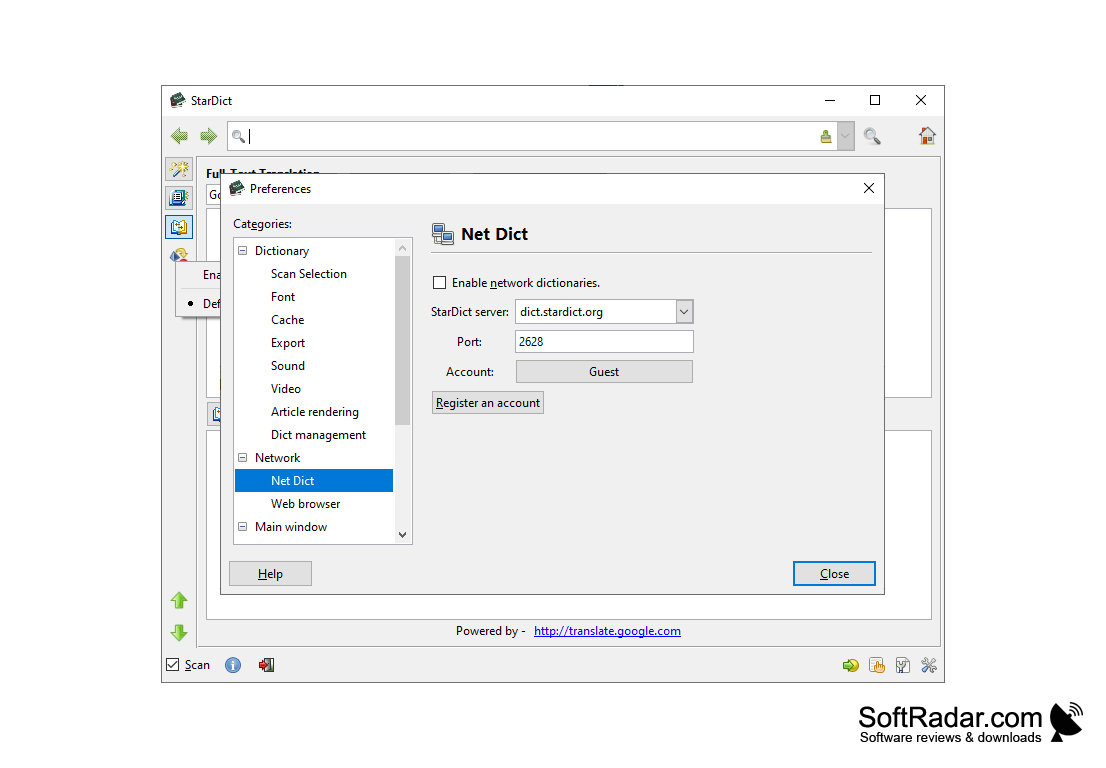
- Net Dict: Online Dictionary - no more need to install it on your computer. Click the icon in the main menu, select "Settings". And once you've registered and logged into your account, you can use Net Dict with your dictionaries;
- Mouse request: when the "scan" option is selected, you can capture words for translation with the mouse.
PROS
Offers instant lookup and search functionality.
Easy to install and navigate user interface.
CONS
No automatic word suggestion feature.
Outdated user interface design.