SuperCleaner
We at Time For Window Cleaning are based in Manhattan, New York. We provide services through professionals
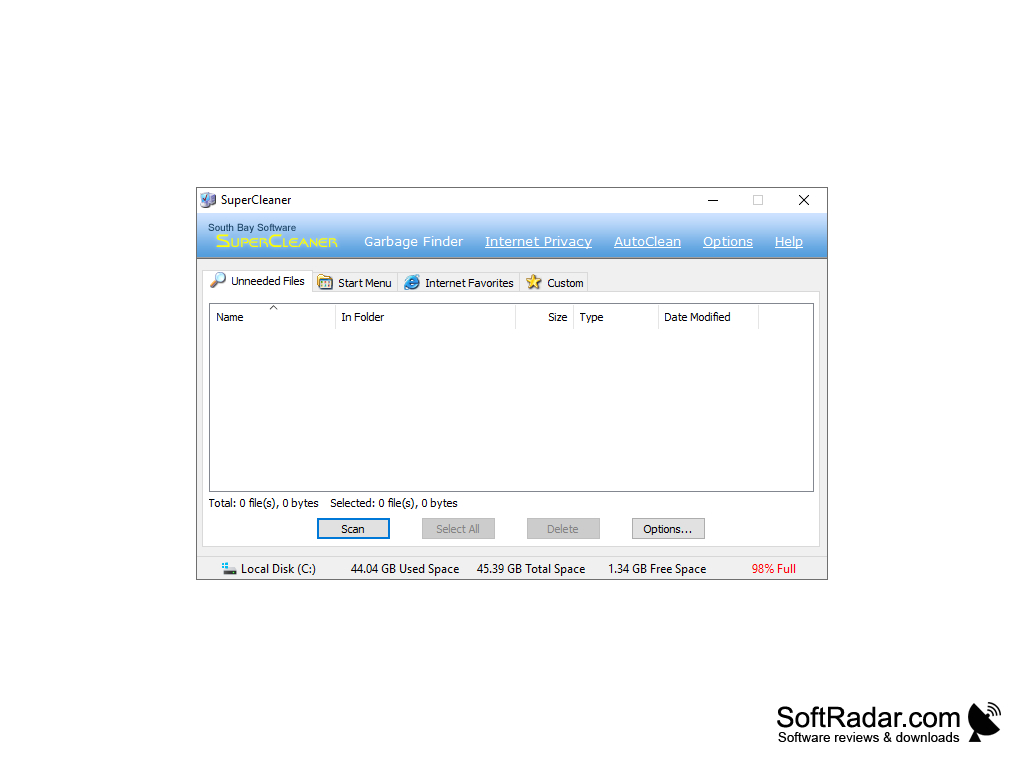
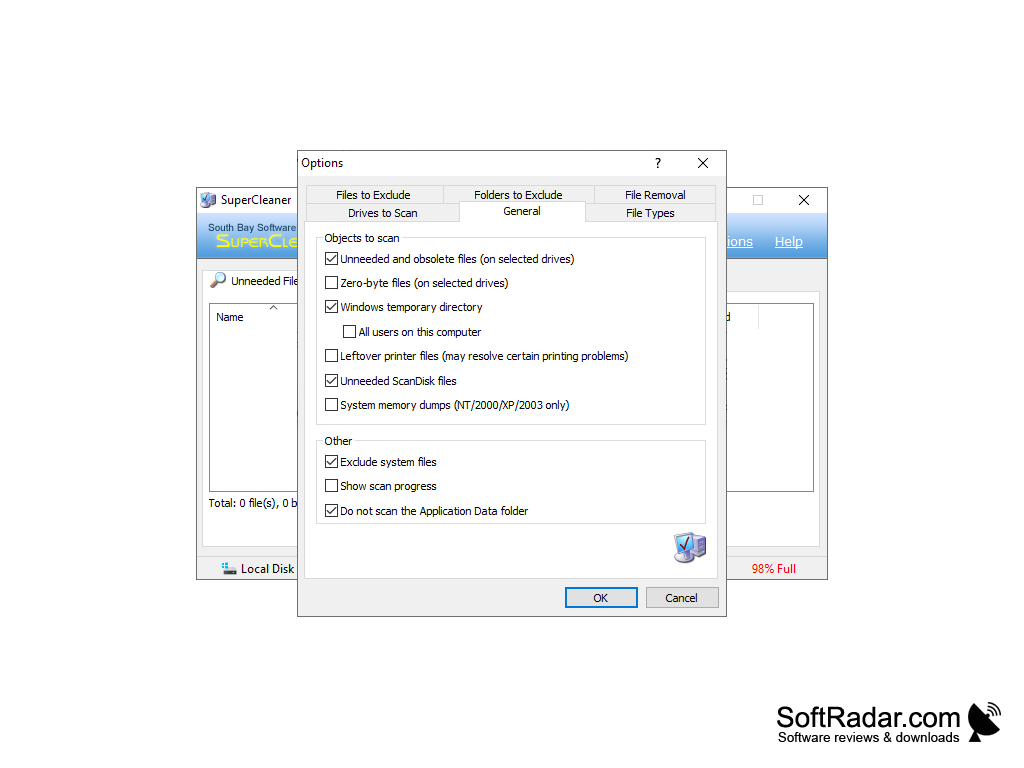
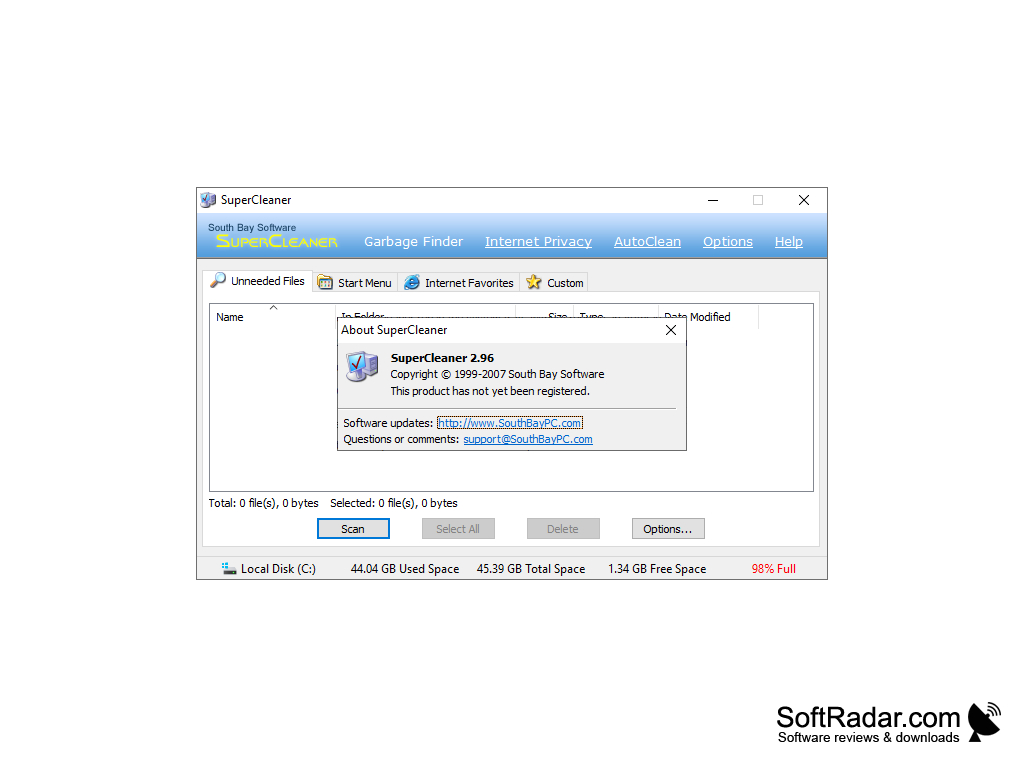
SuperCleaner is a program designed to clear your computer's hard drive of temporary, unnecessary files, such as browser caches, histories, cookies, incorrect labels, and others. If you need to protect some files from deletion, you can do so with the help of the Cookie Manager module, indicating the files that should remain unharmed. The program provides a number of different methods for cleaning, which makes removal much faster. SuperCleaner is very easy to use and will be understandable even for beginners.
Using SuperCleaner frees up your computer's hard drive space by efficiently eliminating unnecessary and temporary files.
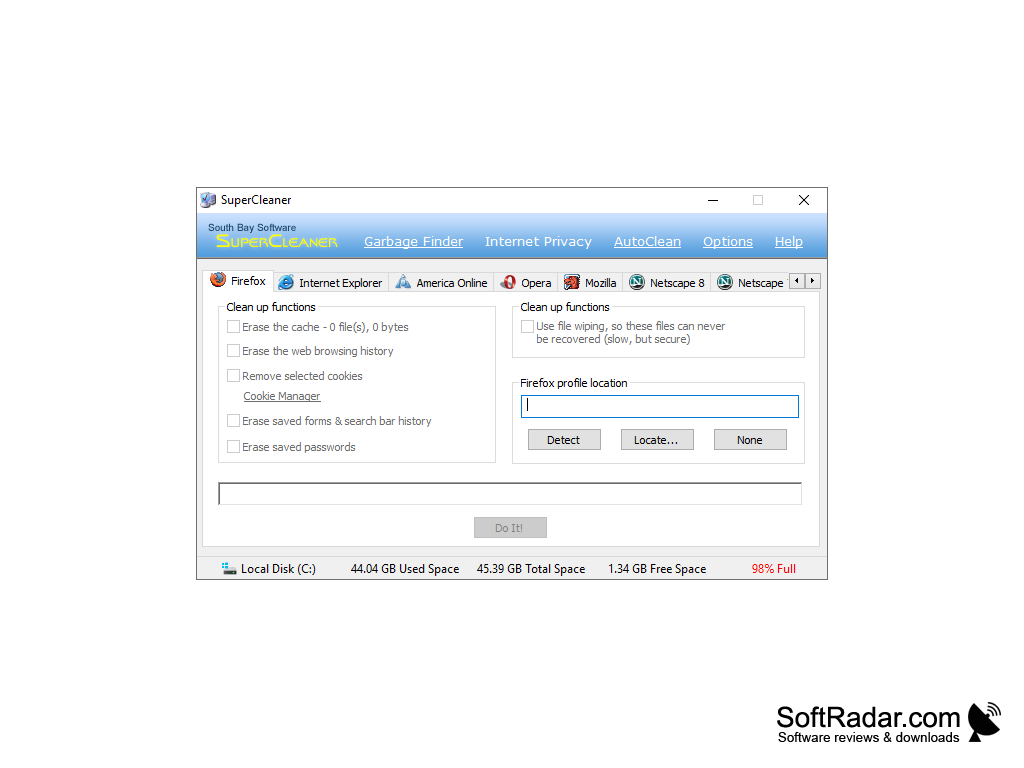
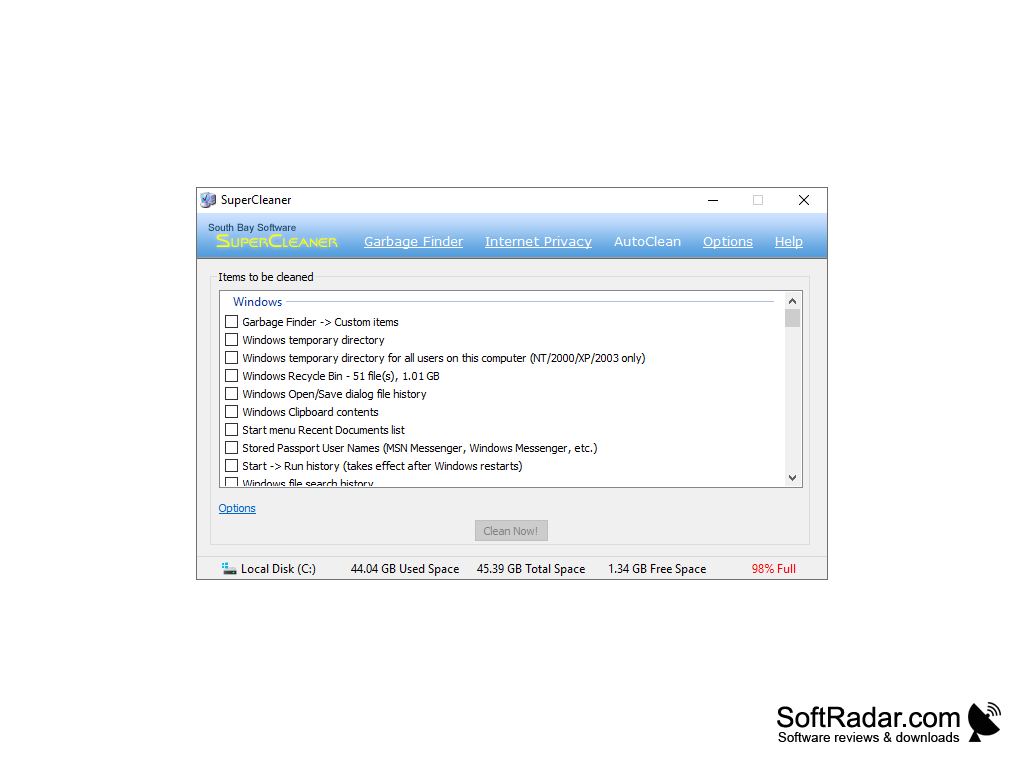
- Safe to use Protect your Internet privacy Guard yourself from undelete programs Keep your hard drives clean Clean your Internet Favorites menu Keep your Start menu clean Automatic cleaning Super Cleaner can automatically perform many cleaning functions when your computer starts up, such as: erasing your Internet browsing history; emptying the Windows temporary directory; emptying the Recycle Bin; and much more!
PROS
User-friendly interface enables easy navigation.
Provides detailed scan report for transparency.
CONS
May delete important files unintentionally.
Difficult to navigate user interface.


