
Synthesia
Synthesia is a fun and easy piano learning program that shows falling notes and sheet music to help you learn songs at your own pace.
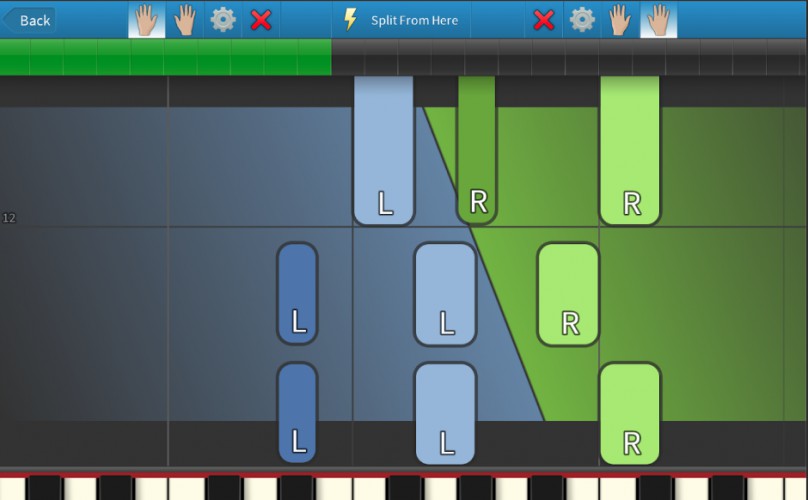
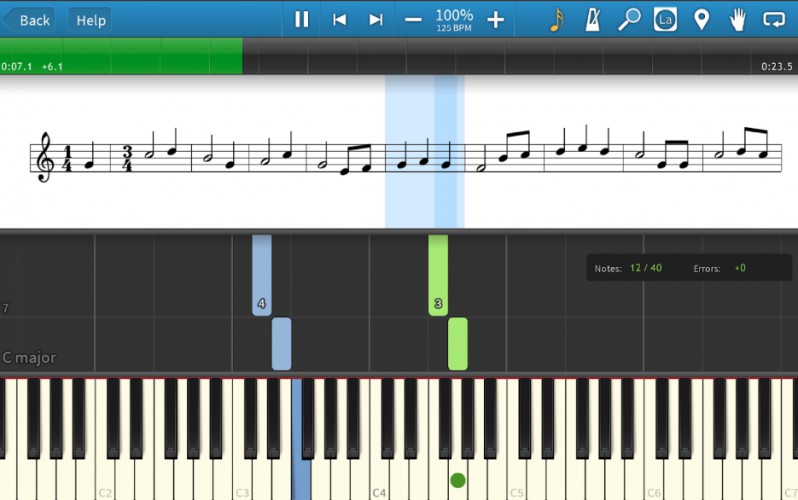
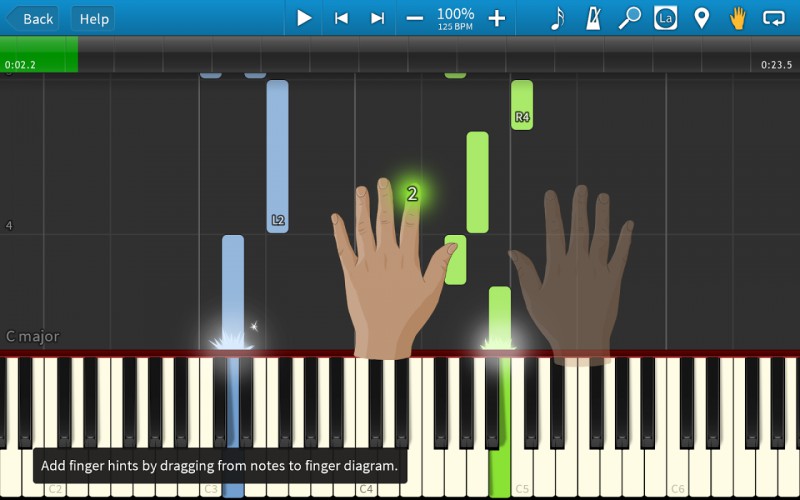
This is a fully digital on-screen piano simulation that helps the user learn how to play at their own pace. The number of practice options here is large and allows the user a lot of control over how they want to learn.
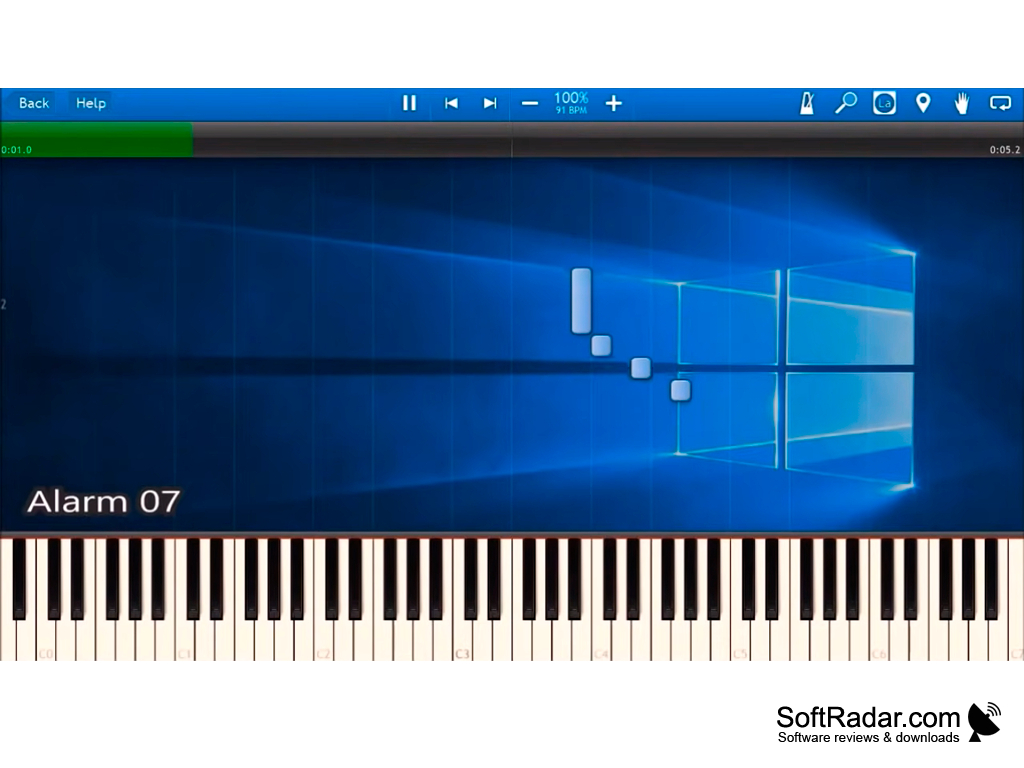
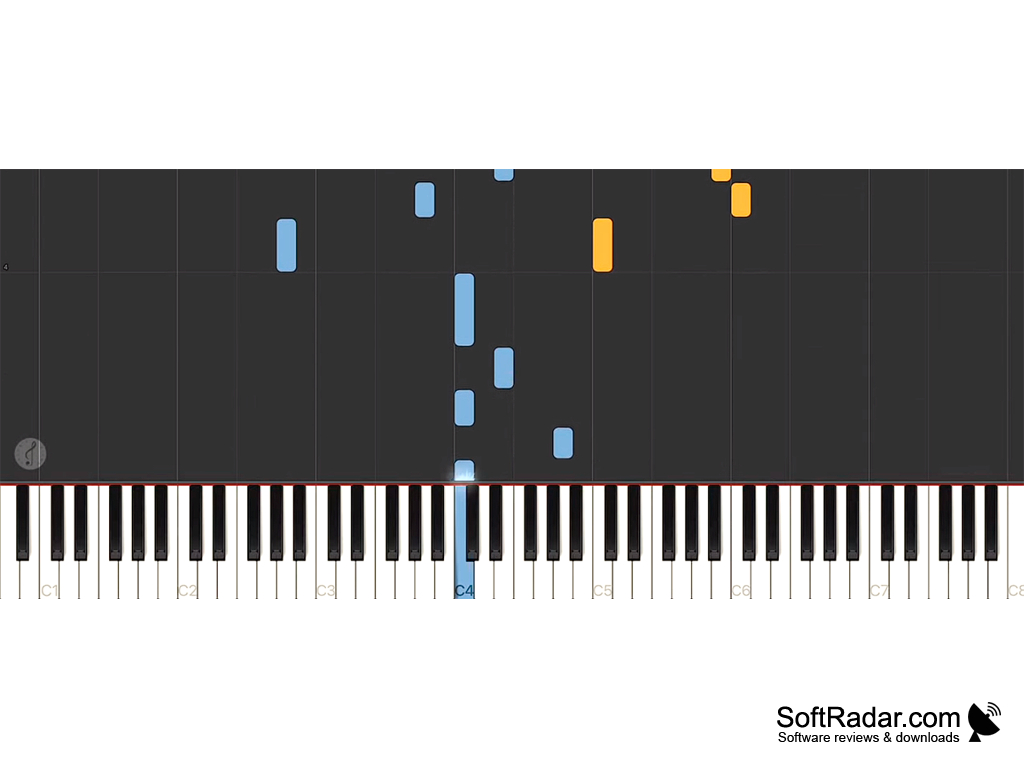
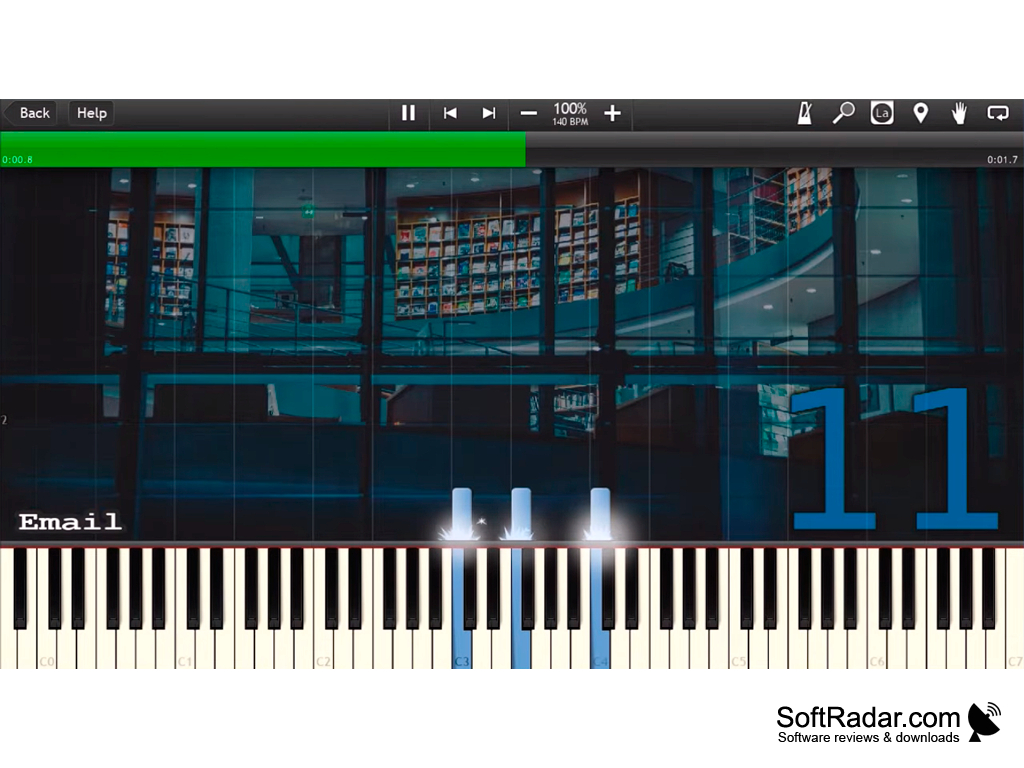
Originally called Piano Hero, this software uses a falling-notes display similar to rhythm games, which lets you see what notes are upcoming on the track and shows finger numbers to help get your fingers into the correct position. In melody practice the song waits for you to press the right note, so you can play at your own pace and learn as you go.
Additionally, with the 150 built-in songs, you can start to learn to play right away with no need to add any software or download anything. More songs are available in the Music Store, and you can open any MIDI or MusicXML file to play your favorite songs with the same on-screen guide.
Provides a realistic piano simulation on the screen to learn how to play the piano from the comfort of your computer
Features:
- Allows for one or two hands practicing to improve skills where they are needed.
- Read sheet music or not. Toggle this ability seamlessly.
- Play at your own speed; melody practice waits for the correct notes.
- Features 150 built-in songs.
- Open any MIDI or MusicXML file to instantly play it on the piano with help from the on-screen guide.
- Lighted keyboard support integrated.
- Finger number hints and progress tracking with immediate feedback.
This tool is a popular way to learn how to play the piano. With the ability to customize so much, it is helpful for beginners and also useful for experienced players who want to practice pieces without printed sheet music. The basic program is free to try, and a one-time Learning Pack purchase unlocks the full set of songs and learning features. Synthesia is available for Windows, macOS, Android and iPad.
MIDI or USB piano keyboard (recommended)
PROS
Offers a visual learning approach for beginners.
Includes many popular songs to practice with.
CONS
Best results require a connected MIDI keyboard.
Has not received a new release for several years.


