
FreeMat
An interpreted development tool for engineering and scientific applications
Operating system: Windows
Publisher: Demetrios Kyriakis
Release: FreeMat 4.2
License: Open source (GPL-2.0-or-later)
Antivirus check: VirusTotal report
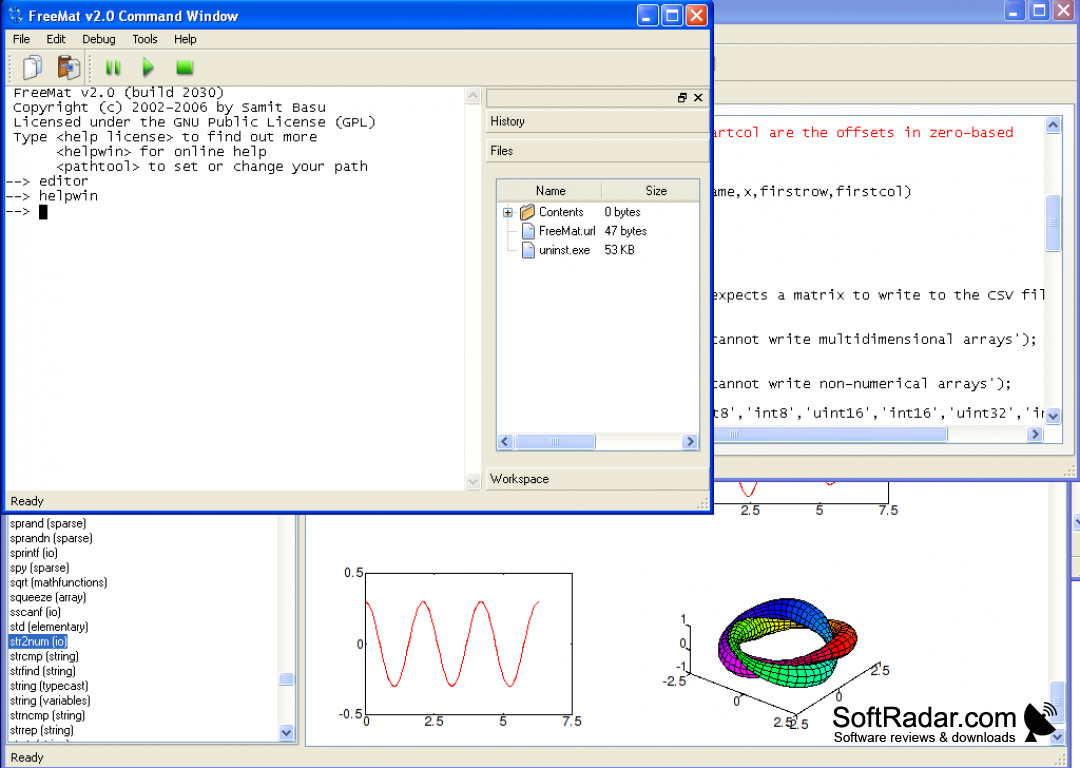
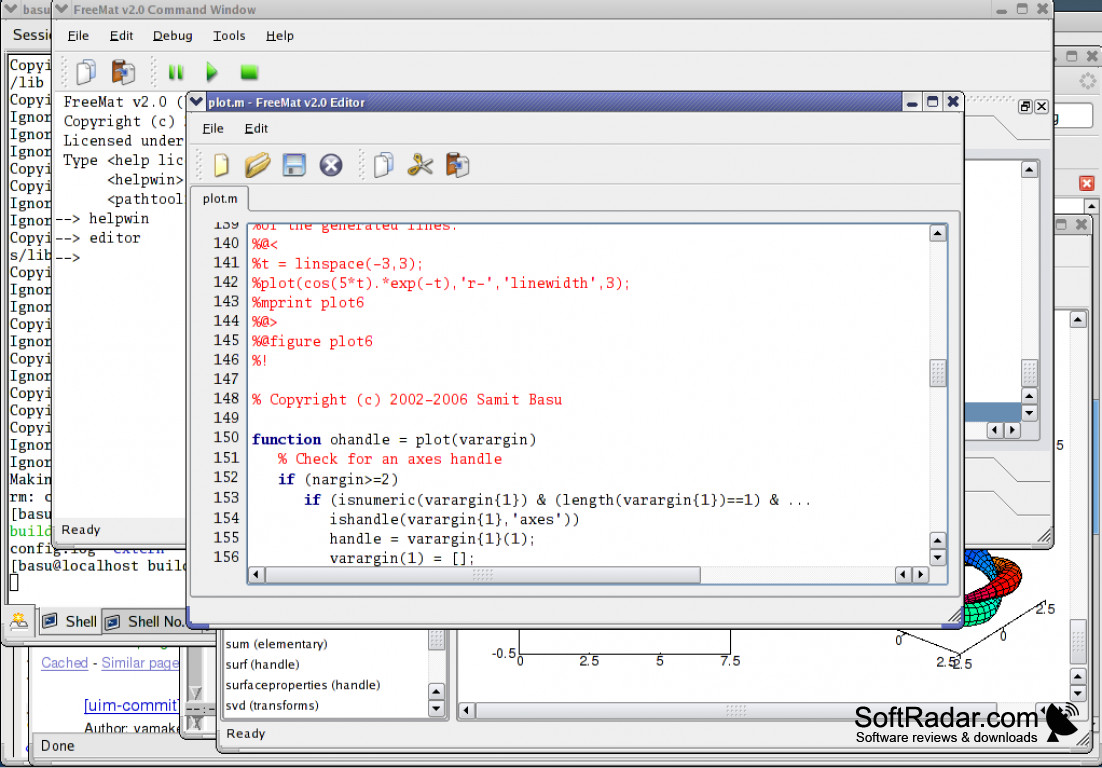
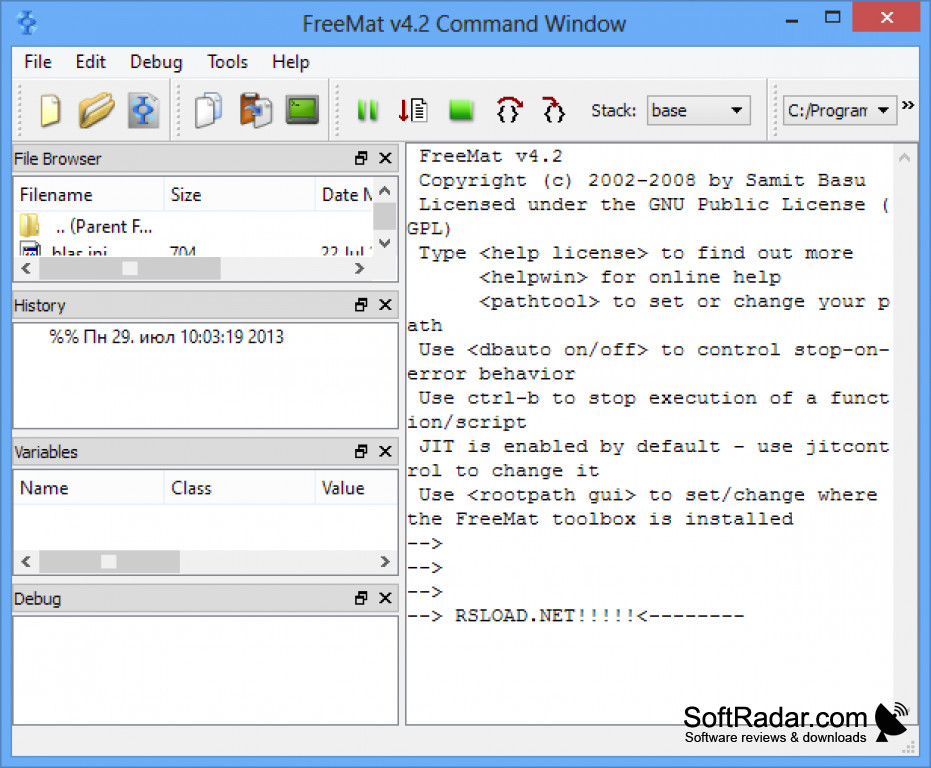
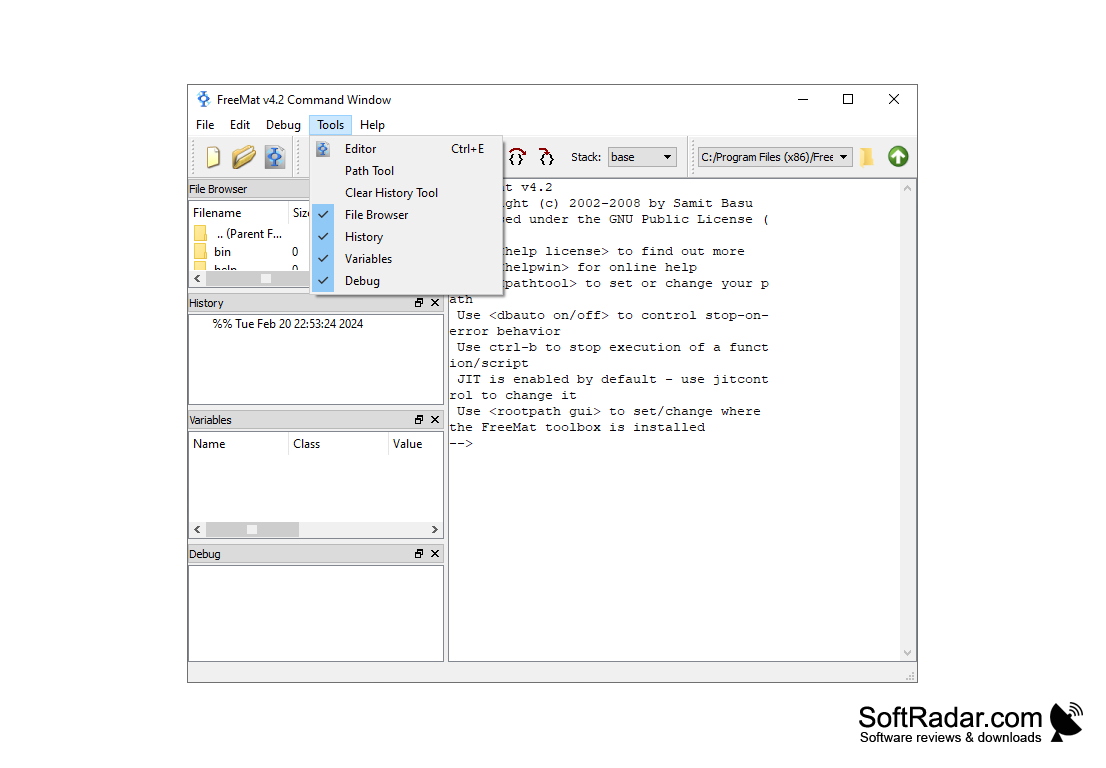
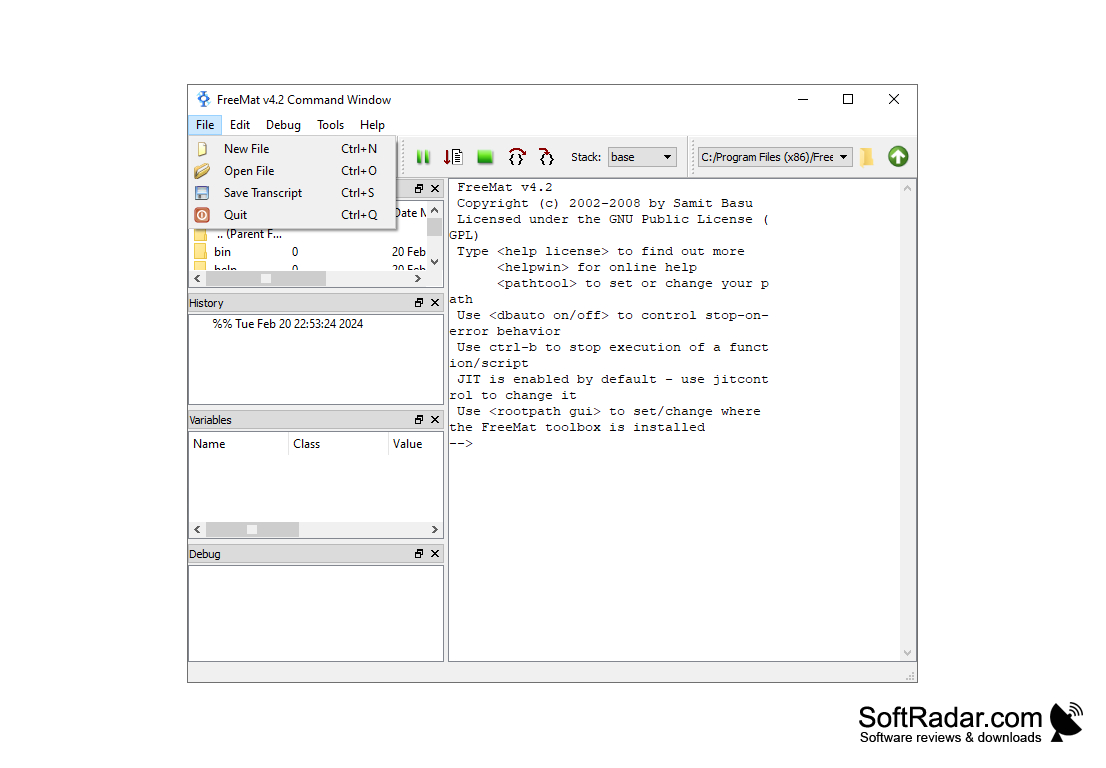
FreeMat is an interpreted development tool for engineering and scientific applications. It provides parallel programming, plotting, visualization and allows the manipulation of images.
FreeMat provides a tool that allows you to do rapid engineering and scientific prototyping and data processing, but best of all, it is free. So yes, it is very similar to MATLAB in function at no cost to the user. Yet it is a bit different from the above because it is Open Source. It even goes beyond MATLAB because it includes features such as a codeless interface to external C/C++/FORTRAN code, parallel/distributed algorithm development, and advanced volume and 3D visualization capabilities.
This is the best free version of MATLAB available!
Features:
- Available on all three platforms (Mac OS X, Windows, and Linux)
- 64-bit on all platforms
- FreeMat-to-MEX interface for porting MATLAB MEX files.
- FREE to Download
- Supports the majority of the features on MATLAB
FreeMat is perfect for both industry and academic uses in many courses. As stated above, the coding in FreeMat is compatible with MATLAB. Even if there is a useful MATLAB feature that is not included with FreeMat, it can still be added in. FreeMat is also superior because it works on a number of different platforms, including Windows and functions a lot better than Octave on this platform. It is an incredibly useful tool and can absolutely be used in the place of programs like MATLAB.
The current version is released under GPL as opposed to the previous versions, which were MIT licenses.
FreeMat has improved with each subsequently released version, and it is very eager to continue to strive to get better each release. There is a feature available on the Freemat website which allows you to report malfunctions, or you can report a bug report so that the issue can be resolved in the future iterations of this program.
A strive for perfection, and no cost of this program really sets it apart from everything else, and I would definitely use over the costly MATLAB.
64-bit system is required
Needs an interface for porting MATLAB MEX files
GPL license is necessary for the current version
PROS
Offers 3D visualization for complex data.
Supports various operating systems like Windows, Linux, and MacOS.
CONS
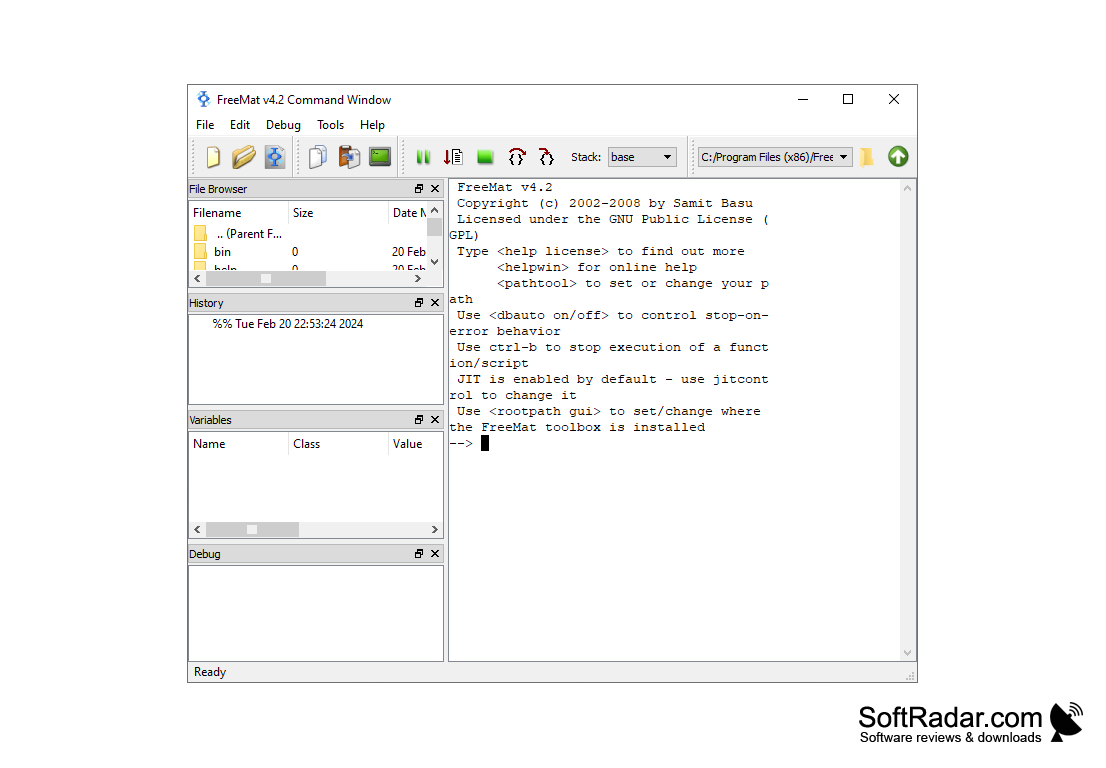
Outdated user-interface design.
Documentation is not very clear or comprehensive.


