Two Finger Scroll
Two Finger Scroll is a free utility that adds two-finger scrolling and two-finger tapping gestures to Synaptics TouchPads on Windows laptops.
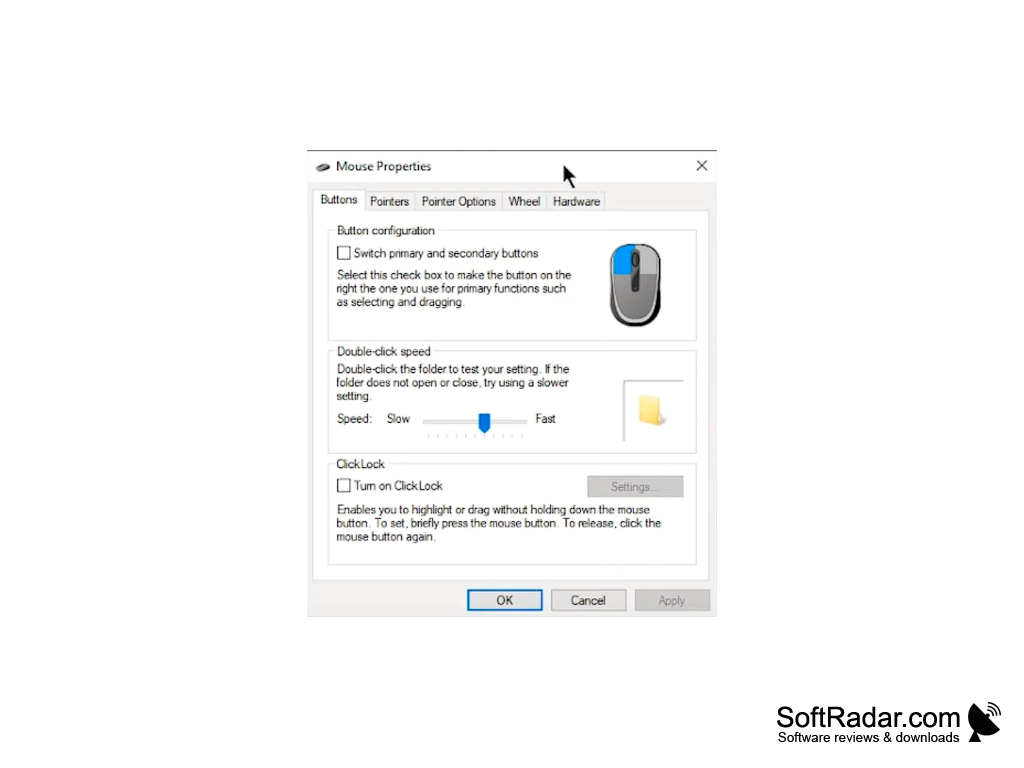
Two Finger Scroll is a small free utility that adds useful two-finger gestures to Synaptics TouchPads on Windows laptops. With two finger scrolling, you can scroll vertically through documents, webpages, and applications by sliding two fingers anywhere on the touchpad instead of using the narrow scroll zone at its edge. The program works only with Synaptics TouchPads that support multiple finger detection and uses the Synaptics driver interface, so it does not work with touchpads from other makers, touch screens or Mac computers.
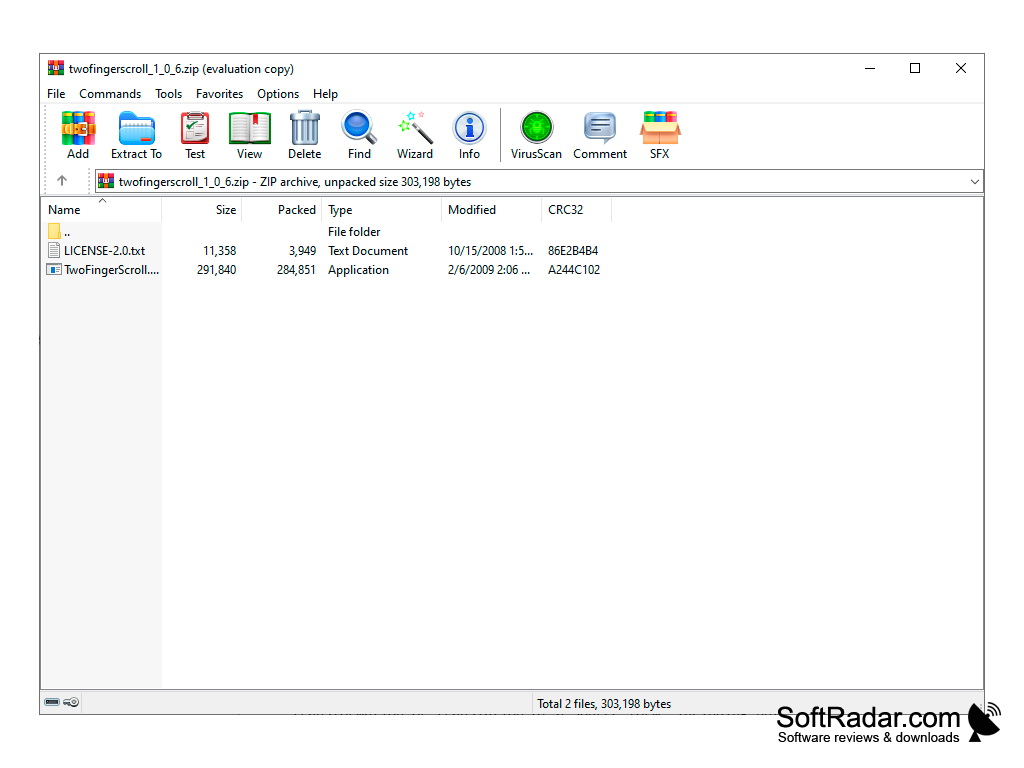
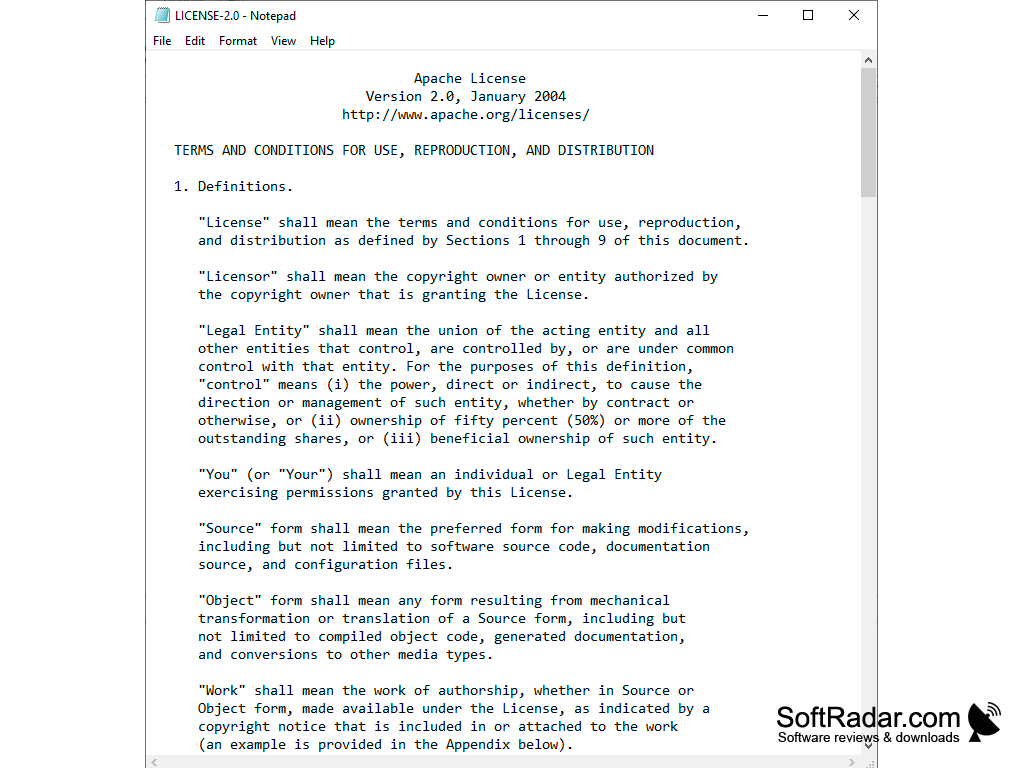
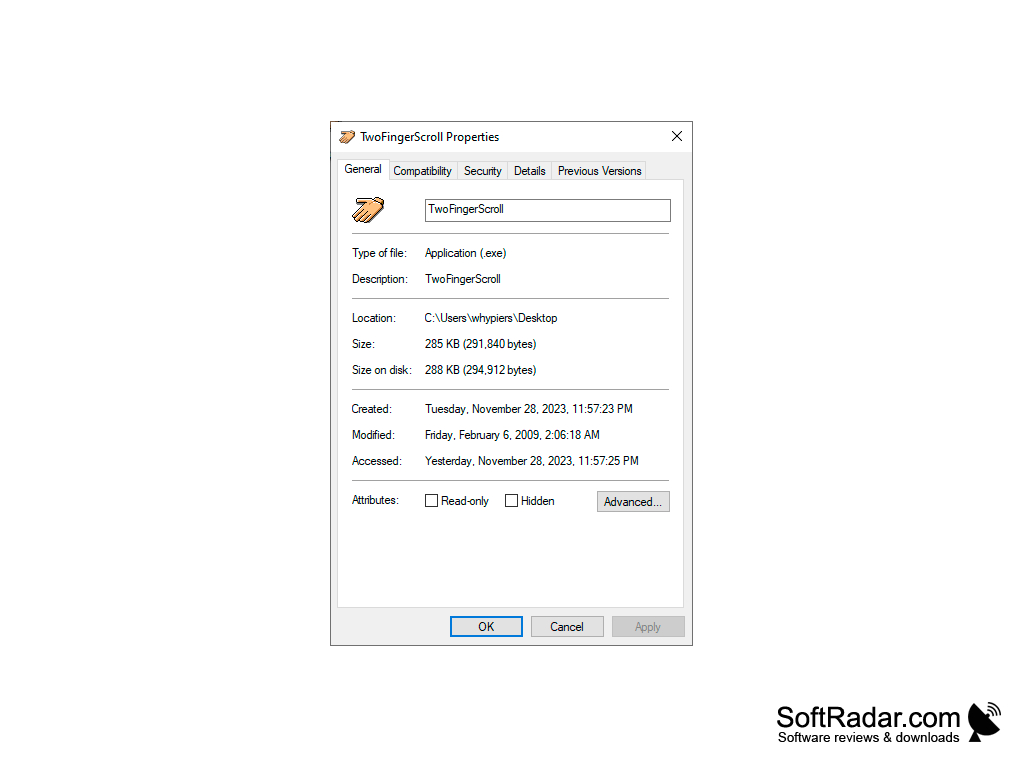
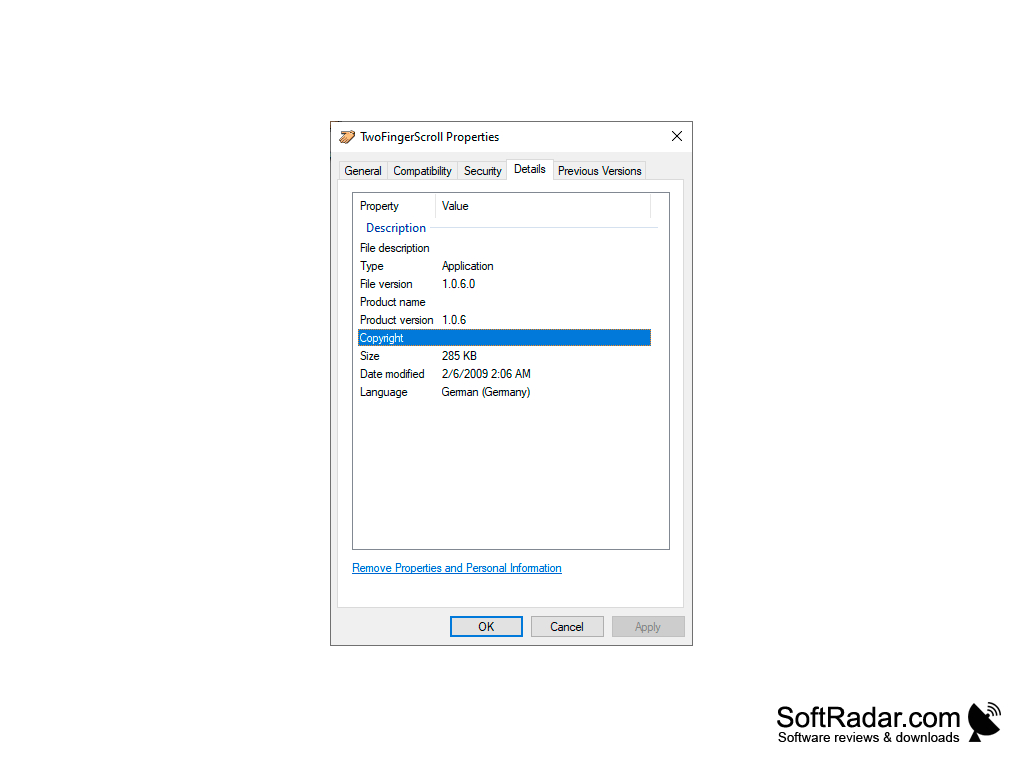
Two Finger Scroll was written by Arkadiusz Wahlig in C++ and released as open source software under the Apache License 2.0. It was first hosted on Google Code and later moved to GitHub. The program is portable: the ZIP archive contains a single executable and the licence file, so there is nothing to install. The last version is 1.0.6, and the project is no longer actively developed, but it can still be useful on older laptops with Synaptics touchpads.
Two Finger Scroll allows users to navigate through documents and webpages quickly and easily.
Features
• Two-finger scrolling: Slide two fingers anywhere on the TouchPad to scroll vertically through webpages, documents, and applications.
• Two-finger tapping: Tap with two fingers to simulate a selected mouse button, for example the right or middle button.
• More tap gestures: Separate actions can be set for three-finger taps and for "two + one" and "one + one" finger taps, each mapped to the left, middle or right button, button 4 or button 5, or disabled.
• Scroll settings: You can adjust the scrolling speed and acceleration, and turn on "Keep scrolling on edges" to continue scrolling when your fingers reach the edge of the touchpad.
• Scroll modes: Three scroll modes are available - Compatible, Smooth and Smart - so you can pick the one that works best with your applications.
• Tap sensitivity: A maximal finger movement distance setting decides how far the fingers may move before a tap is no longer recognized.
• Compatibility: Scrolling works in most applications that react to scrolling, including web browsers such as Google Chrome and Firefox.
• Tray menu: The program runs in the system tray, where you can open Settings, turn it on or off with Active, and restore the default settings.
Two Finger Scroll is a simple solution for owners of laptops with Synaptics TouchPads whose original driver lacks multi-finger gestures. It can start automatically with Windows, takes very little memory, and brings two-finger scrolling and tapping to older machines. Because it depends on the Synaptics driver and has not been updated for many years, it may not work with newer touchpads that use Windows Precision drivers, which already include their own two-finger gestures.
Synaptics TouchPad with multi-finger support
Synaptics TouchPad driver installed
PROS
Offers adjustable scrolling speed and acceleration.
Portable, free and open source.
CONS
No longer developed or updated.
Not compatible with all types of touchpads.