
UniGetUI
UniGetUI gives Windows users a visual way to manage software from several package services, from finding new programs to maintaining installed ones.
Operating system: Windows
Publisher: Devolutions
Release: UniGetUI 2026.3.3
License: Open source (MIT)
Antivirus check: VirusTotal report
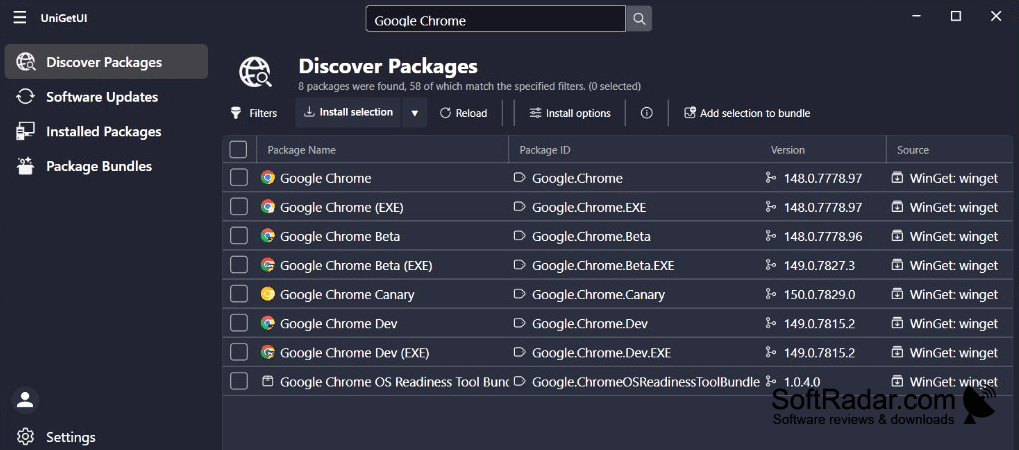
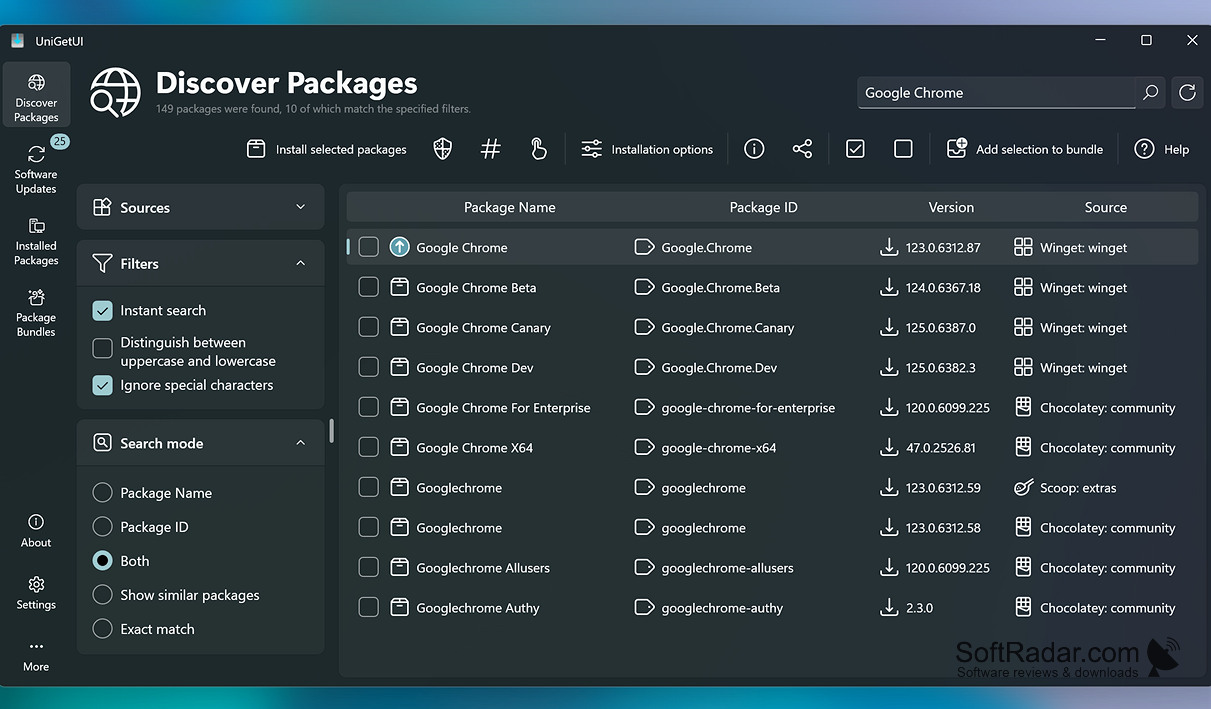
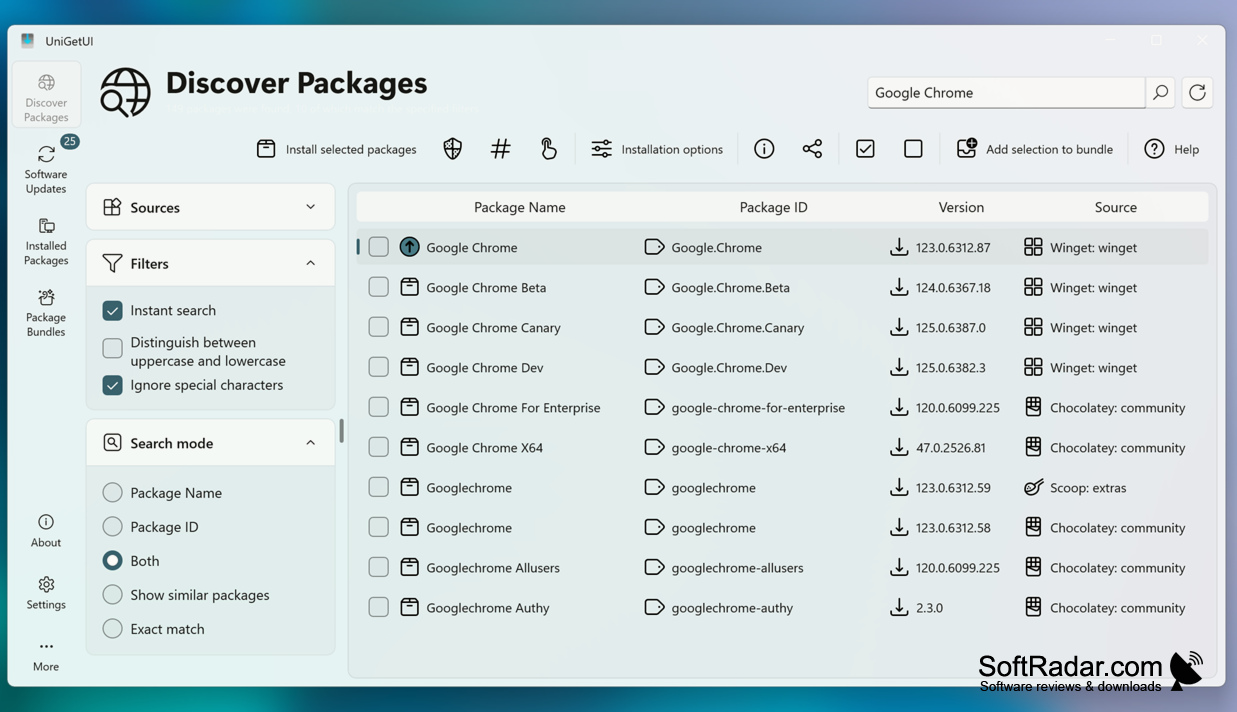
UniGetUI brings package management into a desktop window for people who regularly add or maintain Windows programs. Developers can use it to manage tools, while technicians can use it when preparing computers. It also suits anyone who would rather browse packages than enter commands. Users can find programs, install them, check what is already present and handle updates or removals.
Install, update and remove software from multiple package sources without switching between command-line tools.
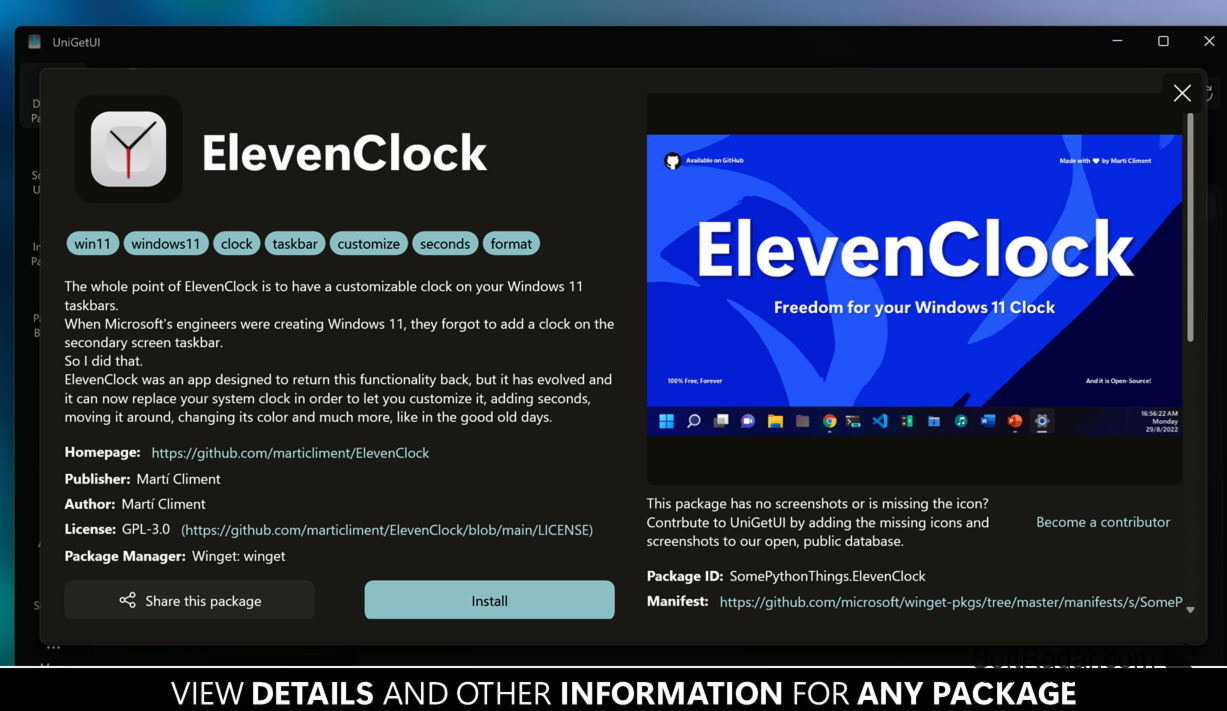
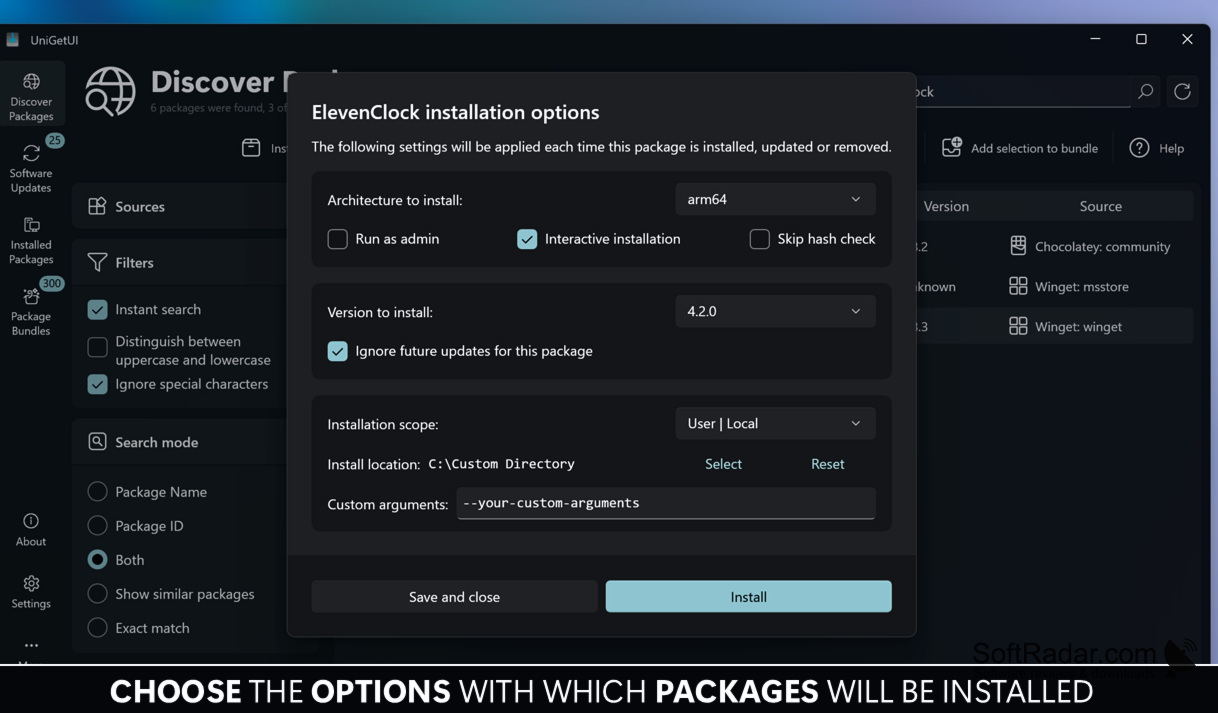
The interface works with Pip, Npm, Bun and .NET Tool, alongside WinGet, Scoop, Chocolatey and PowerShell Gallery. It detects managers on the computer and displays package information, including publishers and sources. Users can process several selections at once, receive update notices and export package lists for another computer. Installations and updates can also run in the background.
Features:
- Search packages across supported services
- Install or remove selected packages
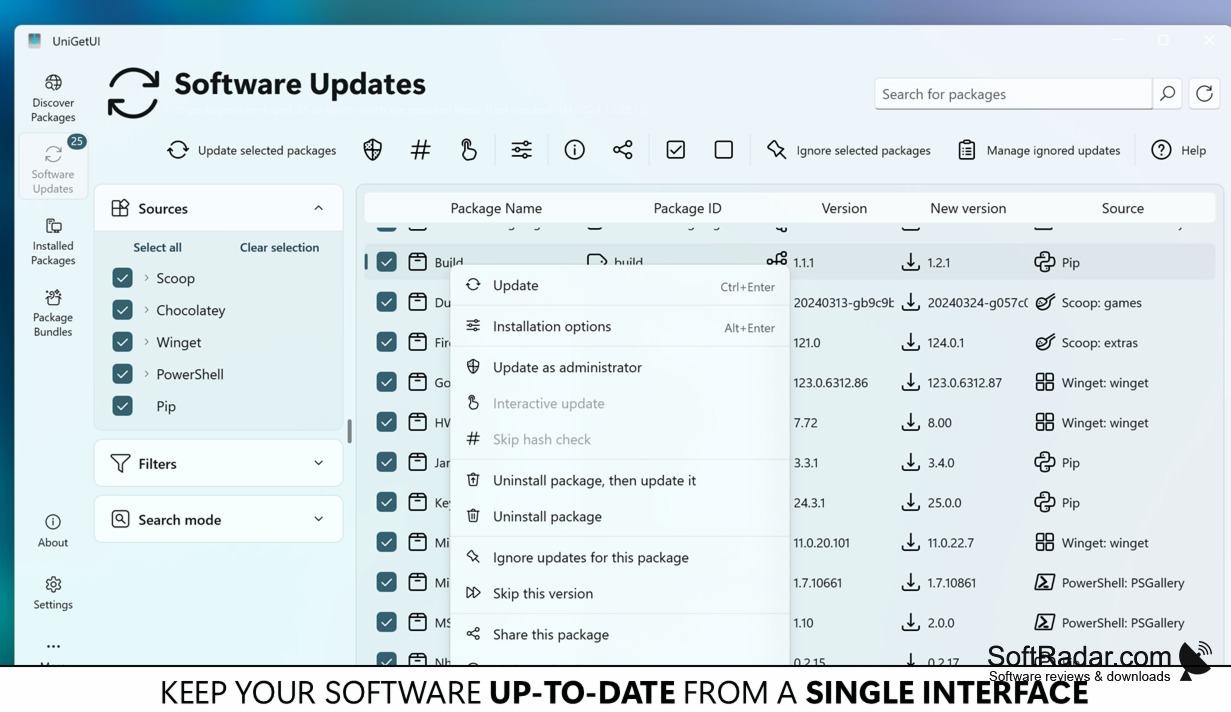
- Update multiple programs in one operation
- View package publishers and sources
- Export package lists for another computer
- Receive notices about available updates
Requires .NET Desktop Runtime
PROS
Updates multiple installed packages in one operation.
Exports package lists for rebuilding Windows setups.
CONS
Search results sometimes show duplicate package listings.


