
Videoder
Videoder is a free Windows video downloader that saves videos and music from YouTube, Facebook, Instagram, Vimeo and many other streaming sites.
Operating system: Windows
Publisher: Videoder
Release : Videoder 1.0.9
Antivirus check: VirusTotal report

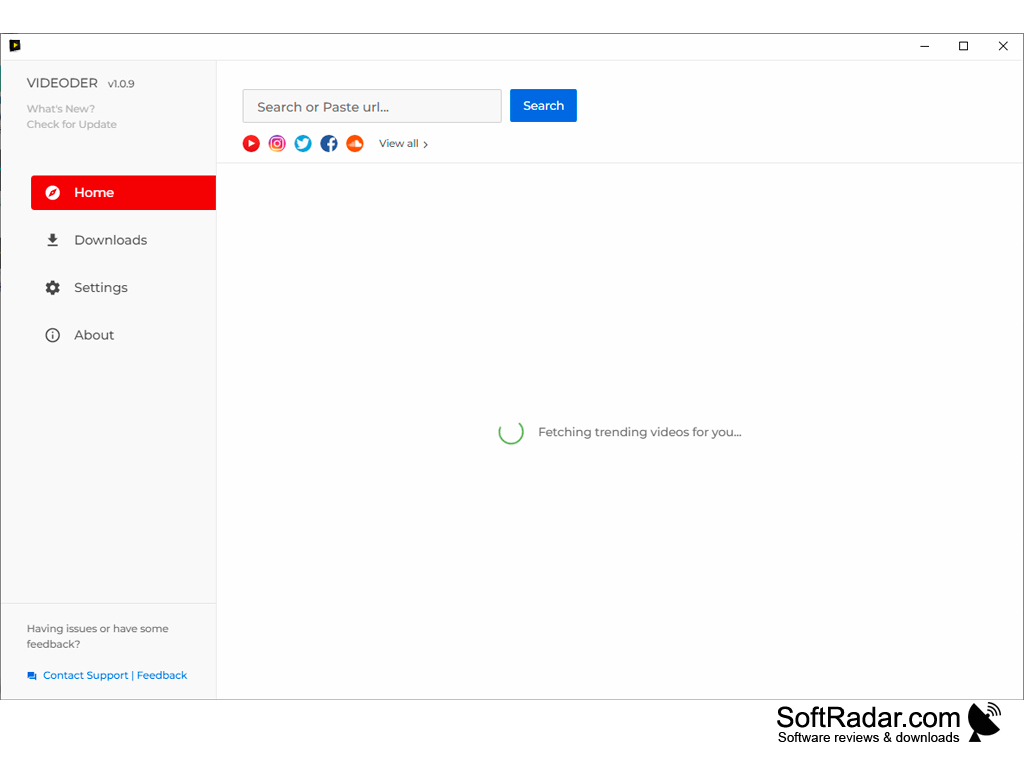
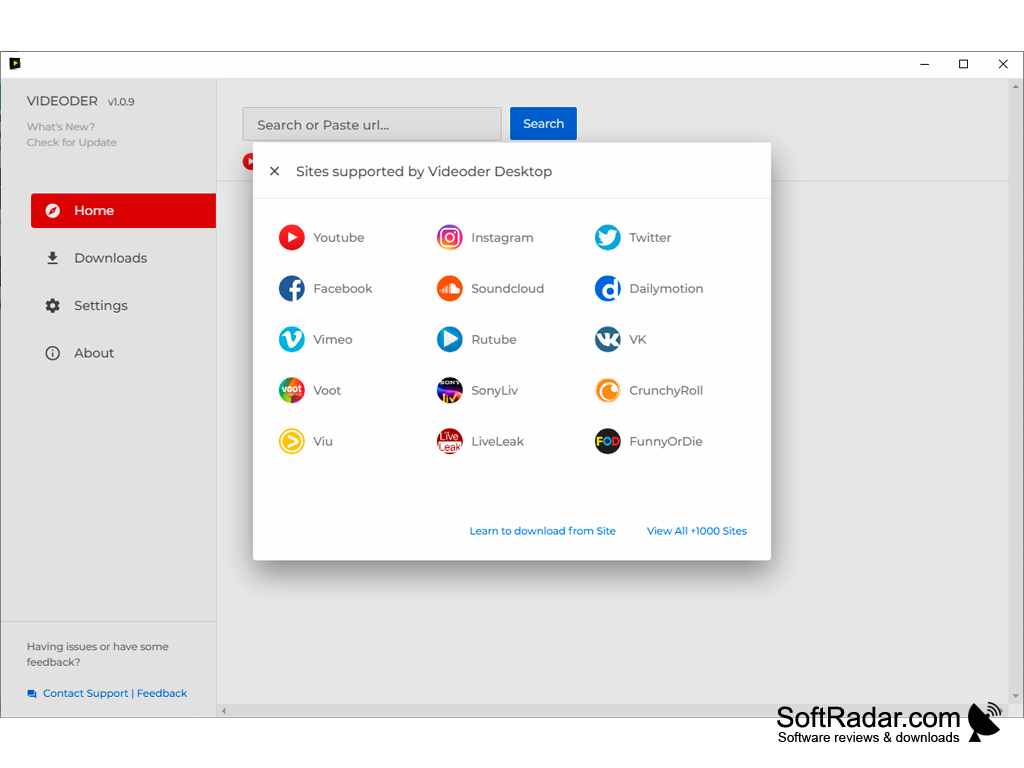
Videoder is a free video download application for Windows from the team behind the popular Android app with more than 40 million downloads; its sites list names over 1000 supported platforms like YouTube, Instagram, Facebook, Vimeo and other video streaming services.
Features:
- Using the Videoder application, you can search for videos, preview them and easily download them to your computer.
- Popular online video services like YouTube, Facebook, Instagram, Dailymotion, Vimeo, SoundCloud, Twitter and VK are integrated into the app, so you can download from them directly.
- It lets you pick the quality and resolution of the video before downloading, up to HD and higher where the source offers it.
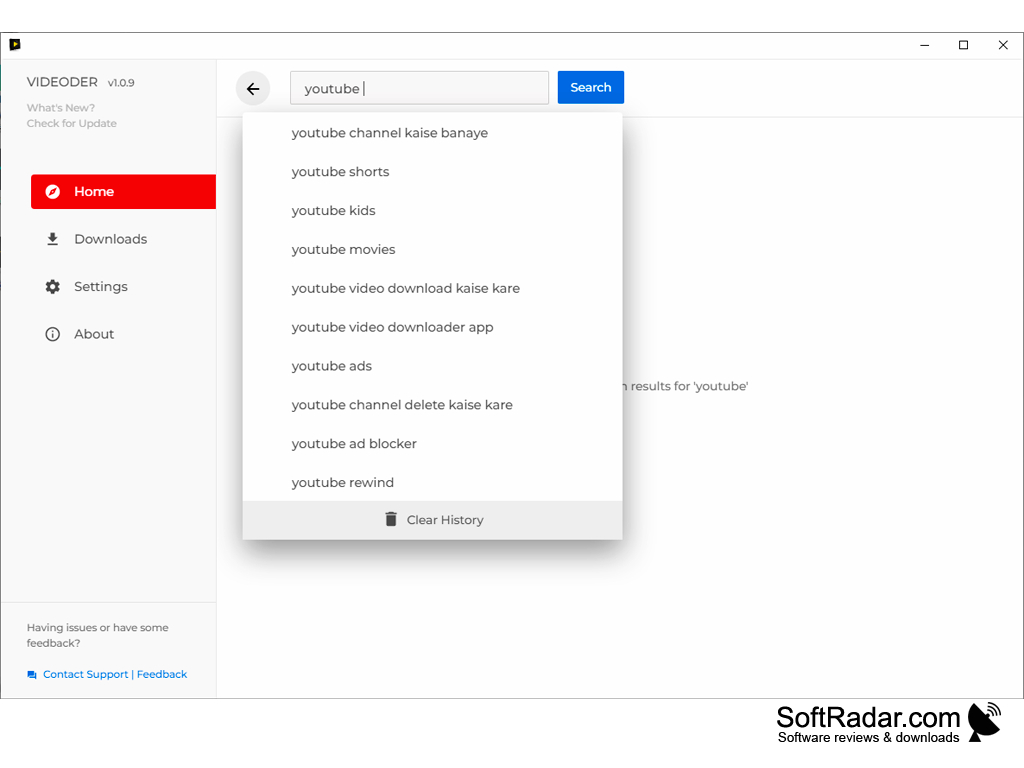
- The home screen fetches a list of trending videos and offers search suggestions as you type.
- Offered free of charge and easy to install.
It works with a large number of online video streaming services and makes finding and downloading a video a matter of a search or a pasted link.
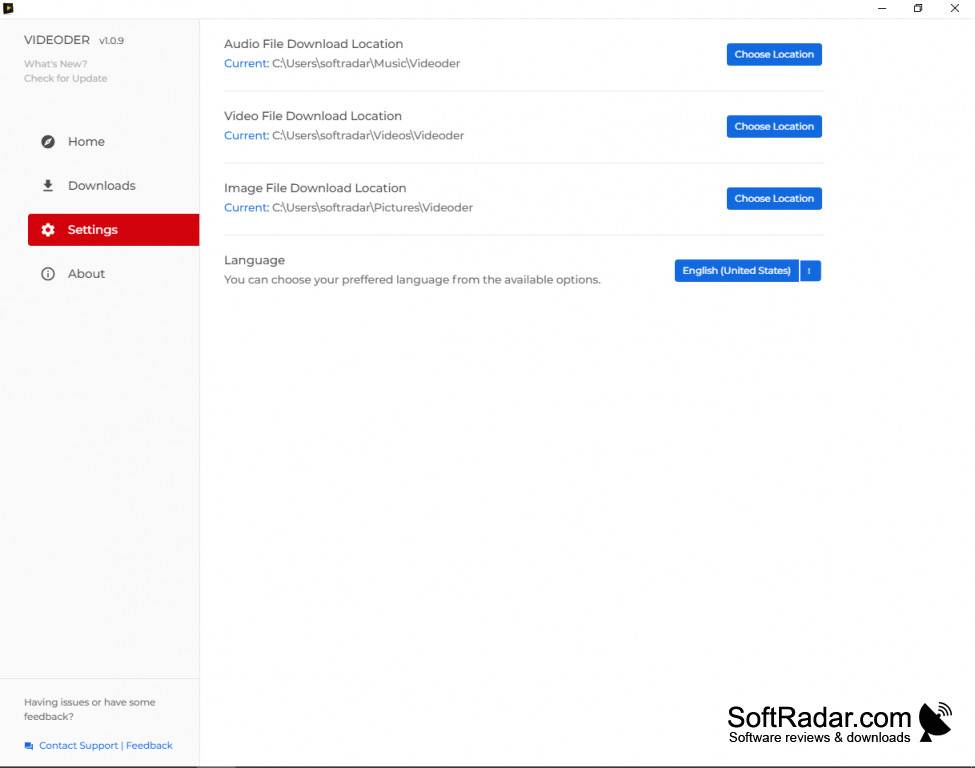
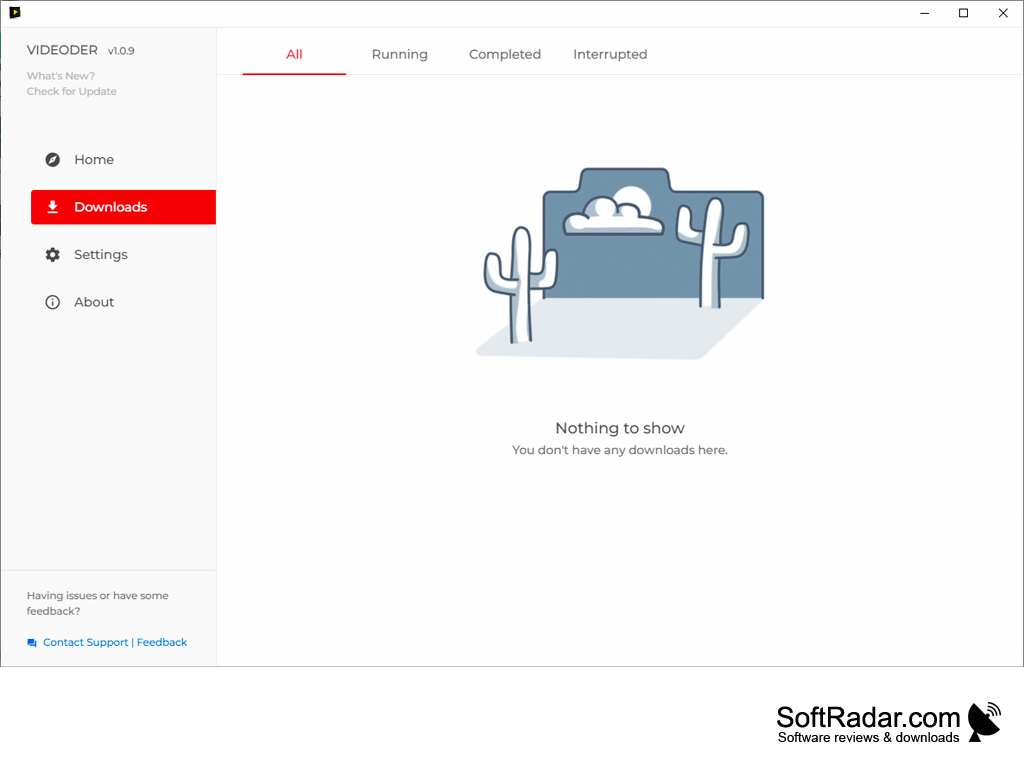
This is a standalone application that you install on your Windows-based PC, and its design is clean and simple. The user interface is easy to understand, with a sidebar of Home, Downloads, Settings and About sections to browse through the options offered by the application. To find a video, you can type a search term or copy and paste the URL of the video into the search box and look for the video you want.
You can also save only the audio track of a video, for example from YouTube music videos, into a separate audio folder.
It supports many languages, including some regional languages, and it allows users to choose the quality of the video to be downloaded based on their needs.
It takes comparatively little space on your hard drive.
The Settings section lets you choose separate download folders for audio, video and image files and switch the interface language. The Downloads section lists every task and lets you filter it by status: running, completed or interrupted.
A panel with all supported sites is available from the home screen, and a help link explains how to download from a specific site.
At least 1 GB of RAM
PROS
Intuitive and user-friendly interface for seamless navigation.
Lets you choose the resolution and quality before downloading.
CONS
Some sites change often and downloads can stop working.
No built-in video converter or editor.


