
WeCam
by e2eSoft
WeCam is a Windows video tool for people who want to combine camera, screen and media content into a feed for calls, recordings or broadcasts.
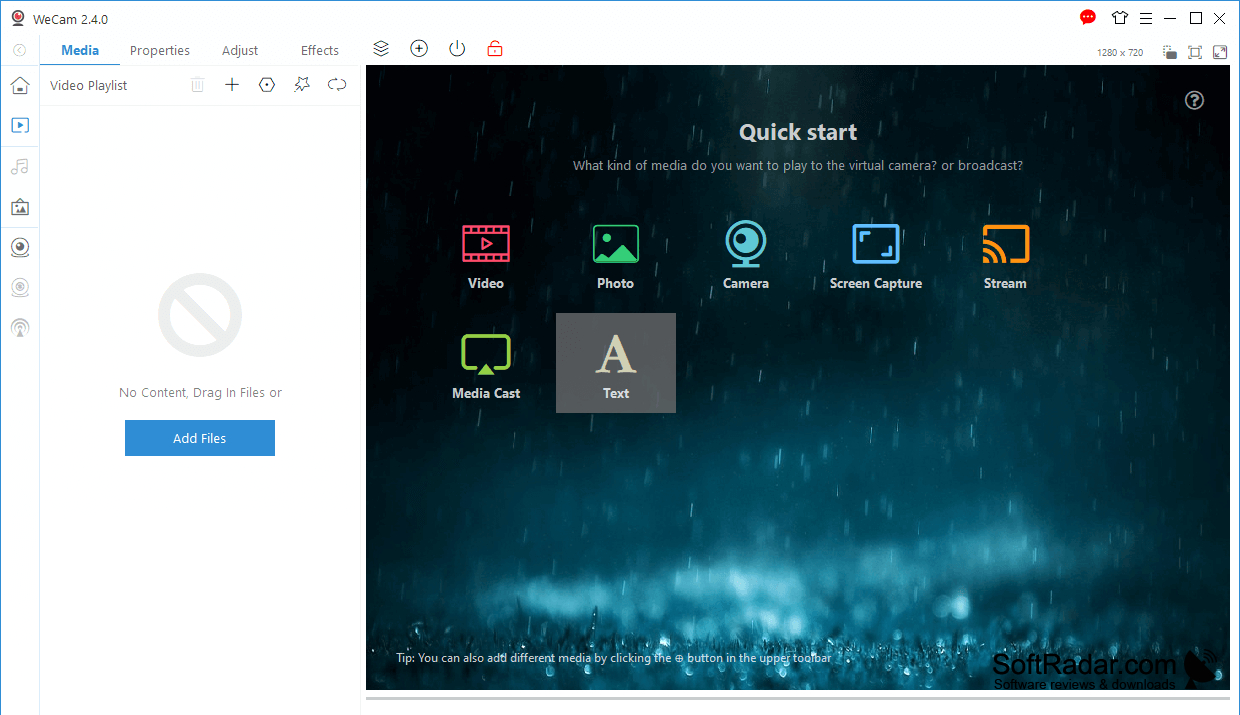
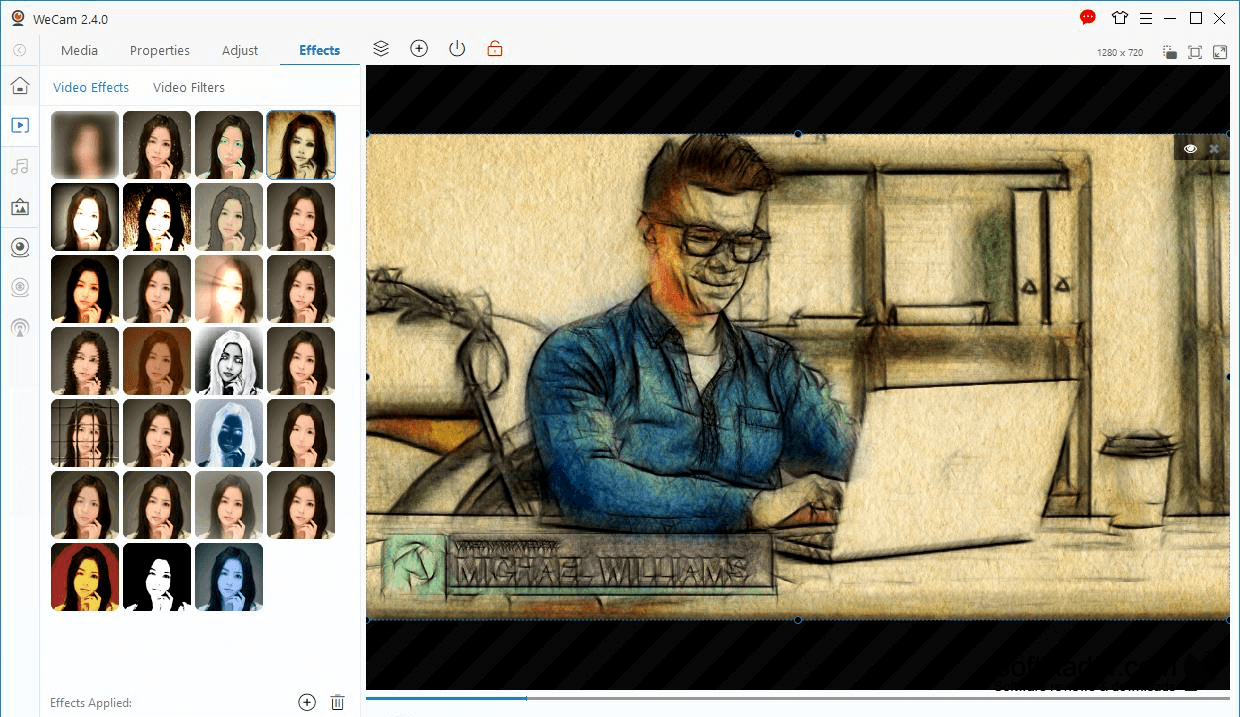
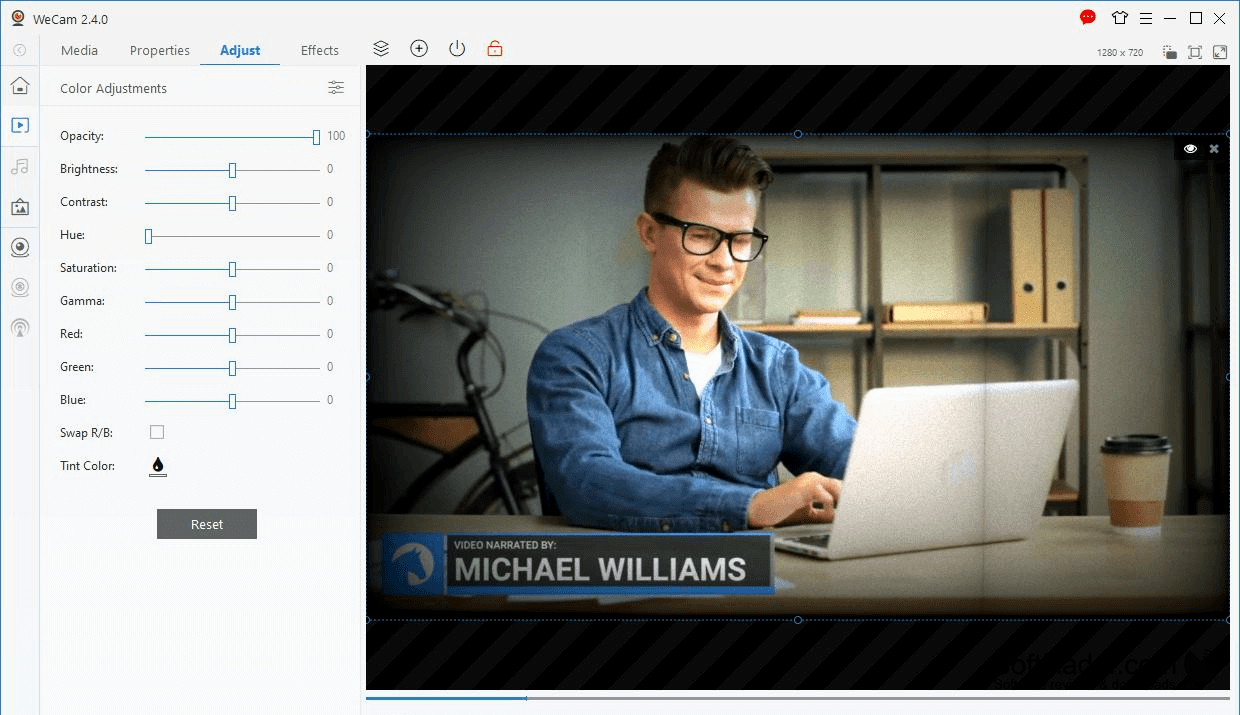
WeCam lets Windows users prepare a custom camera feed for video calls, online presentations and live broadcasts. Instead of relying only on a connected camera, you can show clips, pictures or your desktop to people watching through another app. It also suits anyone who wants to save a session or grab a still frame while working with video.
Send a combined video feed to camera-enabled apps without switching between separate sources.
Choose inputs from cameras, local media and screen content, then place more than one source in the same output. The program makes the result available as a virtual camera for compatible apps. You can add visual effects and graphics, blend microphone sound with audio from files, record the assembled output, send it across a network or capture a single image.
Features:
- Combine camera, file and screen inputs
- Supply video through a virtual camera
- Add filters and graphics to video
- Blend microphone and media file audio
- Record video with applied visual effects
- Capture still images from the feed
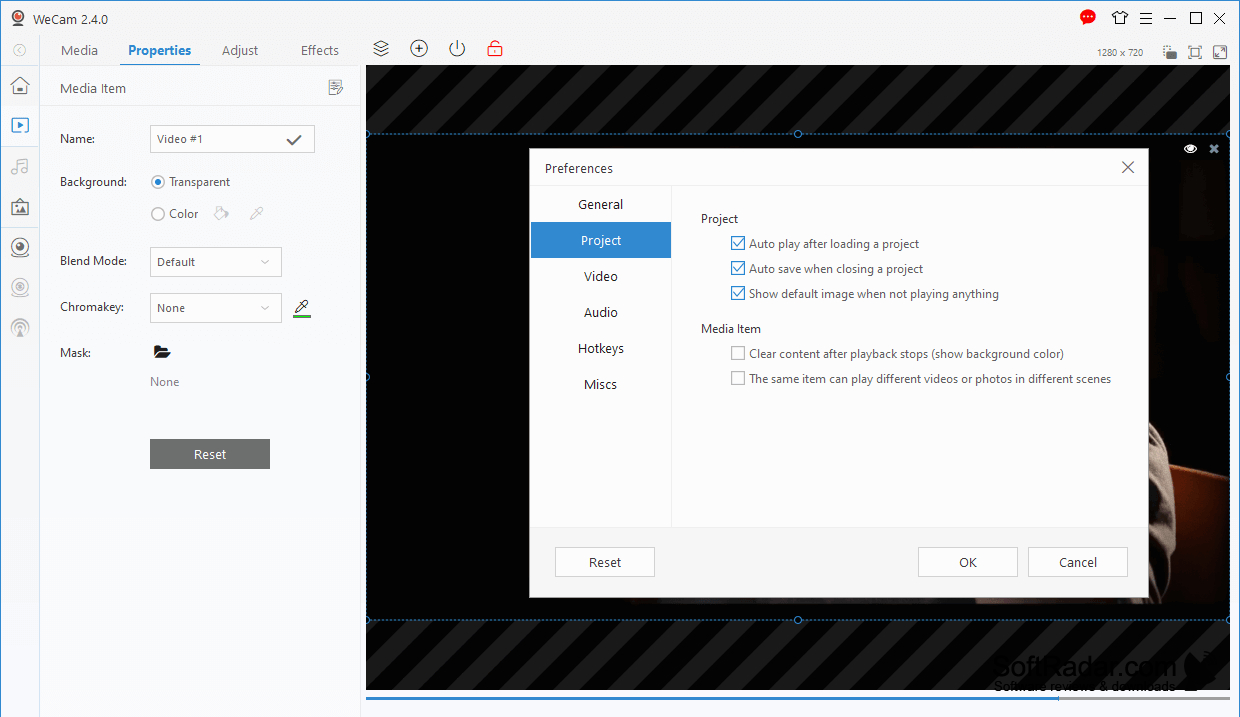
Windows 7 or later
PROS
Combines webcam, screen, and media in one feed.
Offers effects and overlays for the virtual camera.
Offers effects and overlays for the virtual camera.
CONS
Mixing multiple video sources can strain older computers.
Complex source layouts take time to configure.
Complex source layouts take time to configure.


