
WinAVR
A suite of executable, open source software development tools for the Atmel AVR series of RISC microprocessors
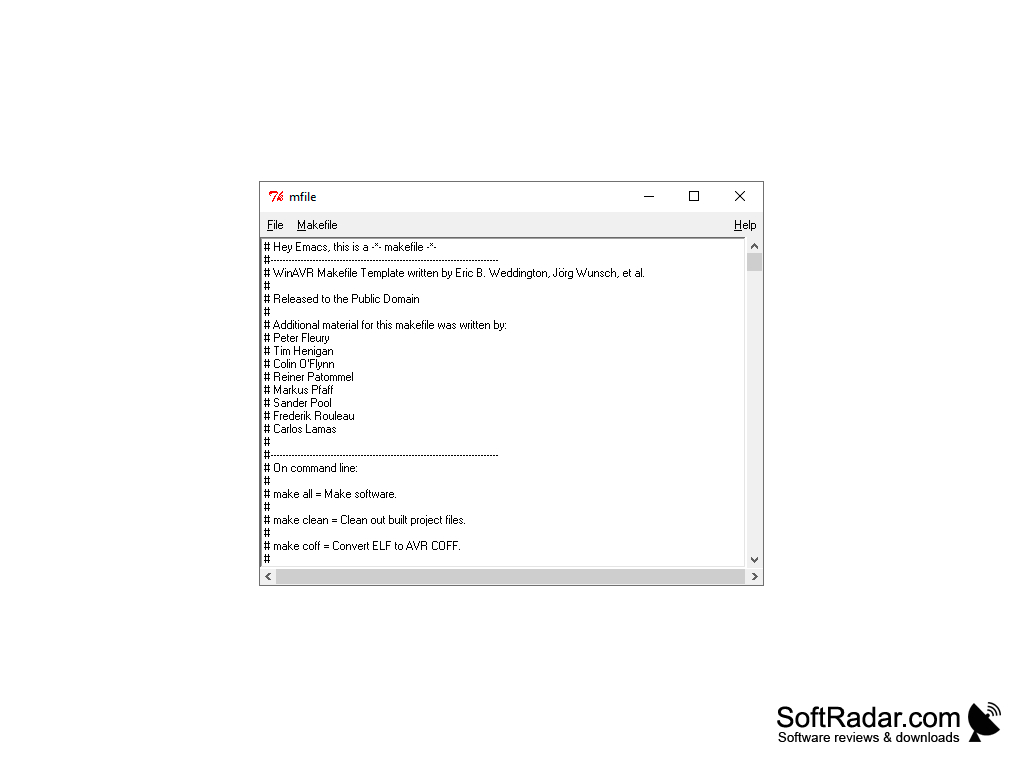
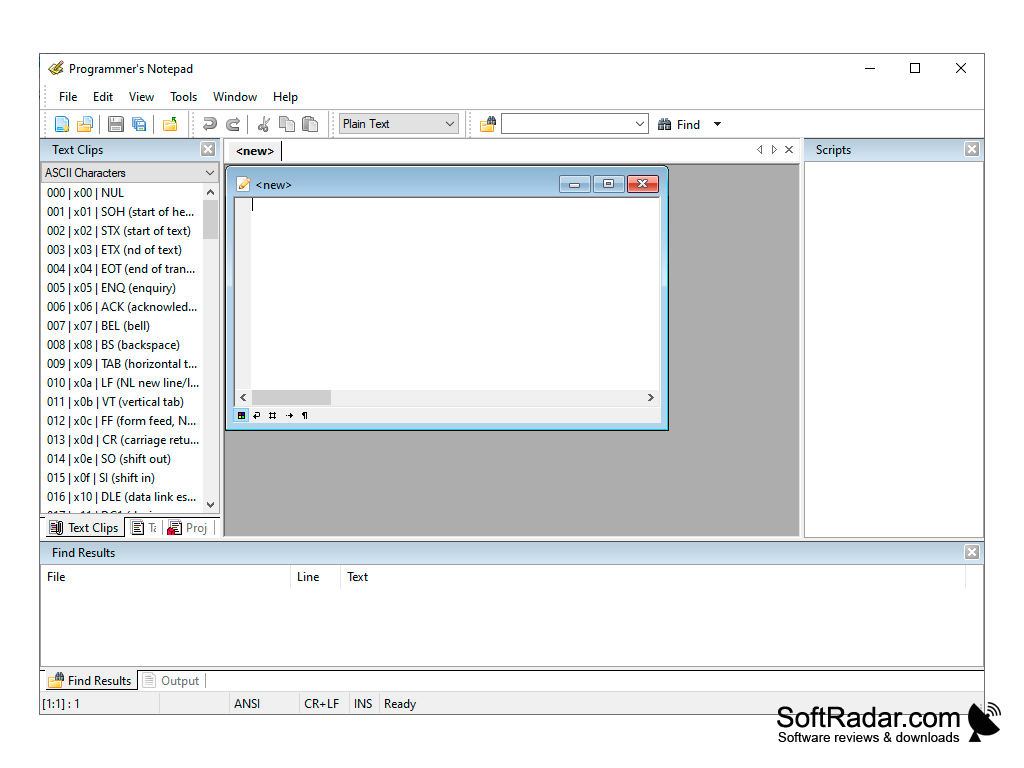
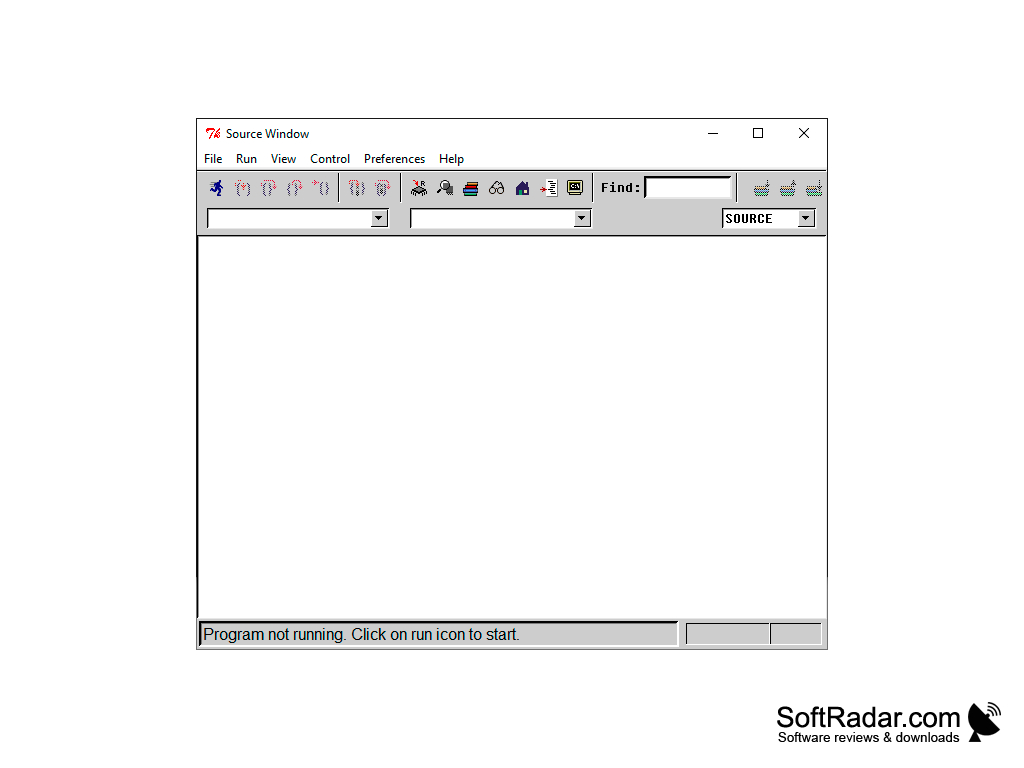
WinAVR is a set of free utilities for programming AVR microcontrollers. It includes all the tools the developer needs, the most important of which is the GNU GCC compiler for the C and C++ languages together with the avr-libc standard library. In addition, there is the GNU debugger GDB with command line support, the Insight debugger with a graphical shell, and a handy text editor with syntax highlighting, Programmers Notepad. Already these tools would be enough to provide a full development cycle, but the creators of WinAVR went much further.
As part of the package you will find a tool to simulate the behavior of microcontrollers - SimulAVR, which works together with the GDB debugger. An extremely useful application to check the behavior of code before it is loaded into real hardware. There is also AVRDUDE, a utility for programming chips through many types of programmers, including SPI-based ISP programmers, and AVaRICE for debugging over JTAG. The avr-libc library contains header files for many AVR microcontroller models, and all tools are provided with detailed documentation. The MFile utility helps to create makefiles for new projects. In addition to developing and debugging software for AVR controllers, the package also helps with editing EPROM load files in a variety of formats. Everything you need for this purpose is in the SRecord folder.
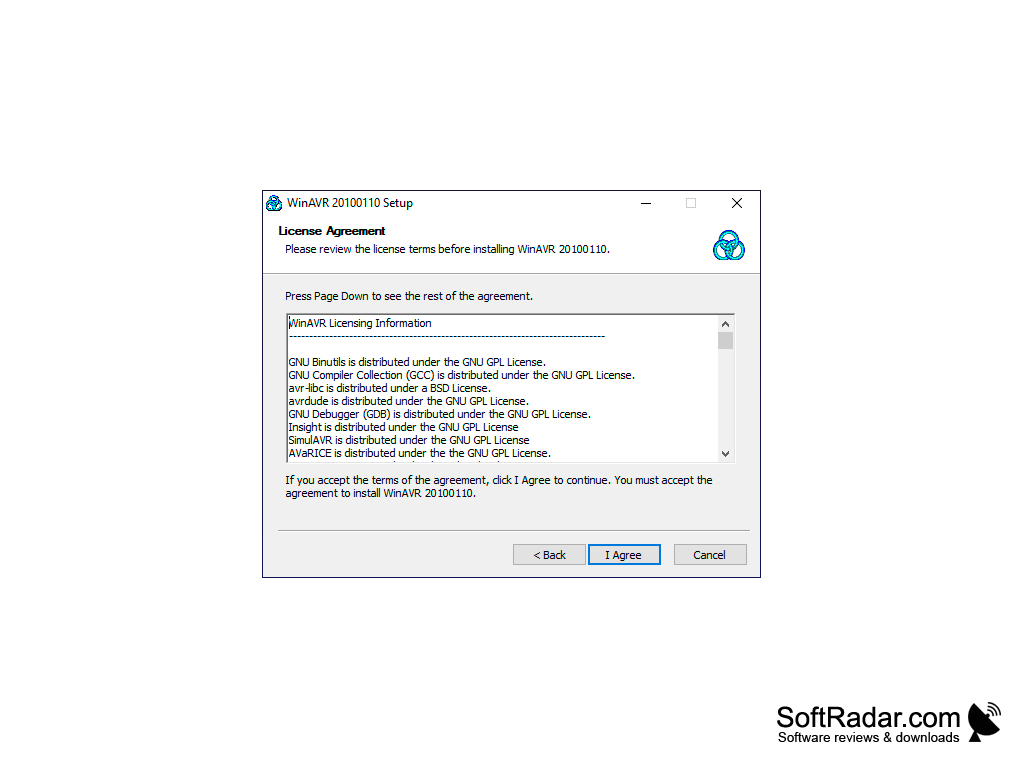
Summing up, WinAVR is a complete toolchain, and AVR Studio 4, the predecessor of Atmel Studio, can use its GCC compiler for C projects. Unlike Atmel's IDE, this set is open source: most tools are distributed under the GNU GPL and avr-libc under a BSD license. That is, any developer can study and change the code. WinAVR is no longer developed: the last release, 20100110, dates from January 2010.
WinAVR offers free, open source tools for programming AVR microcontrollers, including a GCC compiler, debuggers, a code editor, and a simulator.
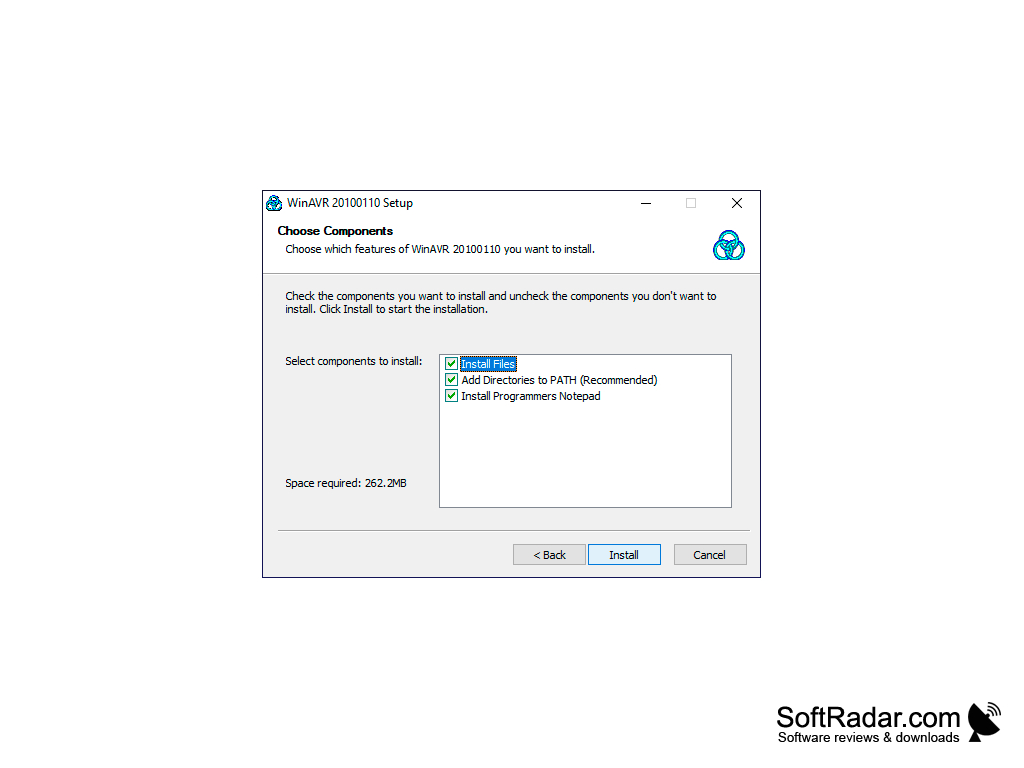
About 262 MB of free disk space
PROS
Supports a wide array of AVR microcontrollers.
Offers extensive debugging features.
CONS
Interface is not user-friendly for beginners.
Limited compatibility with newer systems.