Wise Program Uninstaller

by WiseCleaner.com

Helps to uninstall programs successfully for Windows

Operating system: Windows

Publisher: WiseCleaner.com

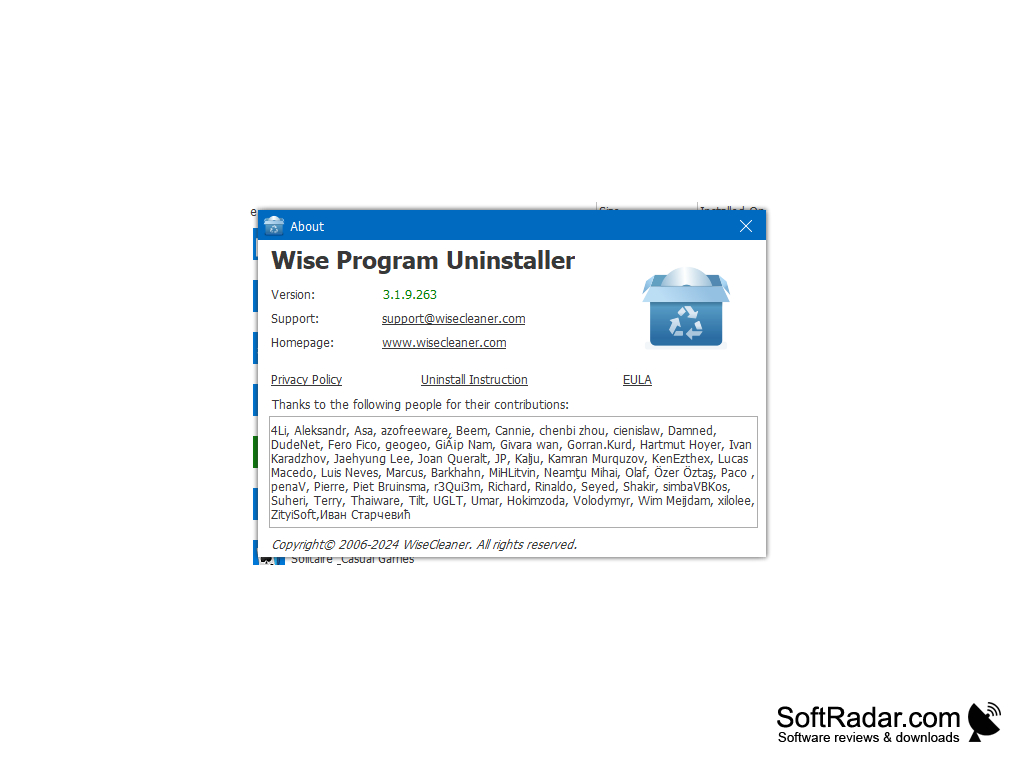
Release : Wise Program Uninstaller 3.1.9

Antivirus check: passed

Report a Problem

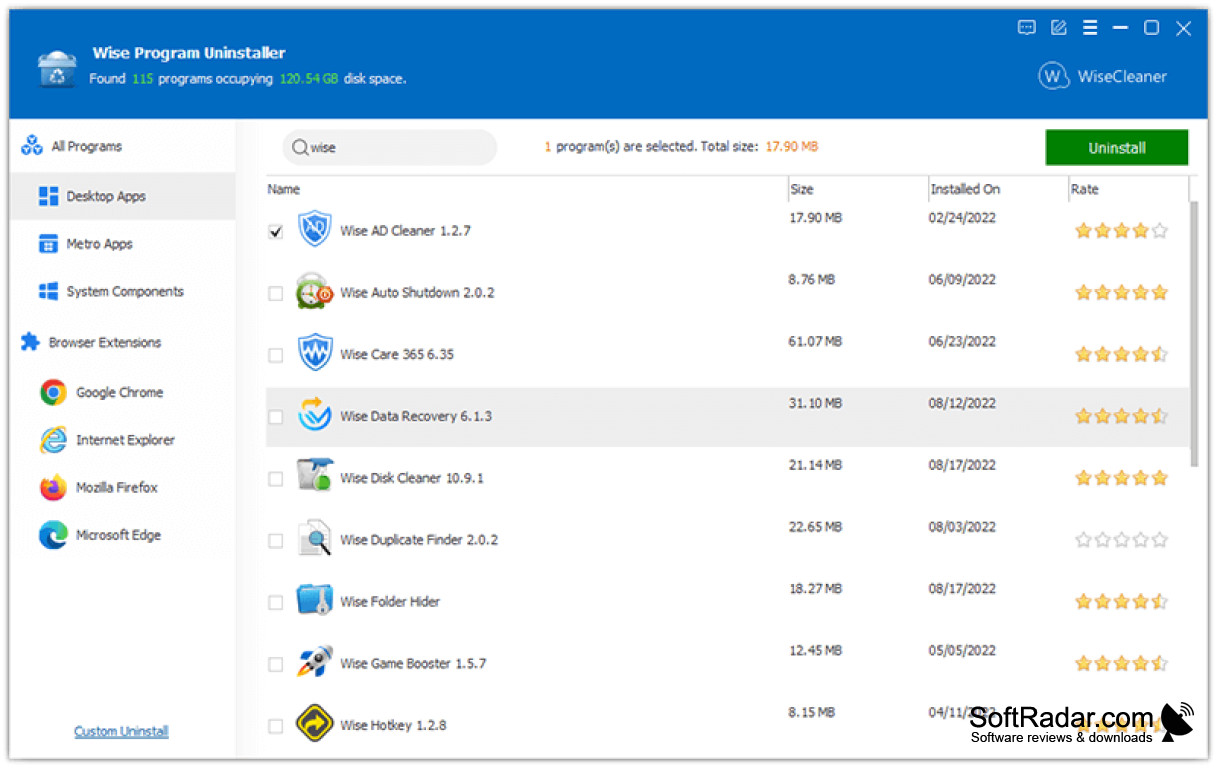
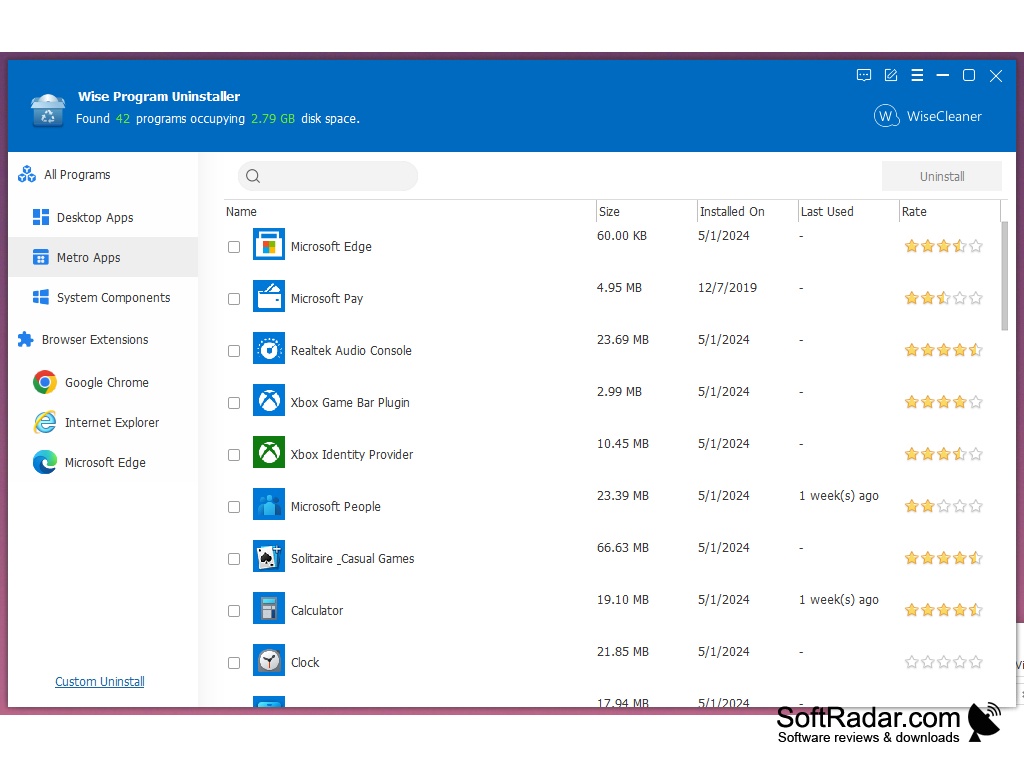
Wise Program Uninstaller is a great replacement for the standard uninstaller included with the Windows operating system. Unlike the latter, this program not only runs the standard uninstaller, but also searches the system for all the "tails" left by the remote application. When you start Wise Program for the first time, Uninstaller will automatically scan your system and make a list of found programs. The application displays not only the name of the program, but also the name of the developer company, size, version and date of installation. It will also calculate the total number of utilities installed on your computer.

Other important features of the program are a nice interface, the ability to rate your own applications in the list and the fact that it is distributed completely free of charge.

Wise Program Uninstaller thoroughly cleans system of all remnants from uninstalled applications, improving system performance and saving disk space.
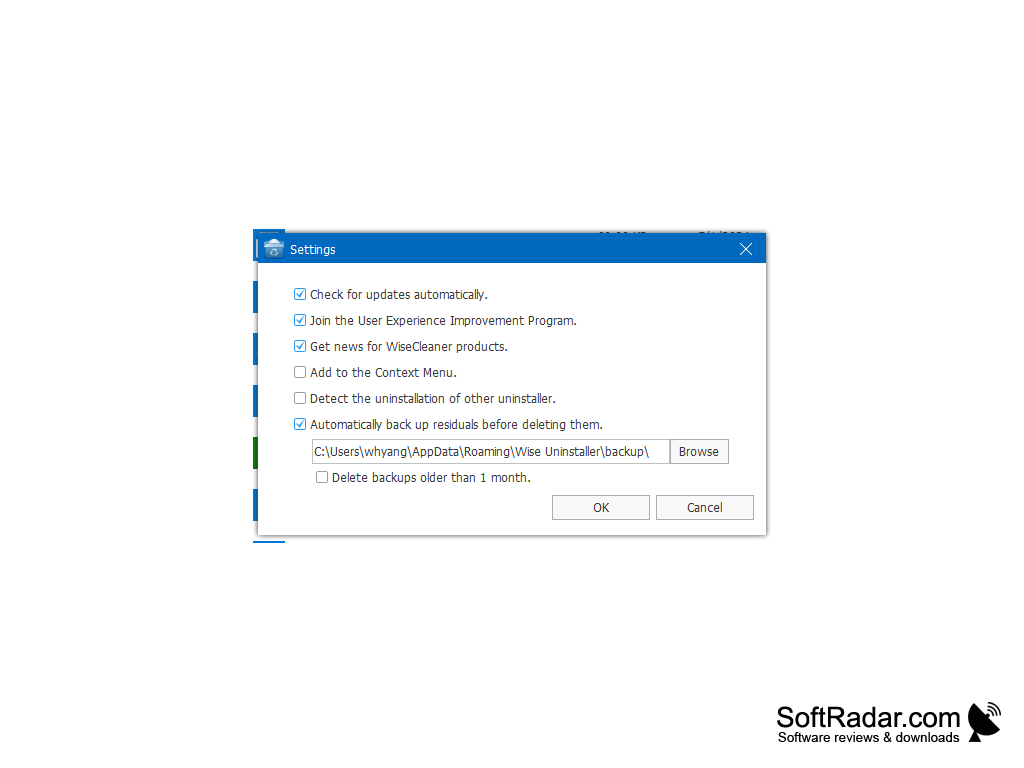
- automatic search for installed programs;

- displays detailed information about the applications in the list;

- the possibility of assigning your own ratings to programs;

- convenient and pleasant user interface.


PROS
Allows complete removal of residual files after software uninstallation.
Intuitive interface which is user-friendly for beginners.
Supports batch removal of programs.

CONS
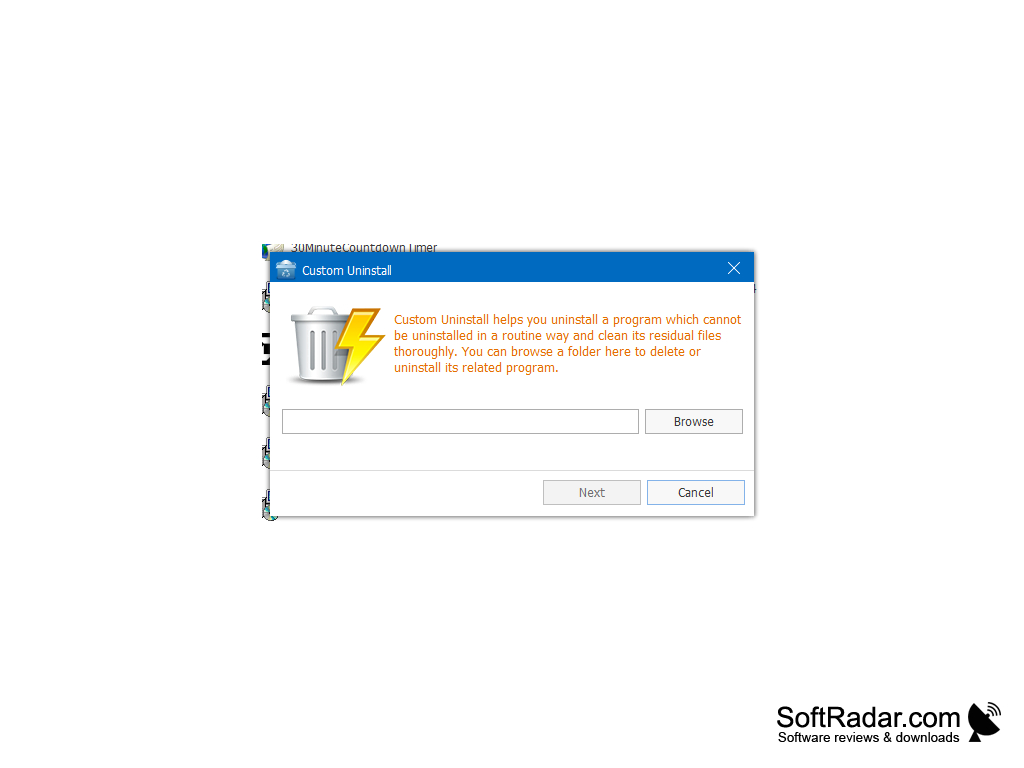
Limited functionality for stubborn programs.
Doesn't fully clean up after uninstallations.
Might confuse novice users with advanced features.

image/svg+xmlBotttsPablo Stanleyhttps://bottts.com/Florian Körner Thomas
a great replacement for the standard uninstaller included with the Windows operating system. Unlike the latter, this program not only runs the standard uninstaller, but also searches the system for all the "tails" left by the remote application. When you start Wise Program for the first time, Uninstaller will automatically scan your system and make a list of found programs. The application displays not only the name of the program
image/svg+xmlBotttsPablo Stanleyhttps://bottts.com/Florian Körner Freddie
I really love this uninstaller. I've tried others in the past, but this one works the best with no glitches like so many other ones. When I can't uninstall something using my control panel, this removes it easily, along with registry files and any folders that might be hidden on my computer. It's nice because I don't have to worry about viruses attacking from the back door anymore, thanks to this easy-to-use program. I highly recommend it.
Daminion
A multi-user digital, photo and document management software
ClockGen
A utility that uses the PLL of your system to increase or decrease the overall clock including CPU, FSB, RAM, PCIE and PCI
Secunia PSI
Free security tool provided for Windows
Wubi
Allows user to install and uninstall Ubuntu from within Microsoft Windows
CPUCool
This displays the temperatures, fan speed, voltages, system values and RAM's contents