Wondershare Recoverit
Wondershare Recoverit is a data recovery program that restores lost, deleted or corrupted files from PCs, external drives and memory cards.
Operating system: Windows
Publisher: Wondershare
Release: Wondershare Recoverit 15.0.2.5
Antivirus check: VirusTotal report
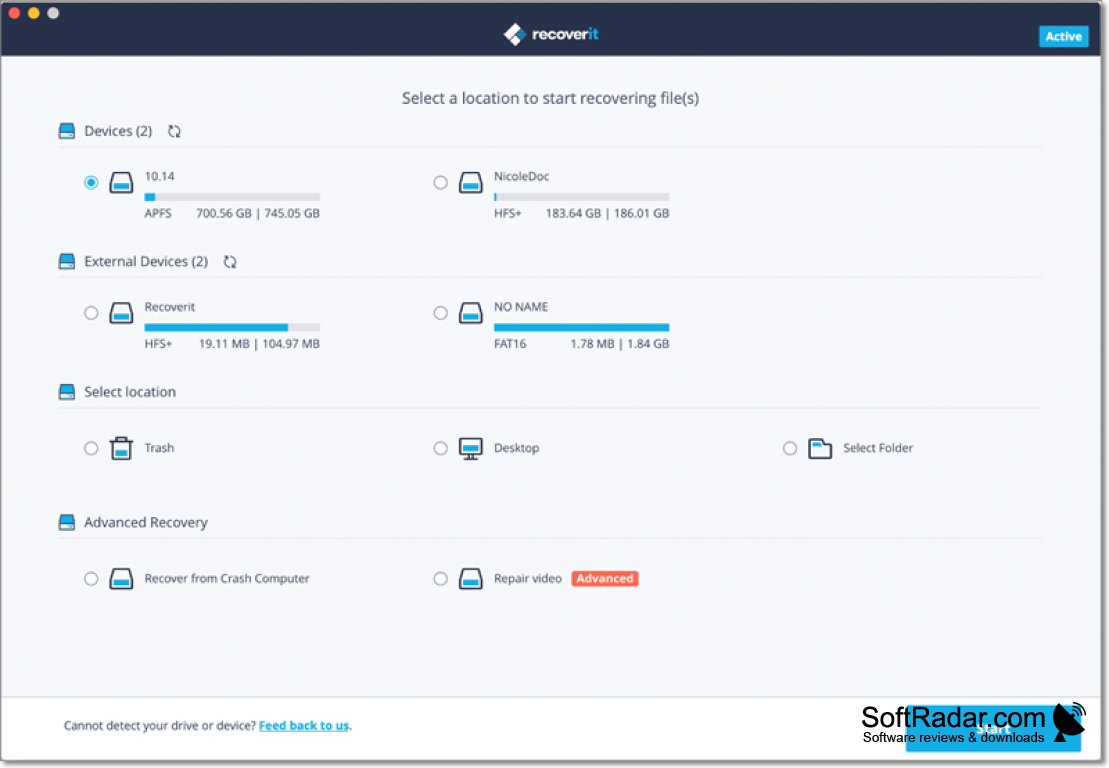
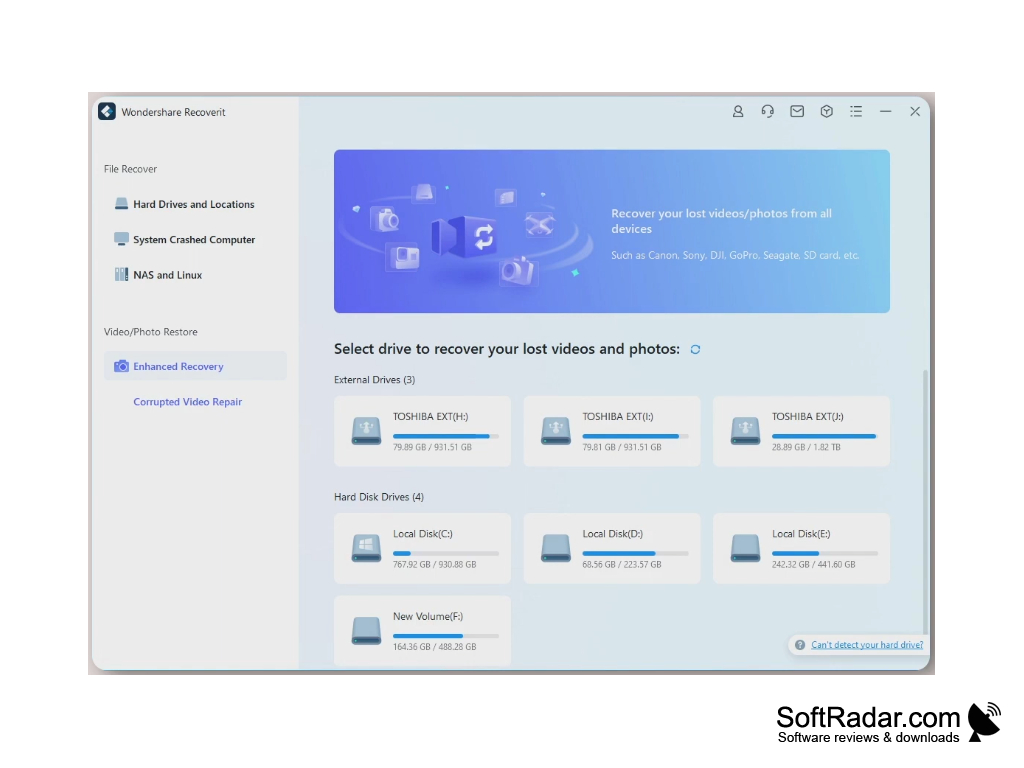
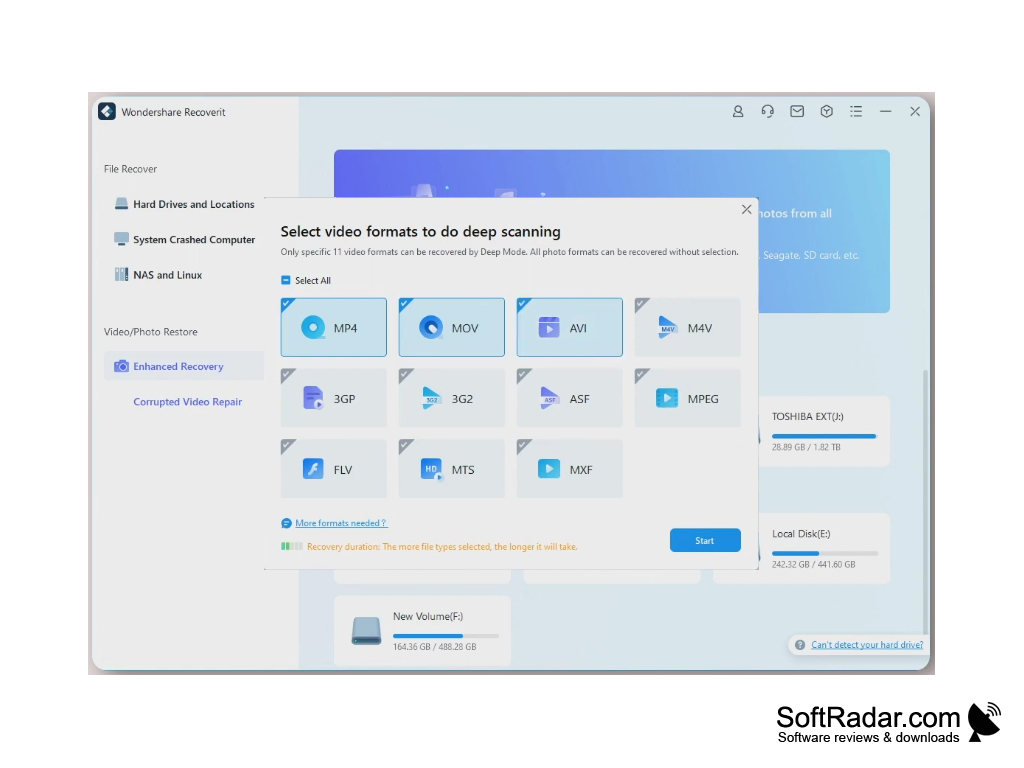
Wondershare Recoverit helps you to recover lost, deleted or corrupted files from your computer or external drive. Recovery only requires 3 steps and can often be completed in a matter of minutes, depending on the size of the drive. It can even recover data from a computer that no longer boots, by creating a bootable USB drive, and from drives affected by formatting or a virus attack. Recoverit's deep scan looks further into the drive to find more data, and Wondershare cites a 99.5% recovery rate from its internal tests.
Features:
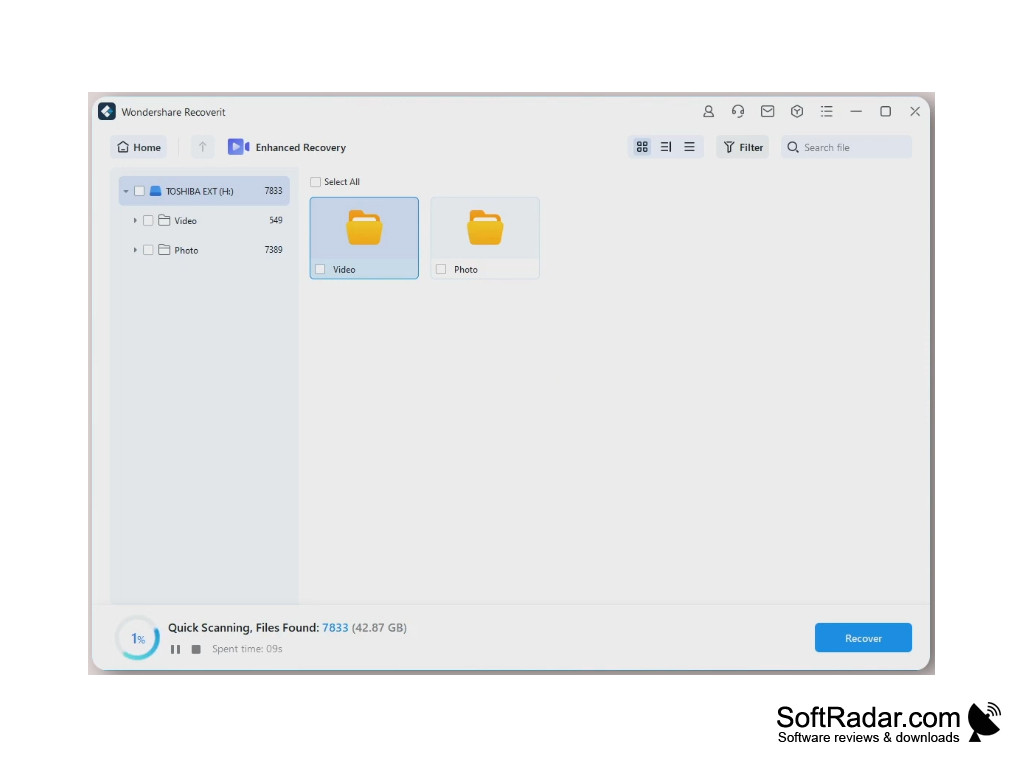
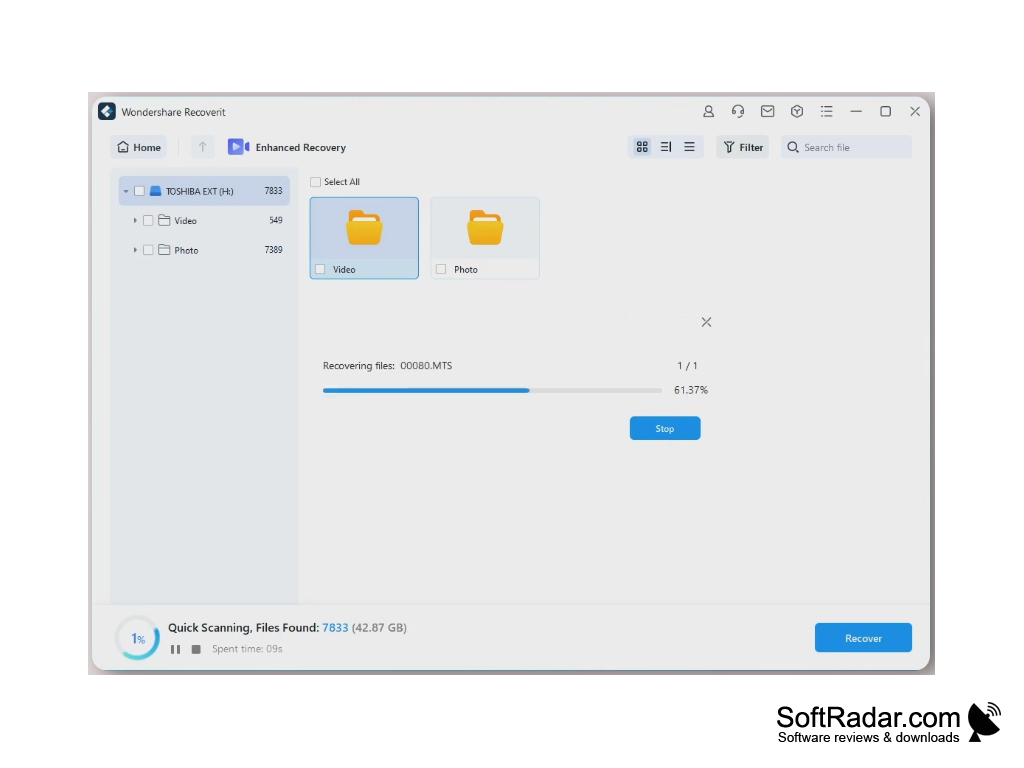
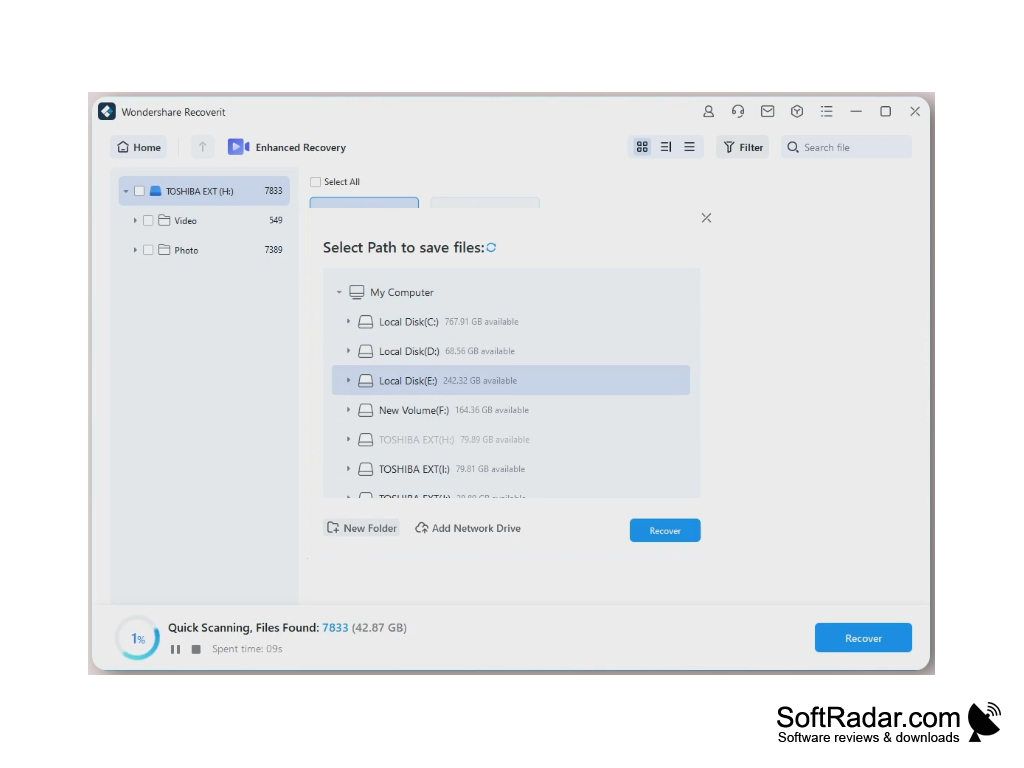
- After downloading the software, 3 simple steps are all it takes to recover your data. Step 1: Select the location where you would like to recover data from. Step 2: Scan the location using a deep scan to dig deeper. Step 3: Recover your data. Before recovering you can preview and select which files you want to recover.
- Recoverit supports 1000+ types of data, allowing you to recover photos, videos, audio files, office files, documents, email and more.
- Recoverit works on many devices: computers, laptops, hard disks, SSDs, floppy disks, zip drives, external hard drives, USB drives, cameras, camcorders, memory cards, NAS and Linux drives, and more.
- Recoverit also has a free version, which lets you scan, preview and recover a limited amount of data. If you need to recover more, you can upgrade to one of the paid editions.
It can even recover files from drives and computers that have crashed or are no longer working.
This is an easy to use program for recovering data that you previously thought was lost forever. It walks you step by step through the process so that you can easily locate the files you need to recover, and it can also repair corrupted videos. The free version lets you see exactly how the software works before you pay, while the paid editions remove the recovery limit. Keep in mind that no tool can recover every file, especially after the space has been overwritten.
Windows Server 2003 to 2025
1 GHz CPU (x86, x64 or ARM), 4 GB RAM
1 GB free disk space
PROS
High success rate in retrieving lost or deleted files.
User-friendly interface for both professionals and beginners.
CONS
The free version has limited recovery capabilities.
Deep scans of large drives can take a long time.