
X-Proxy
X-Proxy is a free Windows tool that routes your browser traffic through public anonymous proxy servers to hide your real IP address.
Operating system: Windows
Publisher: Sauces Software
Release: X-Proxy 6.2.0.4
Antivirus check: VirusTotal report
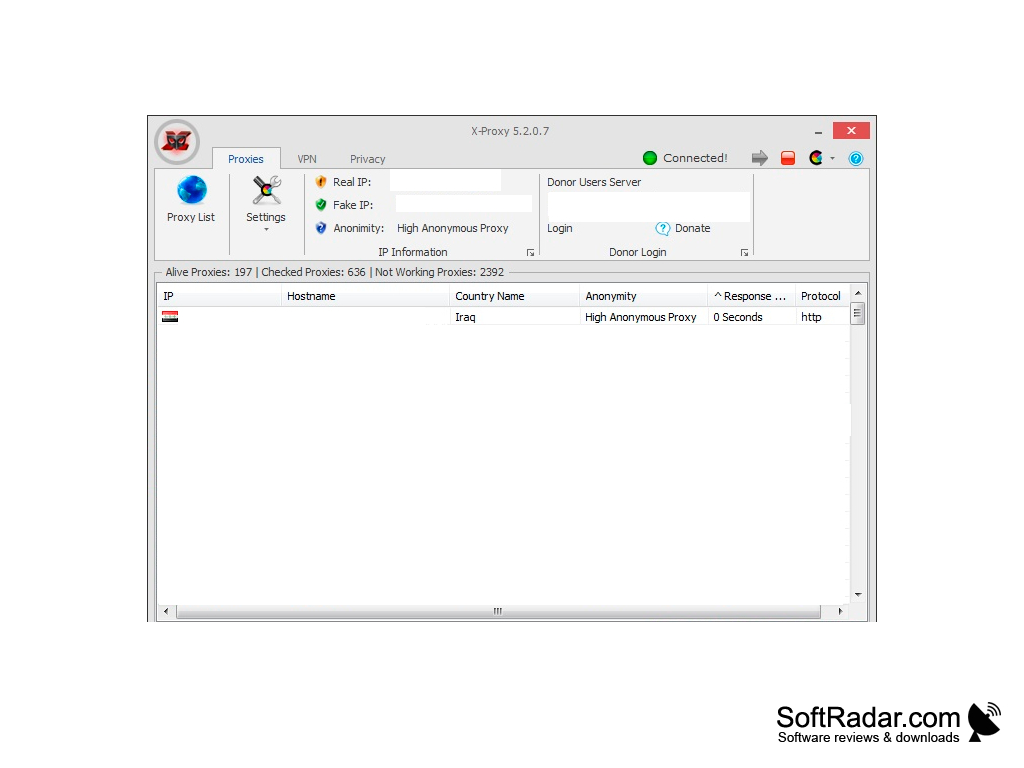
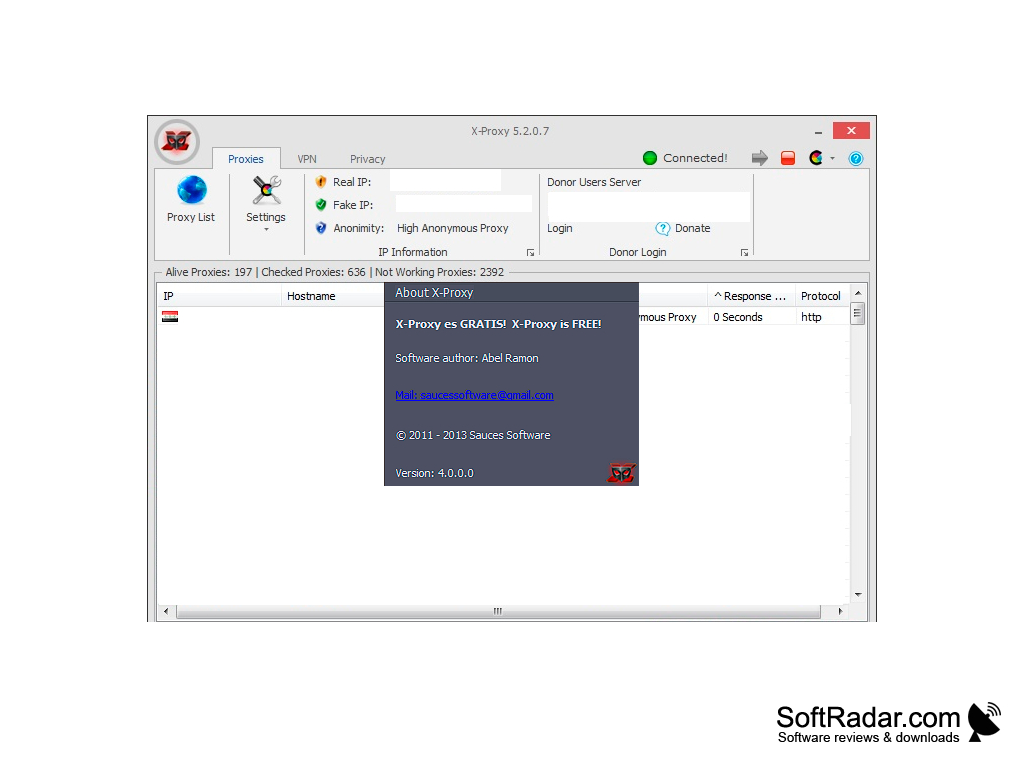
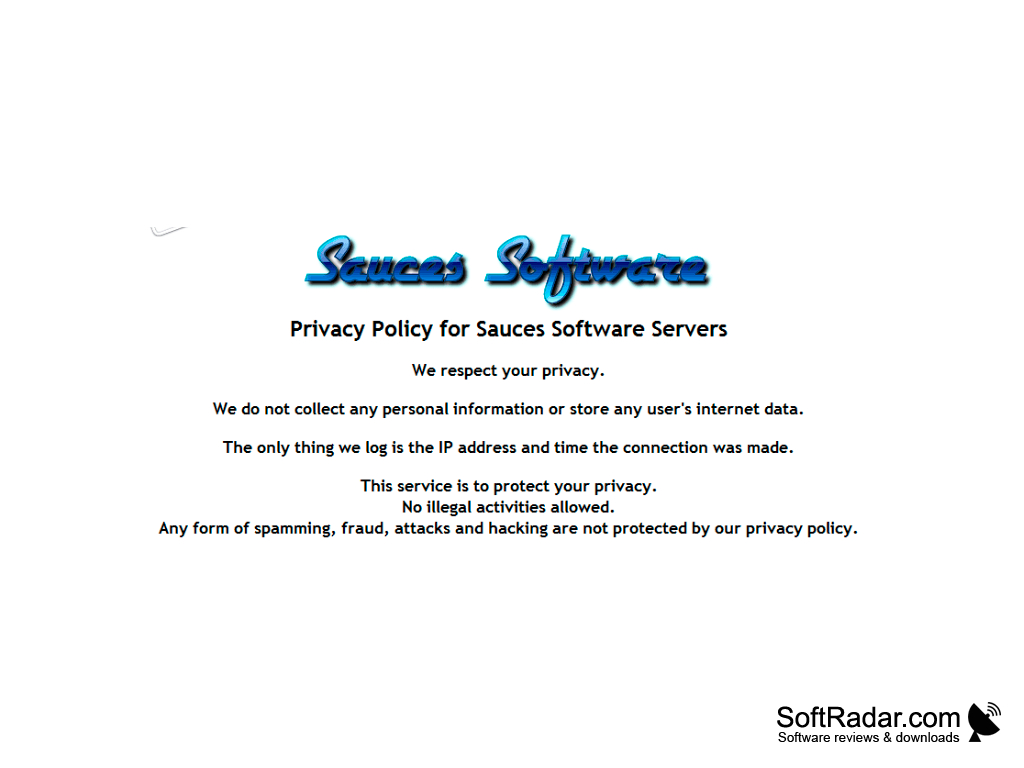
X-Proxy for Windows is a proxy tool that lets you control the IP address the rest of the internet sees when you surf the web. Every computer on the internet is assigned an IP address that gets recorded and saved by many different websites and monitoring systems. A complete history of your internet activities can be reconstructed by looking at this data. The goal of tools like X-Proxy is to give you the ability to choose an IP to display to the various sites and services you visit, making it harder to track you on the internet.
Avoiding being tracked is only one benefit, however. With X-Proxy, you can also avoid site restrictions based on your location. Sites that limit the use of resources based on a user's geographical region include entertainment websites and online services. You simply pick an address from the list of checked proxies, choosing the country you want to appear from.
When you surf the web using X-Proxy, your browser is connected to a public proxy server or a VPN server from the program's list, which X-Proxy downloads and checks automatically. The site you visit then sees the IP address of that server instead of yours. This makes it harder for websites to track you, and also allows you to skirt use restrictions based on location. The program is free and needs the .NET Framework 4. Its last version was released in 2019 and the developer's website is no longer online, so X-Proxy is no longer developed.
Allows you to change your IP address so you can surf the web anonymously.
Features:
- IP address masking through anonymous proxy servers
- Proxy and VPN server lists with automatic updates
- Built-in proxy checker
- Anonymity level and response time for every proxy
- Country lookup by IP address and IP lookup by domain name
- Internet Speed Test tool
- Browser integration with Internet Explorer, Chrome and Firefox
- Internet footprint management (temp files, cookies, form data, passwords, history, etc.)
Microsoft .NET Framework 4
PROS
Lets you choose the country of the proxy server.
Quick, effortless setup with a simple interface.
CONS
No longer developed; the official site is offline.
Occasionally slows down internet speed.


