ABViewer
A software for working with a variety of CAD files
Operating system: Windows
Publisher: CADSoftTools
Release: ABViewer 14
Antivirus check: VirusTotal report
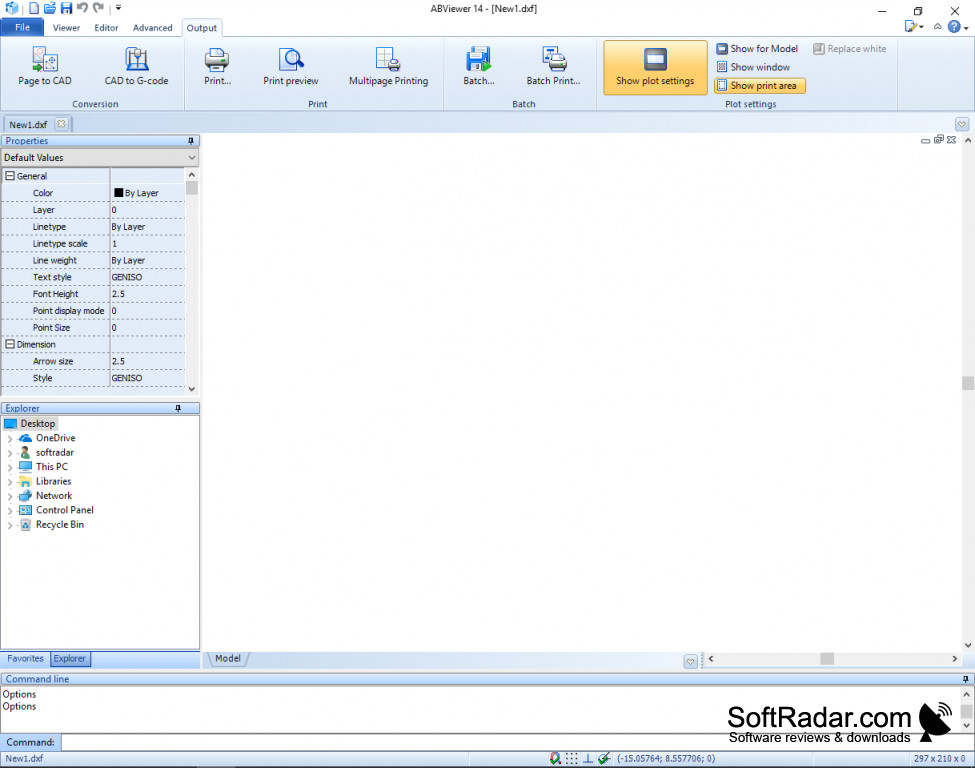

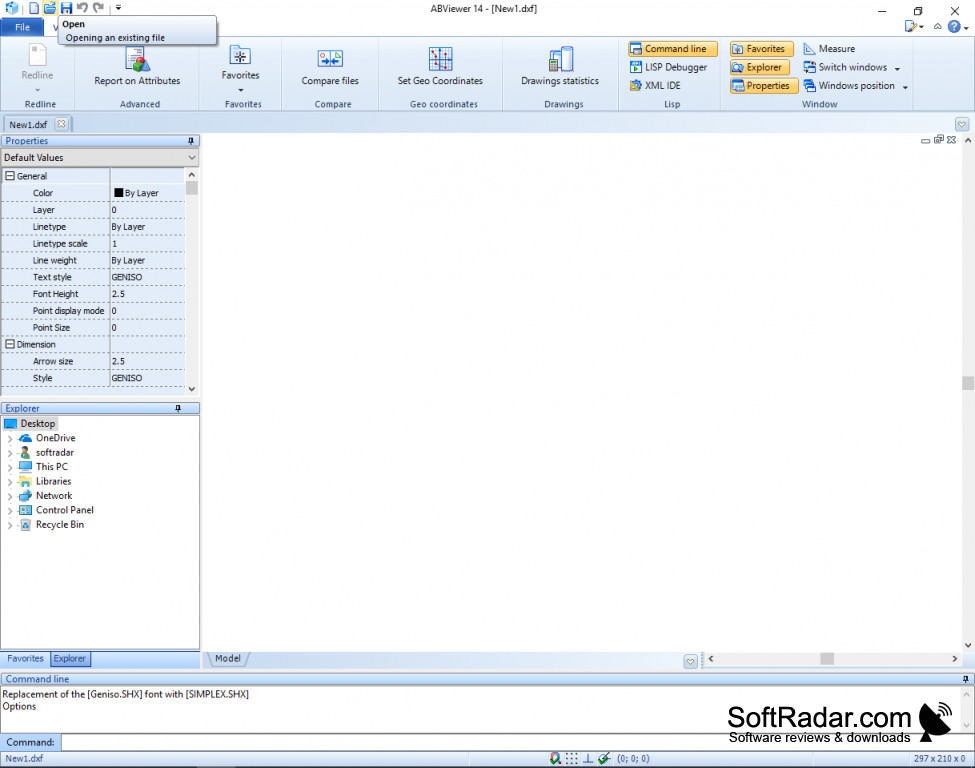
ABViewer is an exceptionally designed CAD file viewing program. It is one of the most advanced programs designed for viewing and working with CAD files and can work with both 2D and 3D CAD files. It can process files in a wide variety of different formats and it can save your completed work in a wide variety of different formats both 2D and 3D and vector and raster. It's been translated into over 30 languages so it has wide popularity around the world.
As a viewer, you can view nearly any type of drawing. You can do useful functions as well such as rotating 3D models, hiding or showing texts, dimensions, or measurements. Additionally, you can easily navigate through all of the files available through the on-screen thumbnail display.
Additionally, ABViewer has editing functionality. This is perfectly capable of allowing you to start a new design. To add things you can use drawing tools. If you're modifying an already created design you have a whole bunch of modifying tools at your disposal. You are able to join things in a large variety of ways.
If you're looking over someone's work there's a redline mode built into the program. This allows you to modify that person's work so that that person will be able to see what was modified and learn from your expertise. This is a great functionality for schools or just to help someone less experienced.
Finally, you can save any design that you've created or modified. You have the option of saving in either vector are raster and to a whole bunch of different file formats. Printing is available through ABViewer as well and you can even batch print a bunch of CAD files you have at once.
ABViewer was designed by CADSoftTools and is compatible with the most types of files.
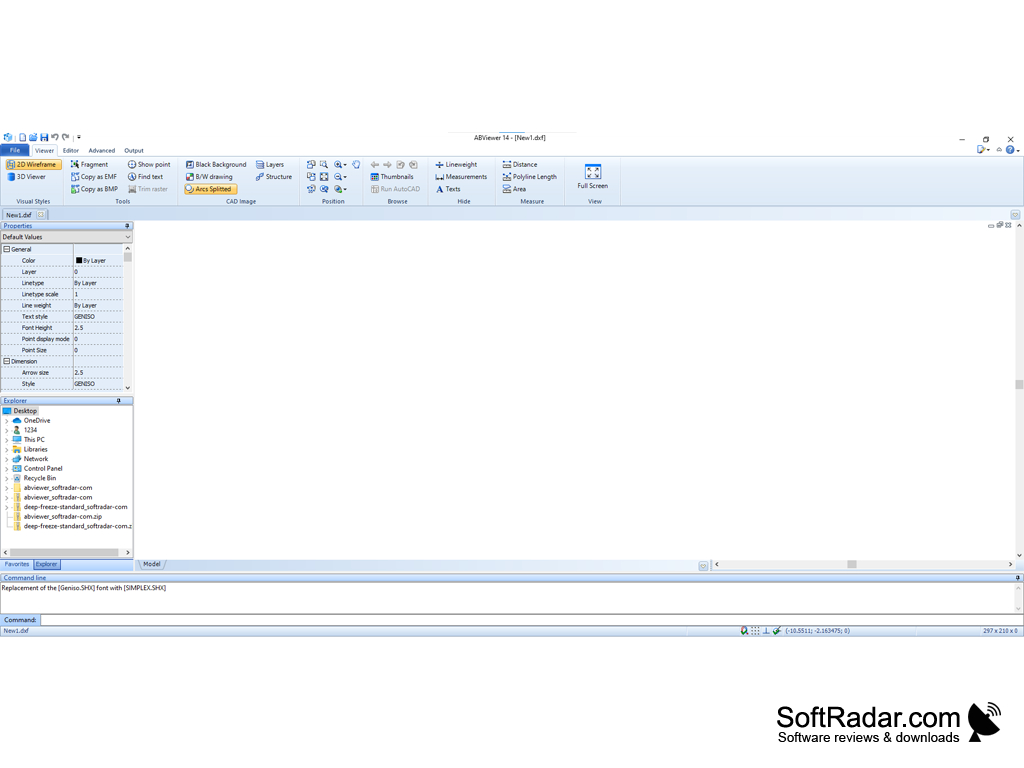

ABViewer is currently only available for Windows computers in 32 or 64-bit versions.
PROS
Allows editing, converting, and printing of CAD files.
User-friendly interface with advanced tools for professional use.
CONS
May experience frequent system slowdowns.
Complex interface, hard for beginners to navigate.


