
AirPort Utility
Apple's free utility for setting up and managing AirPort Express, AirPort Extreme and Time Capsule base stations from a Windows PC.
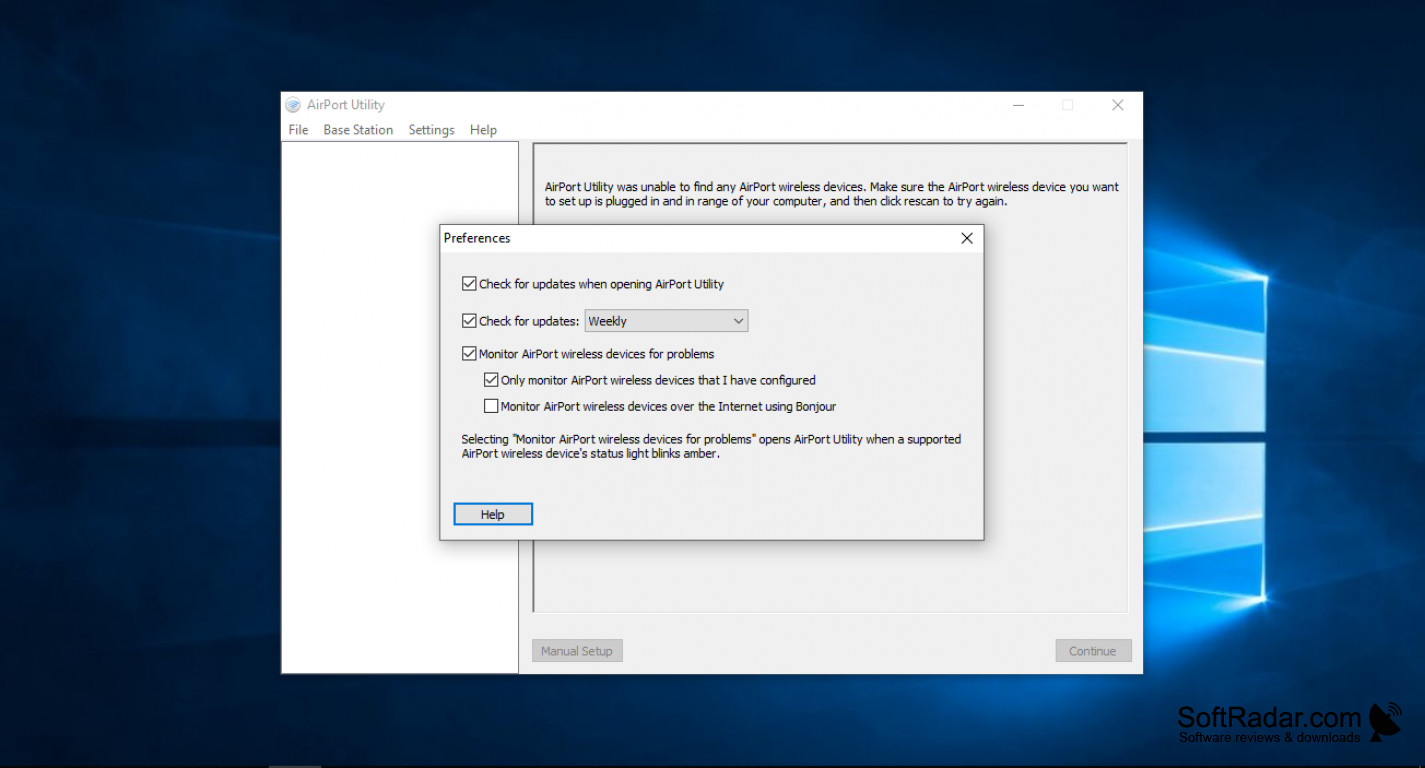

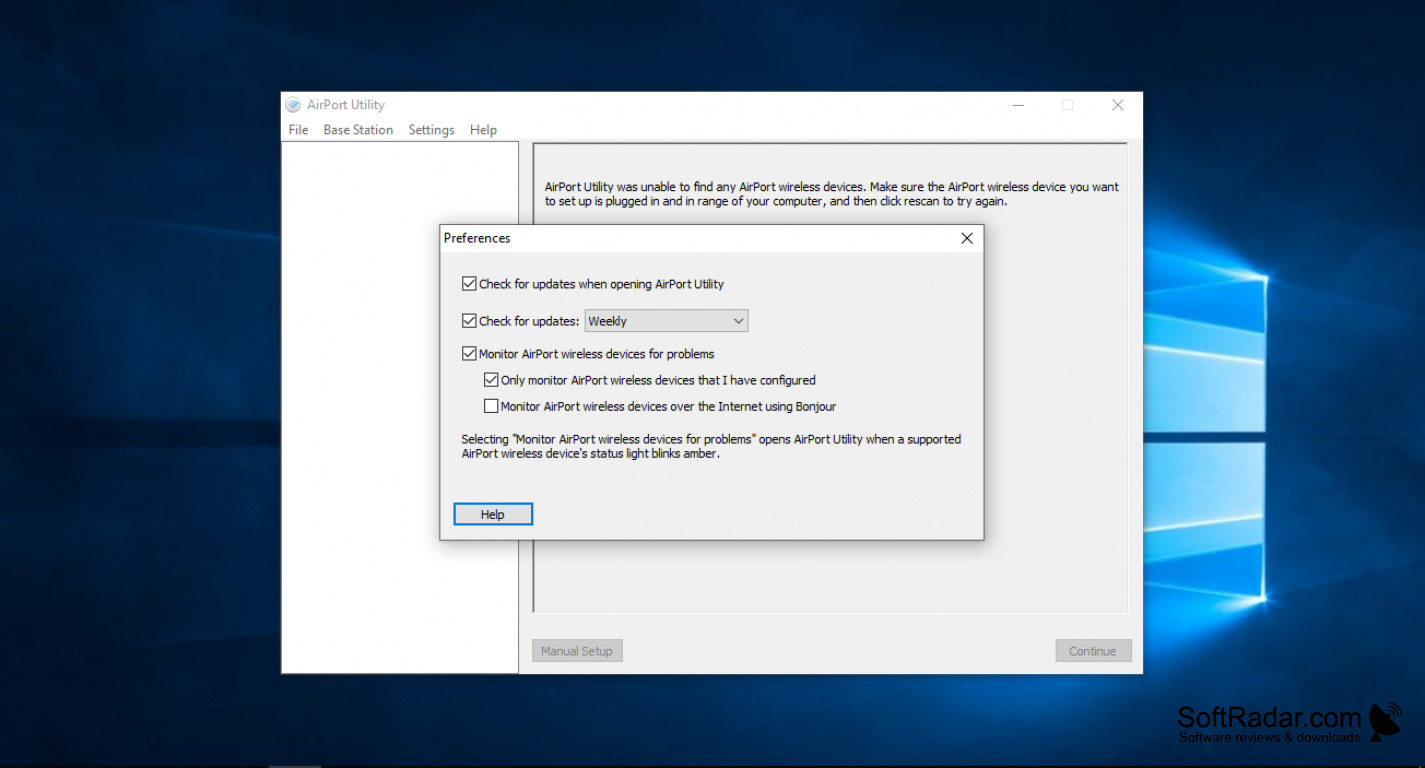
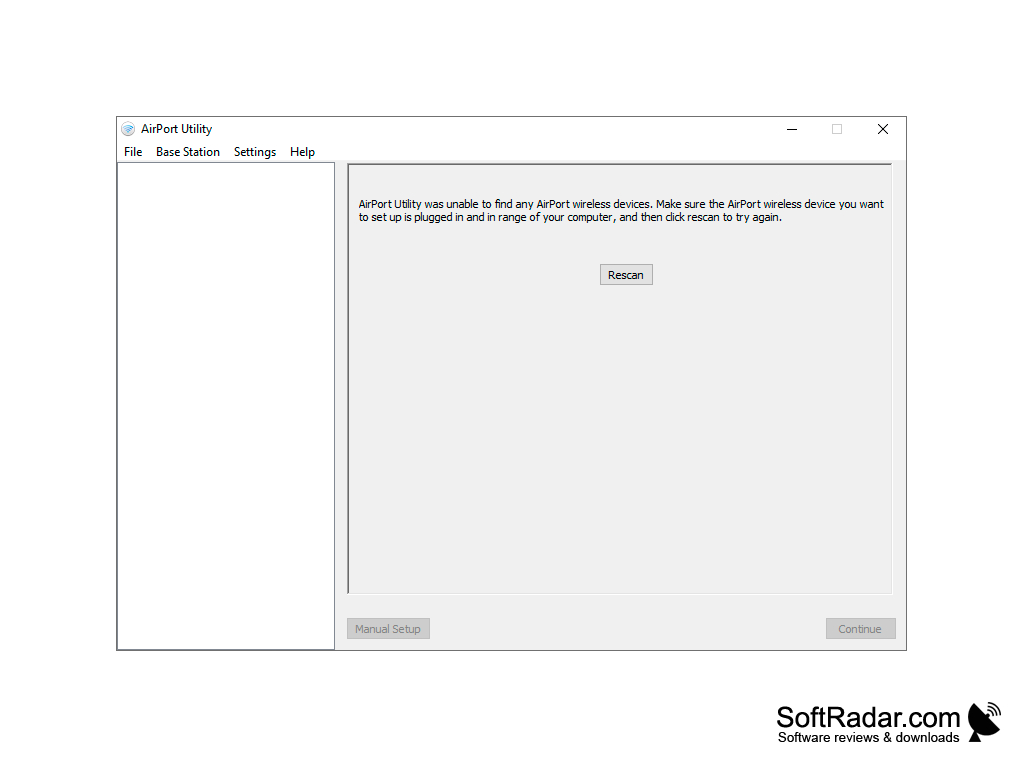
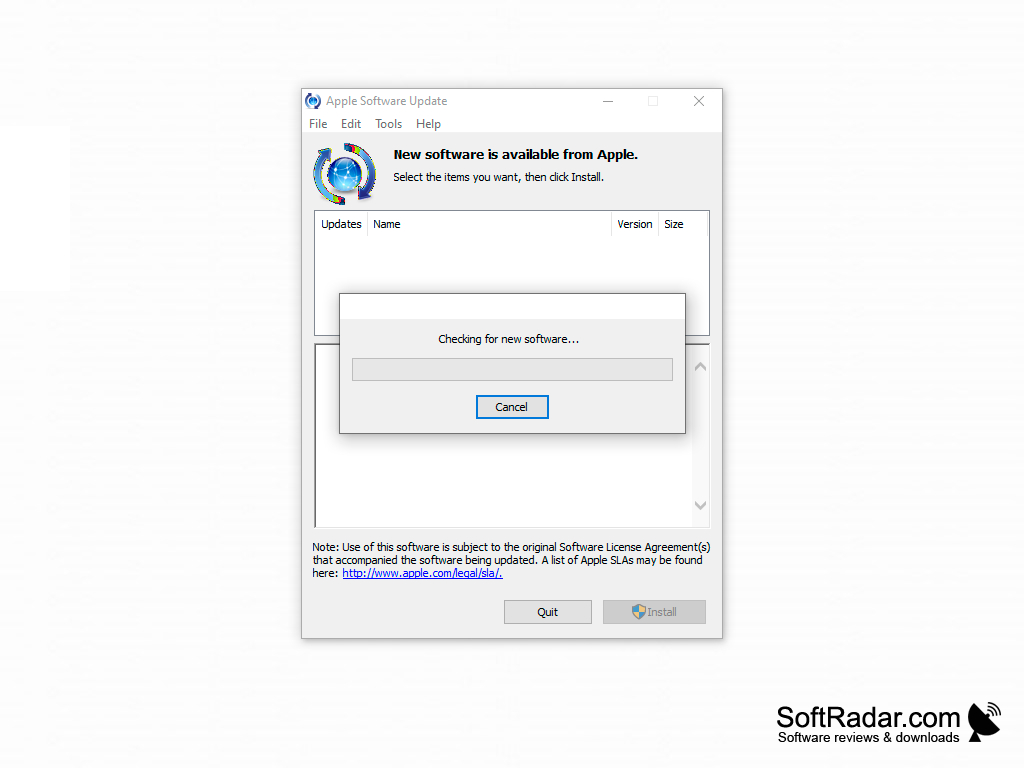
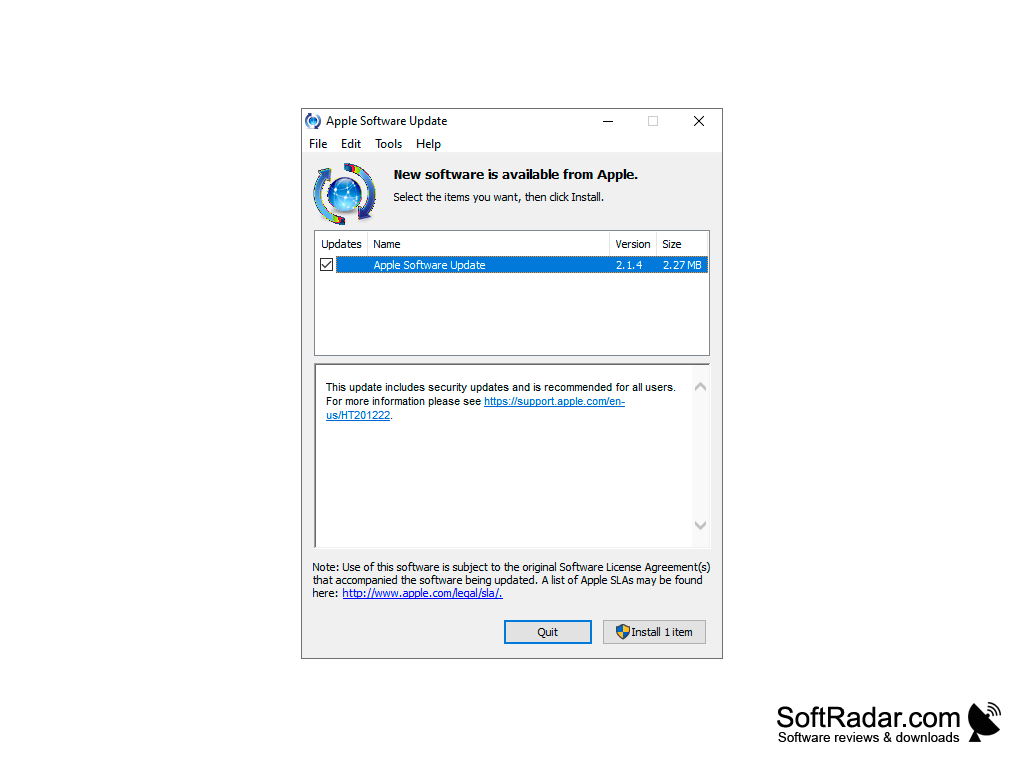
One thing that this product does very well is that it allows you to set up, configure and manage Apple AirPort base stations from a Windows PC: AirPort Express, AirPort Extreme and Time Capsule. Version 5.6.1 added support for the AirPort Express with simultaneous dual-band 802.11n. The utility is available in many languages, including Dutch, English and Spanish. Update 5.6.1.2 fixed an issue that could make AirPort Utility quit unexpectedly during setup. The main feature of this product is that it lets you configure a Wi-Fi base station that creates a wireless network and shares USB devices such as an external hard drive or a printer attached to the AirPort device; the Settings menu has sections for AirPort, Internet, Music, Printers, Disks and Advanced options. This software is freeware from Apple for Windows PCs and laptops, and it installs Apple Software Update and Bonjour along with the utility. Apple listed Windows 7 as the requirement for version 5.6.1, and the program also runs on newer versions of Windows. The biggest advantage of this tool is its setup assistant, which guides you through creating or extending a network, so you do not need a network administrator to set up the protocols for an internet connection. You can also protect the network with WPA/WPA2 encryption, update the base station firmware and let the utility monitor your AirPort devices and report problems. Note that Apple stopped making AirPort base stations in 2018, and the Windows version of the utility is no longer updated.
In conclusion, this product is simple and suitable both for users who are not very familiar with networking and for experts. Its functions are limited to Apple base stations, but they are very useful, and a manual setup mode is available for advanced configurations.
Lets Windows users configure and update Apple AirPort base stations without needing a Mac.
32-bit or 64-bit Windows
Apple AirPort base station or Time Capsule
PROS
Supports printer and hard drive sharing.
Straightforward user interface with minimal complexity.
CONS
Lacks advanced features for network troubleshooting.
Occasional bugs make the interface less user-friendly.