
ApowerMirror
by Apowersoft
A screen mirroring application that casts Android and iOS phone screens to a Windows PC.
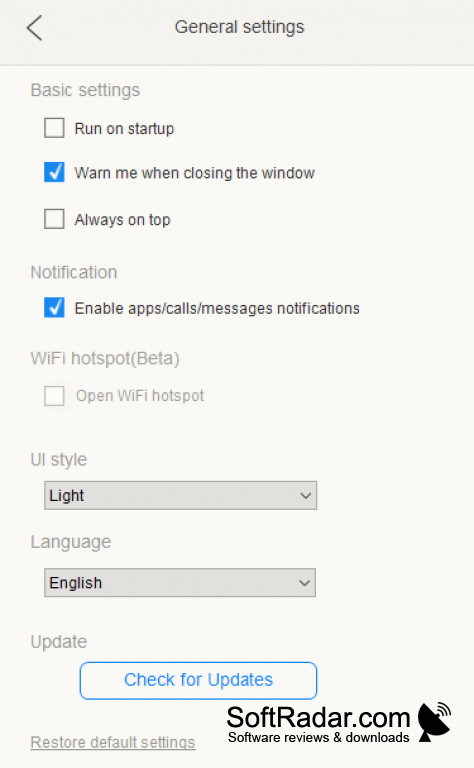
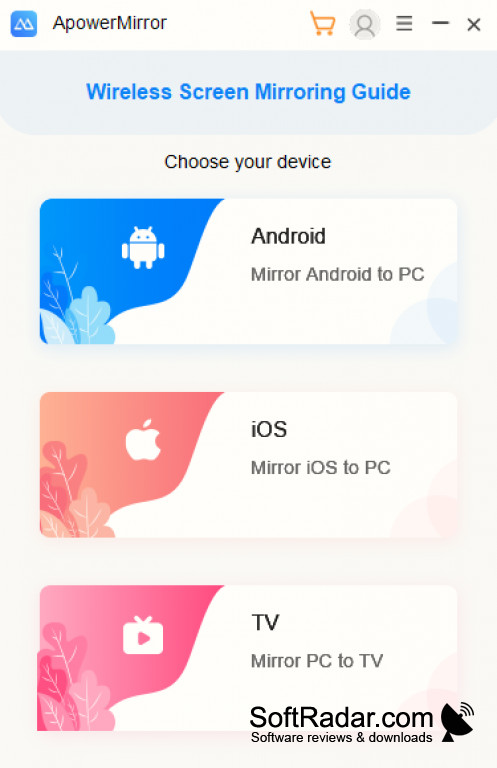
ApowerMirror is a simple-to-use screen mirroring application. Cast the screen of your Android or iOS phone straight to your PC over Wi-Fi or USB, in real time and with audio. This program makes it simple to show your screen on a bigger display. The connection is quick, so input from your keyboard and mouse is handled fast and smoothly.
The free version mirrors one device; VIP allows up to four devices at once.
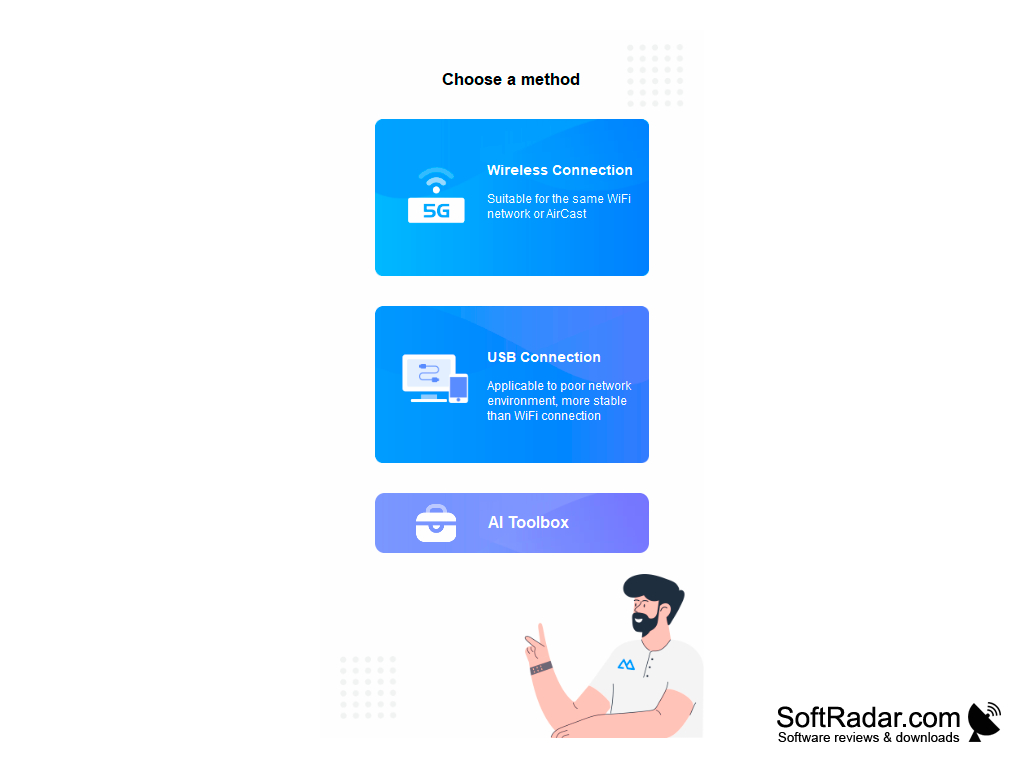
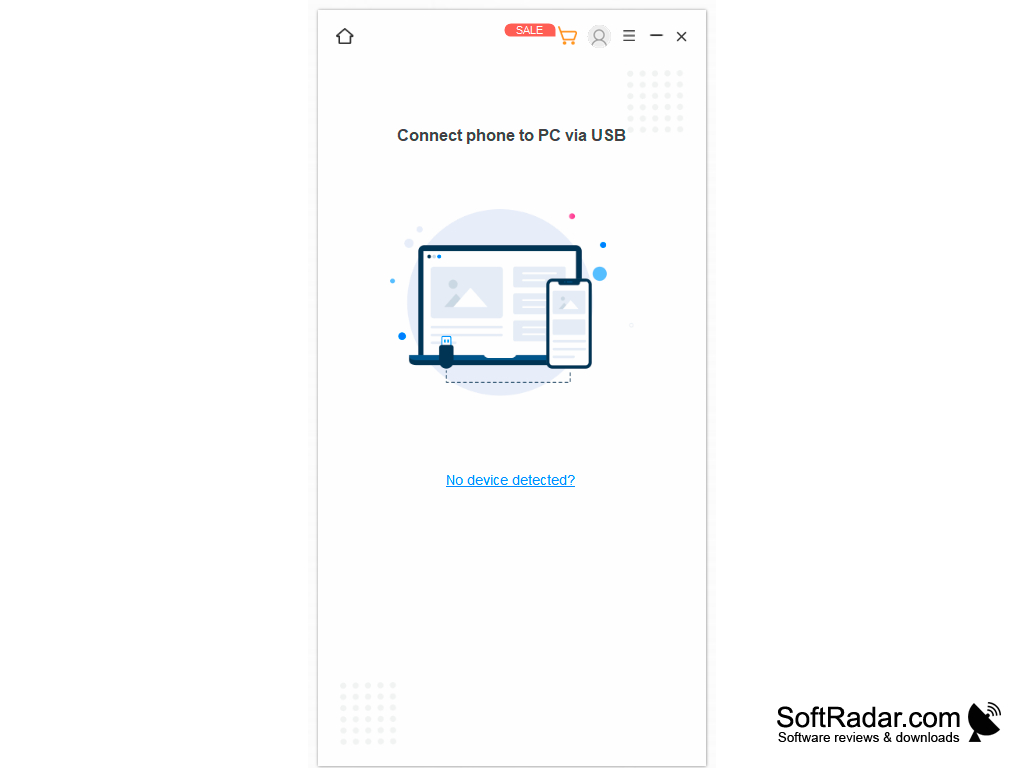
ApowerMirror lets you show and control your phone screen on a computer over Wi-Fi or a USB cable.
Features:
- Control Android with mouse and keyboard.
- Take screenshots.
- Record the screen.
- Show phone notifications on the PC.
- Support Android and iOS mirroring.
Windows 7, 8, 8.1, 10 or 11
1 GB RAM
Android 5.0 or later
iOS 9.0 or later
1 GB RAM
Android 5.0 or later
iOS 9.0 or later
PROS
Allows screen mirroring across various devices and operating systems.
Features screen recording and screenshot capabilities.
Offers additional remote control features for Android devices.
Features screen recording and screenshot capabilities.
Offers additional remote control features for Android devices.
CONS
Limited features in the free version.
Occasional lag in screen mirroring.
Wireless mirroring needs both devices on the same Wi-Fi.
Occasional lag in screen mirroring.
Wireless mirroring needs both devices on the same Wi-Fi.
ApowerMirror 1.4.1.7
(78.9 MB)
ApowerMirror 1.4.1.9
(78.89 MB)
ApowerMirror 1.4.2.2
(79.17 MB)
ApowerMirror 1.4.3.2
(79.19 MB)
ApowerMirror 1.4.5.3
(91.4 MB)
ApowerMirror 1.4.7.16
(1.52 MB)
ApowerMirror 1.7.11.3
(1.9 MB)


