
Catsxp
Catsxp is a free Chromium-based web browser for Windows and macOS with built-in ad and tracker blocking, mouse gestures, super drag and sync.
Operating system: Windows
Publisher: Catsxp
Release: Catsxp 156.6.10.5
License: Free
Antivirus check: VirusTotal report
Catsxp Browser - A Simple and Safe Chromium-Based Browser
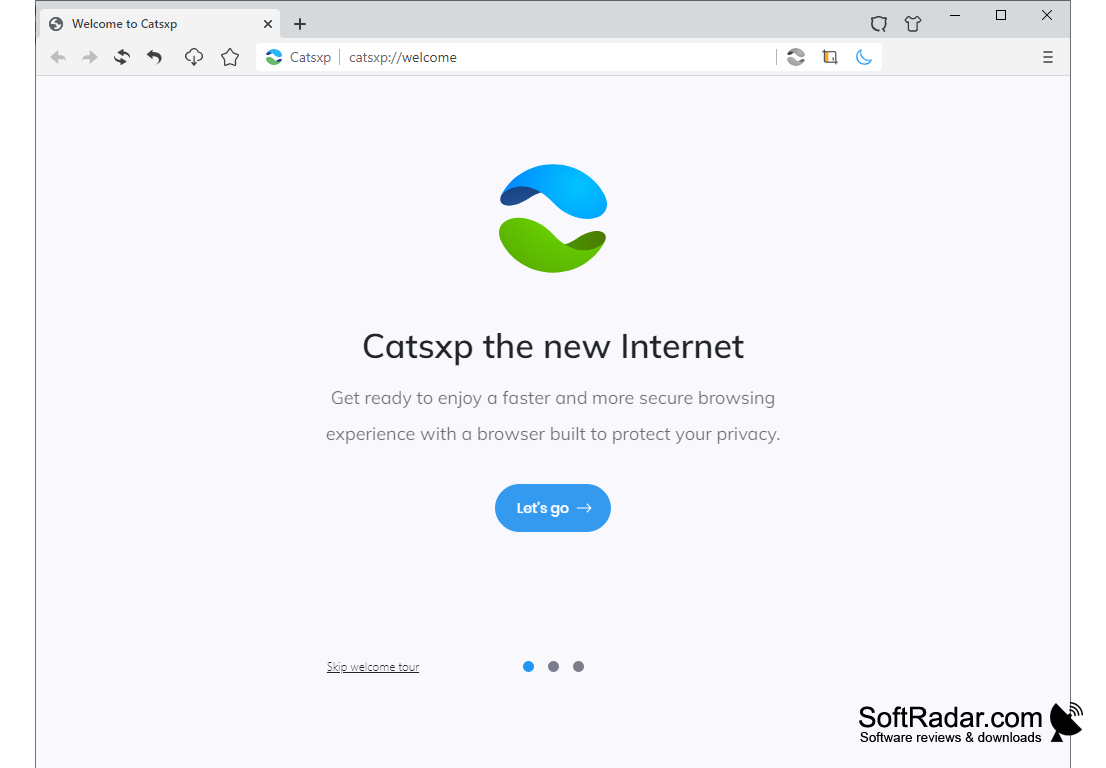
Catsxp is a free web browser for Windows and macOS built on a deeply customized Chromium core. The developer describes it as a simple and safe browser with enhanced privacy, no tracking and no ads. It looks and works much like other Chromium browsers, so pages, extensions and keyboard shortcuts behave as users expect, but it adds its own privacy tools and several convenience features on top.
Catsxp combines privacy protection with productivity features. Here are the main features that Catsxp offers:
Catsxp blocks ads and trackers out of the box while keeping compatibility with Chrome extensions, including Manifest V2 ones.
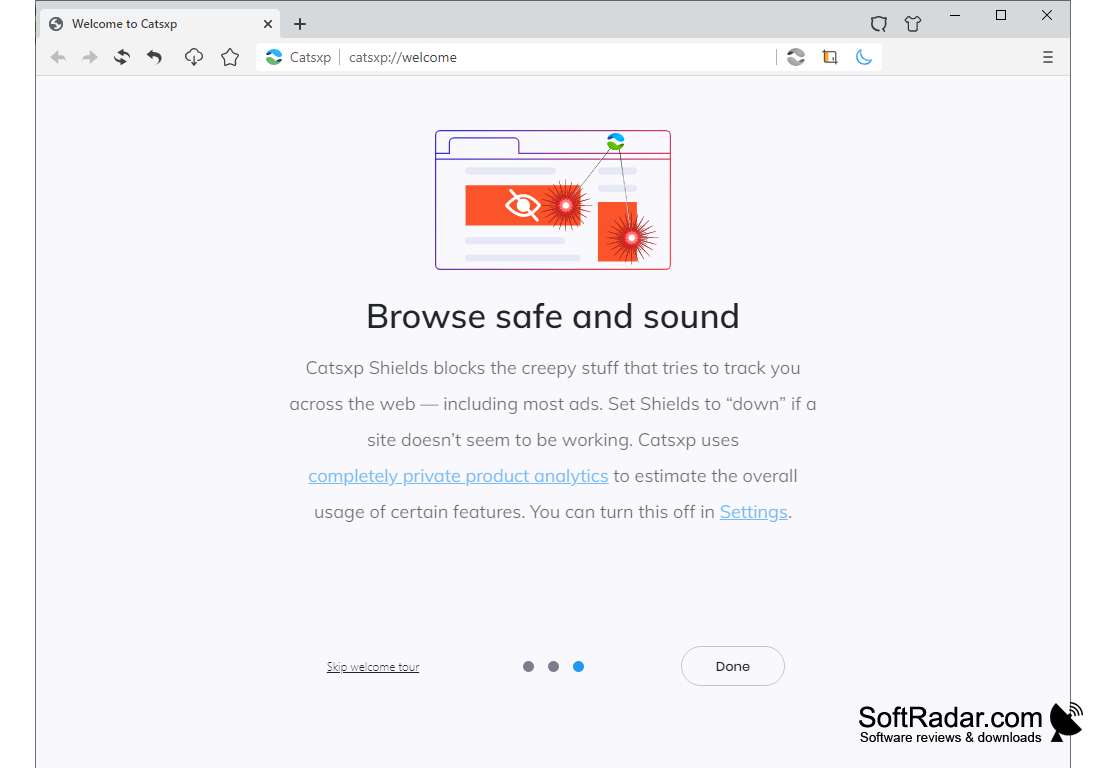
1. Catsxp Shields - The built-in Shields block trackers and most ads on web pages. If a site does not work correctly, Shields can be turned down for that site.
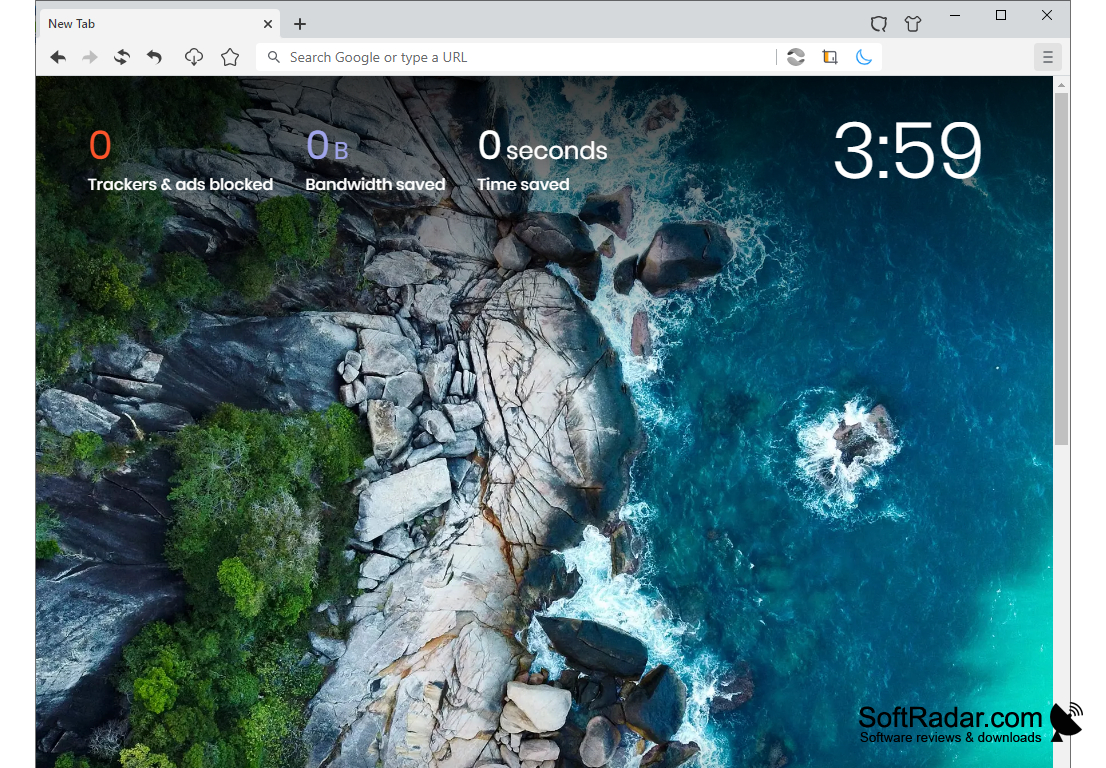
2. New Tab Dashboard - The new tab page shows how many trackers and ads were blocked, how much bandwidth was saved and how much time was saved, together with a clock and a background image.
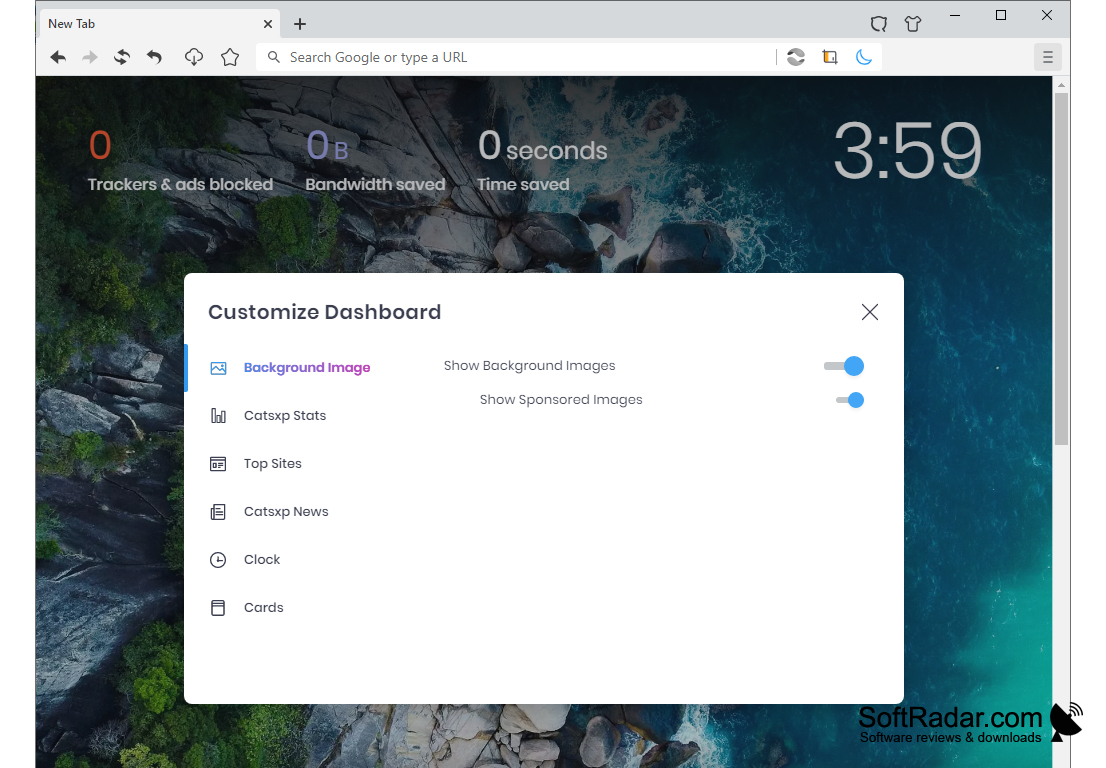
3. Dashboard Customization - You can switch the background images, sponsored images, Catsxp Stats, Top Sites, Catsxp News, the clock and cards on or off.
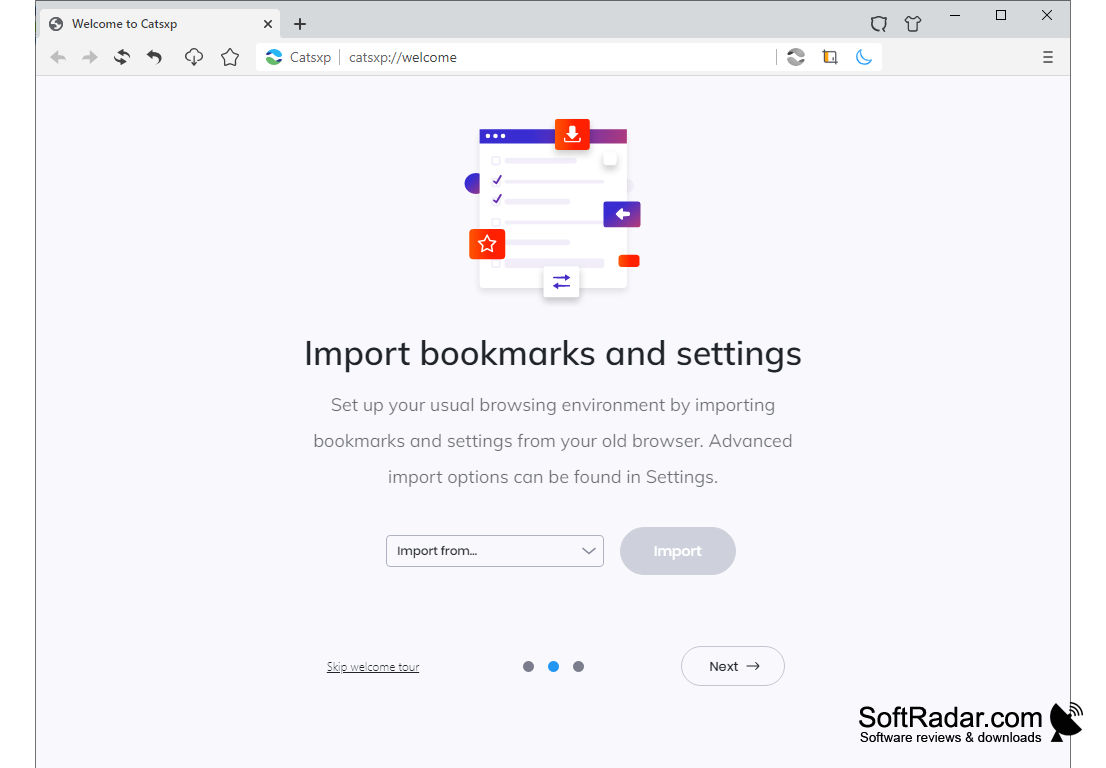
4. Import Wizard - On first start, a welcome tour offers to import bookmarks and settings from the browser you used before.
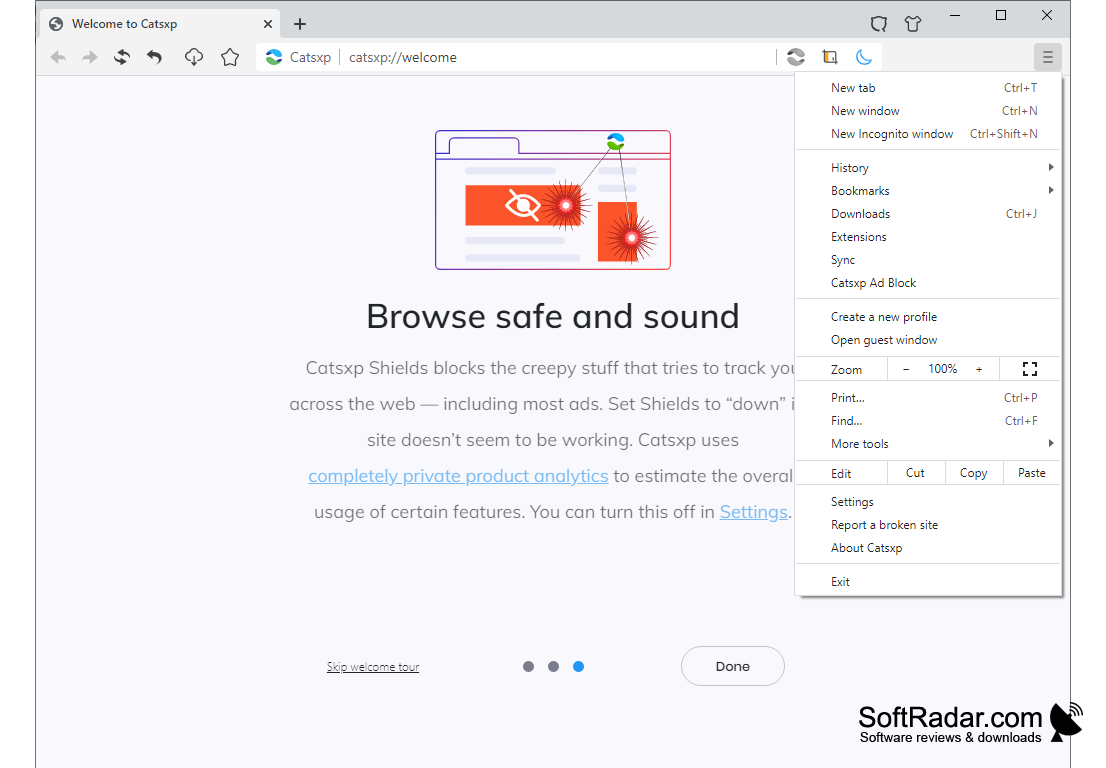
5. Gestures and Shortcuts - Mouse gestures and keyboard shortcuts let you control tabs and navigation quickly.
6. Super Drag - Dragging a link or selected text opens or searches it without extra clicks.
7. Sync - Bookmarks and other browser data can be synchronized between several devices.
8. Extensions - Catsxp is compatible with Chrome extensions and continues to support Manifest V2 extensions.
9. Profiles and Private Windows - The menu offers new profiles, guest windows and Incognito windows.
10. Updates and Languages - The browser updates itself automatically, a beta channel is available, and the interface is translated into many languages.
Catsxp is developed by an independent author, and the project has its own changelog and a support forum where most discussions are in Chinese. Stable builds are offered for 32-bit and 64-bit Windows 7 and later and for macOS 10.15 and later on Intel and Apple silicon, and new releases follow recent Chromium versions. The browser is a good choice for users who want built-in blocking of ads and trackers, gestures and super drag without installing extra extensions, or who still need Manifest V2 extensions.
PROS
Supports Chrome extensions, including Manifest V2 ones.
Still runs on Windows 7 and 32-bit systems.
CONS
Most support forum discussions are in Chinese.
Sponsored new tab images are enabled by default.


