CrazyBump
CrazyBump creates displacement, normal and even fake occlusion maps from 2D images
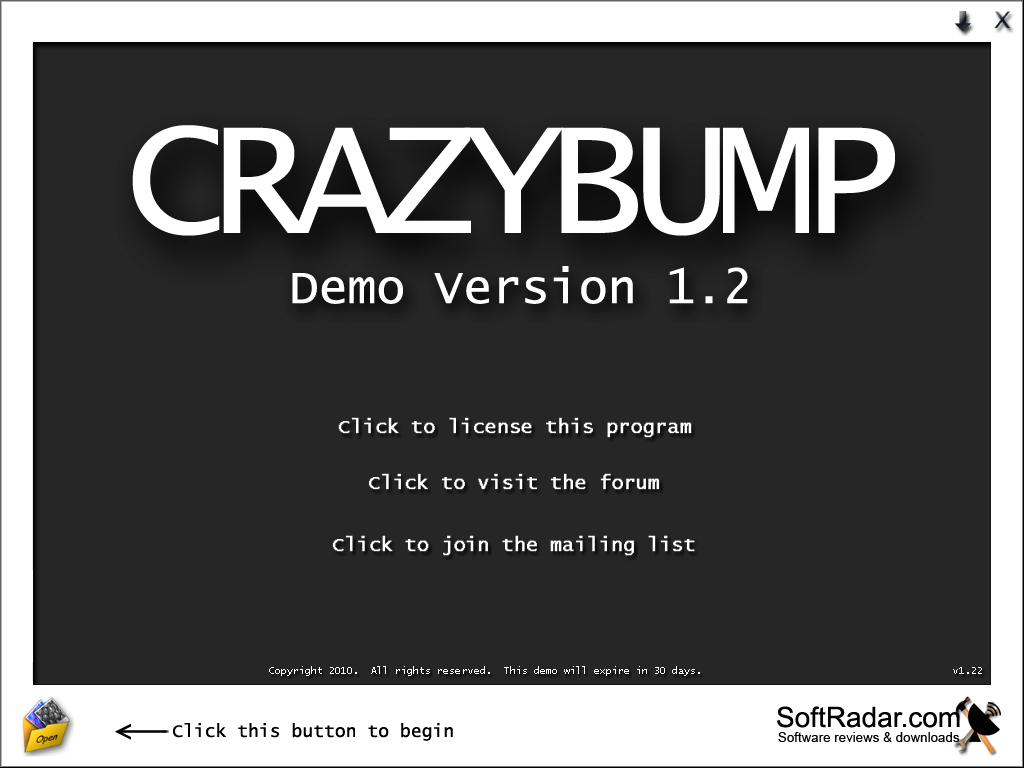
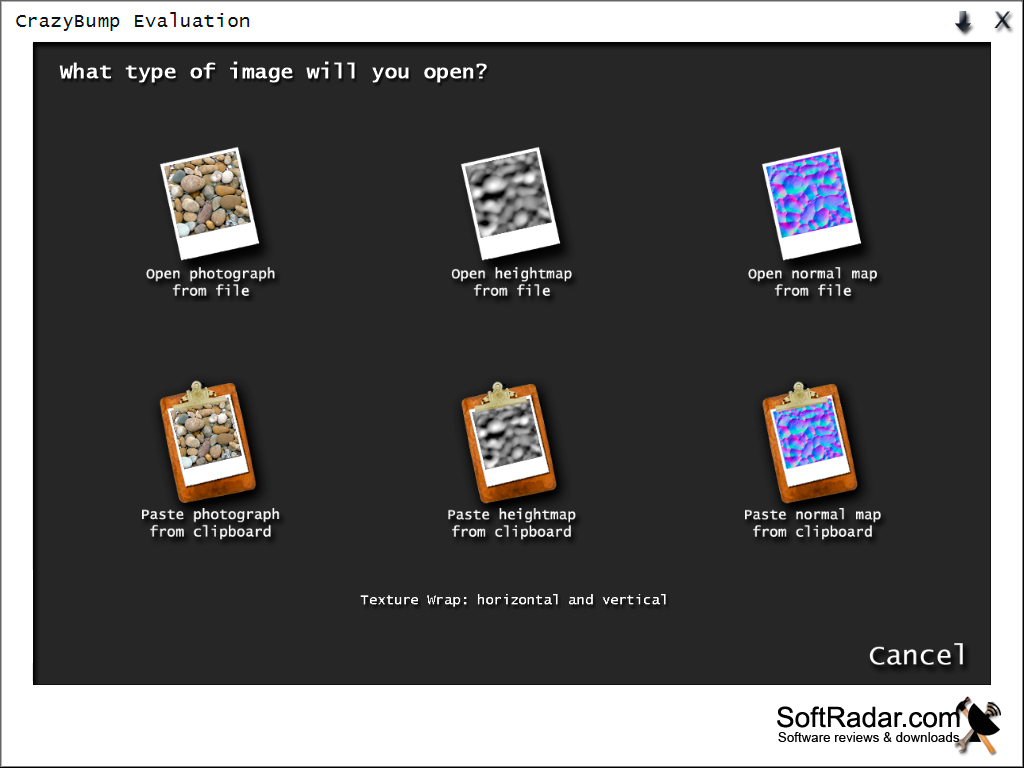
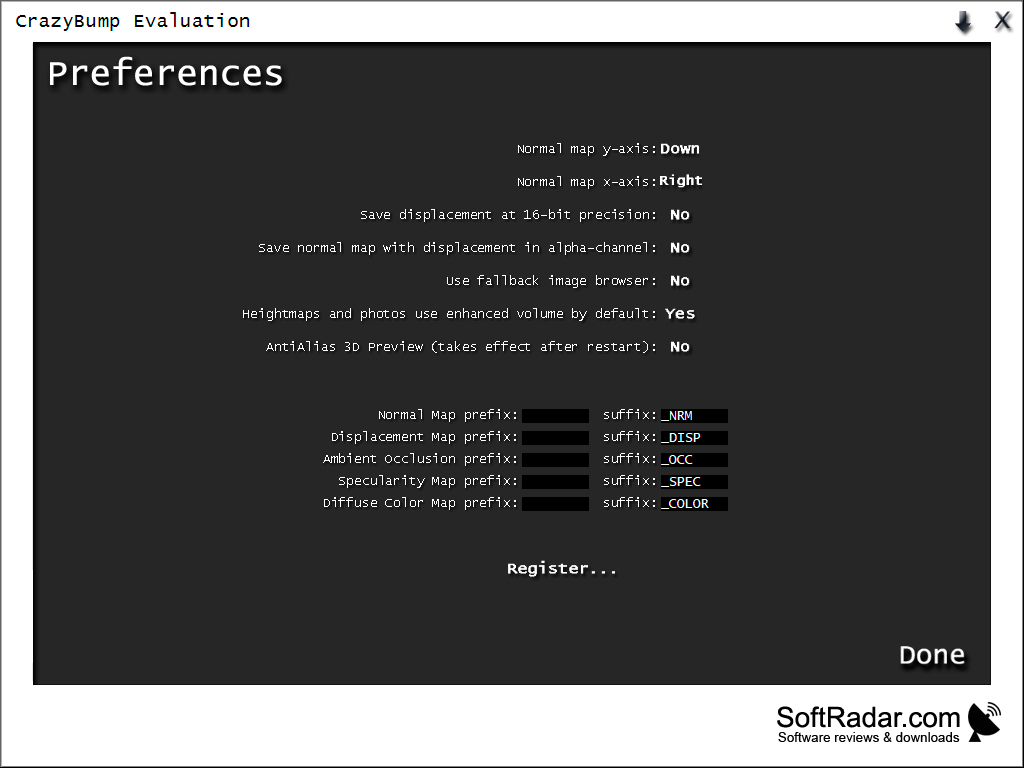
CrazyBump is a very convenient and easy to use program for creating various texture maps. The program will be useful for 3D modelers or artists, people working with computer graphics, game creators and, above all, those who work with the creation of various textures and materials.
The program can generate the following maps from images or photos:
normal map - normal maps that allow to simulate irregularities on the texture surface;
CrazyBump allows 3D artists to easily generate various texture maps from images, enhancing detail and realism in their designs.
displacement map - displacement maps that change the detail of the mesh they overlap, creating 3D relief;
occlusion map - maps that allow you to create highly detailed relief textures are more advanced technology parallax mapping;
specular map - a map of mirrors or glare, creates a glossy and glare effect on the surface;
diffuse map - a map to create the main diffuse texture of the object, the main color of the object.
The program has a built-in preview renderer that allows you to see how the texture with a particular map will look like in real time. It is possible to choose a model to demonstrate: ball, cube, vertical and horizontal cylinders, as well as download your own model in OBJ, ASE, ASK and X format.
CrazyBump has a nice modern interface and is very easy to learn.
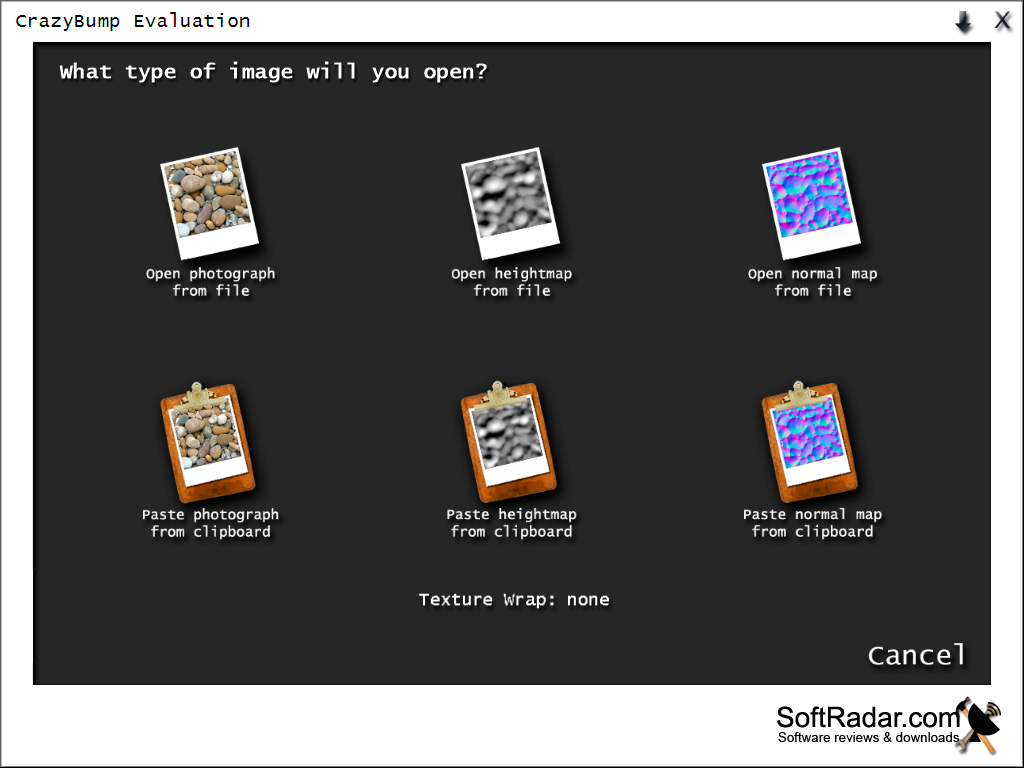
- extremely simple user interface;
- the ability to create three-dimensional maps in different modes;
- availability of sliders for more detailed configuration of projects;
- batch processing of images;
- distribution free of charge.
PROS
Offers intuitive and user-friendly interface, suitable for beginners.
Supports a wide range of image formats.
CONS
Expensive compared to similar software offerings.
Interface could be overwhelming for beginners.


