CutePDF Writer
Portable document format converted
Operating system: Windows
Publisher: Acro Software Inc
Release: CutePDF Writer 4.0.1.5
License: Free
Antivirus check: VirusTotal report
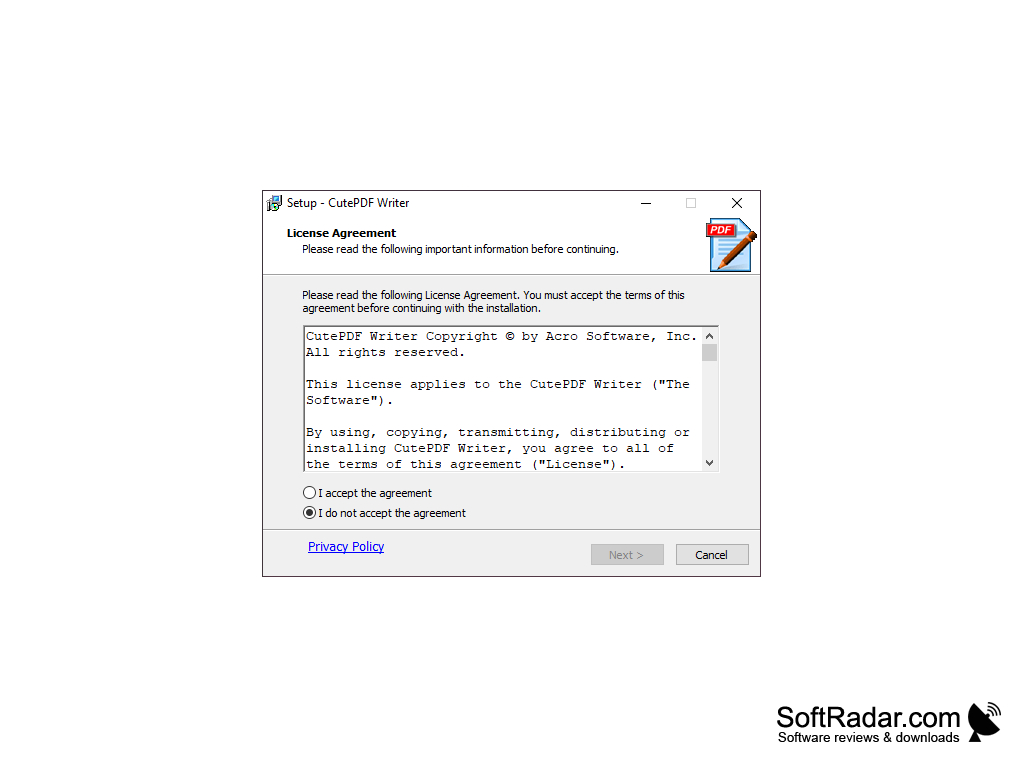
A powerful application that allows you to create professional-quality PDF files from printed documents. CutePDF Writer is a free program for creating PDF files. Portable Document Format (PDF) is a real standard for the secure and reliable exchange of electronic documents worldwide.
CutePDF Writer (formerly CutePDF Printer) is a free version of commercial PDF creation software. CutePDF Writer is a free PDF creation program that acts as a "printer subsystem". This means that almost all Windows applications (must have the ability to print) can create professional-quality PDF documents - all you have to do is click a button!
The program is free for commercial and professional use! No watermarks! No pop-up ads!
CutePDF Writer allows you to create high-quality, professional PDF files from any printable documents, for free, without annoying watermarks or ads.
To use CutePDF Writer, open the file from which you want to make PDF. Select the Print option (usually found in the File → Print menu) and then select "CutePDF Writer" from the list of available printers. You will be prompted to select a directory and name for your output file.
Note that some applications, such as Notepad, automatically print to the default printer in Printing options. If you want to create a PDF file, you will need to change your printer settings in this application before printing the file. This is usually done in the settings window.
Must have ability to print from applications.
Needs PS2PDF converter such as Ghostscript.
Approximately 15 MB of free hard disk space.
PROS
Supports conversion from various file formats to PDF.
No watermarks or ads in the final output.
CONS
Potential for unwanted software downloads during installation.
No support for interactive functionalities like hyperlinks and forms.


