Cyberlink AudioDirector

by CyberLink

A powerful and free audio editing software with complete mixture of editing video soundtracks

Operating system: Windows

Publisher: CyberLink

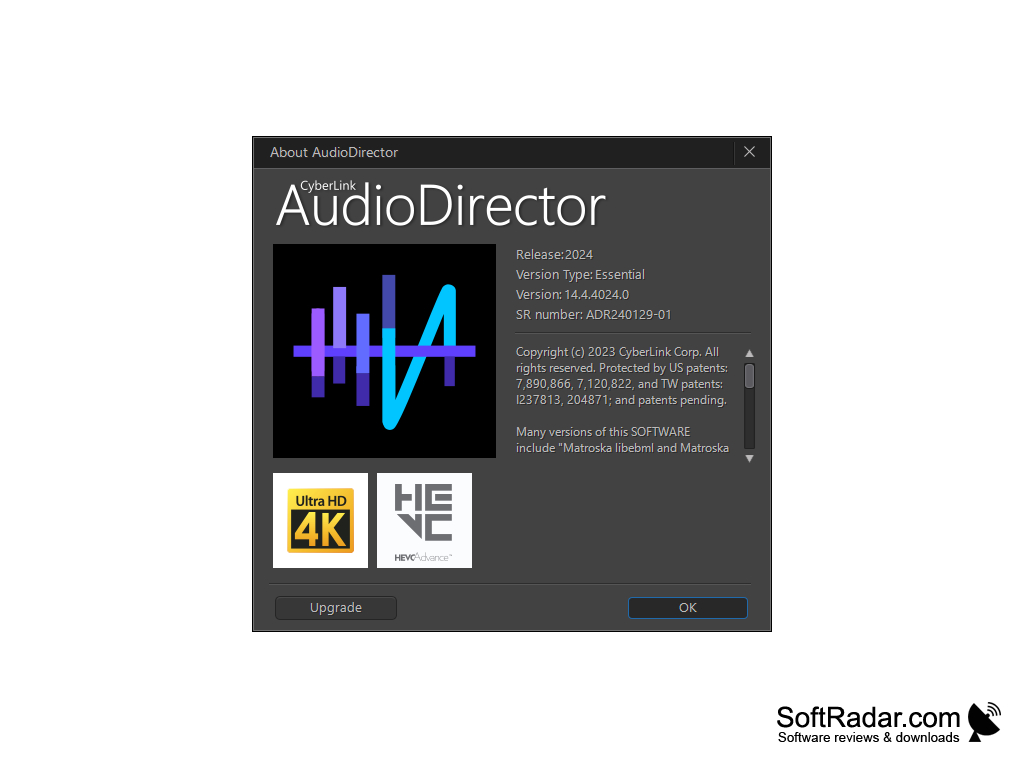
Release : Cyberlink AudioDirector 4

Antivirus check: passed

Report a Problem

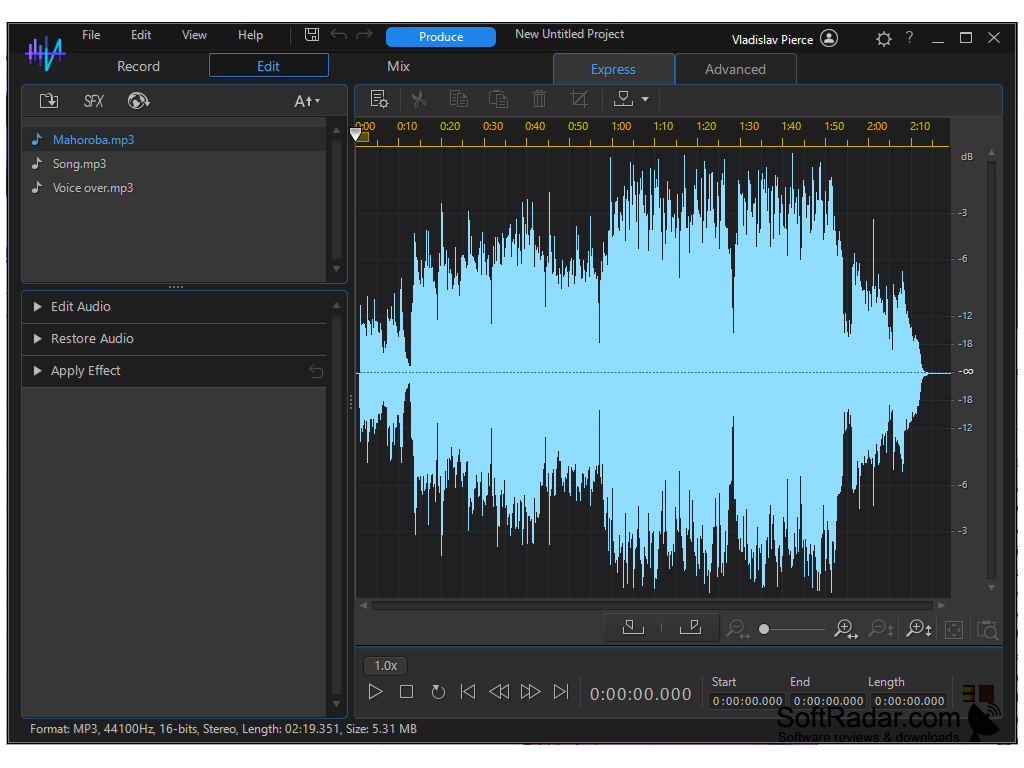
Cyberlink AudioDirector is a powerful high-end audio editing software that provides high-quality video productions. It also has an application for professional video making. With the help of panning technology, we can create sophisticated sound projects. It can automatically adjust soundtracks according to the video length.

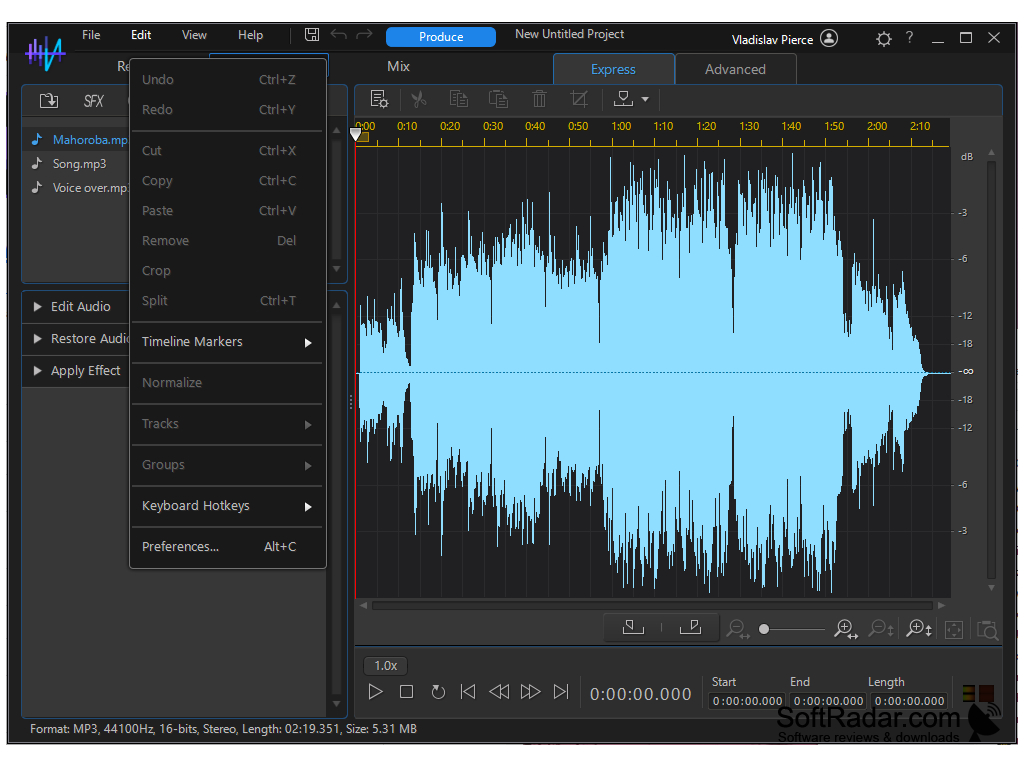
It reduces editing time and repetition by batch processing scheme. Audio director records multiple audio channels at a time. There are six video file formats it can edit in any existing videos and save in any of these formats. AudioDirector effects range from 10 band equalizers and also supports VST plugins.

Features:

Provides rich and powerful multi track recording and enhance video productions.
  • The key feature is PowerDirector video editor.
  • It provides high-quality video productions.
  • Using PowerDirector video editor, we can reduce the editing time.
  • Audio restoration tools can help to heal unwanted noise in the soundtracks.
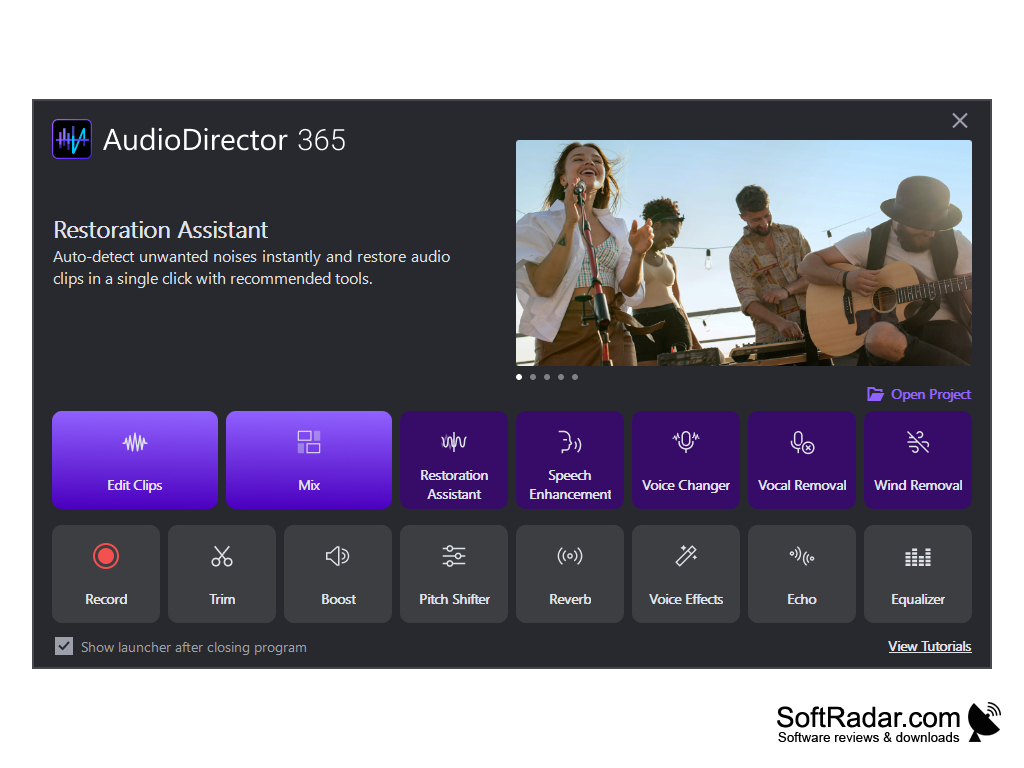


It requires 100MB free space for transcoding audio.


PROS
Intuitive interface makes it easy for beginners.
High-quality audio editing and restoration.
Supports a wide range of audio formats.

CONS
Limited audio effects compared to other audio editing software.
Steep learning curve for beginners, not user-friendly.
High price tag may be off-putting for some users.
image/svg+xmlBotttsPablo Stanleyhttps://bottts.com/Florian Körner Cameron
Cyberlink AudioDirector is on the forefront of audio editing software for windows. It has AI technology to assist you in your work and all it takes is just one click of your mouse. You have enhanced audio restoration tools. You can clear unwanted static, get rid of pops and crackles, and many other things with this software. If you want precision while editing your audio choose Cyberlink's AudioDirector.
image/svg+xmlBotttsPablo Stanleyhttps://bottts.com/Florian Körner Olly Cheater
image/svg+xmlBotttsPablo Stanleyhttps://bottts.com/Florian Körner Ruaridh Georges
Cyberlink AudioDirector software is a great tool for editing and mixing audio. It provides features like noise reduction and vocal removal, which are very helpful. It has a user-friendly interface and a good selection of audio effects. I was able to adjust the levels quickly and easily. It has a great range of features and options to customize audio. It also has a good selection of sound samples that I could use. The audio tracks I created sounded great and the sound effects I added were perfect. The preview feature was useful for making sure I had the right sound. Overall, this software is a great choice for audio editing.
image/svg+xmlBotttsPablo Stanleyhttps://bottts.com/Florian Körner Christopher O.
I found Cyberlink AudioDirector to be quite intuitive and easy to use, but I think it could benefit from more advanced audio processing options.
FreePlayer
A software that turns your Freebox into multimedia content.
Soft4Boost TV Recorder
Allows user to record television program directly into PCs
MyVideoConverter
Software that converts different video file formats
CuteDJ
DJ mixing software with professional quality output
Gilisoft Audio Editor
A full-featured professional audio and music editor for Windows