
MyVideoConverter
Software that converts different video file formats
Operating system: Windows
Publisher: MySoft Inc
Release: MyVideoConverter 3.14
Antivirus check: VirusTotal report

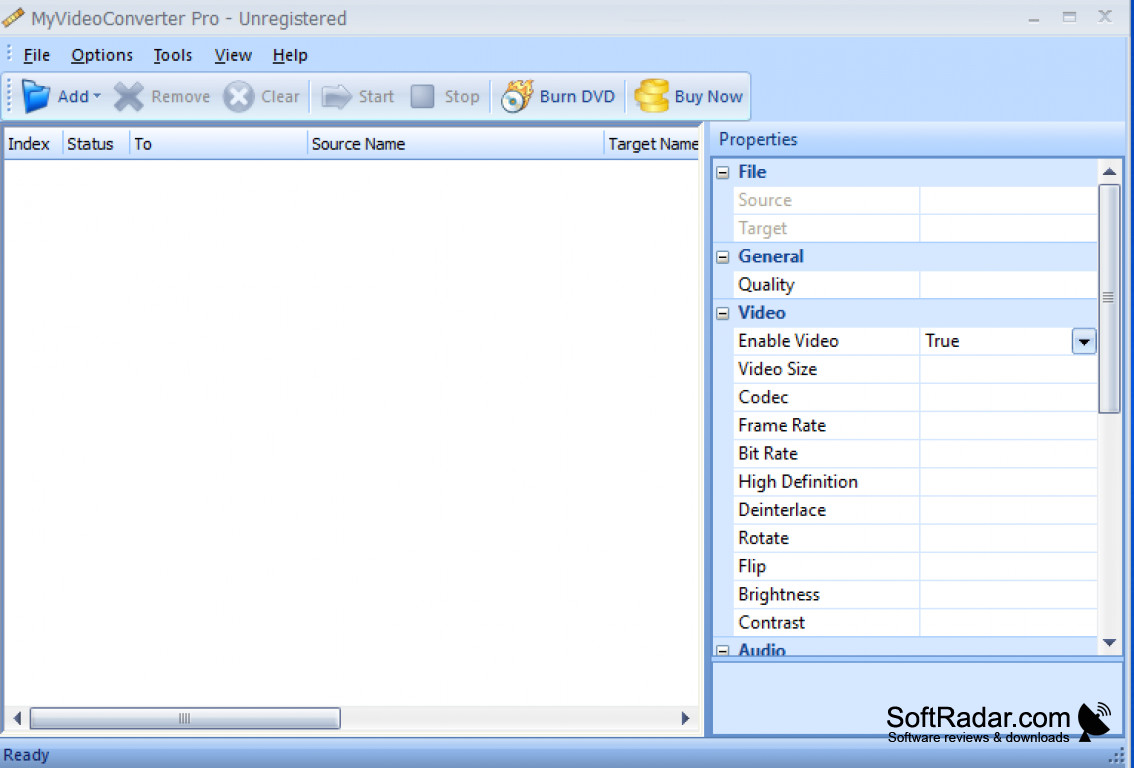
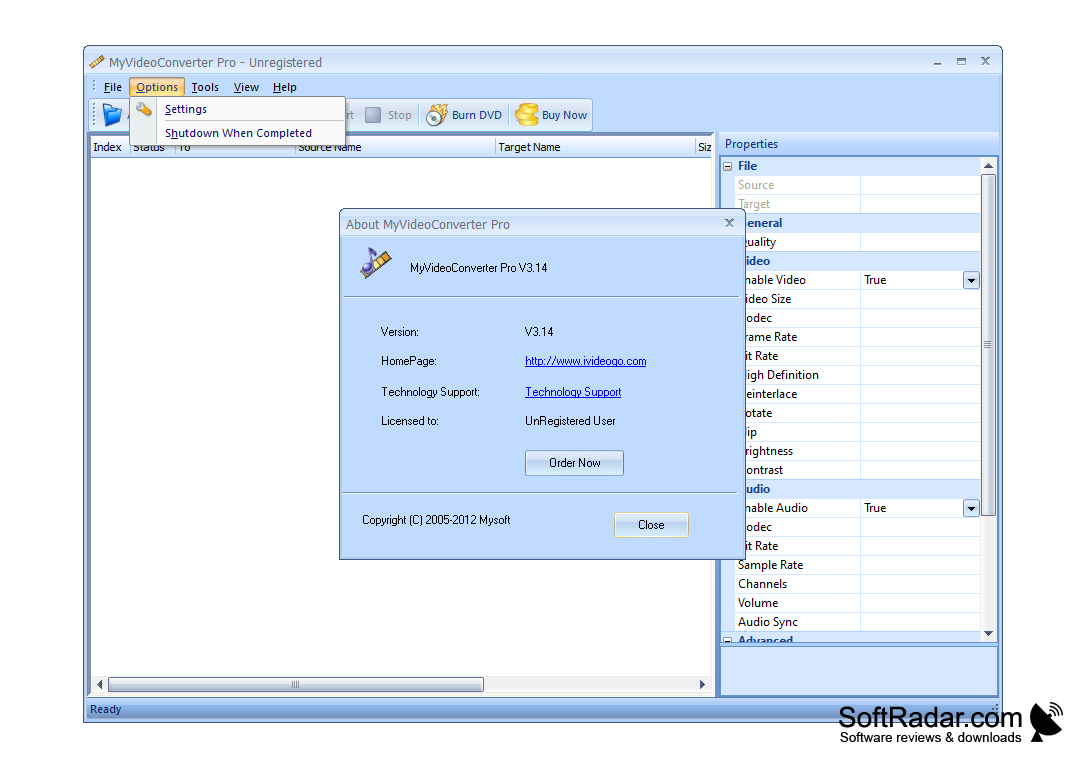
MyVideo Converter is a software that enables users to convert different video file formats. In just about 4 fairly simple steps, users can produce high-quality output. Users are able to convert individual file conversions, or batch file conversions. This feature is available in the conversion profile settings. Depending on internet speed, storage capacity, etc. converting files can be a lengthy process, especially if you are doing it in batches. Well, this software features an auto shutdown, so once the files are complete, it will shut down the program for you. This can be a very nice feature if you are someone who doesn't have time to sit at the computer and wait for something to finish, no worries, go on about your day! Some very simple editing tools come with this software, which consists of the ability to cut and join files together. Users also can split files. What video file splitting enables users to do is to make several smaller videos out of a single video file. There is also multiple video file joining, which enables users to convert several files into just one simple video. This is your everyday, simple, video converter that doesn't come with a ton of features, but none the less, still has all that a user would need and more, plus this software is very beginner-friendly. There are many formats that are supported, such as; VCD, SVCD, DVD, MPEG, AVI, DAT, SWF, 3PG, RM, MOV, DivX, and many more. This application does support almost any Windows software, including Windows 98, and it available in several languages.
Features:
- Individual and batch conversions supported
- Auto shutdown
- Formats supported include; VCD, SVCD, DVD, MPEG, AVI, DAT, SWF, 3PG, RM, MOV, DivX
- Requires Windows 10
- Video file splitting.
Converting video file formats.
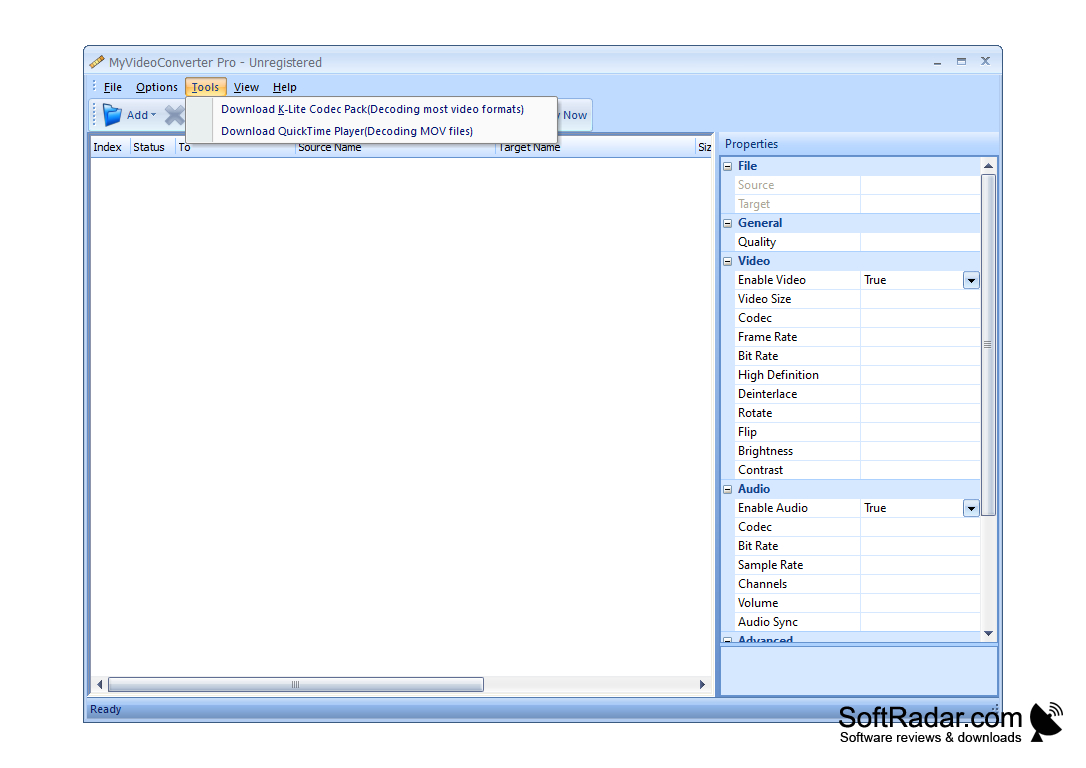
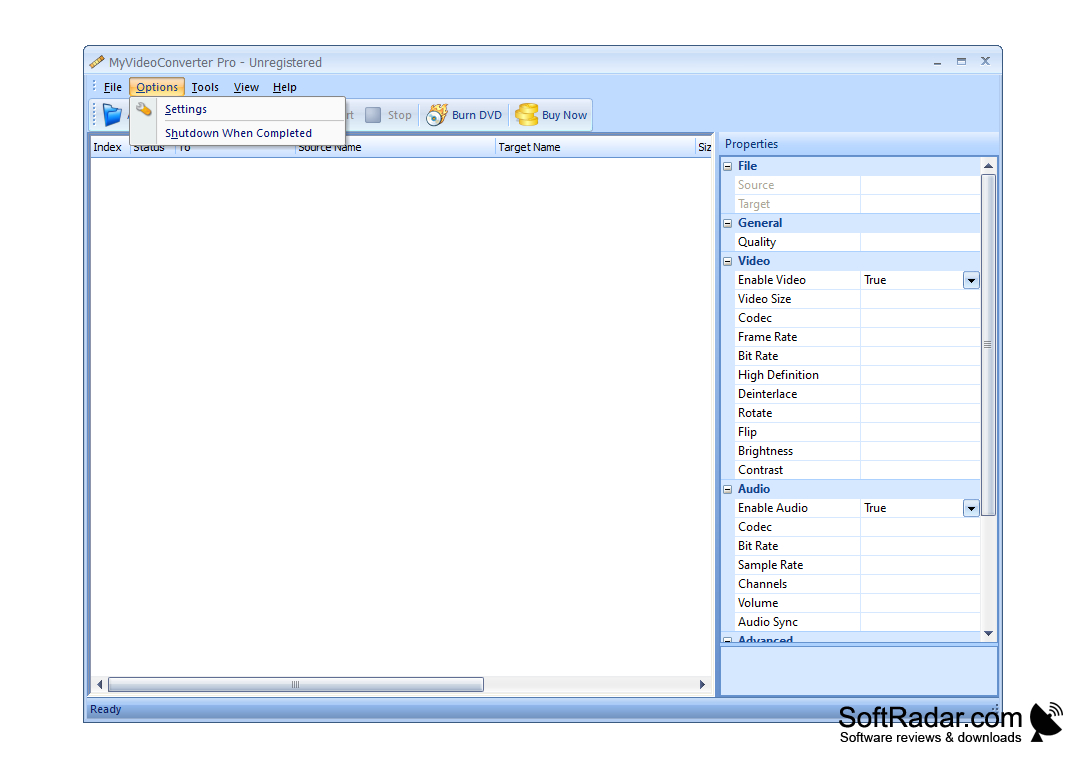
Storage space for file conversions
Internet speed for efficient batch conversions
Supports various video formats: VCD, SVCD, DVD, etc.
PROS
User-friendly interface ensures easy navigation.
Offers high-speed conversion without loss of quality.
CONS
Lacks advanced editing features.
Occasional crashes during the conversion process.


