DEV-C++
Embarcadero Dev-C++ is a free, open-source C and C++ IDE for Windows that uses the GCC-based TDM-GCC compiler.
Operating system: Windows
Publisher: Embarcadero Technologies
Release: DEV-C++ 6.30
License: Open source (GPL-2.0)
Antivirus check: VirusTotal report
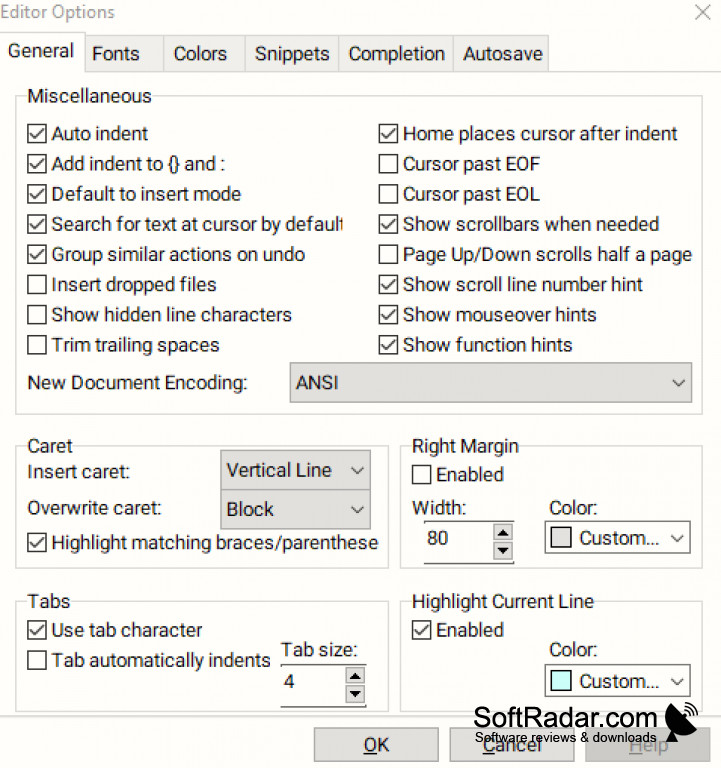
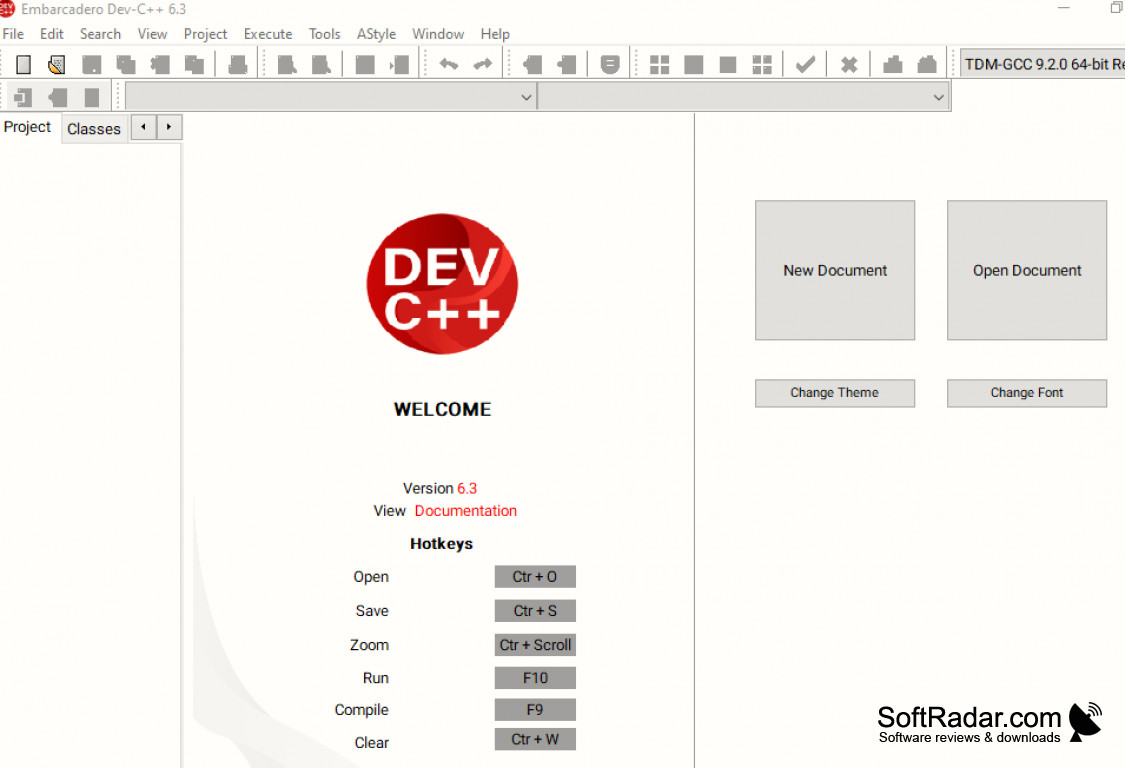
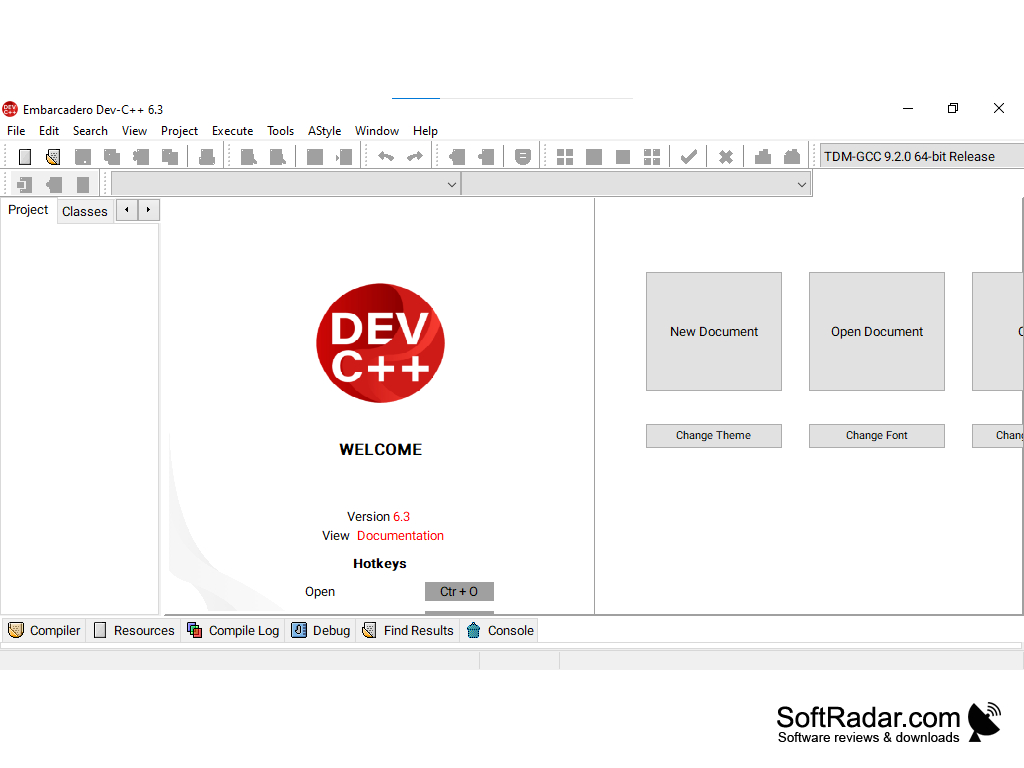
DEV-C++ is a free integrated development environment, or IDE, for the C and C++ programming languages, which allows users to write, build and run their code in one place. It has several functions and features integrated within its simple and intuitive interface, offering tools and utilities such as debugging, writing, and compiling.
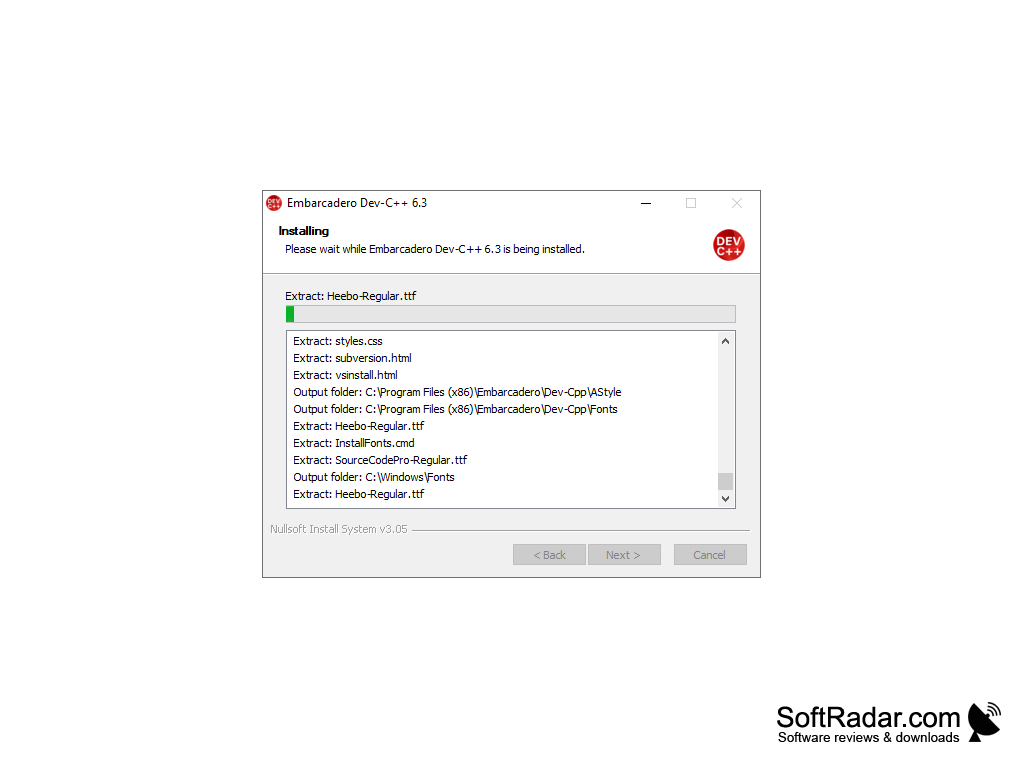
DEV-C++ provides all of the tools users need to effectively work with the environment and also allows advanced and beginner programmers alike to work with its applications with ease. It lets users from all backgrounds create their programs from scratch and within the program itself. The installer bundles the TDM-GCC 9.2.0 compiler (32-bit and 64-bit), so it works right after installation. It includes all standard features which may be required for debugging, running, and creating programs in C and C++.
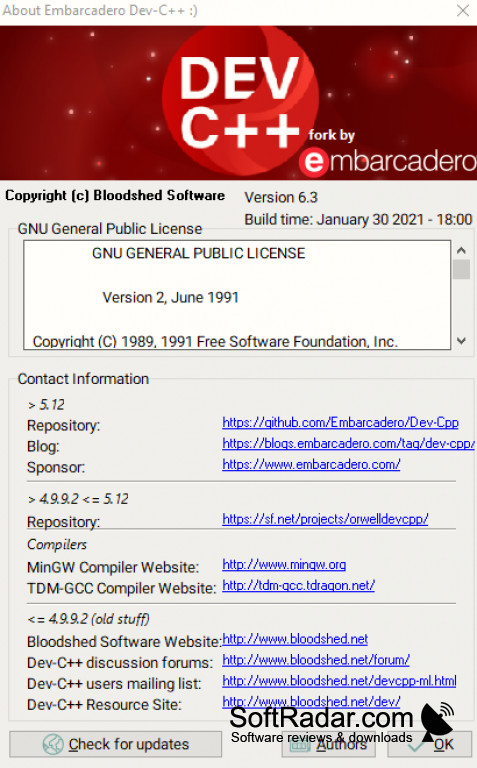
It supports C++ standards up to C++17 and partly C++20 through the bundled GCC compiler. The IDE itself is written in Delphi, but it is designed only for C and C++; it can also be used with Cygwin or other GCC-based compilers. Embarcadero Dev-C++ is a fork of Bloodshed Dev-C++ and Orwell Dev-C++, sponsored by Embarcadero, and its latest release, 6.3, dates from January 2021. Further features include a project manager, class browser, code completion, AStyle code formatting, GPROF profiling and GDB-based debugging. The program is released under the GNU GPL and suits both beginners learning C and C++ and programmers who need a small, native IDE with a low memory footprint.
Lets users write, compile, run and debug C and C++ programs in one lightweight Windows application.
Features:
- IDE for the C and C++ programming languages
- Works with GCC-based compilers such as MinGW and Cygwin
- Code completion, class browser and AStyle formatting
- Debugging with GDB, writing, compiling
- Simple and intuitive interface with changeable themes
32-bit or 64-bit
PROS
Supports various compilers including GCC, making it versatile.
Completely free and open-source software.
CONS
Bundled compiler is older than current GCC releases.
Lacks advanced debugging features.