
Enigma Virtual Box
Application virtualization system for Windows. Enigma Virtual Box enables application files and registry to be consolidated in a single executable file
Operating system: Windows
Publisher: The Enigma Protector Developers Team
Antivirus check: VirusTotal report
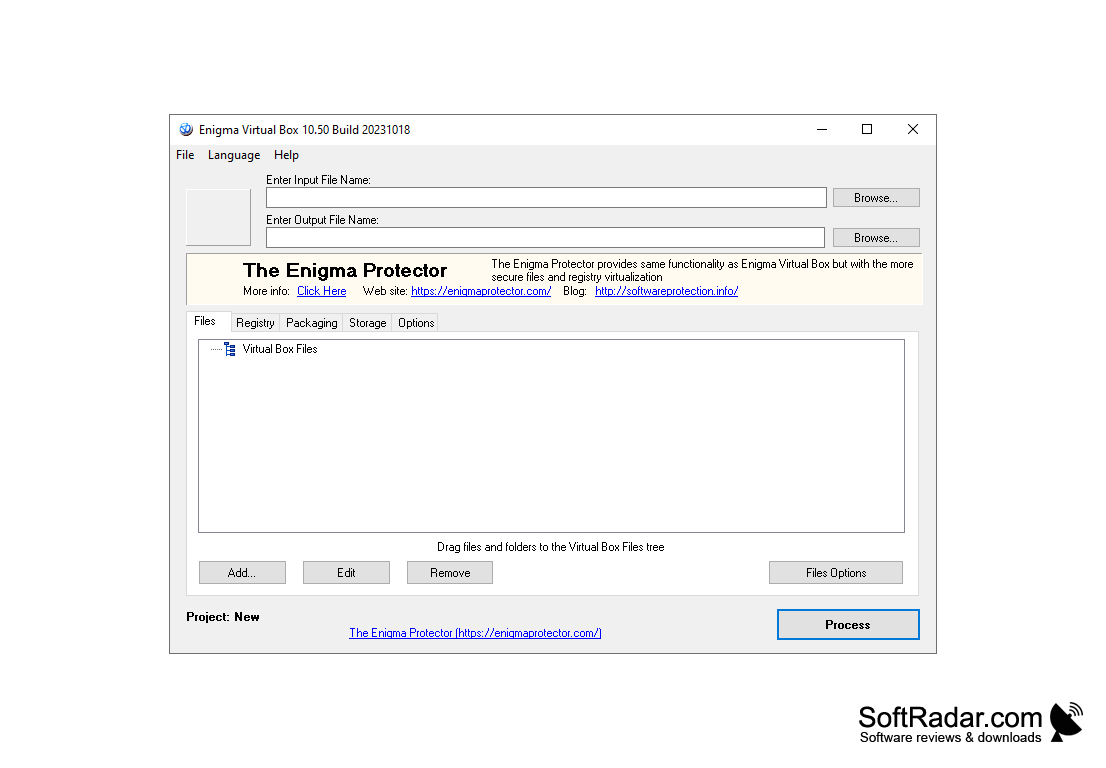
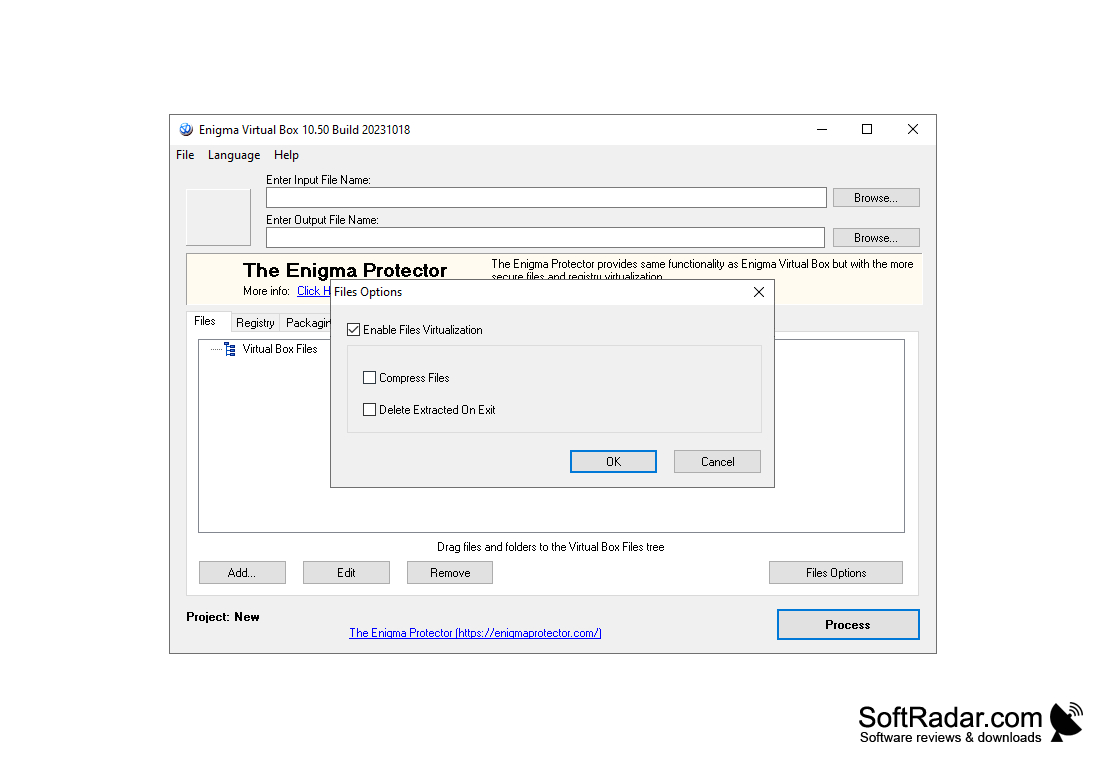
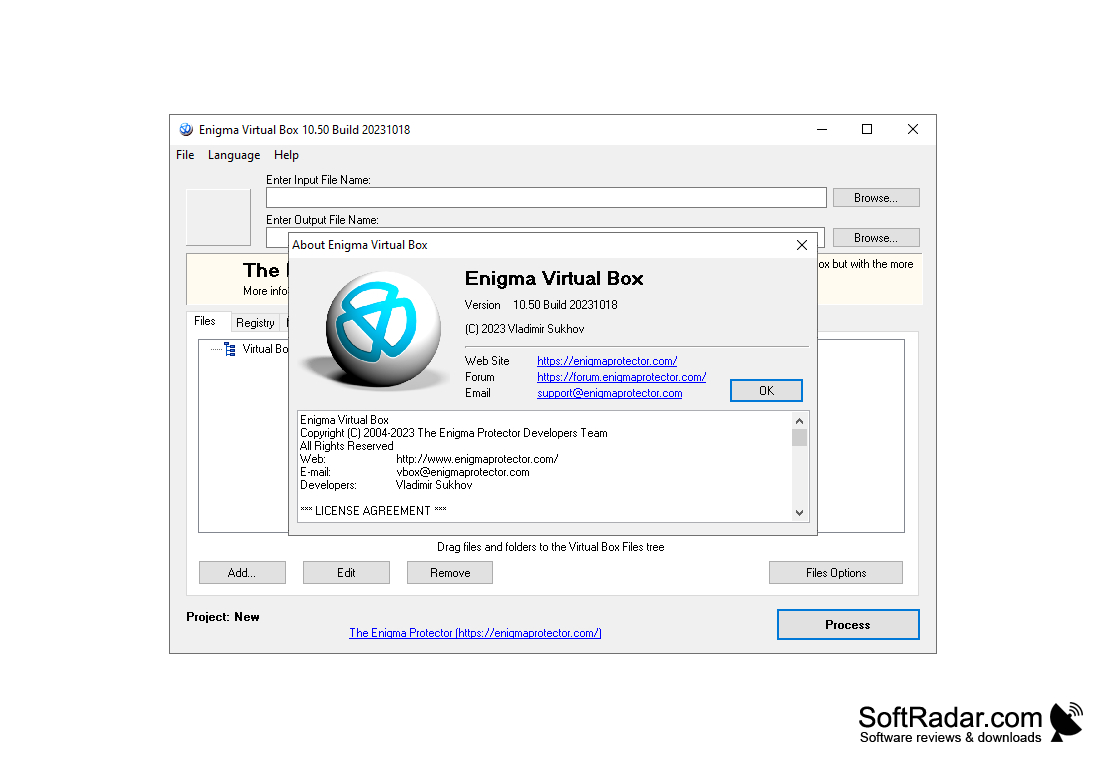
Enigma Virtual Box is a completely free application virtualization system. The key feature of this program is that it can correctly merge all the application files into one executable file without extracting data to the hard disk. Emulation with Enigma Virtual Box is performed only in the internal memory. The program supports a wide variety of file types, such as dll-libraries, ActiveX and COM objects, audio and video files (.mp3, .avi,), text and image files, and so on. Enigma Virtual Box can compress the files used, thus reducing the overall size of the application by several times. This makes this application an indispensable tool for creating Portable applications.
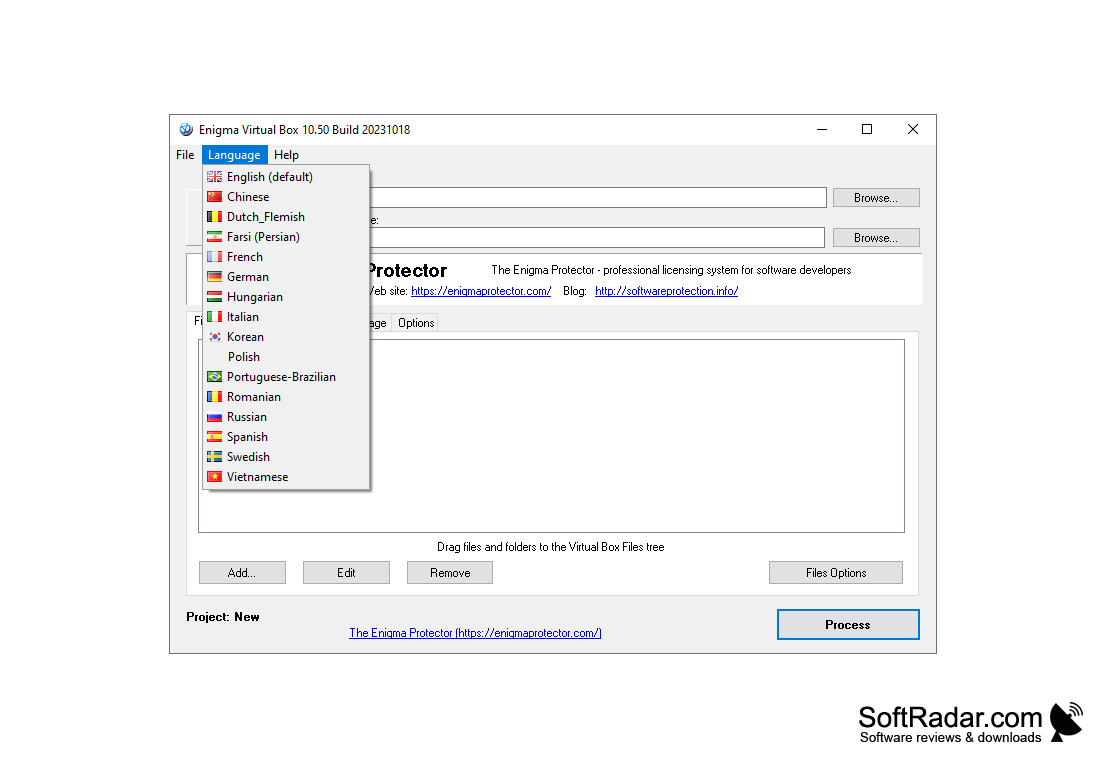
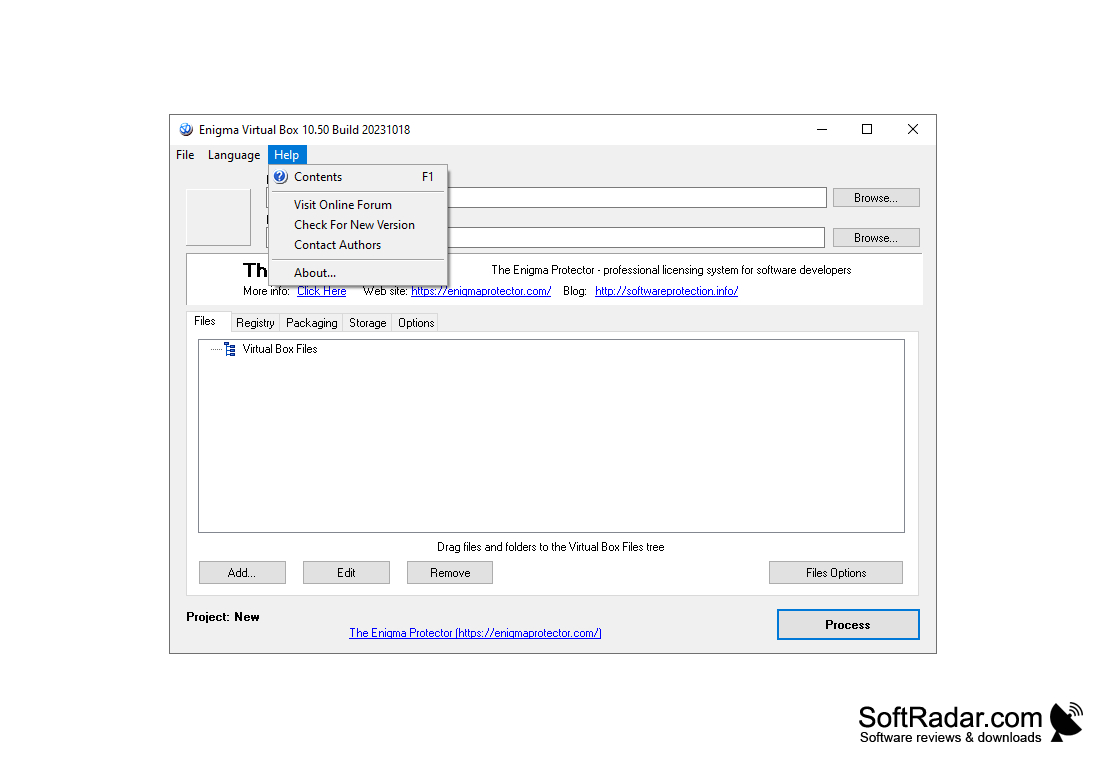
The program interface is quite convenient. Thanks to the location of the controls, you can easily add all the necessary files and start the virtualization process. Easy file manager allows you to easily sort different types of data, add new ones or delete those that were selected by mistake. By the way, the program works pretty fast. Everything depends on the size of files included in the project. However, you should never include Enigma Virtual Box in your application development tools. This program only allows you to combine the results of work in other means into one executive file.
Enigma Virtual Box allows merging all application files into a single executable file, simplifying application sharing and installation.
- built-in file compression tools that allow you to significantly reduce the size of the finished program;
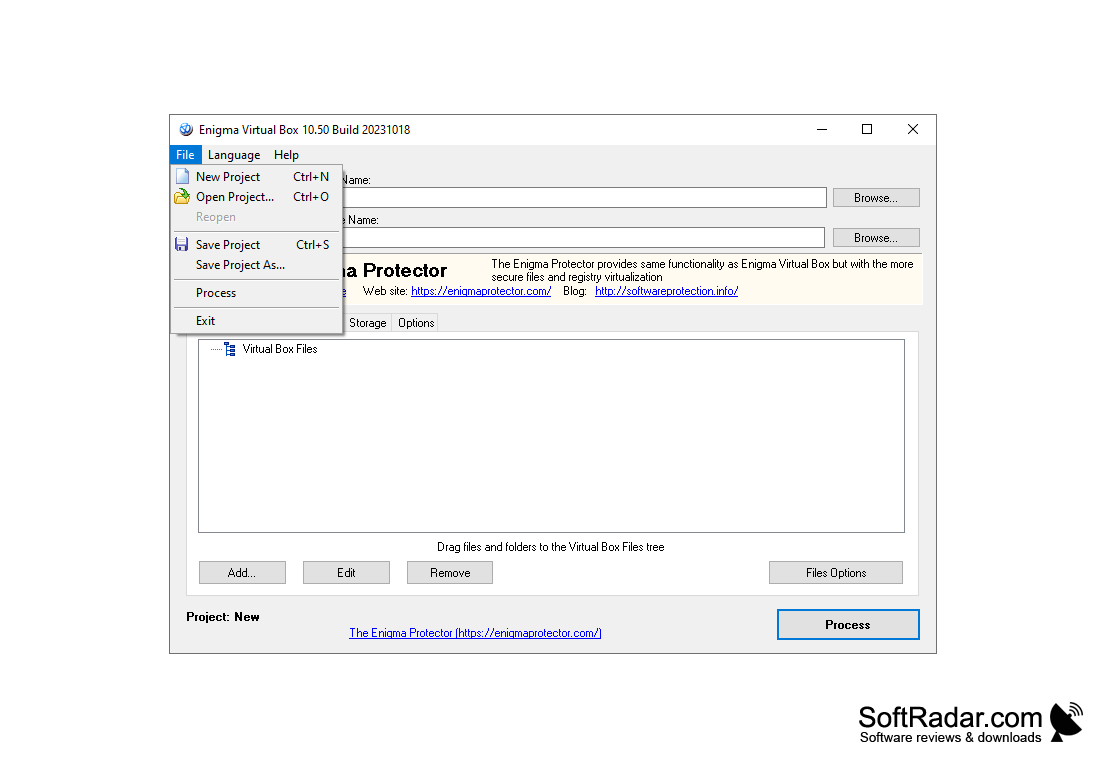
- convenient project manager that allows you to easily delete and add new components;
- Enigma Virtual Box allows you to create fully "self-contained" applications that do not create temporary files during operation;
- a pretty nice user interface.
PROS
Has a user-friendly interface with straightforward functionality.
Offers robust support and constant updates.
CONS
No multi-language support available.
Lacks advanced features for professional developers.


