
Fing
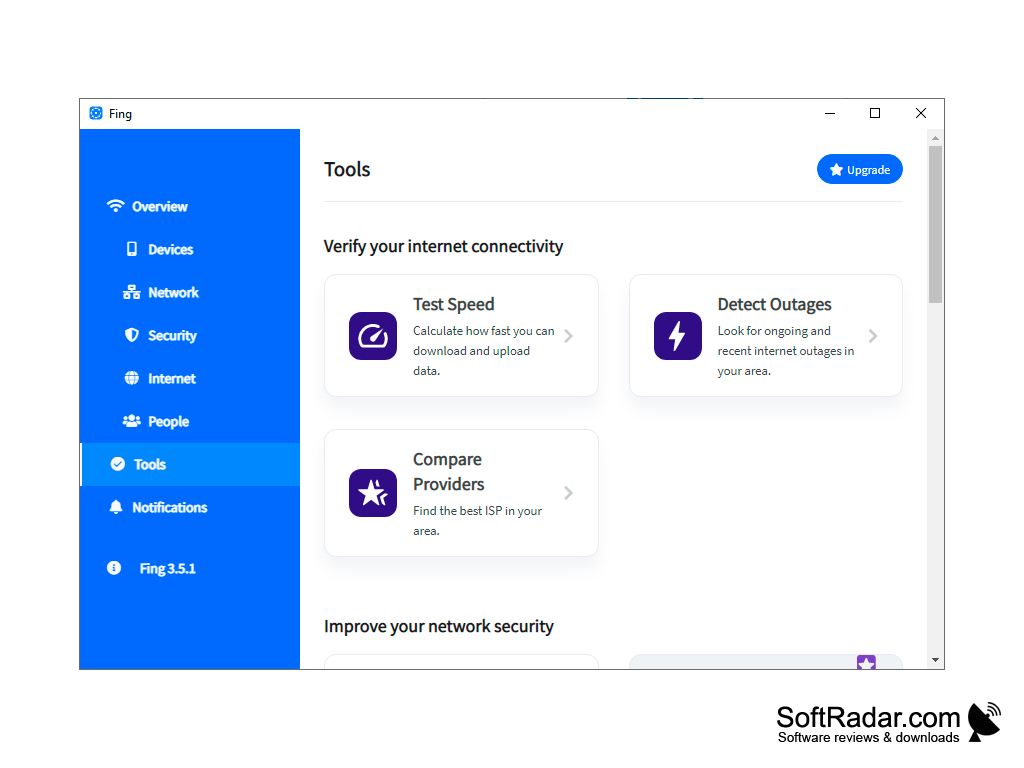
Fing is a utility software designed to help users keep track of all devices connected to their network
Operating system: Windows
Publisher: Copyright Fing
Release : Fing 3.10.1
Antivirus check: VirusTotal report
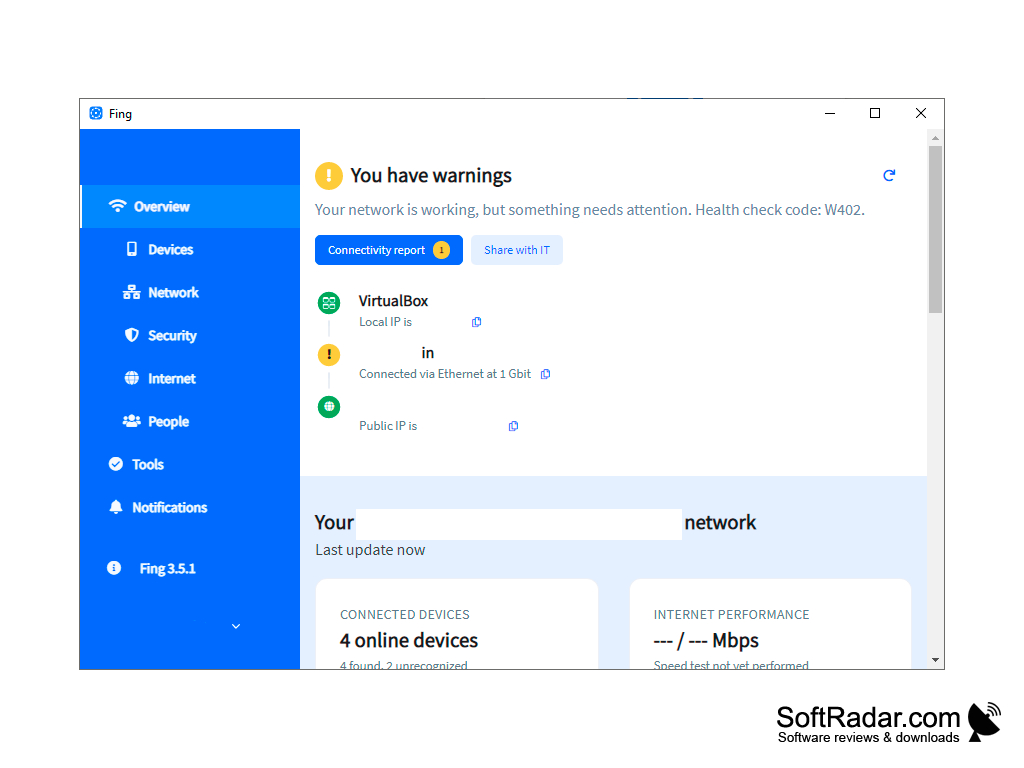
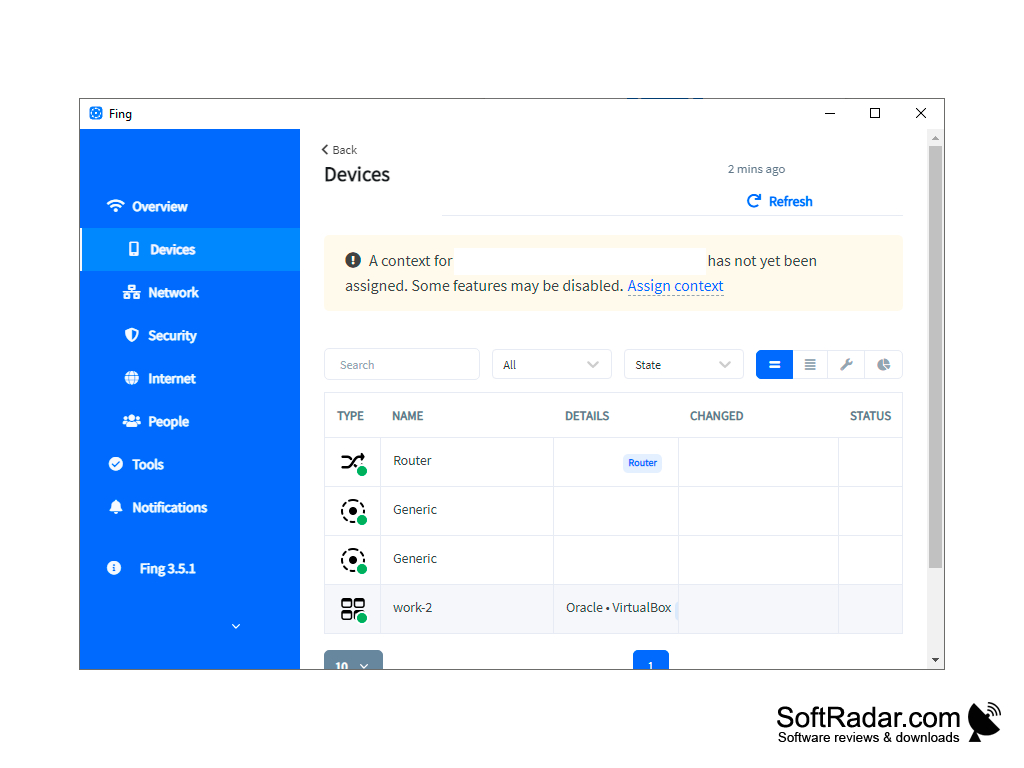
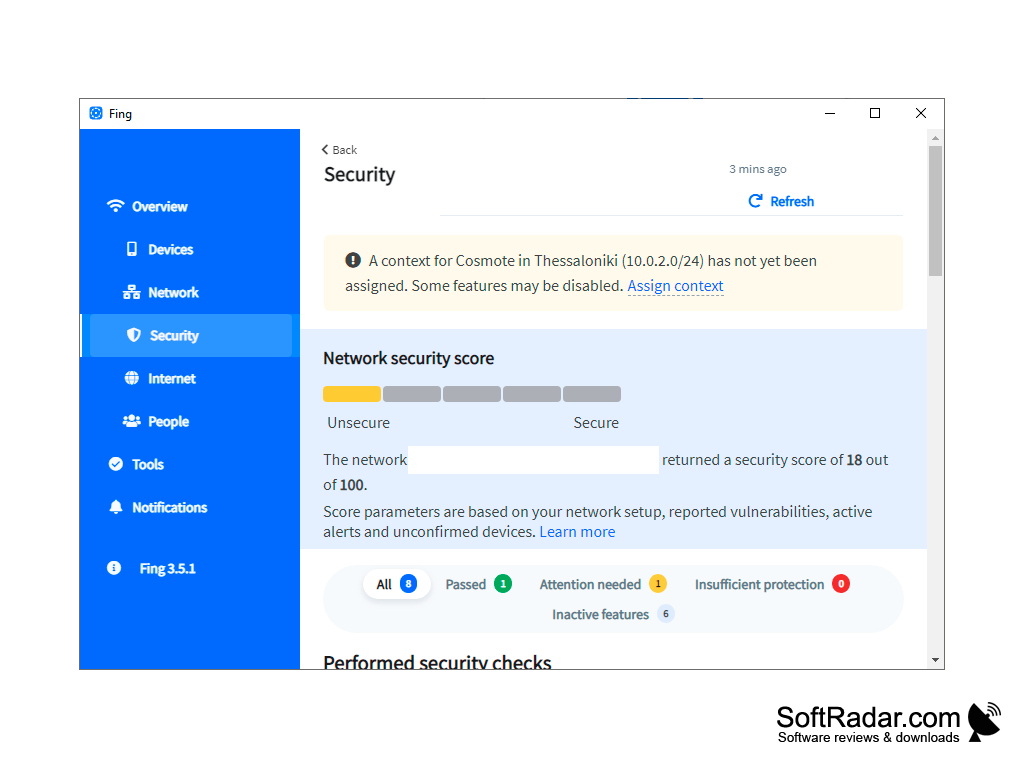
Fing is a small utility program designed to help users keep track of devices connecting to their network. This is perfect for people who have multiple users on their network. Fing does a great job at helping you regulate just how much bandwidth everyone can have and keep it there.
Features:
- Free to use
- No built-in advertisements
- Quick scan features
- Easy connection management
Instantly speed up your connection by eliminating devices that are taking up your bandwidth.
I think at some point or another we have all been plagued with a slow internet connection. We do everything we can to fix the problem to no avail. Only to find out several minutes later that someone decided to download or stream every single season of Game of Thrones. What Fing does is scan your network in real time and shows you all devices currently connected to your network. Once you identify the devices that are taking up too much bandwidth, you can limit the amount of information that device is allowed via your router.
This program has personally helped me keep dozens of unknown users off my internet connection. In addition to that, it has helped me keep family members in line when it comes to their streaming and downloading habits. I am an avid gamer and if you game then you know the slightest activity can cause your games to lag and stutter. It used to be a major pain point for me before finding Fing. There are several other programs that claim to do what Fing can but the fact of the matter is those programs are mostly watered down and more of a hassle than I care to admit. Most, if not all of them have advertisements built into the program where it spams you every few minutes. Virtually rendering them useless for prolonged use. All in all, there is no reason to choose anything other than Fing for all your network managing needs.
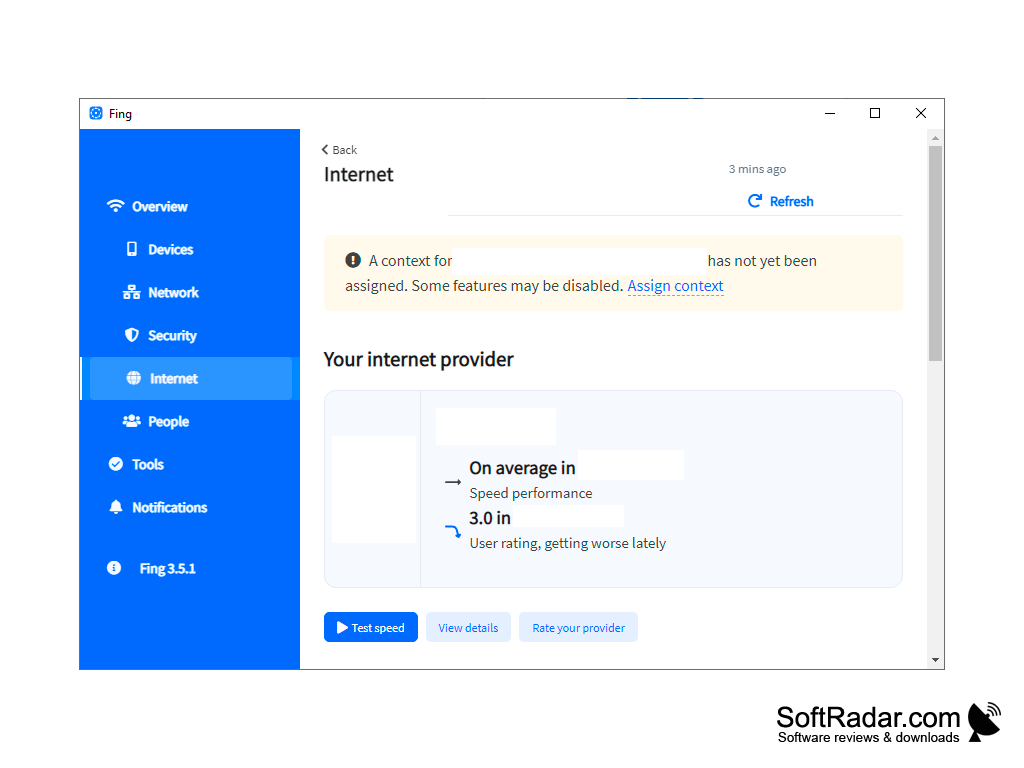
Minimal processor and RAM requirements
Requires internet access for network scanning
PROS
Smart home and office tool with simple interface.
Quick troubleshooting with detailed device recognition.
CONS
Can be complex for beginners.
Doesn't support all kinds of network devices.