FreeDOS
Operating system that allows you to play games
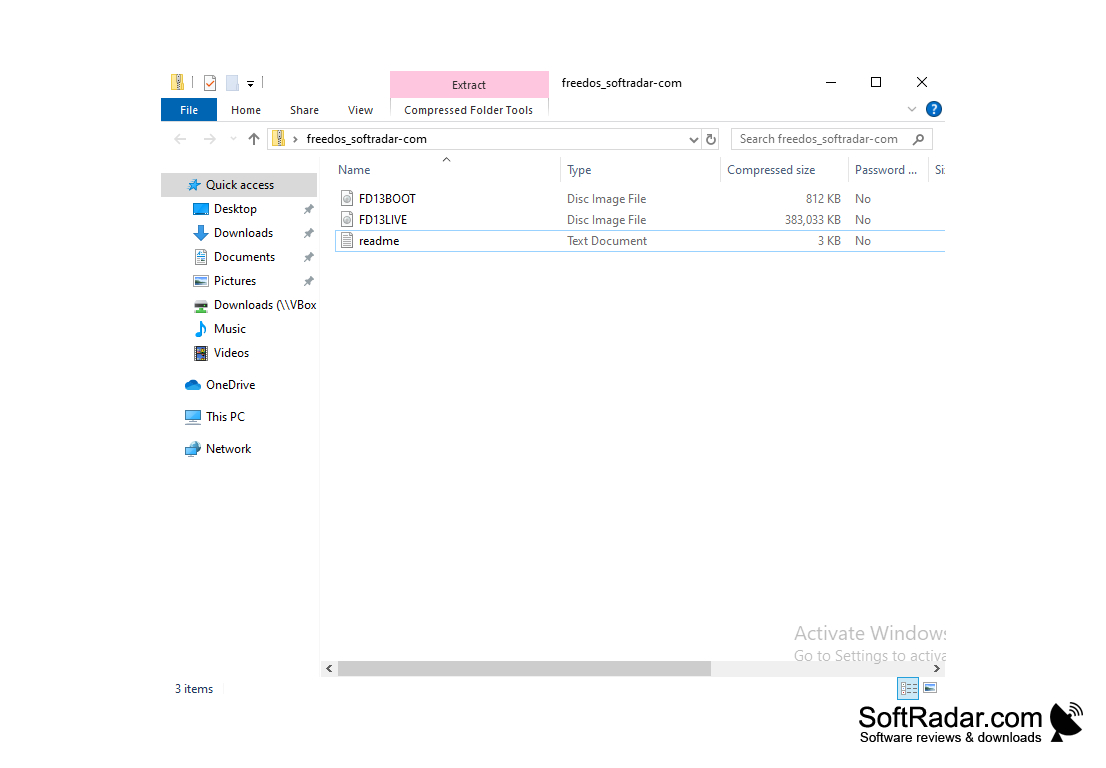
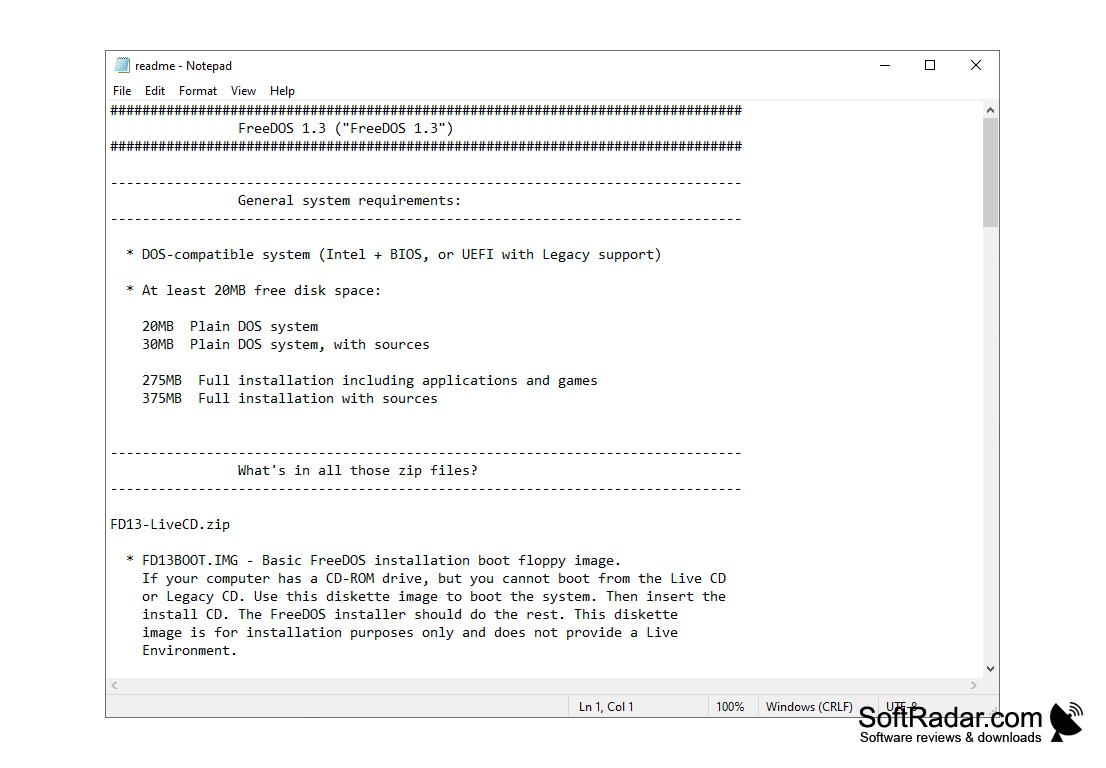
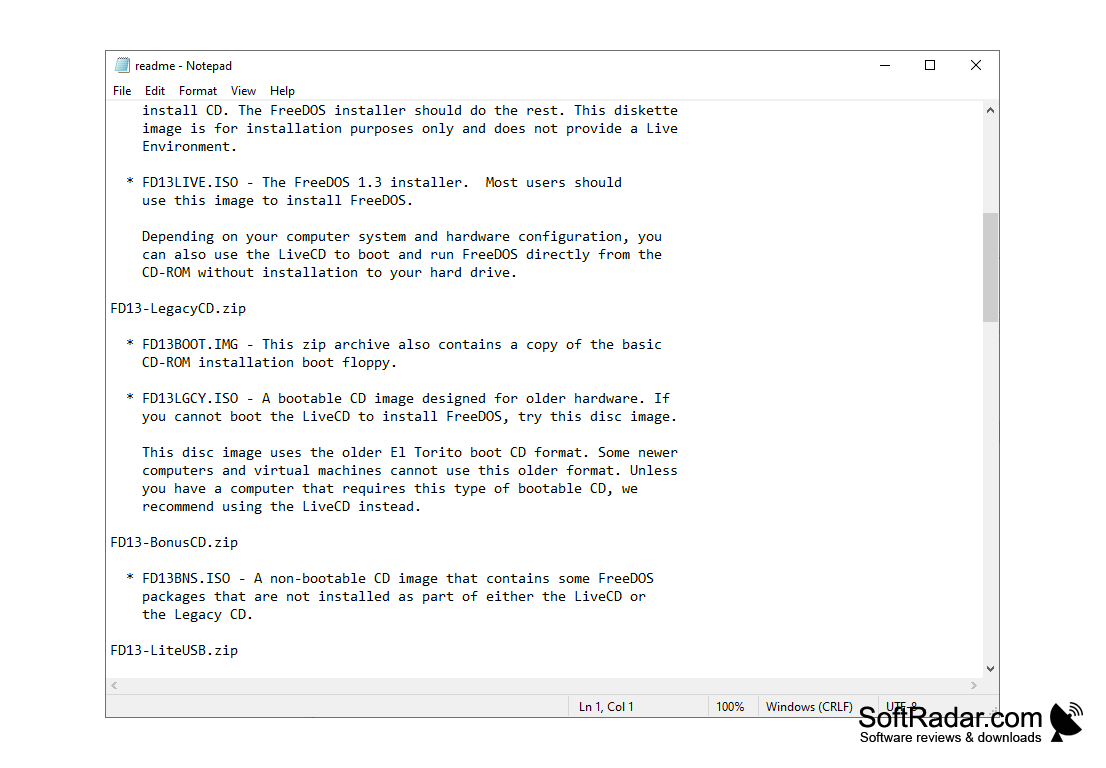
FreeDOS is a free analogue of the MS-DOS disk operating system. Its development began in 1998 and is still ongoing. To bypass possible copyright issues, the developers have set the goal not to copy the code of the original DOS, but to create a new system from scratch.
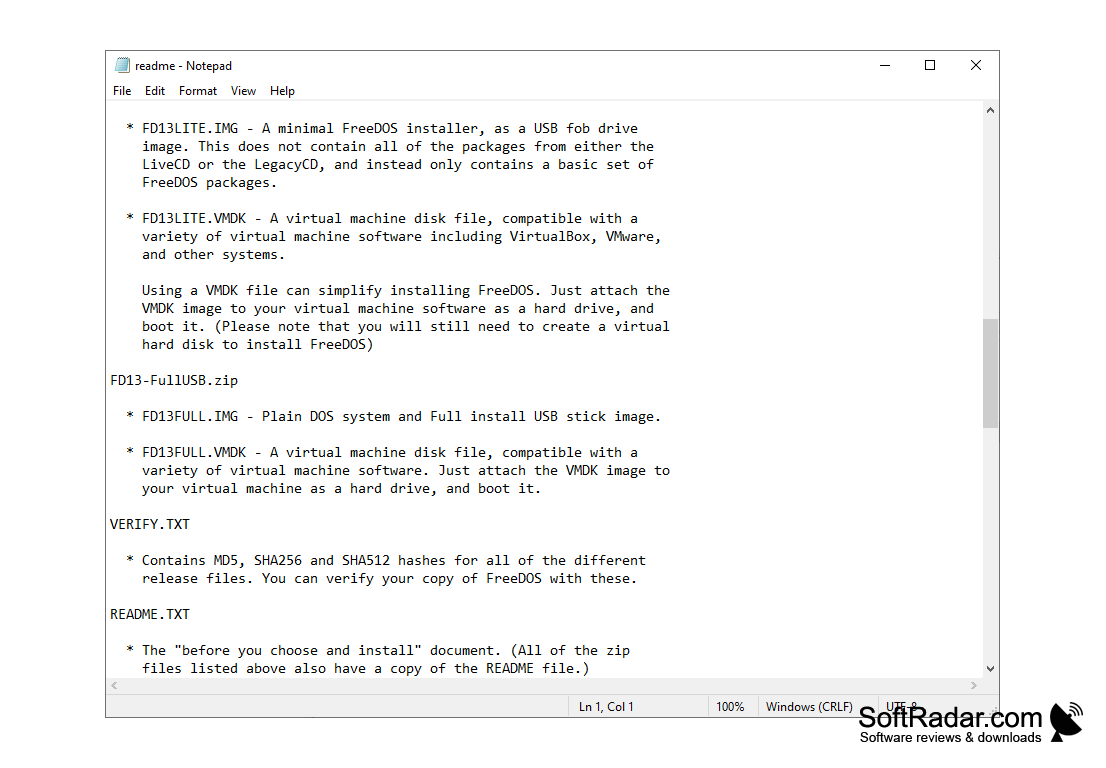
FreeDOS is binary compatible with MS-DOS, which means that programs written for a proprietary system will run smoothly in an open system. Moreover, developers have ported many GNU utilities from POSIX-compatible operating systems, for example, vim and emacs editors known in Linux environments, Lynx web browser and others. There are several distributions to choose from, ranging from a full version with a full set of utilities for all occasions to a minimal one, which fits on a regular floppy disk and consists of a kernel and a command interpreter.
Despite its age, it can still be used in some areas. For example, it can be a pre-installed OS in new computers, or it can be used in embedded systems, as well as a platform for system utilities necessary for flashing chips on motherboards or graphics cards. In addition, FriDOS is perfect for launching good old games in the 80-90s, specially included in the set of tools to limit the speed of your computer.
FreeDOS enables users to run legacy software and games without any compatibility issues.
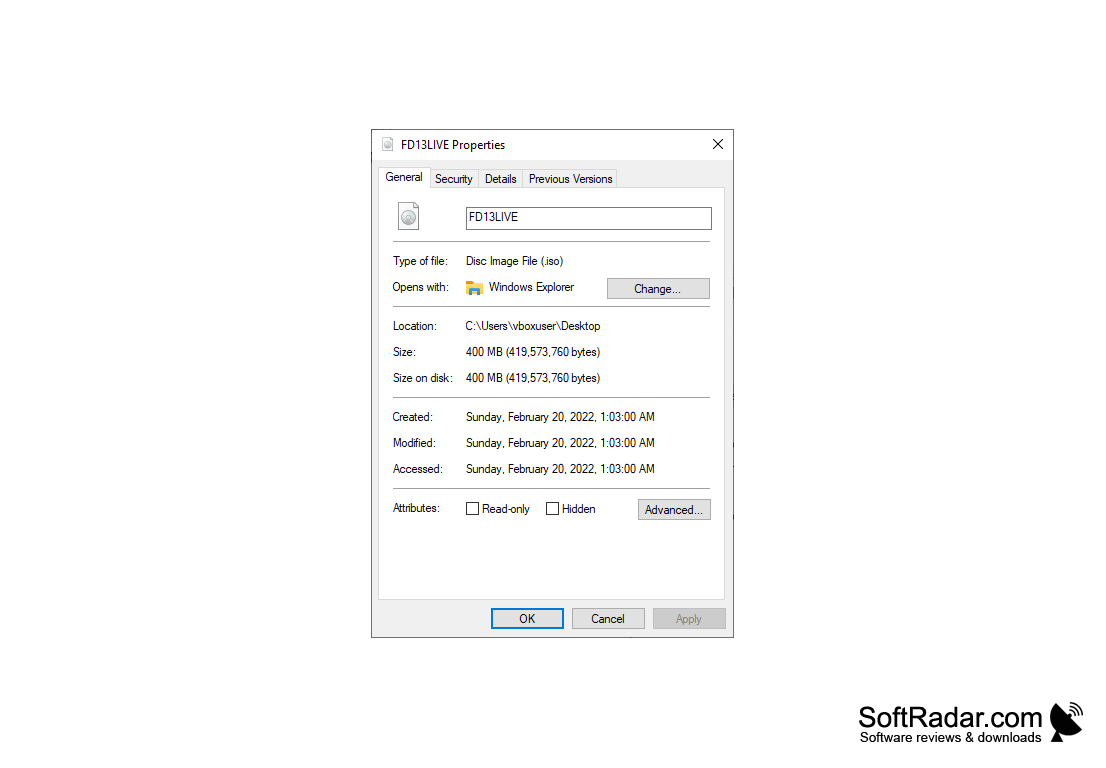
Freedos can be installed and tested in VirtualBox or VMware and installed as the primary system on your hard drive.
- free distribution and use of the program under the GNU GPL;
- The source code of the system is available for programmers and those who are interested in it.
- support for FAT32 and long file names;
- USB support;
- a large number of additional utilities;
- a few distributions.
PROS
Completely free and open-source.
Low system requirements, ideal for older hardware.
CONS
Limited software compatibility compared to modern operating systems.
Struggles with hardware support and certain drivers.