
HideGuard VPN
A tool that allows you to browse the internet anonymously and to change your IP
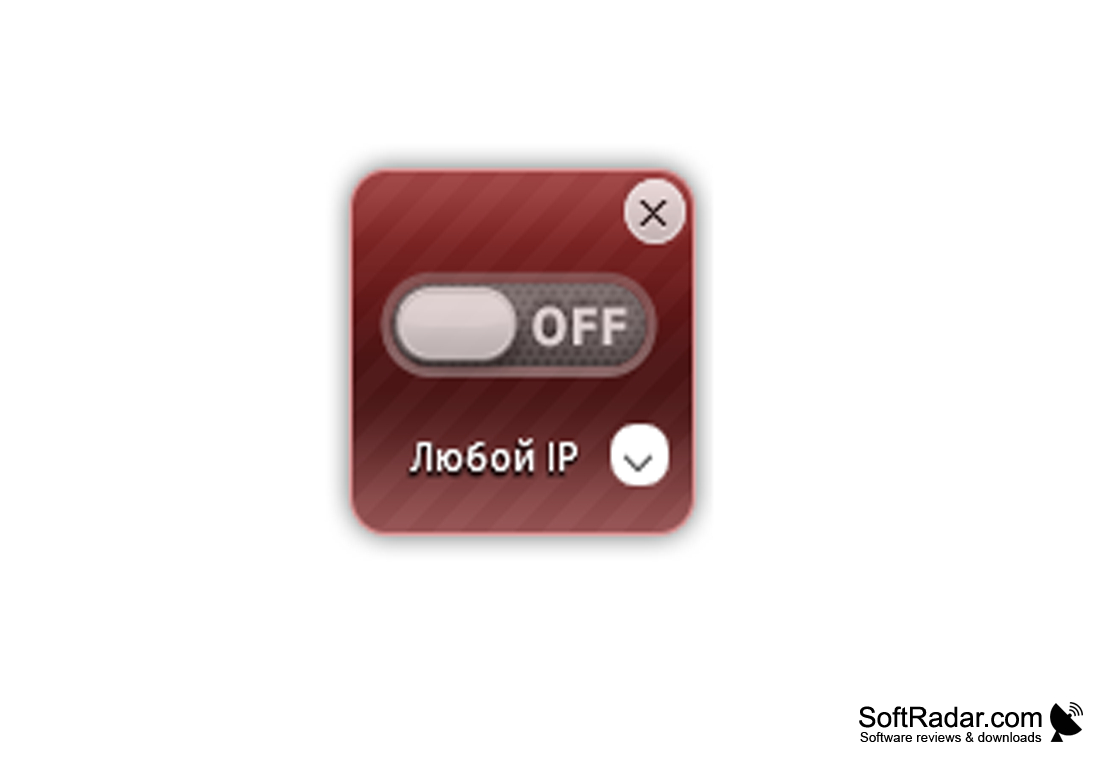
HideGuard VPN is a great solution for those who are looking for a simple but effective program to change their IP address. The application allows you to hide the real identifier in the network and make you anonymous. Why do we have to change IPs? Such a need arises in several cases. For example, when the right web service is not available in your country, or when access from your address is restricted (for example, on a business or corporate computer). In addition, there are many resource forums on the network that allow you to create only one account from a single IP. If you change it, you can set up several accounts.
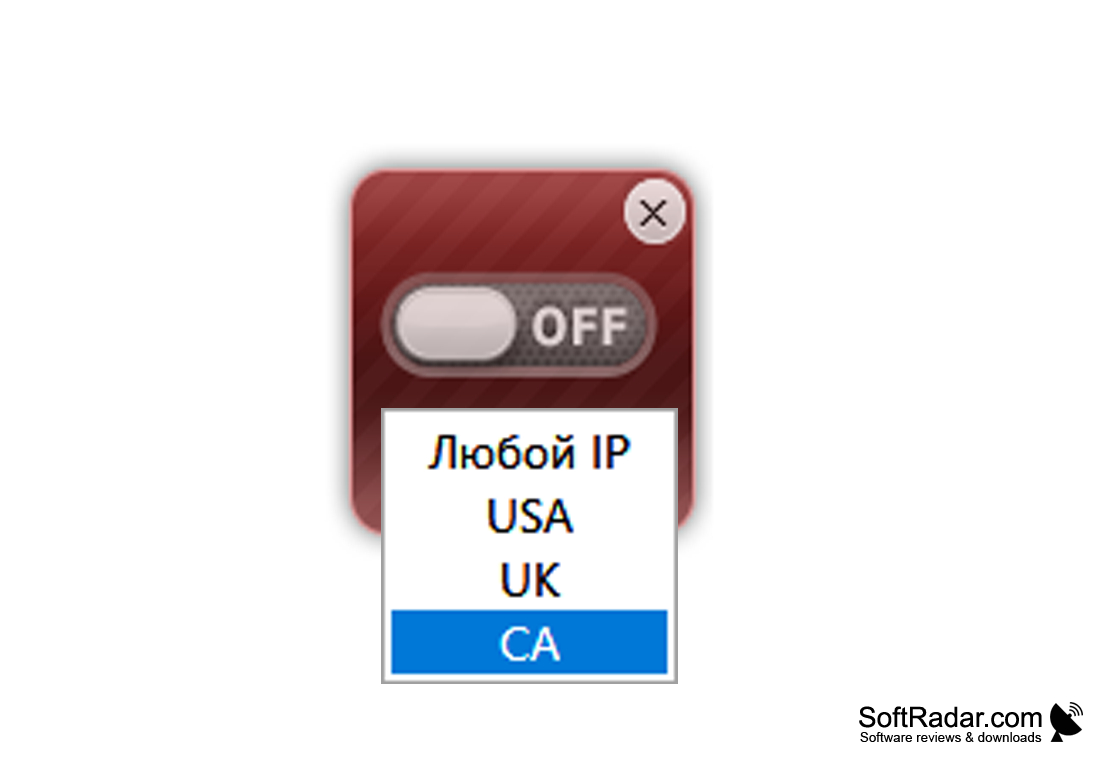
As we mentioned above, HideGuard VPN differs from other similar programs in its ease of use. Unlike other programs, such as those that allow you to find open proxies and connect to them. This solution allows you to change IP with a single click - just move the slider on the HideGuard VPN widget from the "Off" to the "On" position, and then wait a couple of seconds and you're done. Disabling the "masking" can also be done quickly and easily. If you want the new IP address to apply to a specific country, you can select the one you want from the list. Currently, the list of supported countries includes the USA, UK, Canada and Germany. In the future, the developers plan to expand this list. And the last thing that HideGuard VPN can't help but praise is that this program is completely free and does not offer the user to buy different "Professional" versions.
HideGuard VPN provides an easy one-click solution for hiding and changing your IP address, ensuring online anonymity and overcoming regional restrictions.
- allows you to change the IP address with one click;
- allows you to "assign" addresses from the United States, United Kingdom, Canada and Germany;
- supports connection to random addresses;
- does not require rebooting the browser or computer to apply the settings;
- is controlled by a small widget on the desktop;
- displays your current IP address;
- is distributed completely free of charge.
PROS
Simple to set up and use, with user-friendly interface.
Supports multiple server locations for reliable, speedy connections.
CONS
No 24/7 customer support available.
Lack of advanced security features.


