
Icecast
A new type of streaming media for windows computers
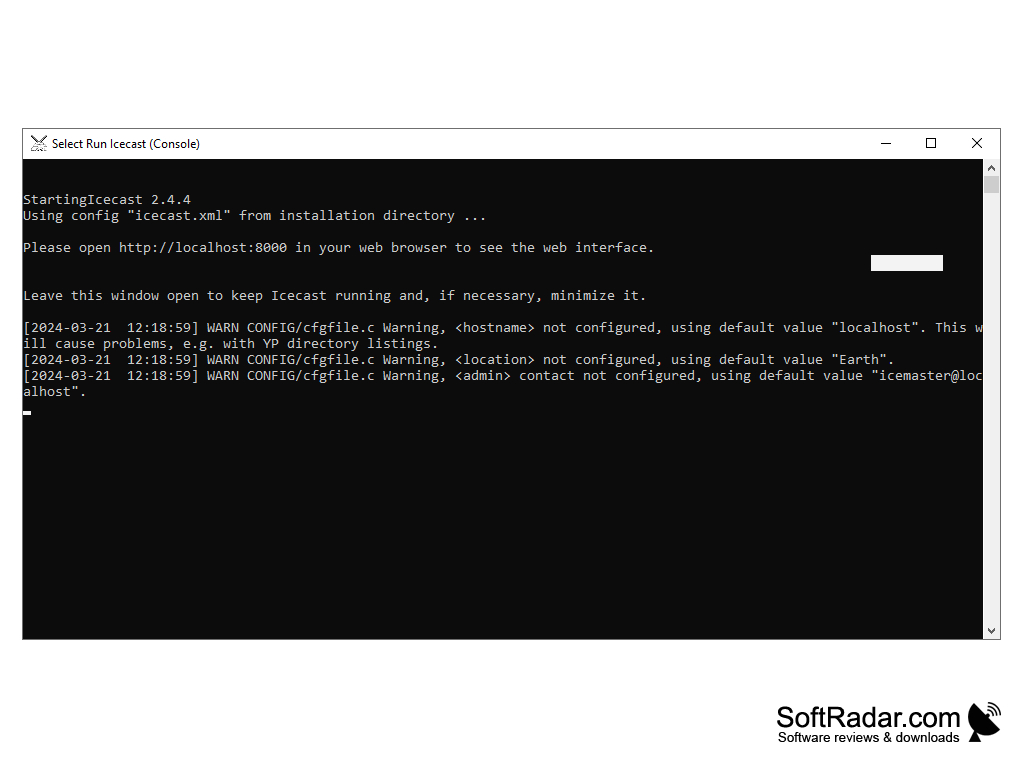
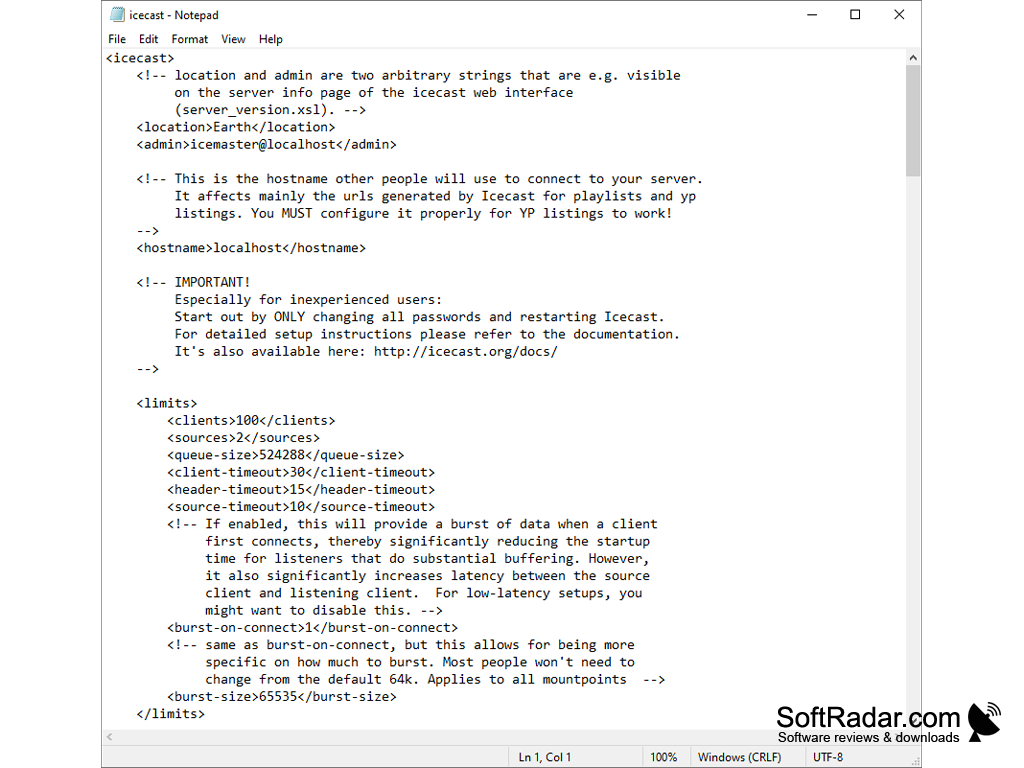
Icecast is a program that allows you to create and configure your own server for audio broadcasting. This is one of the simplest solutions for streaming sound, which does not even have a standard graphic shell. The work with the server is done with the help of the web-interface, and the change of configuration is made through the XML-file, so setting up the program will require time and some skills. We recommend that you search the network for ready-made manuals to launch Icecast, because the standard "help" from the archive with the program is quite confusing. However, these drawbacks can be forgiven given the fact that the program is absolutely free and has open source code.
So, what does the Icecast server do? It can be used to transmit audio streaming via HTTP protocol. You can independently broadcast to a microphone connected to your computer or broadcast music stored in your computer's memory. It works with MP3, AC, AAC+, Ogg Vorbis, Theora and NSV formats. UTF-8 tags are also supported. Remember that Icecast is just a server, you have to use third-party players like Winamp to play songs.
There are very few settings available to the server administrator. Icecast allows you to specify the maximum number of connected clients/listeners, the number of file transfers, the location of the server, its ID, the name of the "host" and contacts for communication with the administrator.
Icecast enables you to create, configure and manage your own audio broadcasting server for free.
To access the web interface, start the Icecast console and open the browser and enter the address 127.0.0.0.1:8000. By default, the following login credentials are set: login - admin, password - hackme. You can change them through the previously mentioned XML-file.
- is used to create and configure your own audio server;
- allows you to stream music to the network and broadcast it yourself with the help of a connected microphone;
- does not have a standard graphical shell (uses a web interface);
- allows you to limit the number of clients and listeners;
- You need to use a third-party player to play music;
- uses the HTTP protocol;
- works with UTF-8 tags;
- You can download and use Icecast for free.
PROS
Free, open-source and easy to install.
Offers advanced listener statistics and performance metrics.
CONS
Requires some technical knowledge to setup.
Limited support and documentation available.


