IMG to ISO
CD/DVD/BD image file processing to for creating, opening, extracting ISO files.
Operating system: Windows
Publisher: SoftSea.com
Release : IMG to ISO 0.0.0.0
Antivirus check: VirusTotal report
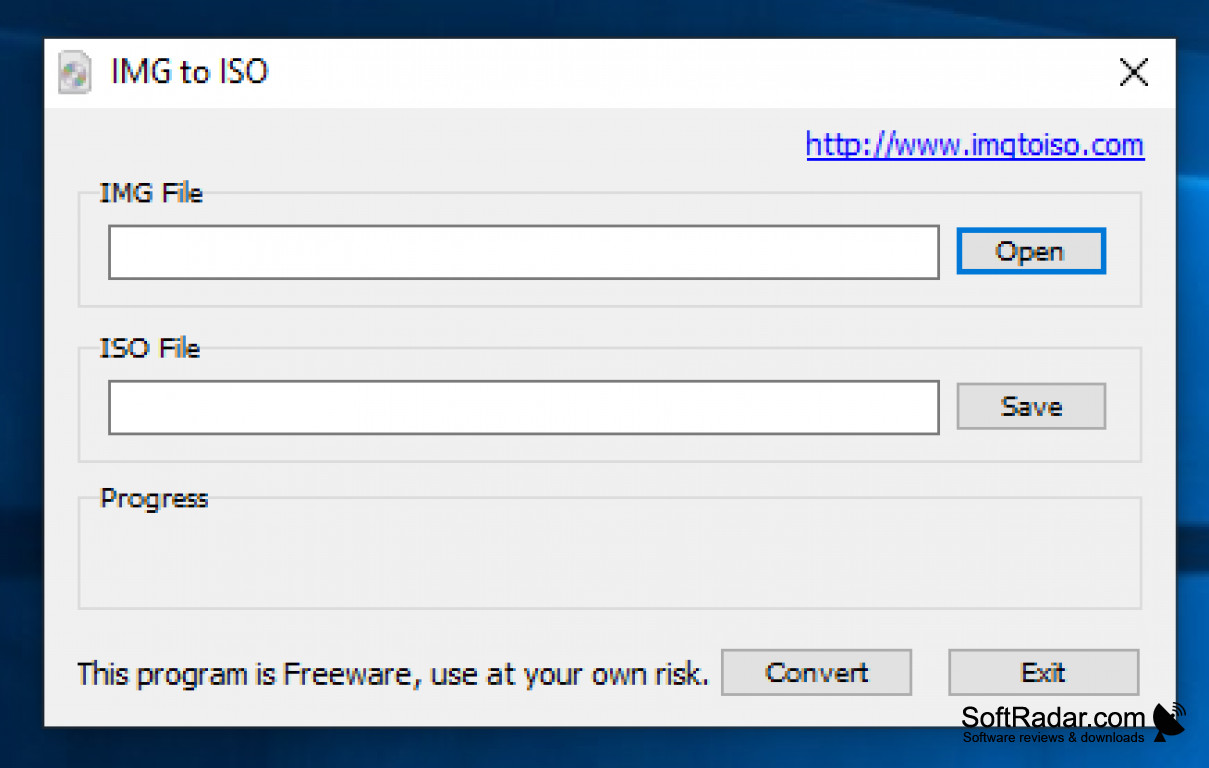
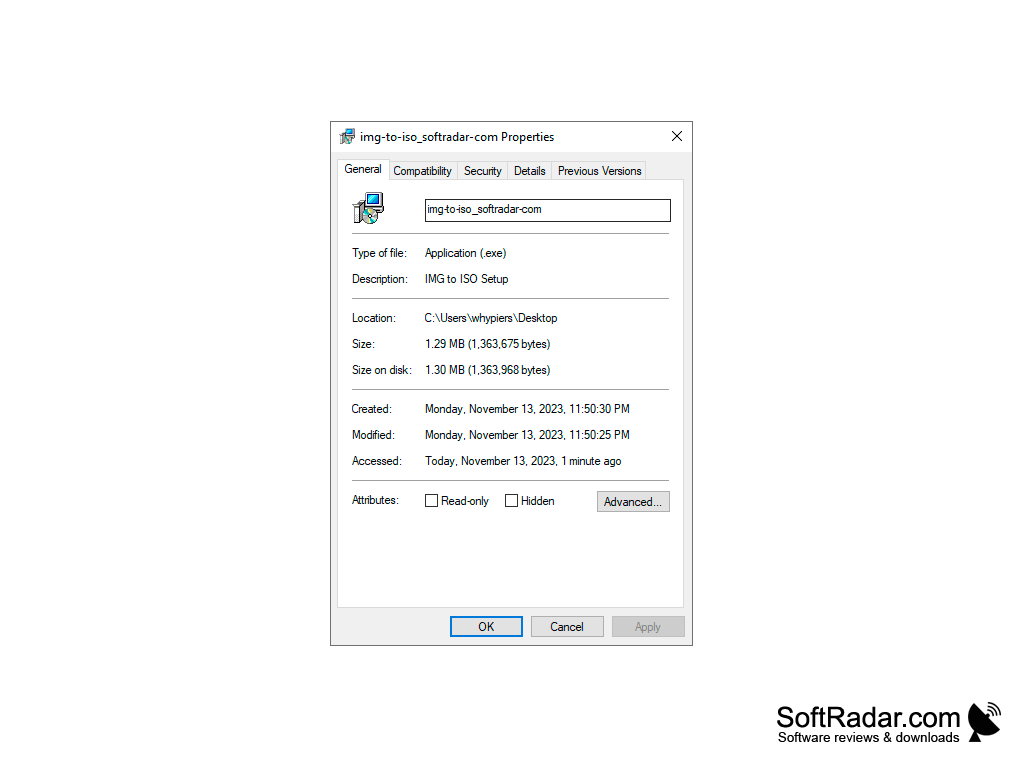
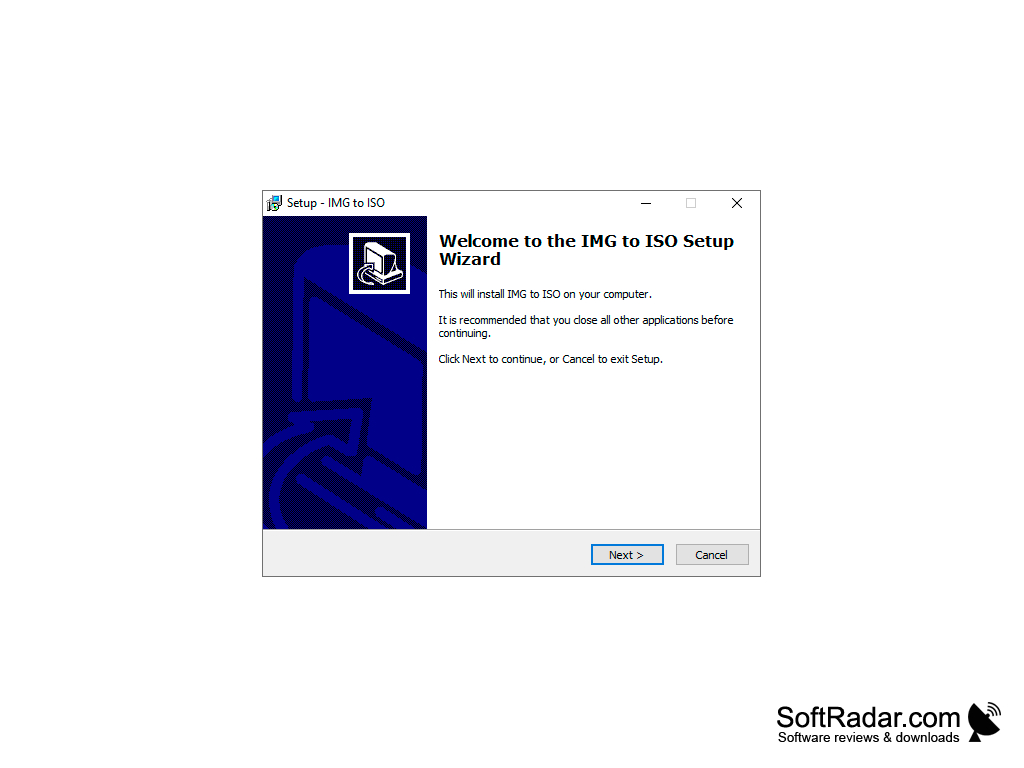
PowerISO is an image file processing tool. It is an all-in-one solution for creating, opening, extracting, burning, creating, editing, splitting, and converting IOS files. The software also mounts ISO files with an internal virtual drive. It is a complete package for all your ISO files and disc imaging needs.
Features:
- Support most CD/DVD/BD-ROM image file formats(ISO, BIN, NRG, CDI, DAA)
- Open and extract ISO files.
- Burn ISO file to CD, DVD and Blu-Ray disc.
- Burns Audio CD from MP3, FLAC, APE, WMA and BIN files.
- Rips Audio CD from MP3, FLAC, APE, WMA and BIN files.
- Create ISO file or BIN file from hard disk files or CD/DVD/BD discs.
- Edit ISO directly
- Mount ISO file with the internal virtual drive. All popular disc image files can be mounted.
- Convert image files between ISO/BIN, BIN/ISO, Apple DMG/ISO, all popular images files to ISO/BIN file.
- Create a bootable USB drive. The app allows you to setup Windows through USB drive
- Makes bootable ISO file and create bootable CD, DVD disc.
- Supports both 32-bit and 64-bit Windows
- Can be used easily. PowerISO supports shell integration, context menu, drag and drop, clipboard copy paste.
- PowerISO scans and optimizes compress files and folders. Creating a better compression ratio and faster compression speed
- The ISO archive can be protected with a password
- Supports USB-FDD, USB-ZIP and USB-HDD
- Supports multiple languages
- Support all popular virtual disc image files, such as VMWare Virtual Disc (*vmdk), Virtual Box Virtual Disc Image(*.vdi) and Vitual PC Virtual Disc Images (*vdi)
Its an all-in-one solution for dealing with ISO files
PowerISO is a top choice for creating and burning ISO files in Windows. This is a premium tool that has outstanding perfomance. It is reliable and has many extra features. The app is the only disc imaging and ISO creator that you would ever need.
System requirements
- Microsoft Windows
- Intel Pentium 166MHZ or above
- 64MB momory
- At least 10MB hard drive space.
PROS
Efficient conversion speed, saves time.
Simple user interface, easy to navigate.
CONS
May experience slower conversion speeds.
Lacks advanced features for professional use.


