
iSunshare RAR Password Genius
iSunshare RAR Password Genius is a Windows tool that recovers lost or forgotten passwords of encrypted RAR and WinRAR archives.
Operating system: Windows
Publisher: iSunshare Studio
Release: iSunshare RAR Password Genius 3.1.30
Antivirus check: VirusTotal report
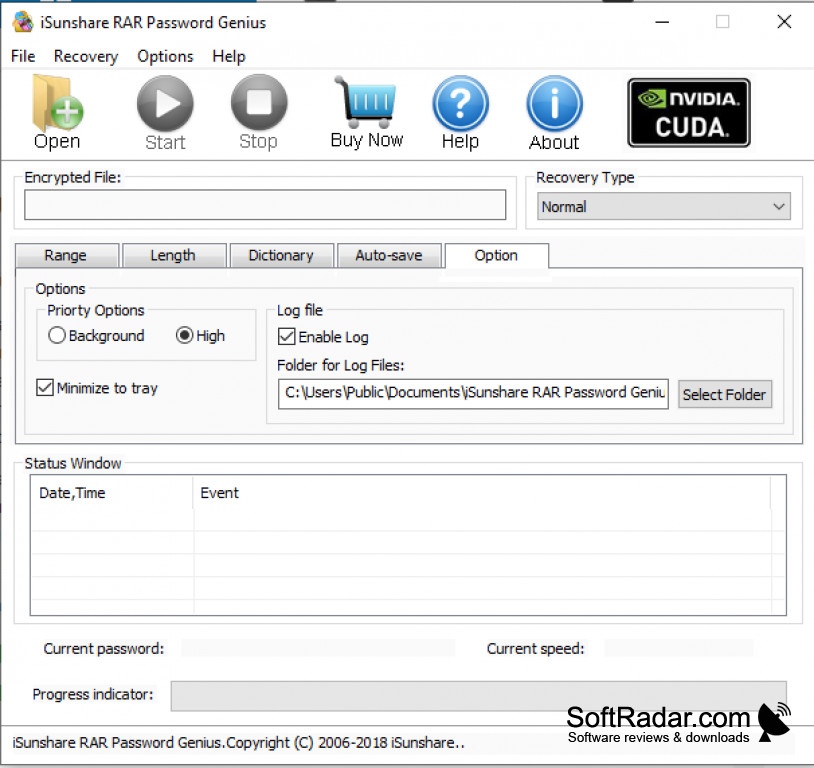
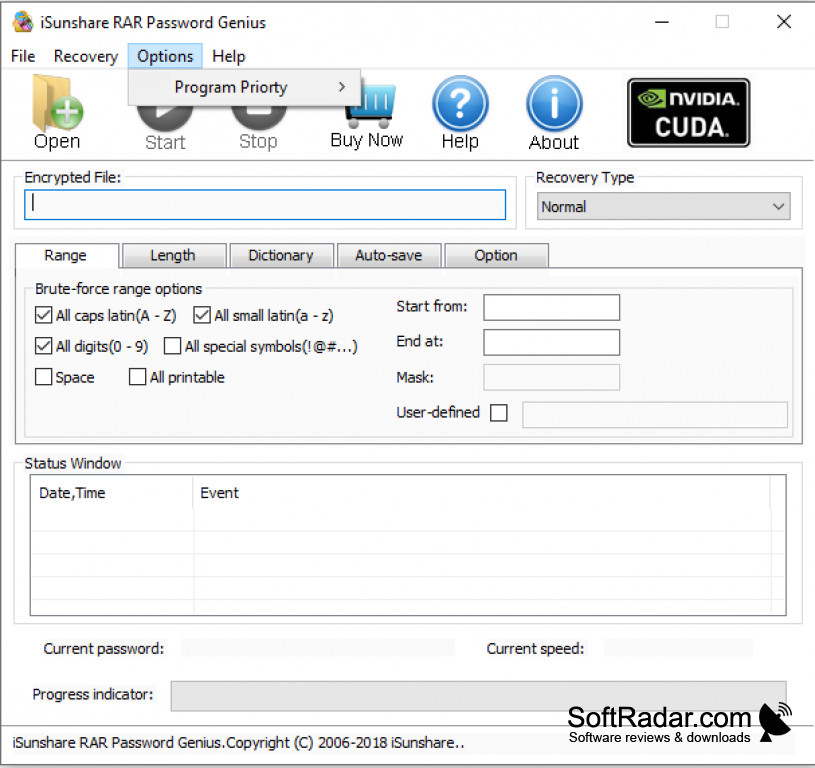
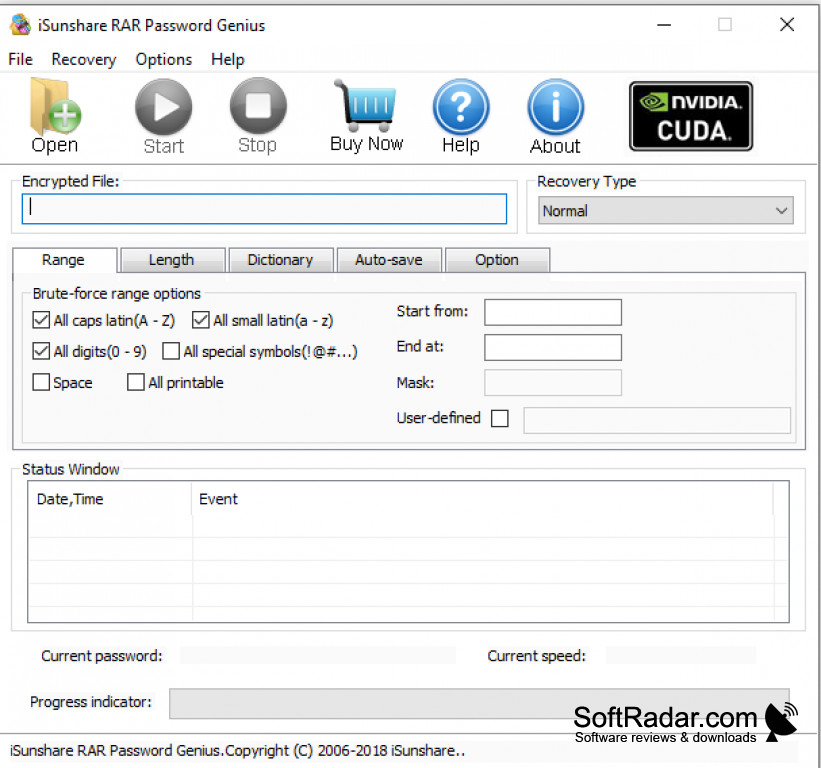
iSunshare RAR Password Genius is an application that assists you with password recovery for encrypted RAR and WinRAR archives.
Features:
- Easy to use.
- Small in size.
- Four recovery types: Normal, Mask, Dictionary and Smart.
- There is a free trial version available.
It recovers a forgotten RAR archive password with four recovery types, so the archive can be opened again without data loss.
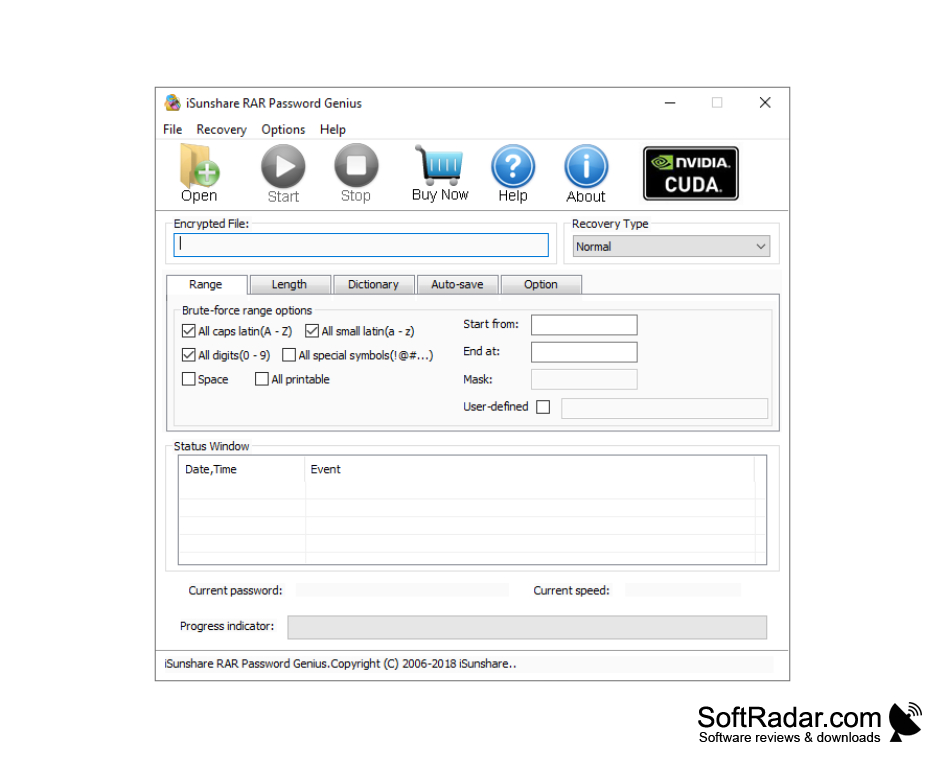
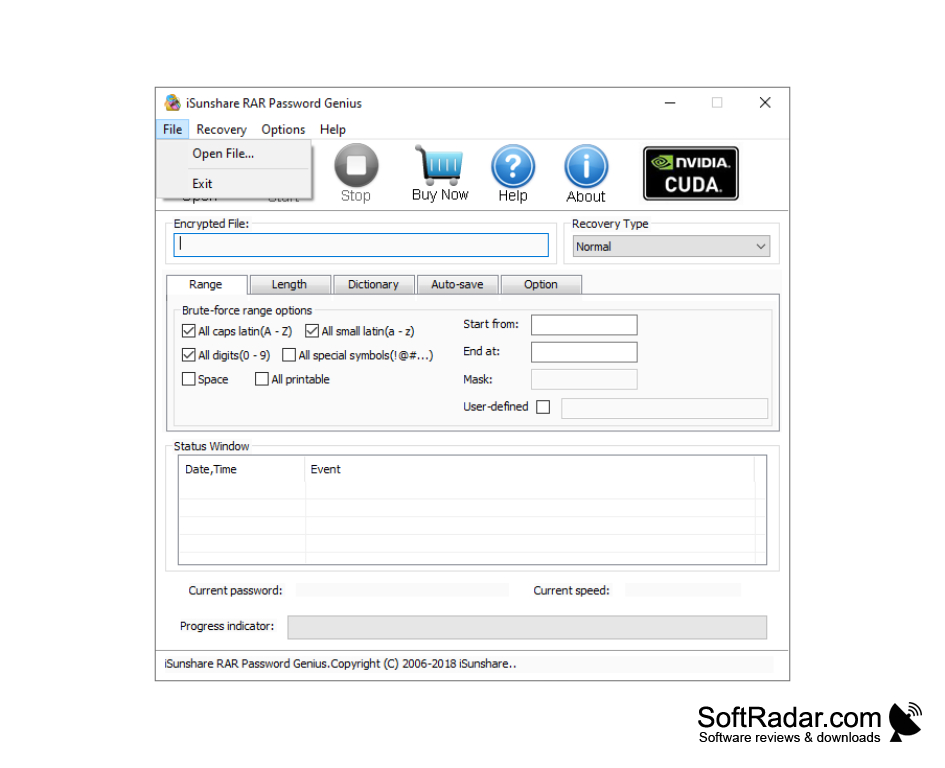
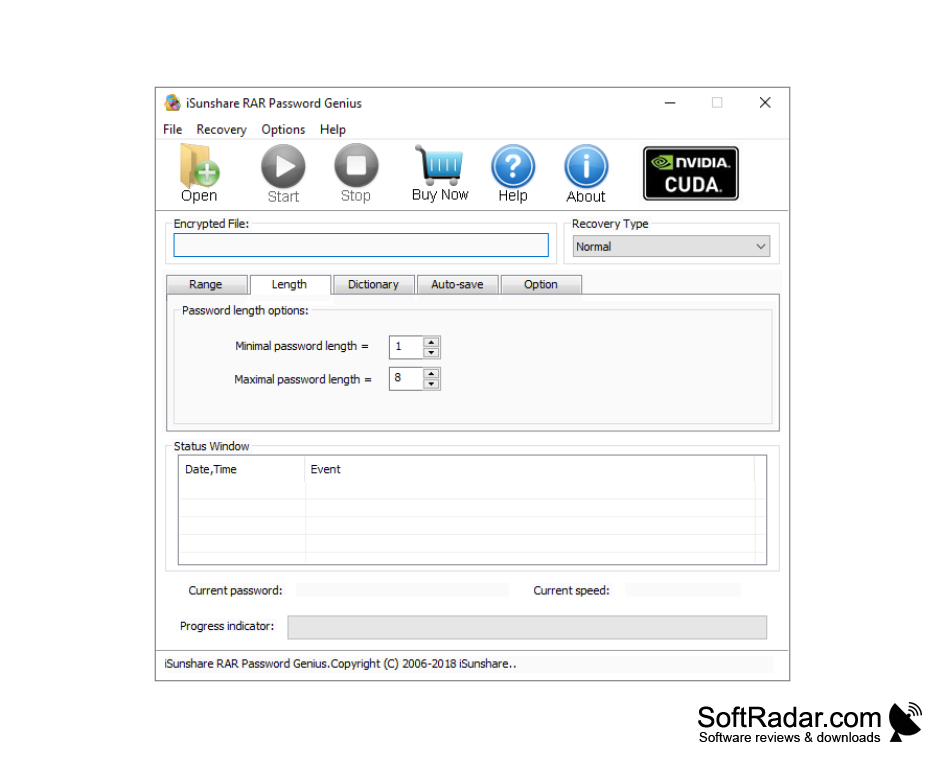
With an increased focus on cyber security and an increased need for more powerful passwords (with extra characters, numbers, and symbols), it is easy to lose access to your own protected archives. The program tries possible passwords until the right one is found: Normal mode tests every character combination in a chosen range and length, Mask mode is used when part of the password is remembered, Dictionary mode tests the words of a word list, and Smart mode works without any settings. You simply open the encrypted archive, choose a recovery type, set its options and click Start, while the status window shows the current password, the speed and the progress. iSunshare has noted this issue and has presented a solution for it. Their solution is easy to use and does not require a lot of space. RAR Password Genius runs on Windows 2000, XP, Vista, 7, 8, 8.1, 10 and 11 and on Windows Server 2003 to 2025 (32 bit & 64 bit). It also supports all versions of WINRAR, RAR or other archives software that can create a RAR archive. On top of this, the program saves its progress automatically, so an interrupted search resumes where it stopped. For skeptics, there is a free trial available. With the free trial version, 3 or fewer characters of rar password can be recovered free. Besides the free trial, there are two paid versions available. The Standard Version works on one computer, while the Professional Version can use several computers in a local network to recover one password at the same time. Although it is easy to use (even for those that are not so computer savvy), long and complex passwords can still take a very long time to recover.
Windows Server 2003 to 2025
800 MHz Intel or AMD CPU or faster
512 MB RAM
PROS
Saves progress automatically and resumes where it stopped.
Offers four recovery types: Normal, Mask, Dictionary and Smart.
CONS
Interface can be confusing for non-technical users.
Long complex passwords can take a very long time to recover.


