
Jaspersoft Studio
Jaspersoft Studio is a free Eclipse-based report designer for creating JasperReports templates, charts and other data visualizations.
Operating system: Windows
Publisher: Actian Corporation
Release: Jaspersoft Studio 7.0.3
Antivirus check: VirusTotal report
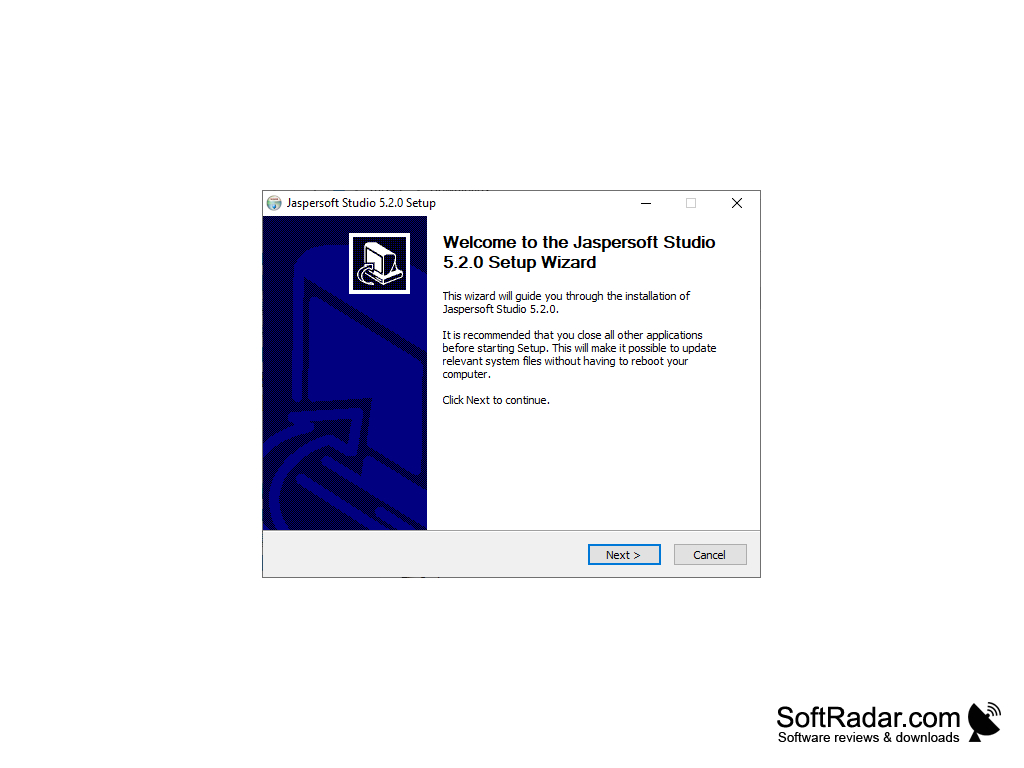
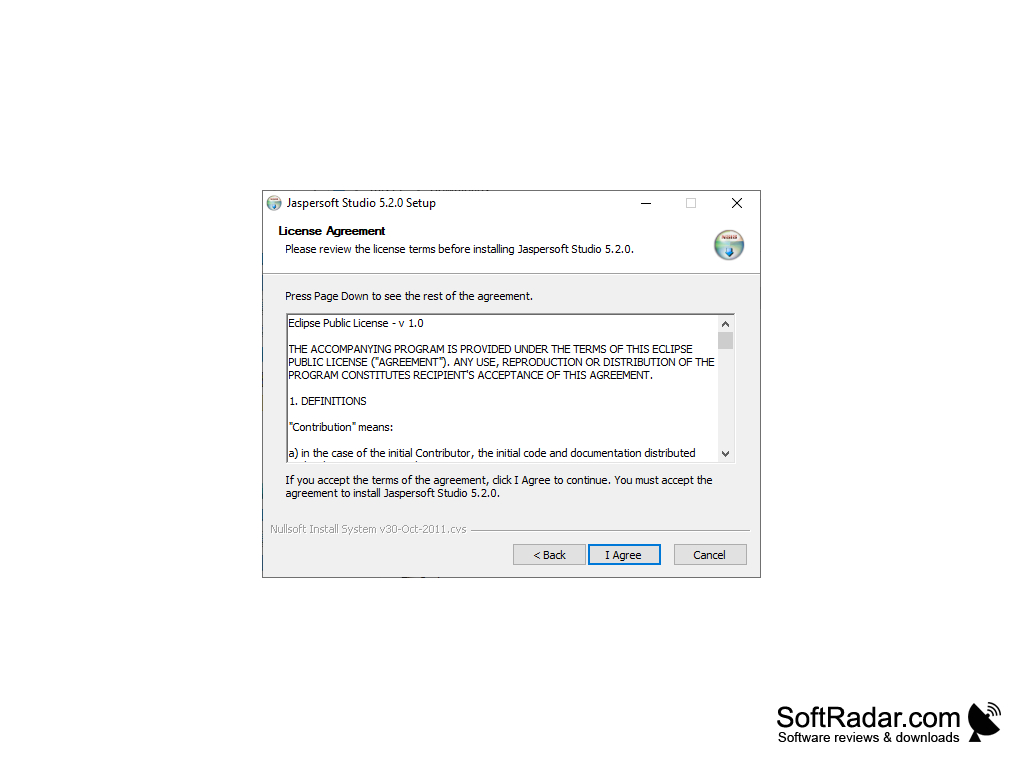
Jaspersoft Studio is an Eclipse-based report designer for the JasperReports Library, a tool for any business or developer who wants to design and run reports for the data being collected. Many useful features of Jaspersoft Studio help you streamline your reporting. For example, you can use the visual layout editor, which lets you place charts, maps, tables, crosstabs, and custom visualizations on a report. Reports can be as simple or as complex as your source data requires. Options include print-ready PDF documents and interactive HTML reports that have navigation components. When considering how to draw your data into the program, you have many options when choosing your source, as data can be accessed through JDBC, TableModels, JavaBeans, XML, Hibernate, CSV and other custom sources.
The designer uses tabbed editors and property dialogs to make working with a report more fluid, and report elements can be edited with a double click. The preview function allows you to check in advance whether a report layout is on the right track before spending too much time on it, and the Jaspersoft community forums are there if you have any questions.
It is also possible to run and test reports directly within Jaspersoft Studio. There is a set of report templates to save you from starting from scratch, and you can use the report wizard to help work with these. Report designs are saved as JRXML files, the XML-based format used by JasperReports.
This software is well suited to someone who deals with complex data and needs reports tailored to specific requirements, including custom exporters. You can create OpenOffice, PowerPoint, RTF, Word, and spreadsheet documents, or you can produce CSV, JSON, or XML files.
Jaspersoft Studio comes in two editions, community and commercial. The community edition is free and distributed under a BSD-type licence, while the commercial edition adds Highcharts, maps and HTML5 visualizations with animation and interactive legends, together with professional support.
Jaspersoft is now part of Actian, the data and AI division of HCLSoftware, which completed the purchase of Jaspersoft from Cloud Software Group in July 2026. If you want a report writer that provides a visual layout editor, report templates, preview and export functions, design tools and a wide range of data sources and adapters, Jaspersoft Studio for Windows covers these needs. Reports designed in it can be run by the JasperReports Library inside Java applications or published to JasperReports Server.
You can design pixel-perfect reports from many data sources and export them to PDF, HTML, Office and other formats.
Features:
- Report templates
- Build report queries
- Write complex expressions
- Layout visual components
Java 17 or later (Java 21 for the newest 7.0.x builds)
PROS
Supports multiple data sources for diverse report generation.
User-friendly interface with drag-and-drop functionality.
CONS
Large download because of the bundled Eclipse platform.
Advanced charts and maps need the commercial edition.


