
JetBoost
A free one-click tool that speeds up your PC by temporarily stopping unneeded processes and services.
Operating system: Windows
Publisher: BlueSprig
Release: JetBoost 2.0.0.67
Antivirus check: VirusTotal report
JetBoost is a free, easy to use program that will speed your computer up for you without you having to go through technical details and trying to understand very complex functions.
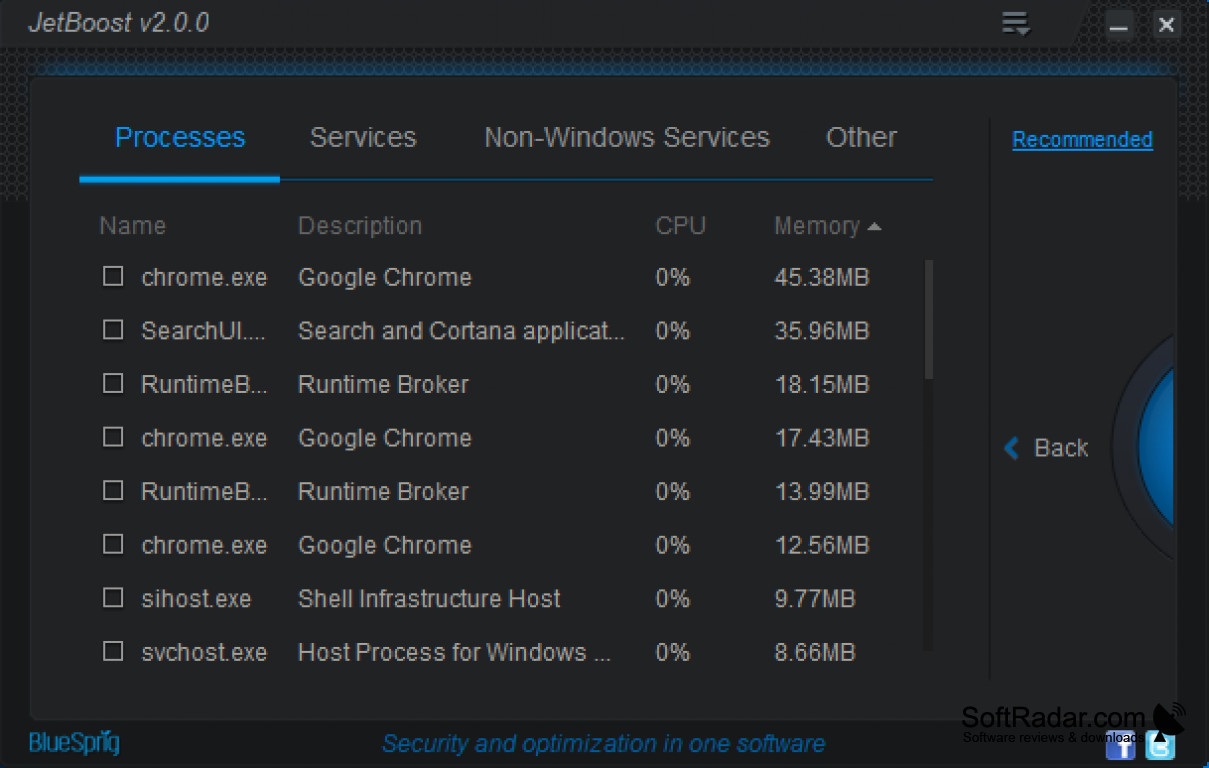
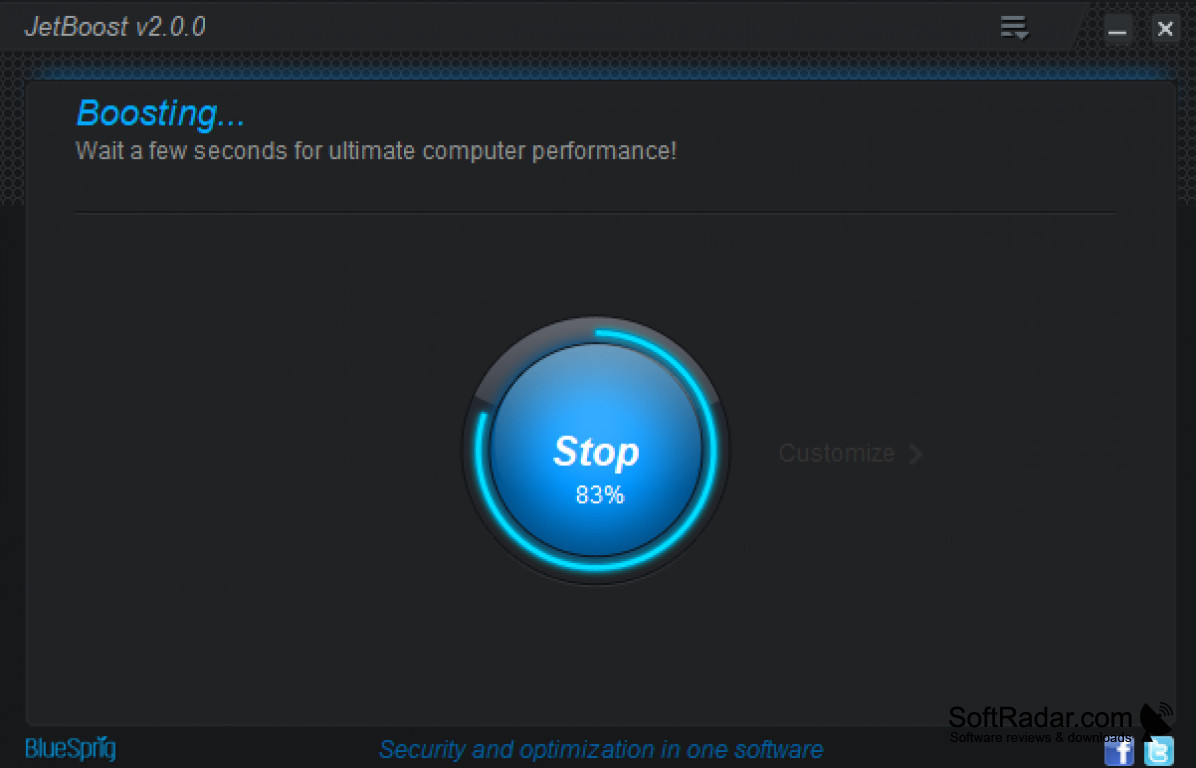
JetBoost will quickly list the processes and services that are running on your computer and may slow it down during games or heavy work. Once it has made its list, with just one click you will be able to temporarily shut down the programs and services you do not need. This frees memory and processor time for playing video files or graphically intense video games.
Another great use of this is so you can focus on your work. By closing down any distracting programs, you will be able to put your complete focus on what you need to get done and what you need to accomplish. Once you've completed your work, you can restore all of the other programs so you will not have to stay out of the loop for long.
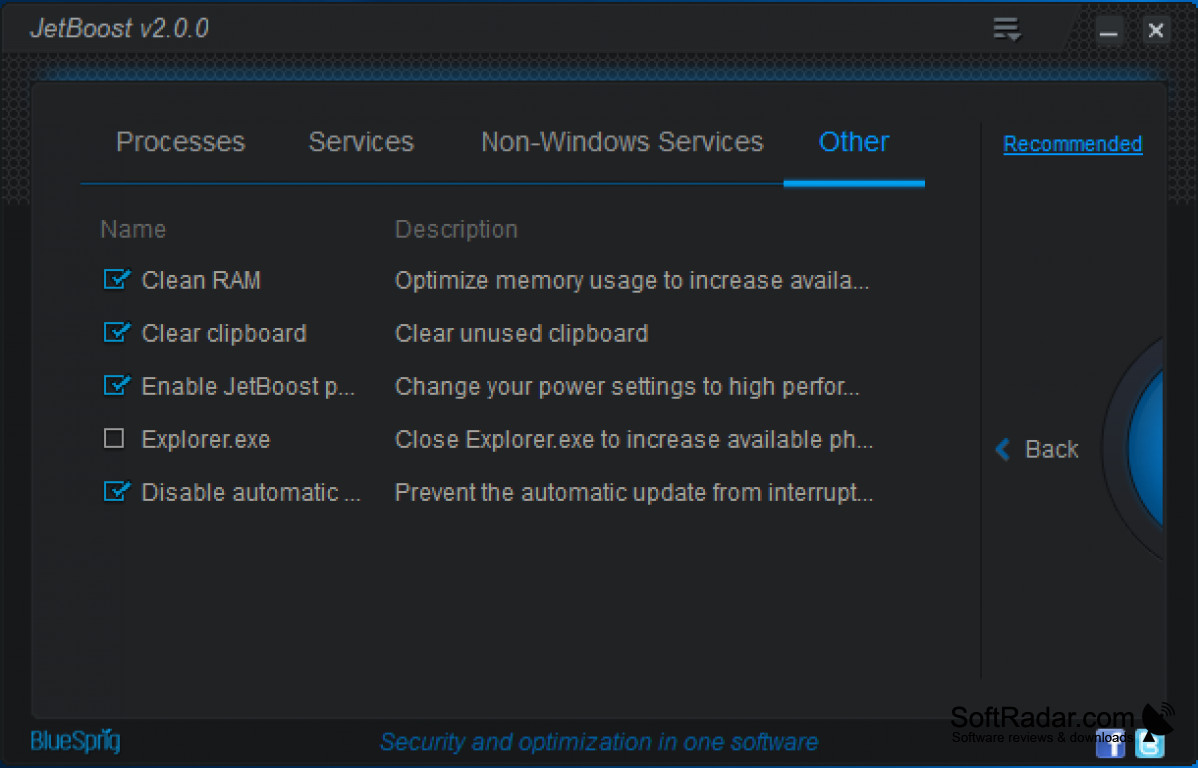
JetBoost is customizable, so you can choose which processes, services and non-Windows services you want it to stop and which you want to keep. Extra options can clean RAM, clear the clipboard, switch to a high performance power plan, close Explorer.exe and pause automatic updates. The setup is straightforward, and you only have to tick a few boxes to make your choices.
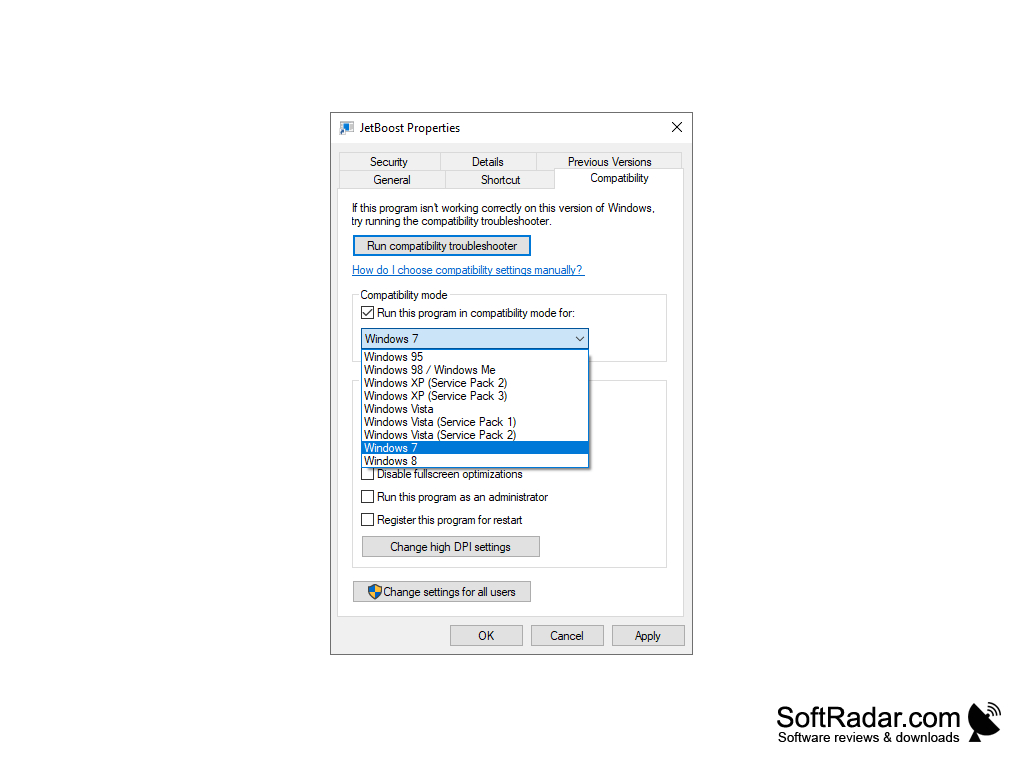
JetBoost is a Windows program that supports Windows 2000, XP, Vista, 7 and 8 in 32-bit and 64-bit editions. It is freeware so you can install it on as many computers as you want. The last version, 2.0.0, was released by BlueSprig in 2012, and the developer's website is no longer online, so the program is no longer updated. The interface is available in 21 languages, including English, German, French, Spanish, Russian and Chinese.
JetBoost lets you focus on your priorities by closing distracting programs and services when you need to work or play.
32-bit or 64-bit
PROS
Customizable list of processes and services to stop.
Simple interface available in many languages.
CONS
No longer updated for newer versions of Windows.
Stopping the wrong service can affect other programs.


