
Alienware AlienFX
Alienware AlienFX Media Plug-In syncs the AlienFX lighting of Dell and Alienware PCs with music played in Winamp, iTunes or Windows Media Player.
Operating system: Windows
Publisher: Dell
Release: Alienware AlienFX 1.0.0.11
Antivirus check: VirusTotal report
Alienware AlienFX Media Plug-In is a small utility from Dell for computers with AlienFX lighting. The plug-in links the lighting of the PC to music and video playback, so the colours of the keyboard, speakers, logo and other lighting zones change with the media being played. It is not a system maintenance or security tool; it works together with Command Center, which controls the AlienFX lighting.
Features:
- Visualization plug-ins for Winamp and iTunes
- Plug-in for Windows Media Player in 32-bit and 64-bit versions
- Lighting that reacts to a selected audio frequency range
- Choice of lighting zones and colours for the effect
- Free download from Dell Support
The lighting zones of an AlienFX-equipped computer change colour in time with the music and videos you play.
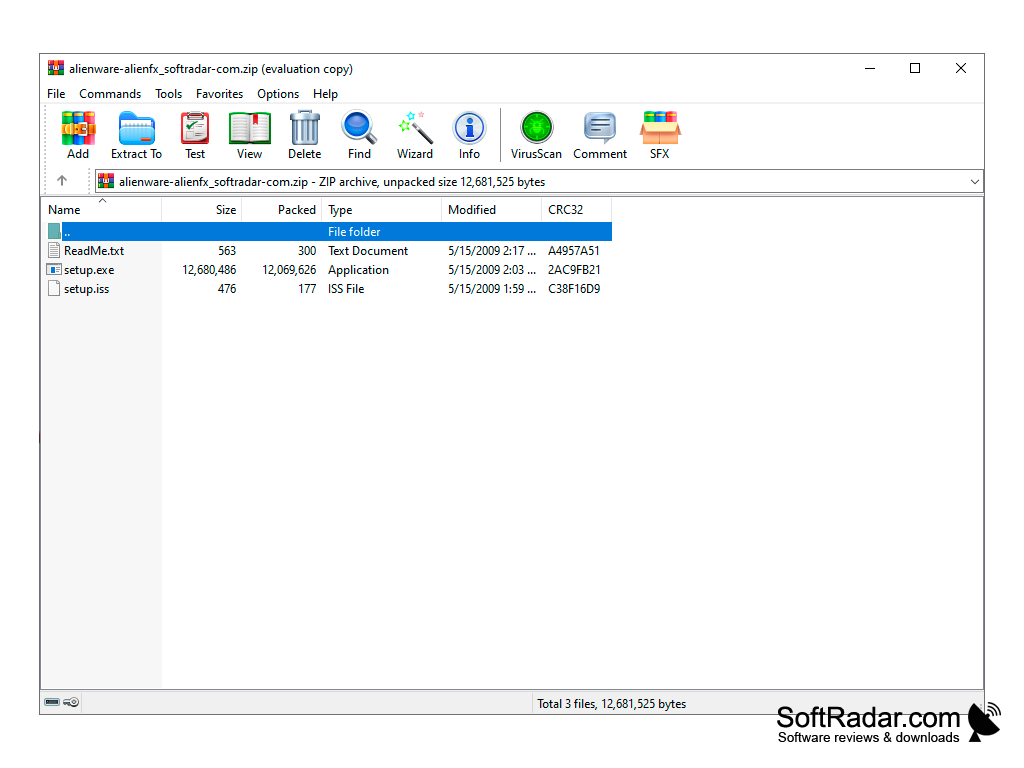
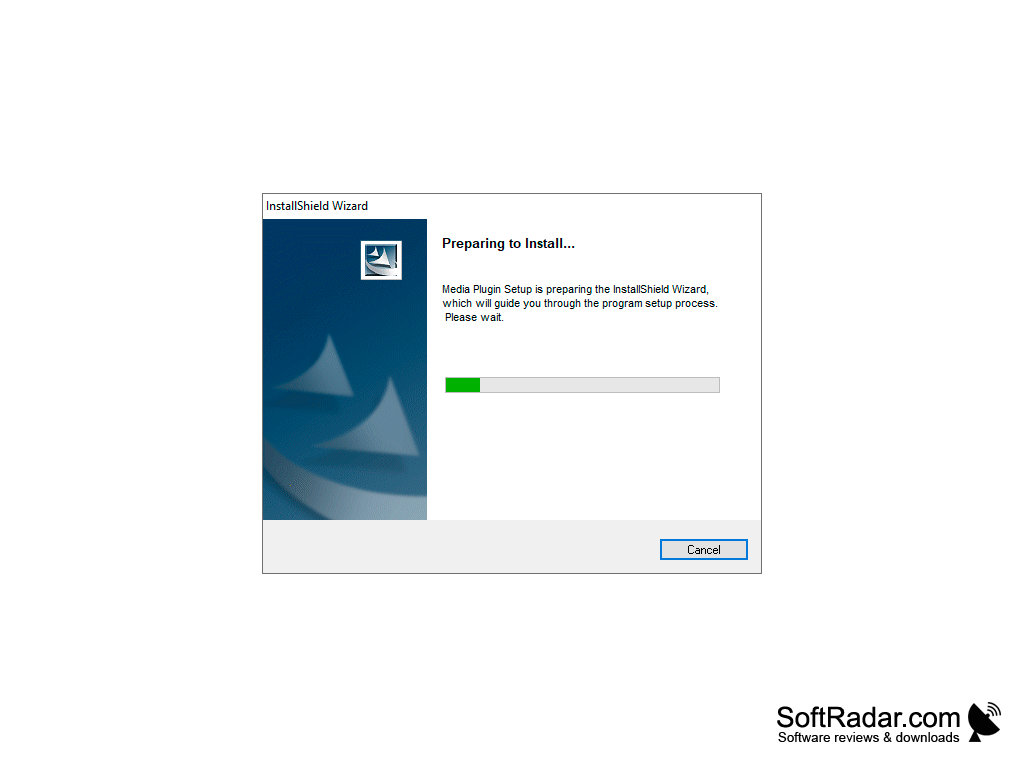
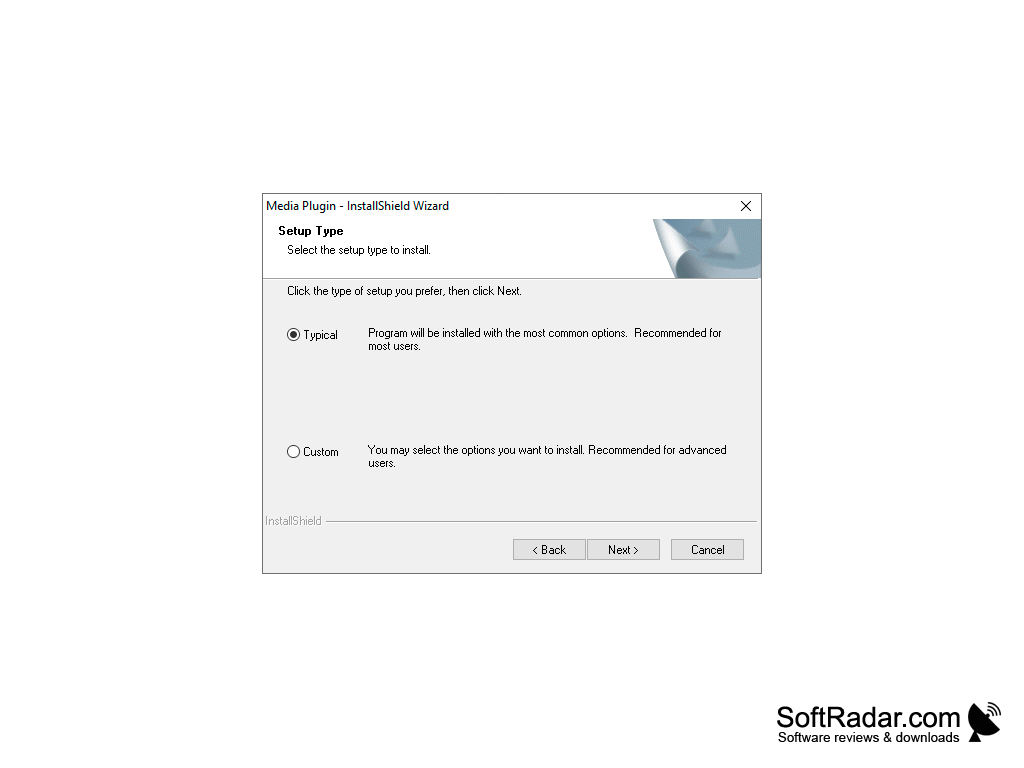
Dell publishes the plug-in as a driver package for XPS 625, XPS 630i, XPS 730 and XPS 730x desktops running Windows Vista; this version, 1.0.0.11, was released in August 2009. The download is a ZIP archive with a readme and a setup program that installs the Media Plug-In through an InstallShield wizard with Typical and Custom setup types.
Before installing, Microsoft .NET Framework 3.0 or later, an audio controller driver and Command Center 2.5 or later must be present. In Windows Media Player the effect is turned on from the Now Playing visualizations, where AlienFX Media Plug-In can be selected; an Alienware head appears in the window and the lights begin to change with the music.
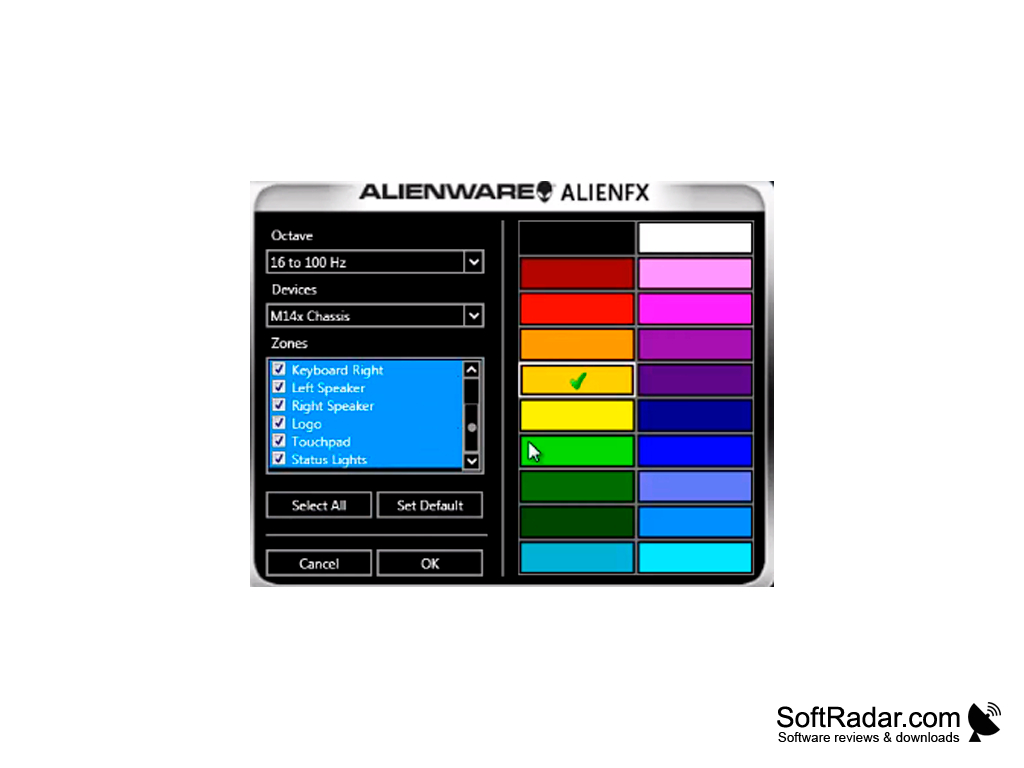
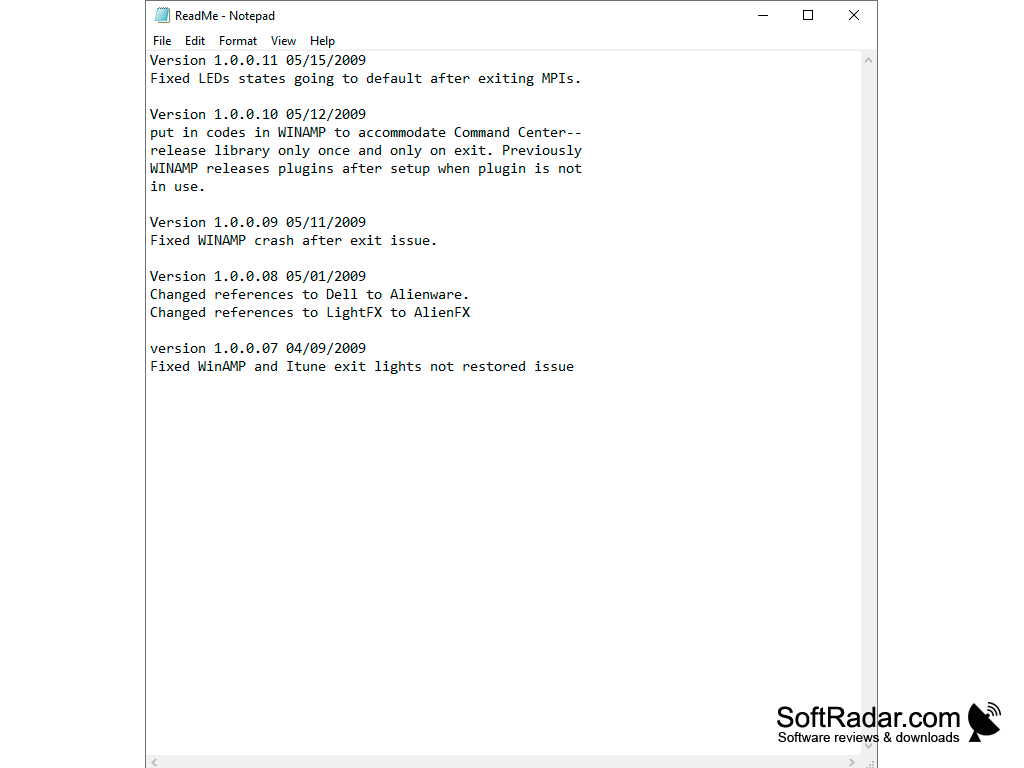
The settings window lets you pick the frequency range (octave), the device and the lighting zones, such as the keyboard, left and right speakers, logo, touchpad and status lights, and assign colours to them. The readme lists fixes for Winamp and iTunes, including lights not being restored after the player was closed. In Winamp the light show works for both audio and video files, while in Windows Media Player it works for audio only.
The plug-in works only on Dell and Alienware computers with AlienFX lighting hardware. It is an old release that is no longer updated, and Dell later published a newer version of the Media Plug-In as a separate download.
Microsoft .NET Framework 3.0 or later
Command Center 2.5 or later
Dell or Alienware PC with AlienFX lighting
Winamp, iTunes or Windows Media Player
PROS
Makes the lighting react to music and video playback.
Works with Winamp, iTunes and Windows Media Player.
CONS
Works only on computers with AlienFX lighting.
Old release made for Windows Vista systems.


