
Google Drive
A desktop client for Google's cloud storage that lets users store files online and sync or share them across devices
Operating system: Windows
Publisher: Google
Release: Google Drive 132.0.0.0
Antivirus check: VirusTotal report
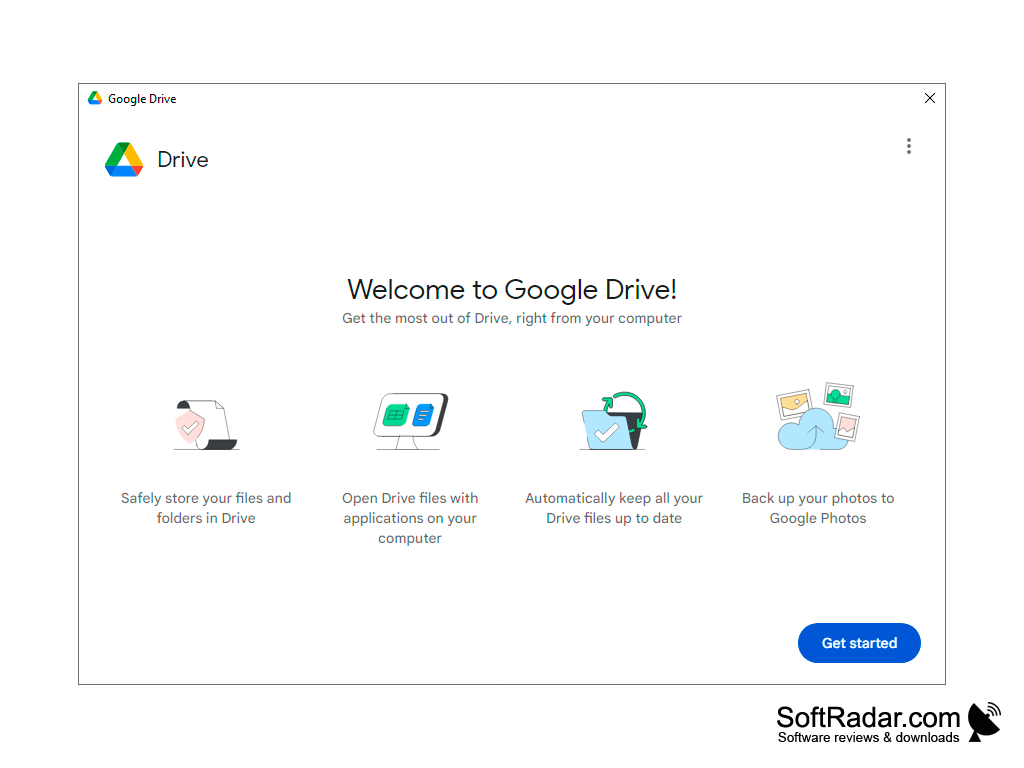
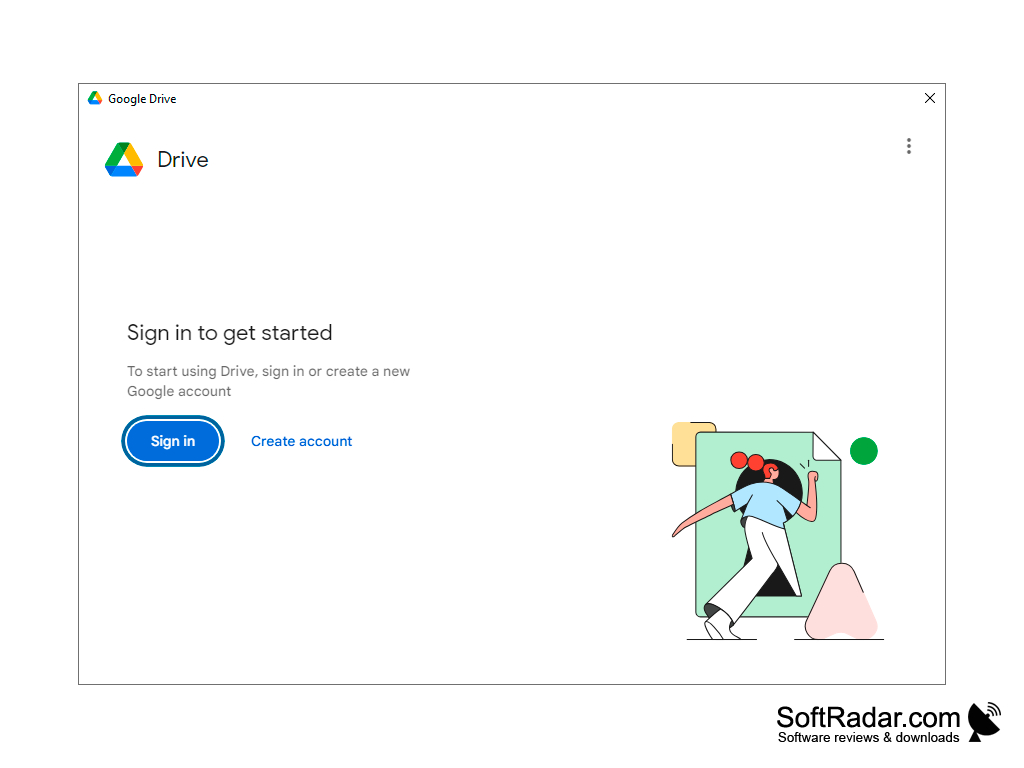
Google Drive is a client for the cloud service of the same name, which allows you to store any files in the online storage, as well as easily access them from computers and portable devices. The current Windows client is called Google Drive for desktop. The service was created as a competitor to another popular service called Dropbox. The principle of both cloud storages is almost identical, but a free Google account includes 15 GB of space in the "cloud", shared with Gmail and Google Photos, against 2 GB in the free Dropbox Basic plan. More space is available with paid Google One plans. Google Drive apps are also available for the iOS and Android operating systems.
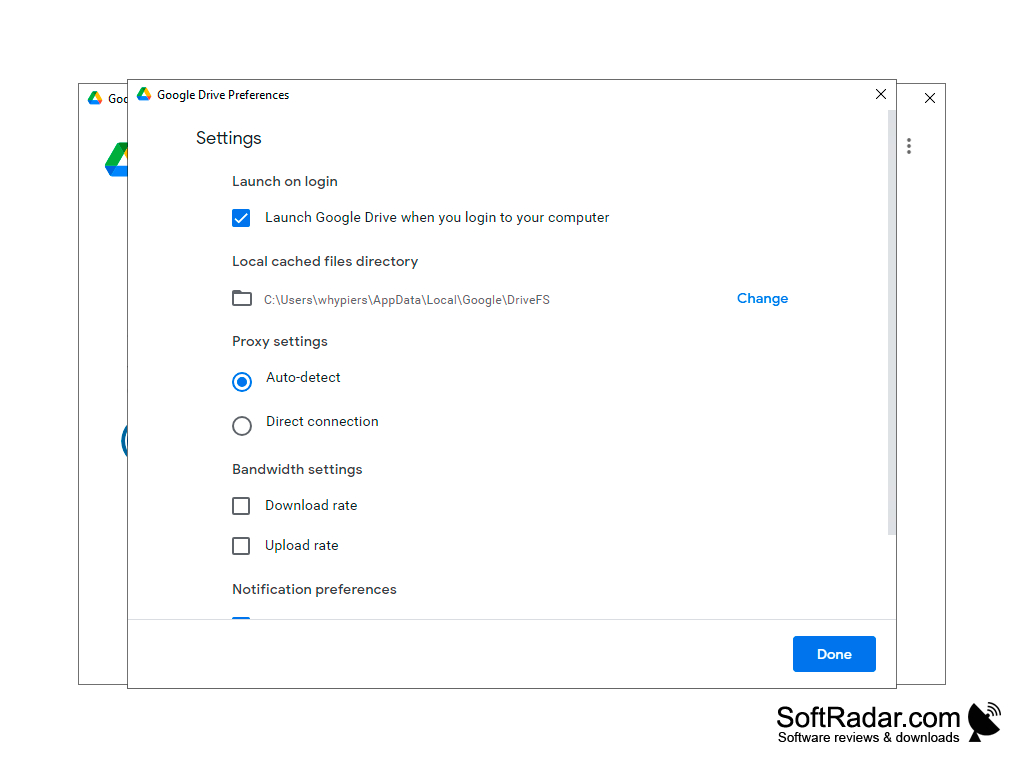
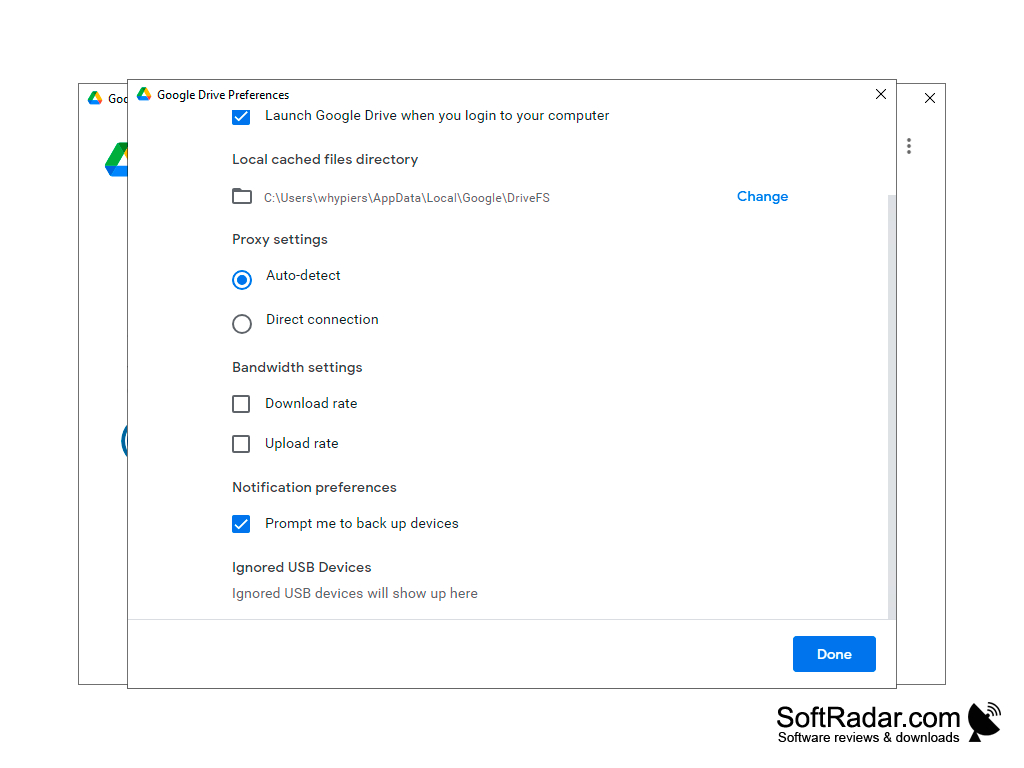
It will take you no more than a minute to install the program. Once this is complete, you will need to sign in with your Google account and start using the service. Drive appears in File Explorer as a separate drive, and files can either be streamed from the cloud to save local disk space or mirrored as full local copies. To upload files to the storage, you just need to copy them to the Google Drive folder. The client can also back up selected folders to Drive or Google Photos and supports up to four accounts; its settings are opened from the icon in the notification area.
Google Drive offers convenient cloud storage with 15 GB of free space and access to your files from any device.
Windows 11 on ARM64 devices
Microsoft WebView2 runtime
PROS
Generous free storage space.
Integrated with Google Workspace, enhances productivity.
CONS
Free storage is shared with Gmail and Google Photos.
Occasional syncing issues across devices.


