Motorola Device Manager
by Motorola Mobility LLC
Control your device remotely, installing updates and managing information stored in your device
Features:
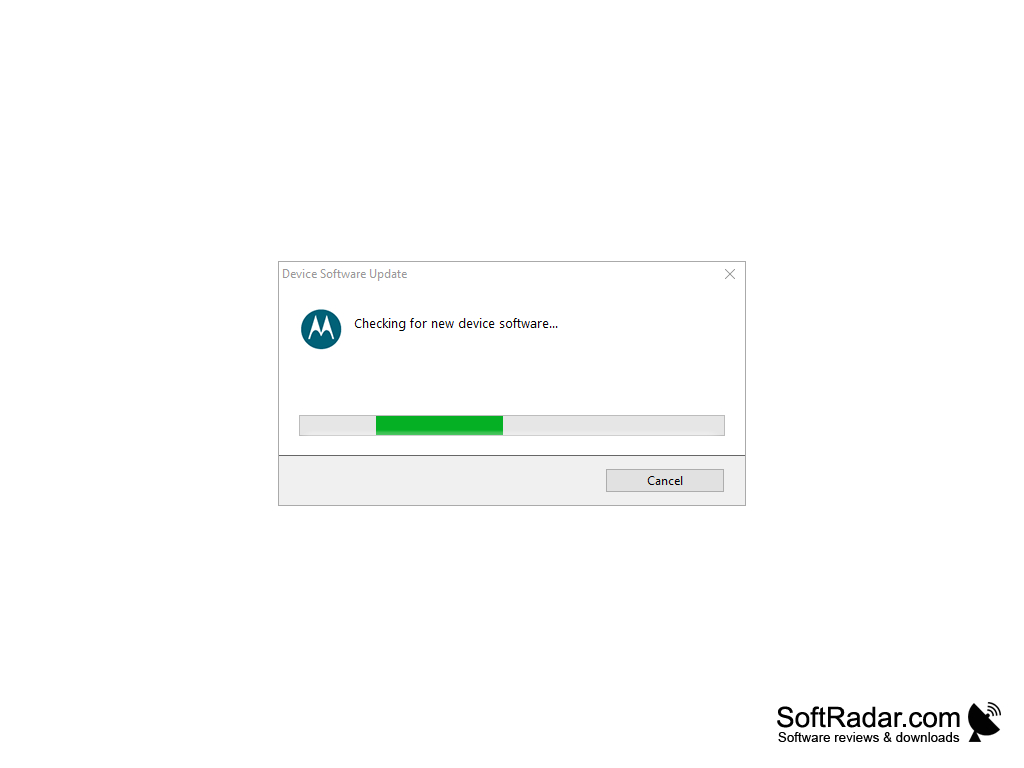
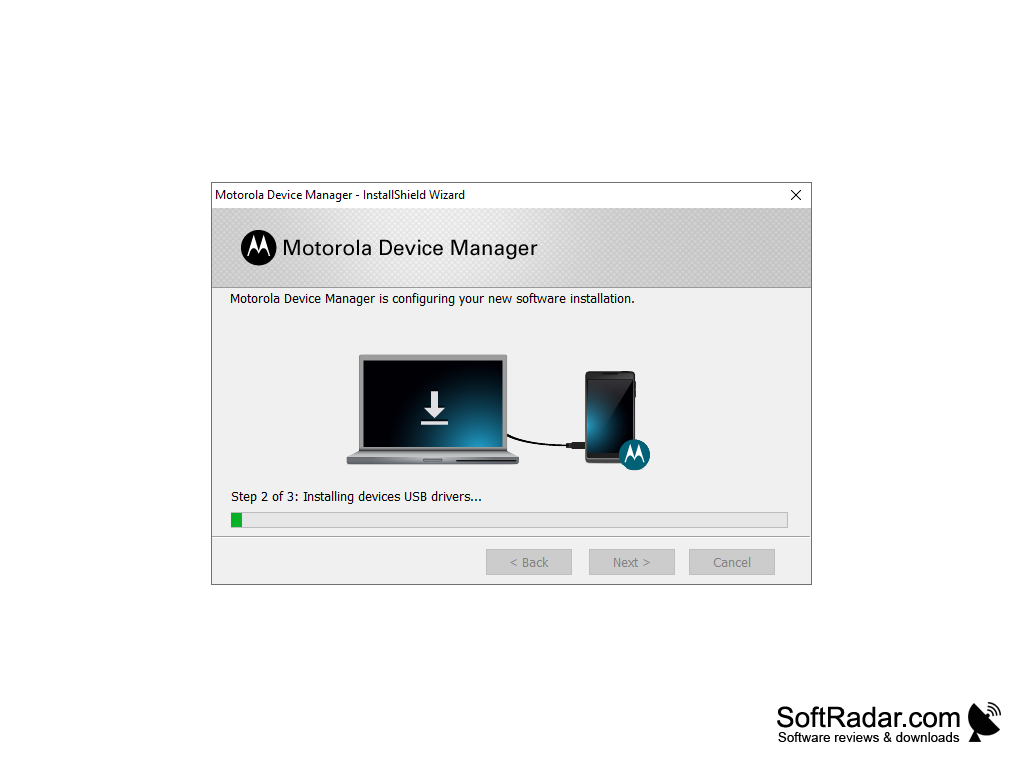
- This software allows you to manage your cellular device by plugging into your computer with a USB cable. The software offers an easy and straight forward way of installing updates to your phone when connected to your computer
- The software will also allow you to manage your music, apps, photos, and videos all through your computer when connected to the phone. This makes the exchange of information from your phone to your computer much easier as you can simply drag and drop the photos, videos, and music from your phone to your computer so long as it is connected.
- It is also possible with some devices to connect your phone to your computer through a Bluetooth connection, eliminating the need for a physical USB cable. This will decrease the number of cables and numbers that you need to carry on your person in order to make a connection between your phone and computer. Additionally, this will make connecting the two easier on the go, when you might not have a cable at your disposal but still need to get into your phone's files.
- Another benefit of this product is that you do not need to have a Motorola computer in order to use it. As most computers today are either Windows or Apple, a software that could only pair Motorola phones to Motorola computers would be essentially useless. As this product is compatible with Windows, and it has iOS counterparts, it is reasonable to say that it could be used by just about any Motorola owner.
In conclusion, this software is useful and potentially very valuable to people using Motorola phones who need consistent access to the information on their phones, a way to transfer files from phone to computer or a way to remotely update their phone. The Bluetooth capability makes this an extra valuable piece of tech as it eliminates the need for cords and cables.
Makes managing your cell phone from your phone much easier and more straight forward than it usually is.
Windows or macOS operating system
USB or Bluetooth device
Motorola mobile device
Internet connection for updates
USB or Bluetooth device
Motorola mobile device
Internet connection for updates
PROS
Allows easy synchronization of files between PC and device.
Offers user-friendly interface and simple navigation.
Prepares devices for easy software updates.
Offers user-friendly interface and simple navigation.
Prepares devices for easy software updates.
CONS
Limited compatibility with non-Motorola devices.
May experience slow performance or crashes.
Lacks comprehensive device management features.
May experience slow performance or crashes.
Lacks comprehensive device management features.


