
Nero DiscSpeed
Nero DiscSpeed is a free benchmark and diagnostic tool that tests the performance of CD, DVD and Blu-ray drives and the quality of discs.
Operating system: Windows
Publisher: Nero
Release: Nero DiscSpeed 12.0.3.2
Antivirus check: VirusTotal report
Nero DiscSpeed is a useful program that will allow you to find out the true performance of any CD, DVD or Blu-ray drive. It does not rely on what the manufacturer says but runs multiple tests to show what the drive really does. This will help you understand how to better use your drives, check whether a drive or a batch of discs is faulty and compare different drives and media.
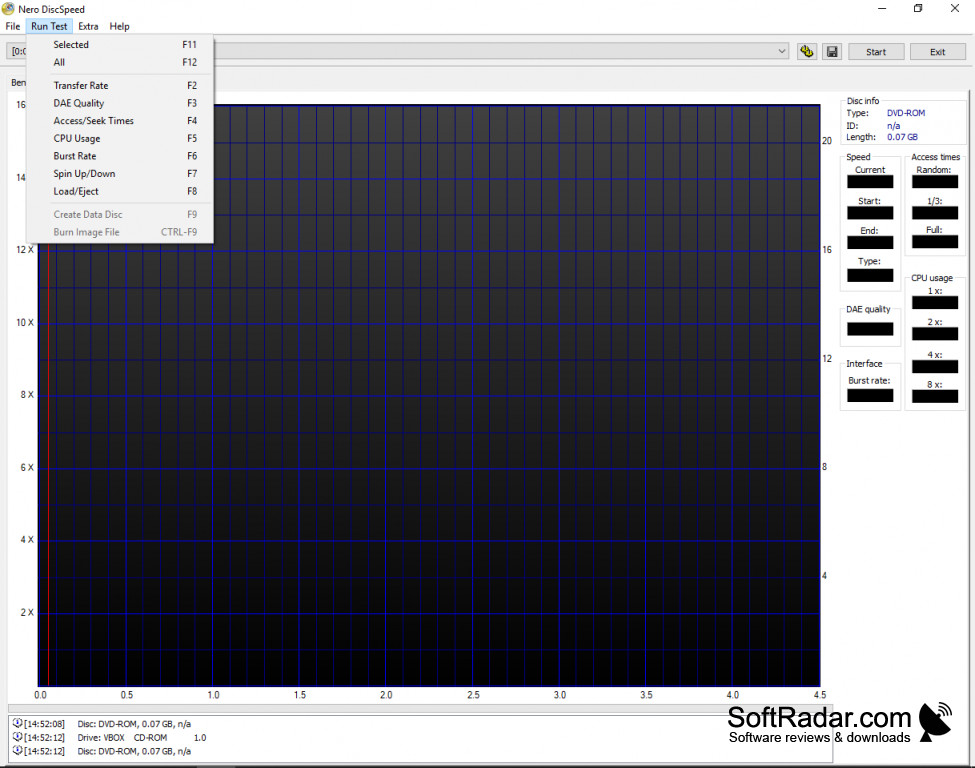
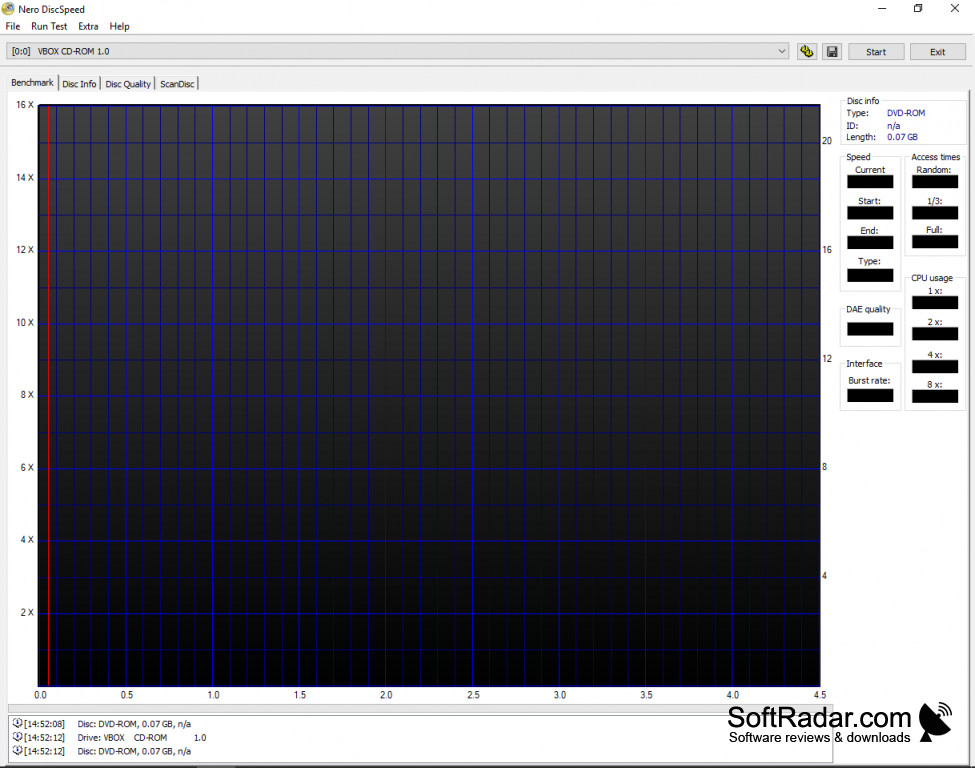
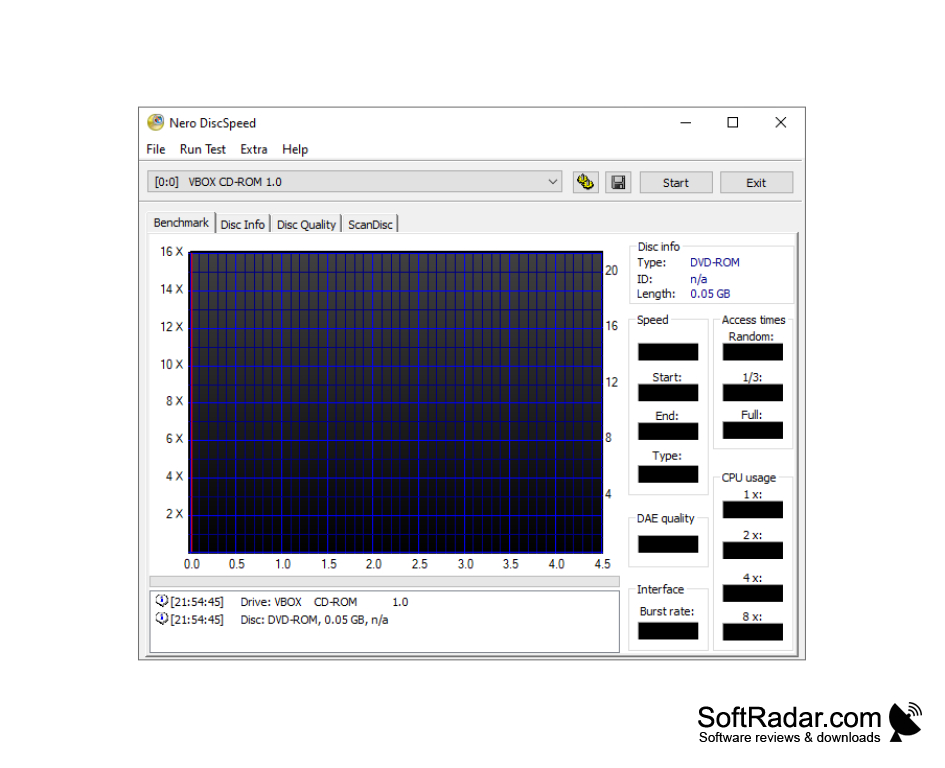
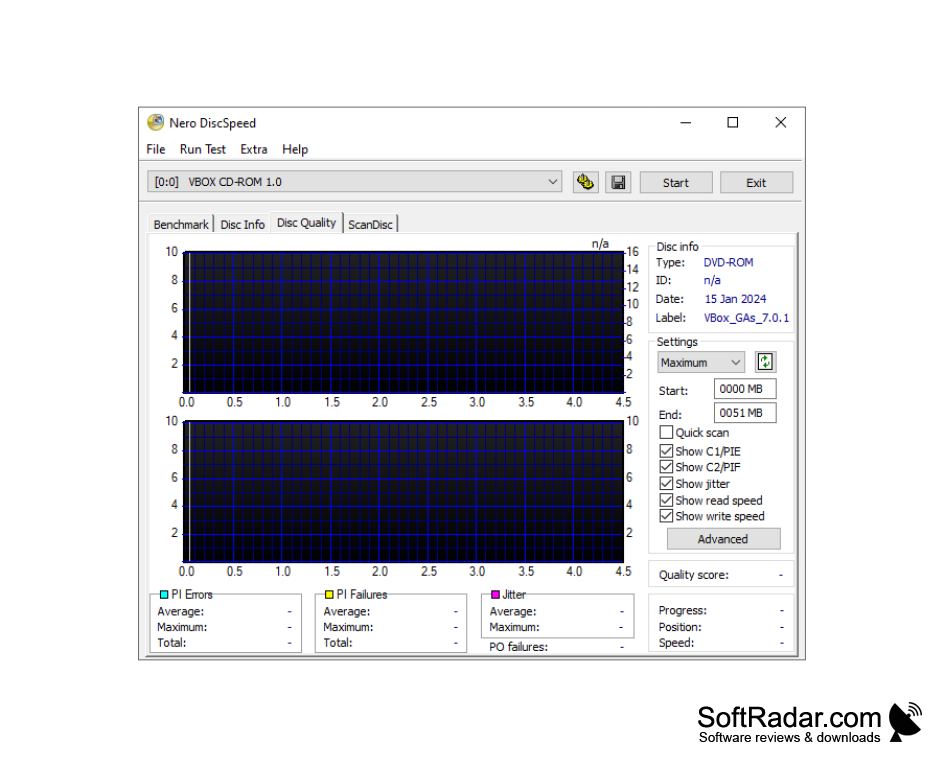
Nero DiscSpeed comes with a lot of tests including transfer rate, burst rate, access and seek times, CPU usage, DAE quality, spin up/down and load/eject times. Advanced tests cover disc quality (C1/C2, PI/PO and jitter), ScanDisc surface scans and overburning. You can watch each test in real time in the program window. The graph it displays is clear and simple to understand.
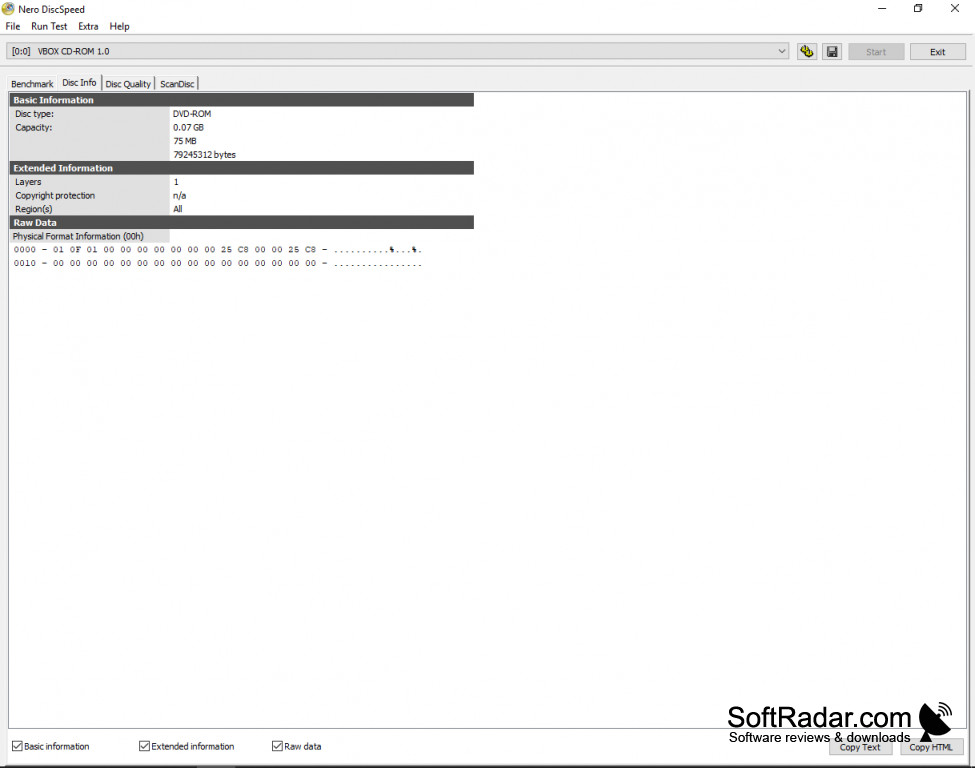
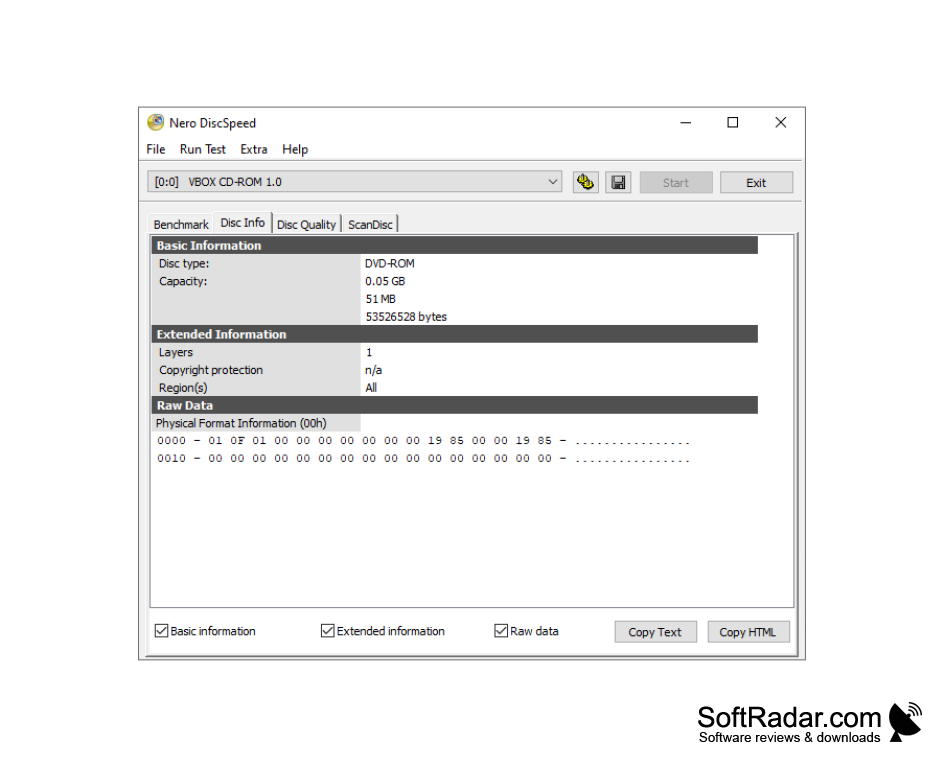
After completing the tests it gives you full feedback about the performance of the drive it tested. The Disc Info tab shows the disc type, capacity, layers, copy protection and region, and the results can be copied as text or HTML or saved for future reference. Either way, it is handy to have them when comparing drives or media.
You can run all of the tests together, or you can choose to run each test individually at separate times. You can also run each test multiple times. Running tests more than once will give you a better idea about the true performance of your drive, as you can compare the results rather than rely on a one-time report. As there can be some fluctuation in any drive, the results of a single test may not be wholly accurate.
Nero DiscSpeed runs on Windows and is freeware. It was formerly known as Nero CD-DVD Speed and was part of the Nero suite up to version 11; since then it has been offered as a separate free download.
This program runs detailed speed and quality tests on your CD, DVD and Blu-ray drives and discs and shows the results as clear graphs.
CD, DVD or Blu-ray drive
PROS
Supports various disc types and formats.
Provides detailed, easy-to-understand reports.
CONS
Interface is aimed at experienced users.
No longer receives regular updates.