
Odin3
Odin3 is Samsung's Windows utility for flashing firmware files onto Samsung Galaxy Android phones and tablets.
Operating system: Windows
Publisher: Samsung
Release: Odin3 3.14.4
Antivirus check: VirusTotal report
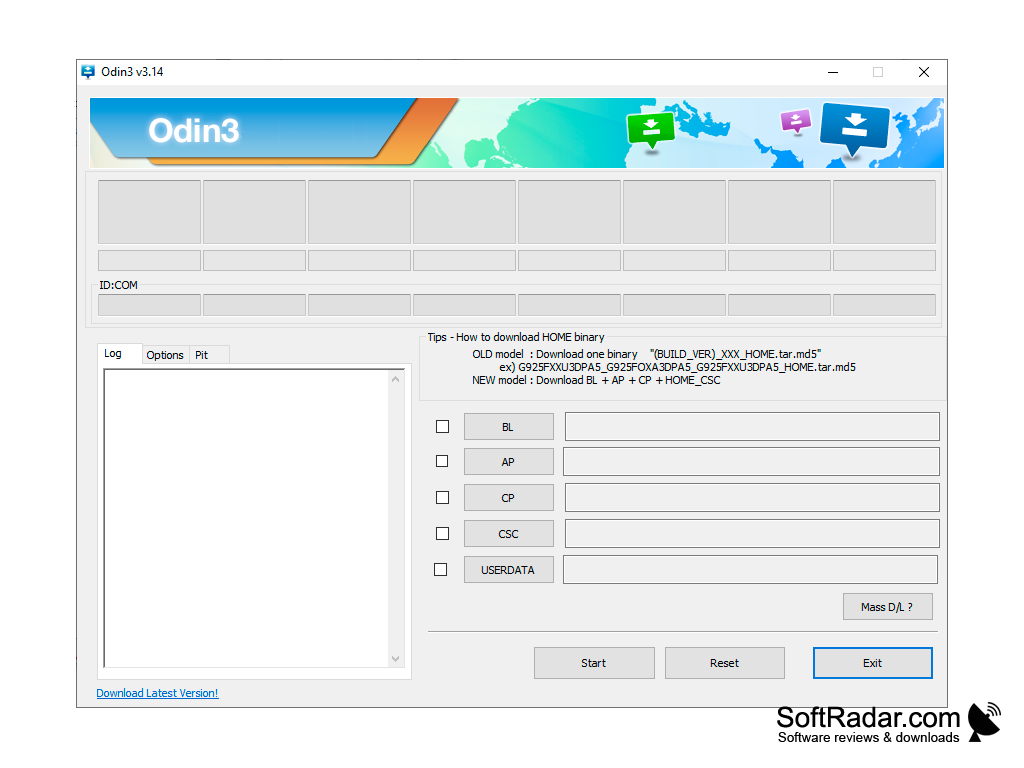
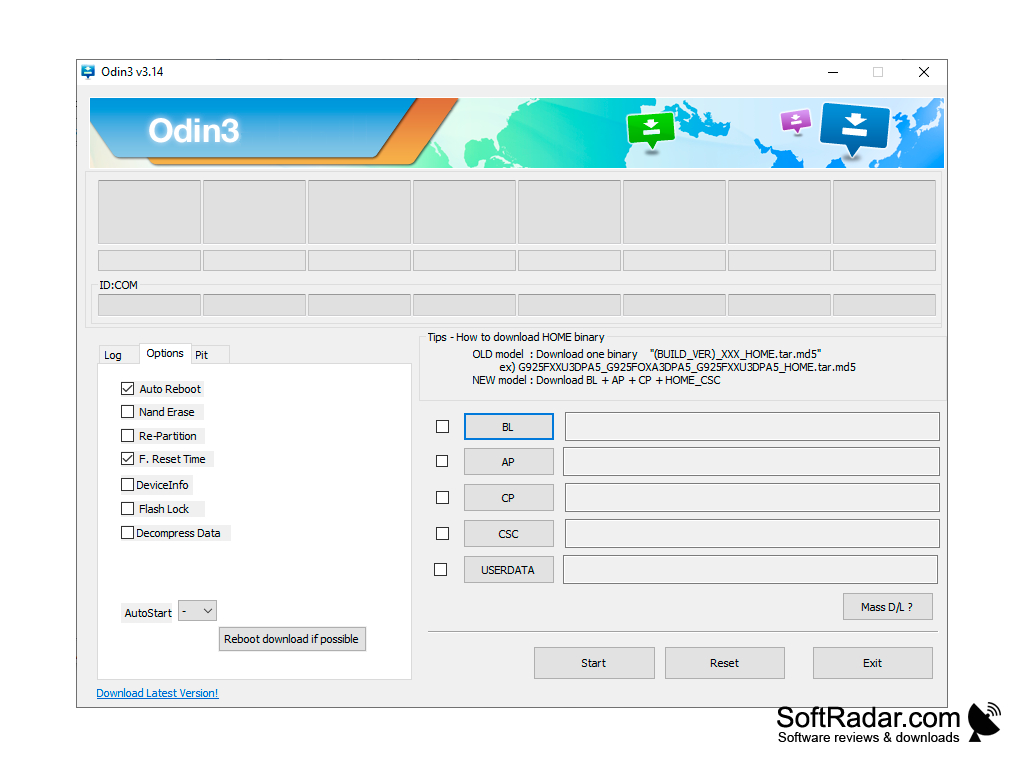
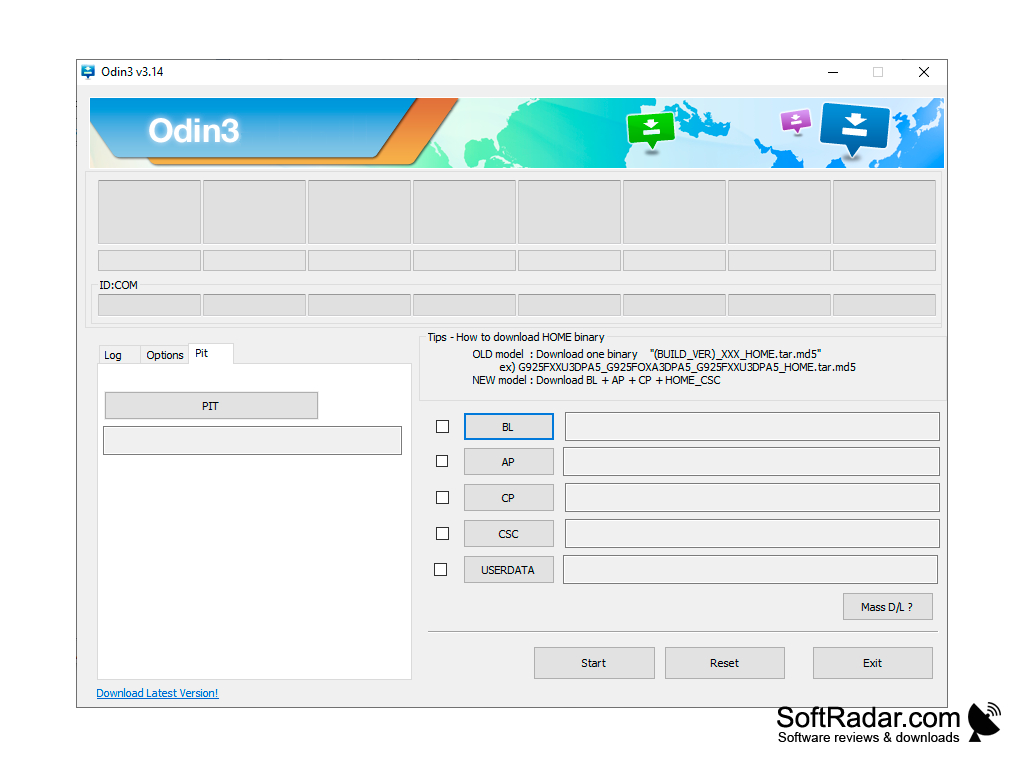
Odin3 is a utility that serves for "flashing" smartphones and tablets based on the Android operating system from Samsung. Current firmware packages are split into several files - BL (bootloader), AP (system), CP (modem) and CSC (region settings) - and Odin3 loads each of them into its own slot, while older models used a single firmware file. It allows you to install firmware updates manually instead of waiting for them to arrive over the air. In addition, Odin3 allows you to install a kernel, modem, custom recovery and other firmware components.
For the utility to recognize the connected device, you will need to install the latest version of Samsung USB drivers. If you have Samsung Kies installed on your PC, you probably have the latest drivers on your computer as well. It is desirable to connect the device with an "original" cable. TAR and TAR.MD5 files can be used for flashing. They should be downloaded from specialized resources beforehand and saved in a folder, the path to which contains only Latin letters. Also, be sure to "charge" the flashing smartphone or tablet beforehand, preferably to the battery capacity limit. It is important to note that a sudden shutdown of the computer while the program is running can cause serious problems with the operation of portable devices, up to complete loss of performance.
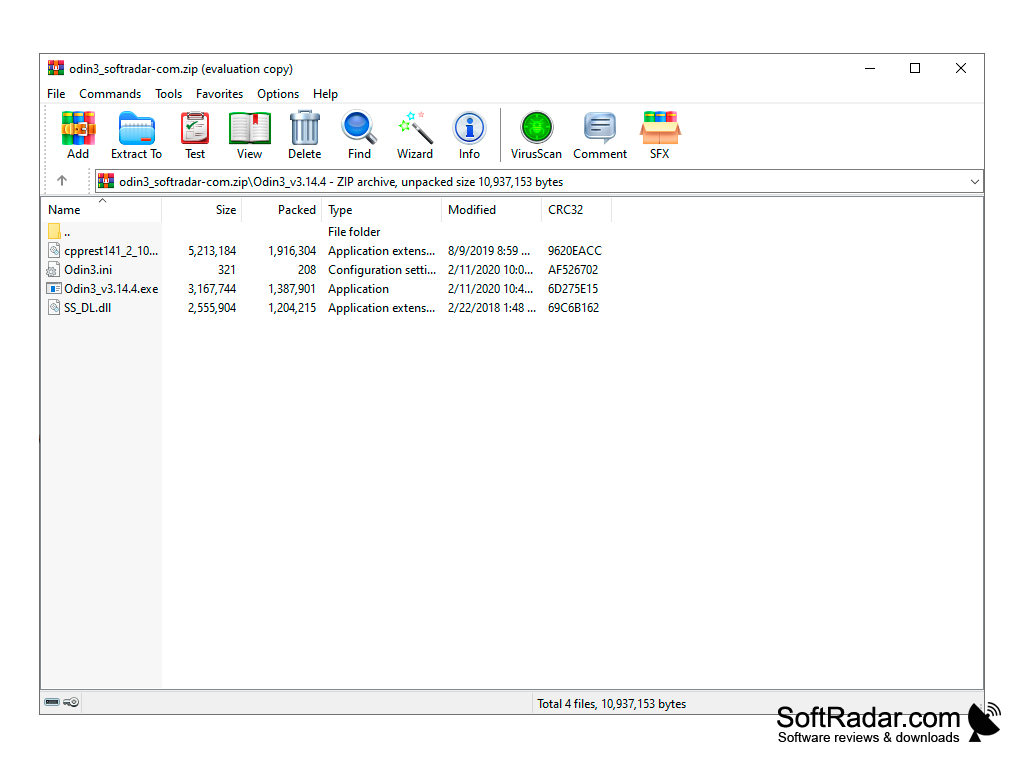
In any case, it is recommended to use Odin3, even if all the above conditions are met, only for people who have experience in "firmware" of devices. Odin is an internal Samsung service tool that was never published officially, so it is distributed through third-party sites. The program is free and portable: unpack the archive and run the executable file.
Odin3 lets users install official Samsung firmware manually, for example to repair a device or update it without waiting for OTA.
Samsung USB drivers for mobile phones
USB cable to connect the Samsung device
PROS
Advanced functionalities for advanced users.
Portable program that needs no installation.
CONS
Can brick device if used incorrectly.
Lacks comprehensive user guidance or support.