Office Compatibility Pack
Office Compatibility Pack lets Office 2000, XP and 2003 open, edit and save Word, Excel and PowerPoint files in the newer DOCX, XLSX and PPTX formats.
Operating system: Windows
Publisher: Microsoft Corporation
Release: Office Compatibility Pack 12.0.6612.1000
Antivirus check: VirusTotal report
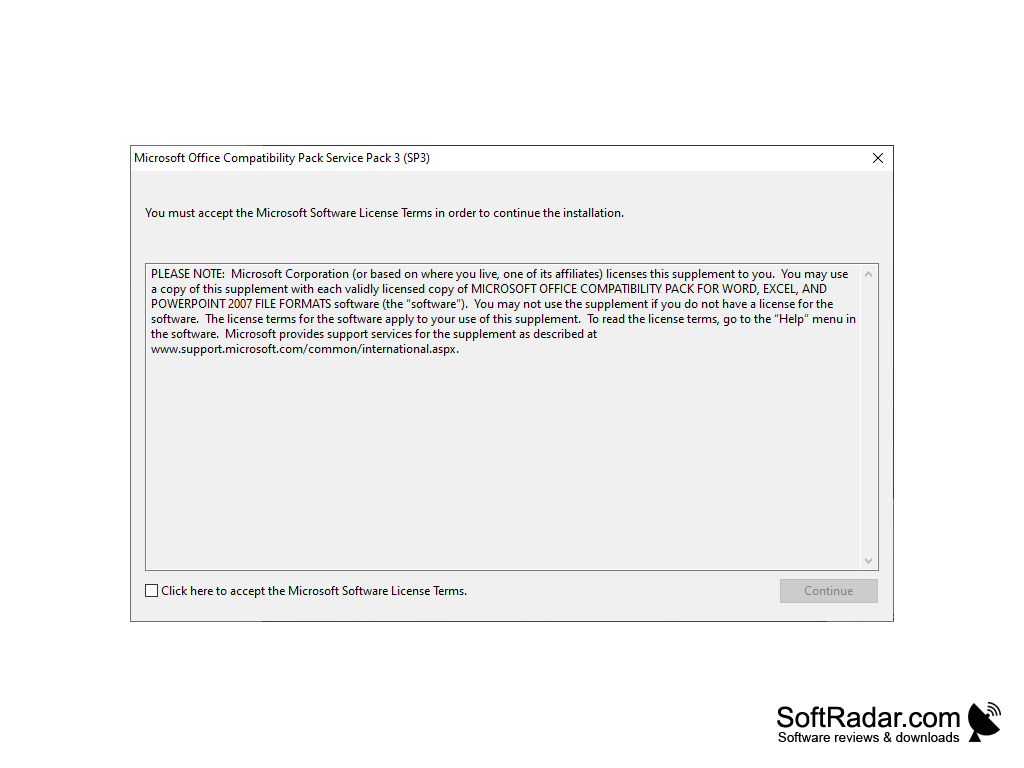
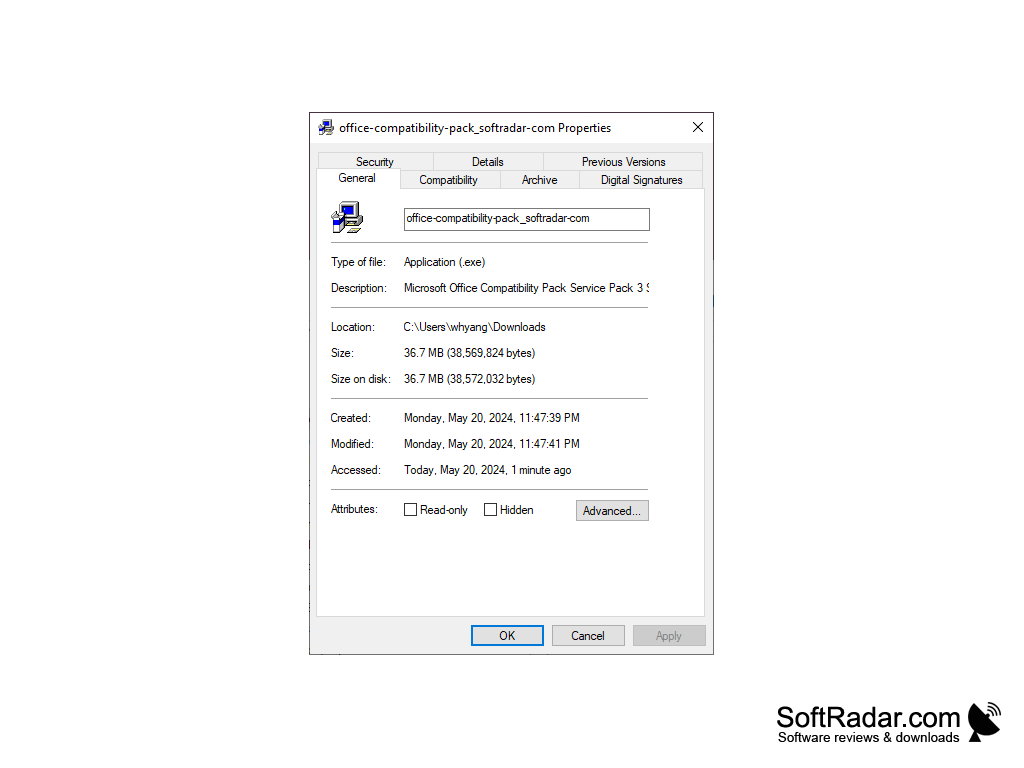
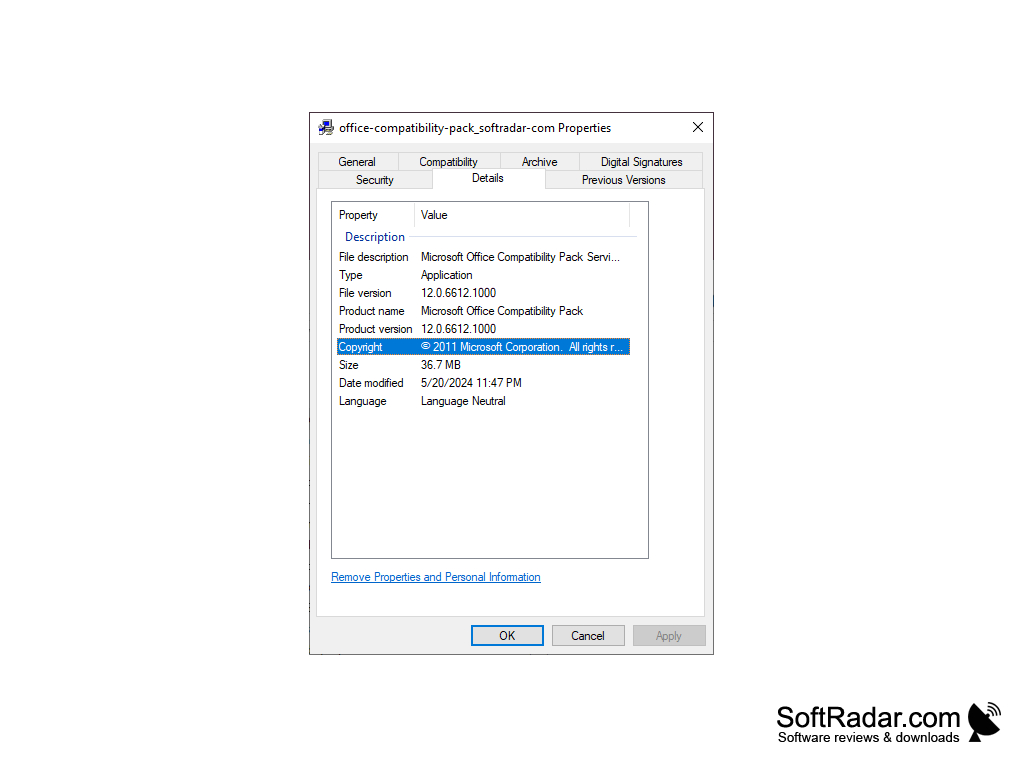
Microsoft changed the default Office file formats with Office 2007. "Office Compatibility Pack for Windows" is a free tool that allows you to work with documents created in newer versions of Word, Excel, and PowerPoint, even if you continue to use older versions of those programs. It is a useful solution for anyone who receives files in the new formats but still works with an older Office.
With the free "Office Compatibility Pack for Windows" you can open, edit and save Word, Excel, and PowerPoint files in the new formats easily. By means of this Office Compatibility Pack, documents created with Office versions 2007 and 2010 can be opened and edited with outdated Office versions, such as Office 2000 or 2003.
Your Word, Excel, and PowerPoint documents created with Office 2007 and later versions, including Office 2010, 2013, 2016 and Office 365, are saved by default in the Office Open XML formats, which previous versions of Office cannot read. After you install "Office Compatibility Pack for Windows" on a computer with Office 2000, XP, or 2003, loading and saving Office documents in DOCX, XLSX, and PPTX formats is possible. The pack does not add support for the OpenDocument formats ODT, ODS and ODP.
You should download the "Office Compatibility Pack for Windows" only if you already have an older full version of Microsoft Office. Because it only makes sense if such a version of Microsoft Office is already installed. The package does not replace it, but only serves to make the new file formats readable in older versions of Office, as well as to be able to edit and save them. No additional functions from newer versions are implemented, only the processing of new file formats is made possible. However, the Microsoft Office Compatibility Pack can also be installed to allow newer Office files to be opened in Word Viewer, Excel Viewer, and PowerPoint Viewer. The final release is Service Pack 3, delivered through Microsoft Update and the Microsoft Update Catalog, and the pack is no longer developed.
Open, edit and save Word, Excel and PowerPoint files in the newer Office formats with an older version of Office.
Features:
- free tool for Office users
- easy and fast installation
- opens, edits and saves DOCX, XLSX and PPTX files in older Office versions
- works with Word Viewer, Excel Viewer and PowerPoint Viewer
Office XP SP3 or Office 2003 SP3 for Service Pack 3
Or Word Viewer, Excel Viewer or PowerPoint Viewer
PROS
Free to download and install.
Also works with the free Office viewers.
CONS
Occasional formatting issues when opening newer files.
May not support all features of later software versions.