
OMEN Gaming Hub
OMEN Gaming Hub is HP's free control center for OMEN gaming PCs that combines performance tuning, system monitoring, RGB lighting and a game launcher.
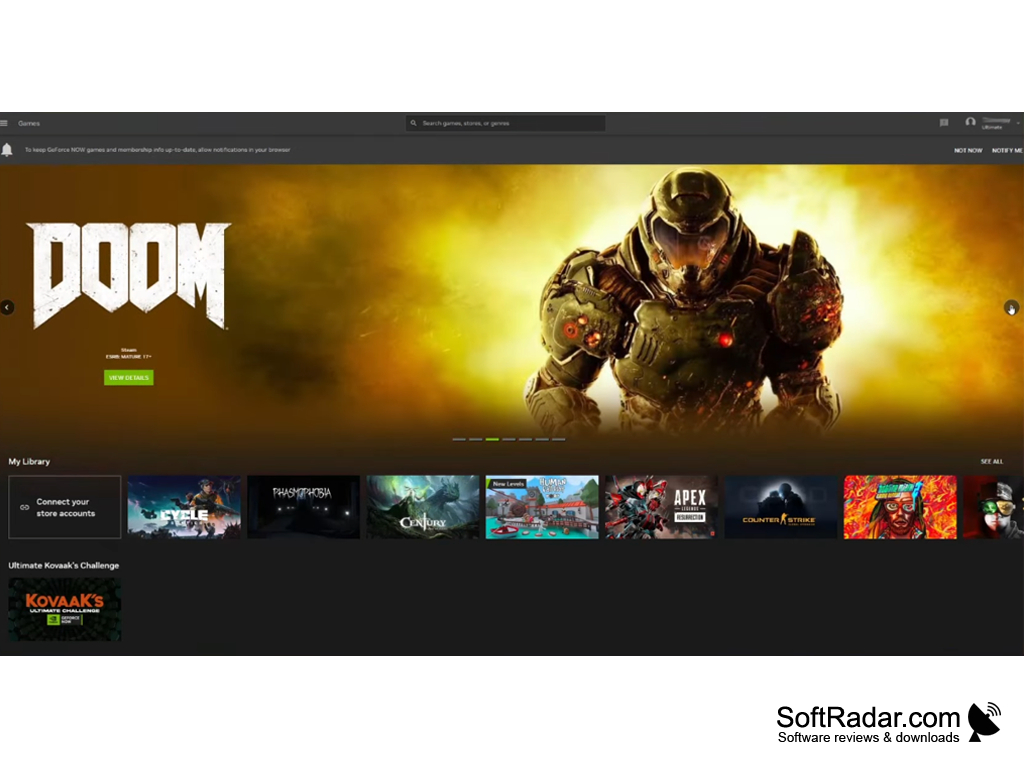
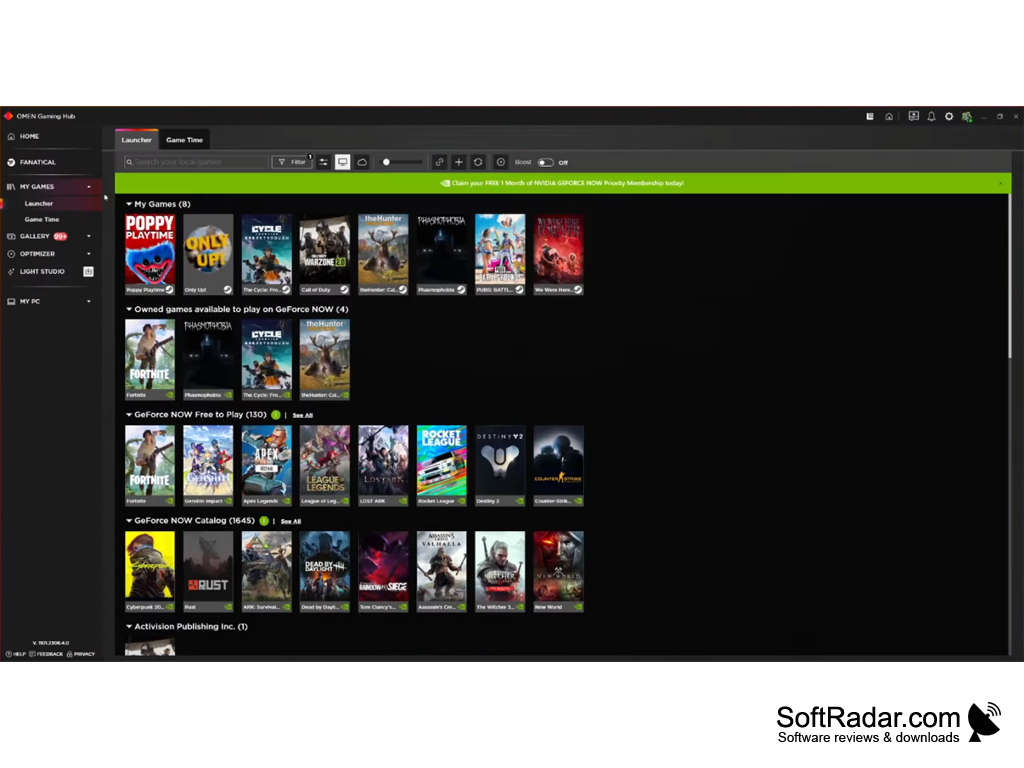
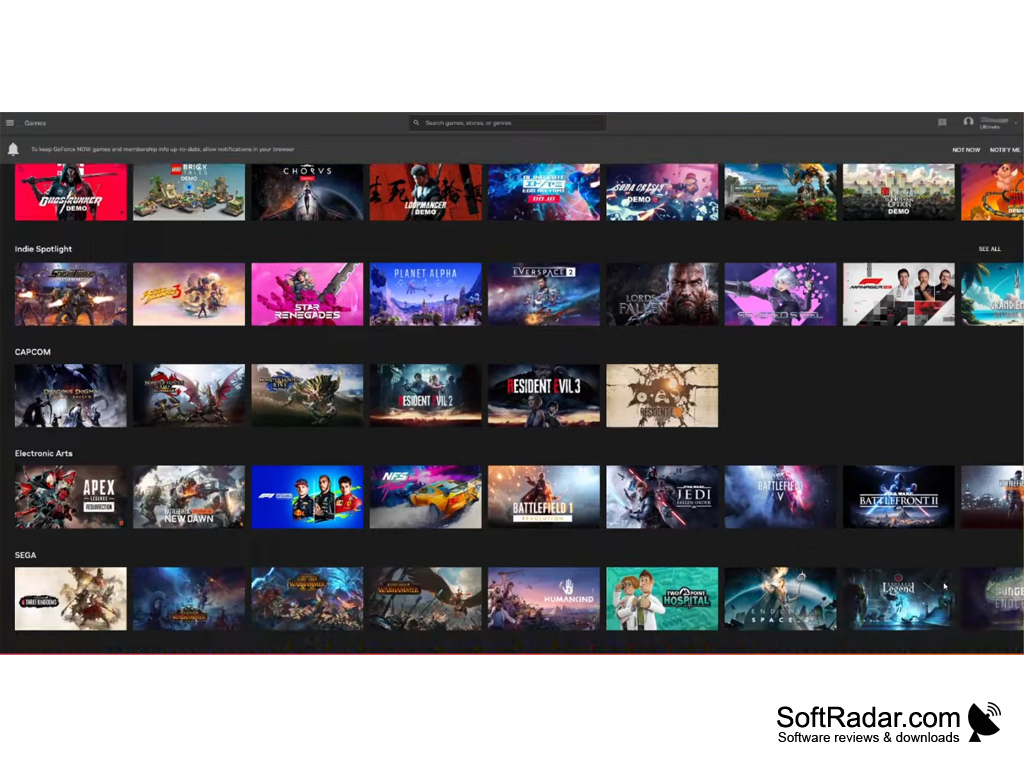
OMEN Gaming Hub is a free application from HP for OMEN gaming laptops and desktops. It brings performance control, real-time system monitoring, RGB lighting settings and a universal game launcher together in one program. The app is distributed through the Microsoft Store for 64-bit Windows 10 and Windows 11, and many of its hardware functions are available only on supported HP OMEN computers.
Features:
• Performance control: Adjust power and thermal settings, including fan behaviour, to match the style of your gameplay, and use OMEN AI to apply personalized settings for supported games with a single click.
The OMEN Gaming Hub allows users to optimize and customize their gaming experience.
• System vitals: A real-time dashboard shows CPU, GPU and RAM utilization and temperatures, as well as network performance, so you can see how the system behaves while you play.
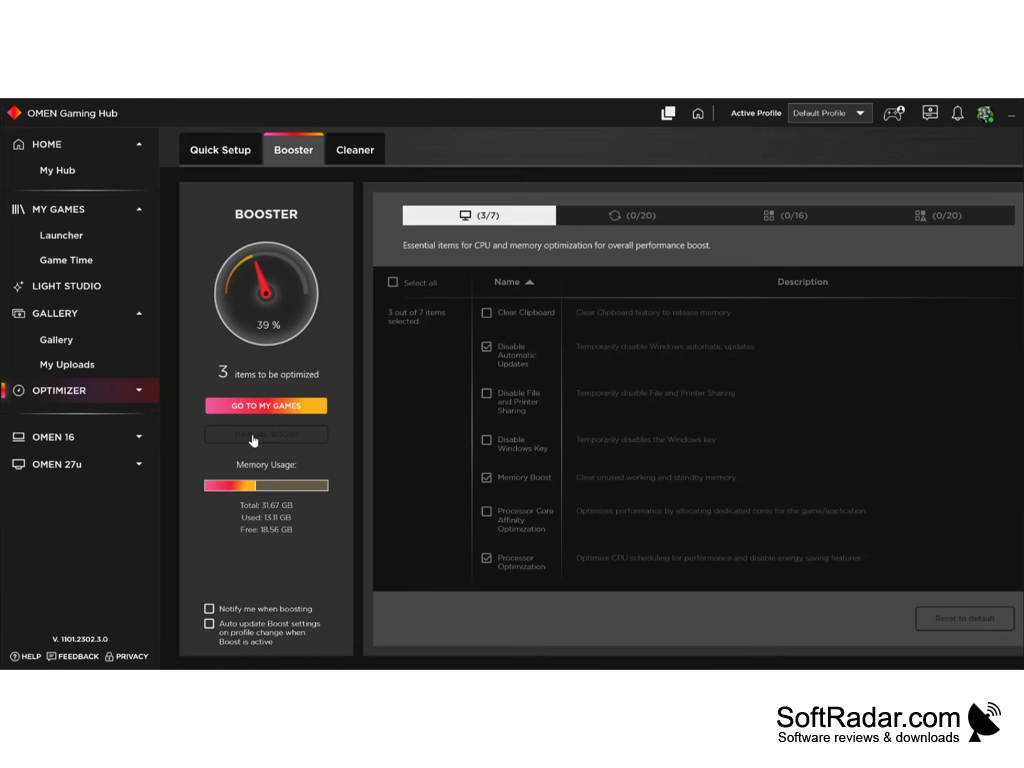
• Optimizer: The Booster and Cleaner tools free up memory, temporarily disable background features such as automatic Windows updates, and clean up the PC to raise frames per second in games.
• Overclocking and undervolting: Advanced performance tuning lets you modify CPU and GPU clock settings and memory transfer speeds, on supported OMEN platforms only.
• Network Booster: The hub prioritizes the game's network data to keep the strongest connection and reduce lag while other applications use the network.
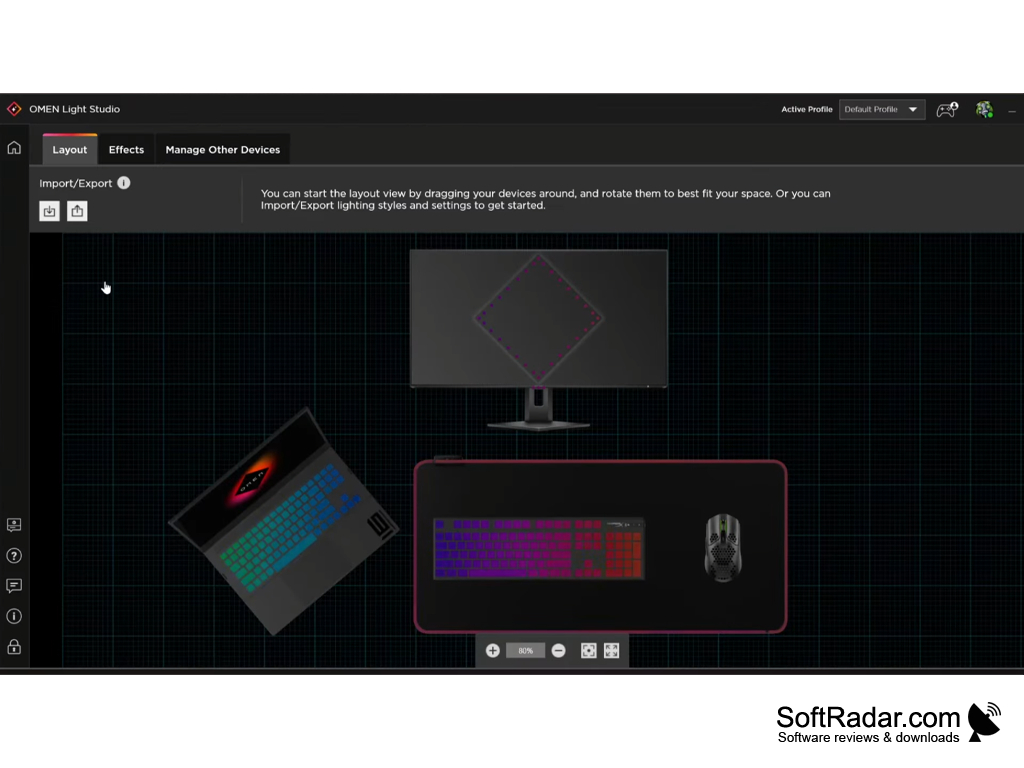
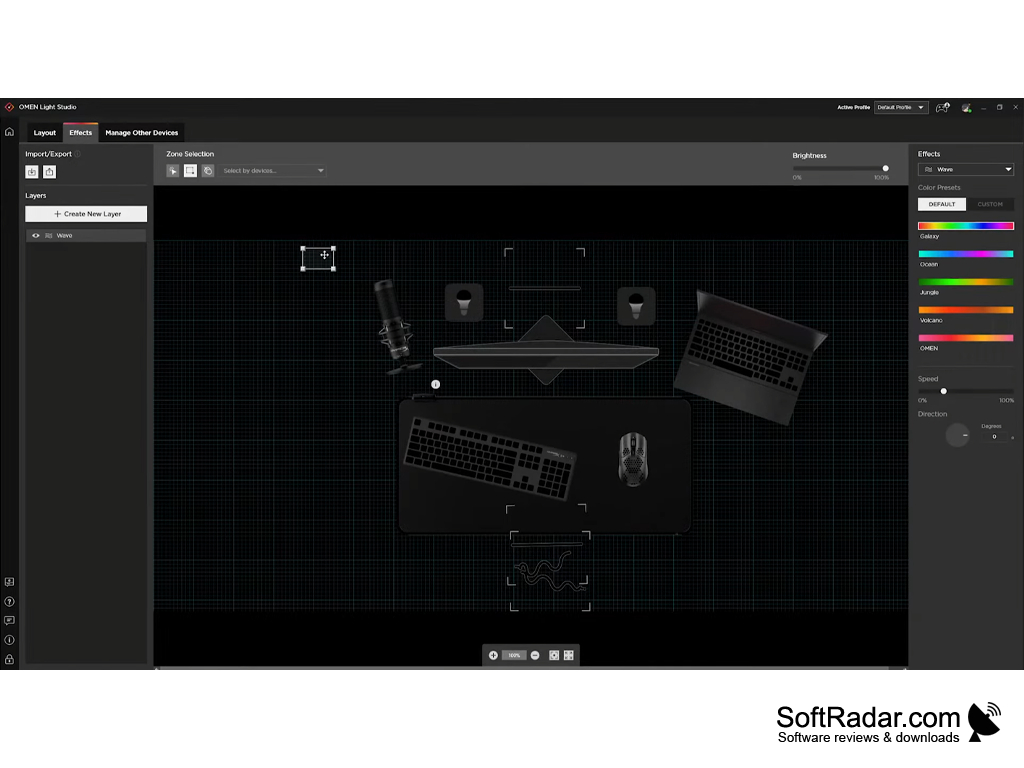
• Light Studio: Personalize RGB lighting with 16.8 million colors and animated effects on OMEN hardware and selected third-party gaming devices, arranged in a visual layout of your devices.
• My Games: A universal launcher finds and starts local games from various stores, and cloud titles through NVIDIA GeForce NOW integration, from one library; Xbox games, including Game Pass titles, are supported as well.
• Gallery and Deals: Browse thousands of community and official game wallpapers, and follow free game drops and the best PC game prices collected from across the web.
64-bit (x64) system
HP OMEN PC for performance and lighting features
About 480 MB of free disk space
PROS
Combines tuning, monitoring and lighting in one app.
Features real-time system monitoring and game boosting tools.
CONS
A Microsoft account is needed for full functionality.
User interface is not very intuitive.