
PickMeApp
Easily move all of your programs and files from one computer to another
Operating system: Windows
Publisher: PickMeApp.com
Release : PickMeApp 4.2.4
Antivirus check: passed

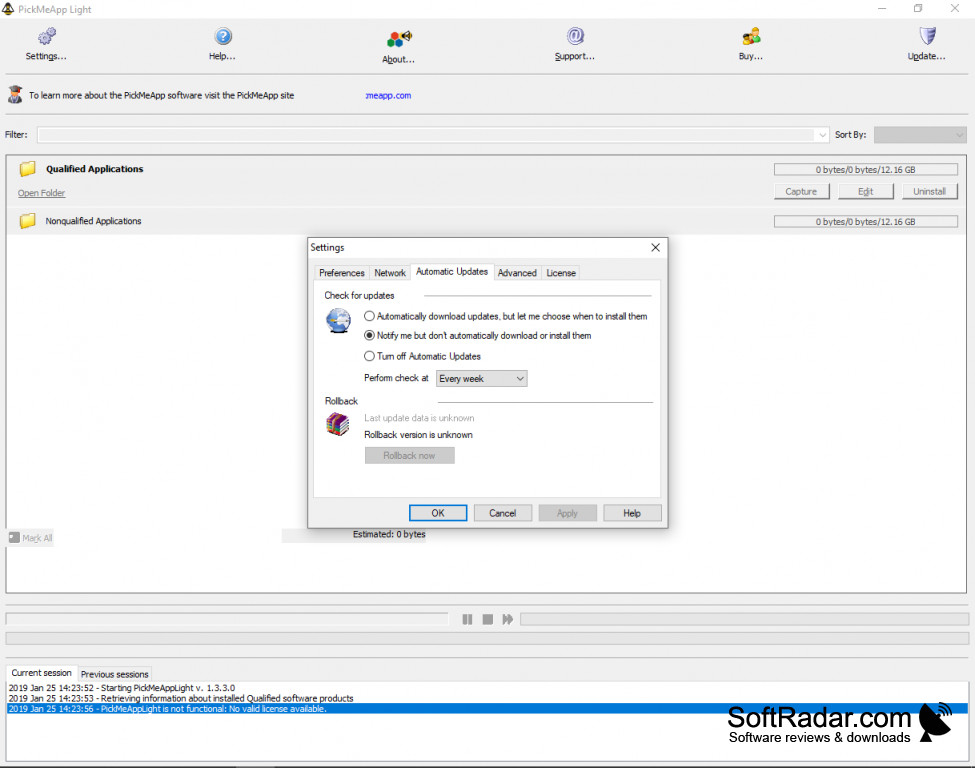
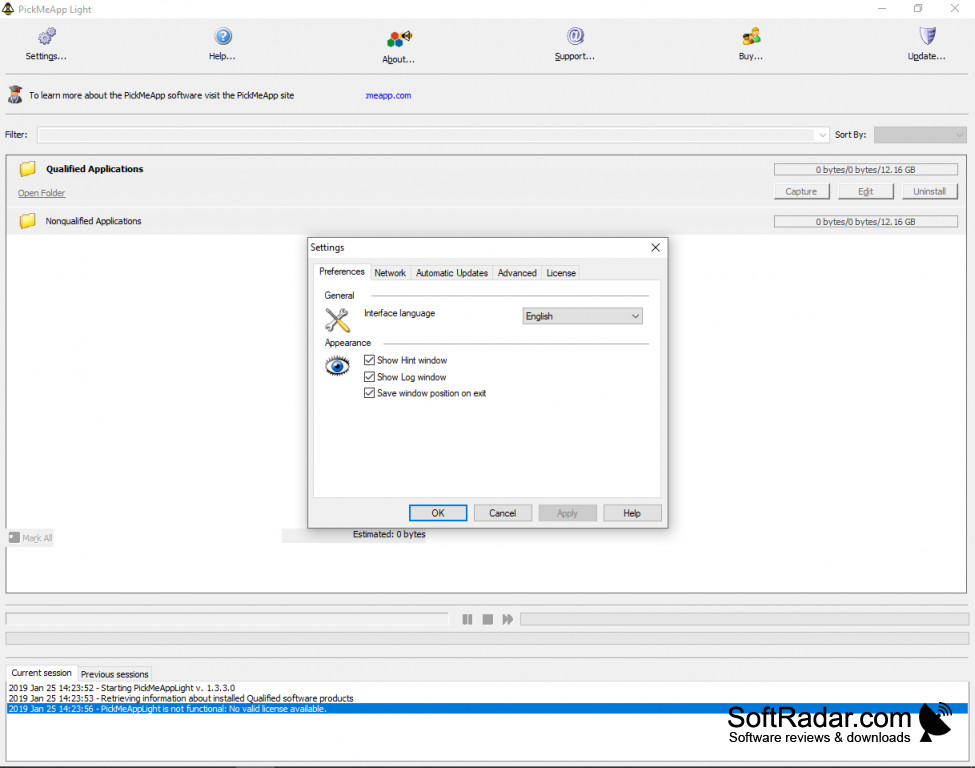
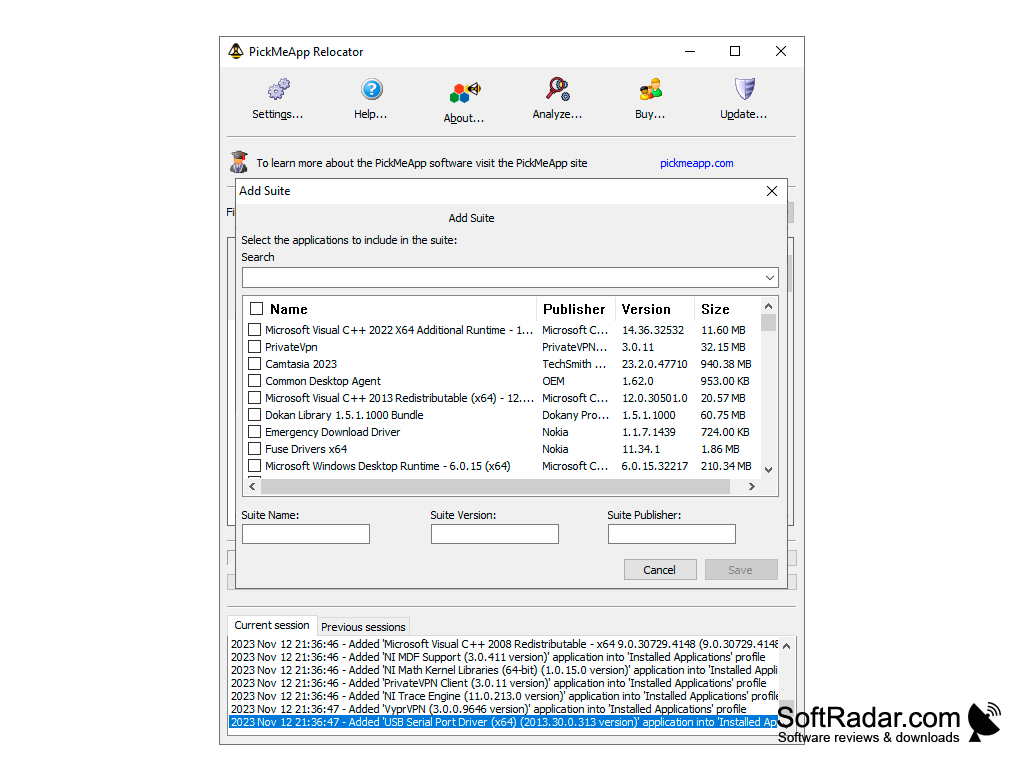
PickMeApp makes it possible for users from all levels of technical knowledge to easily transfer the programs and files from one computer to another in a very efficient and very user-friendly way. The light version of the software allows users to move all of their data with 2 simple clicks of the mouse, first creating a single executable file and then installing that file on the new computer.
The full version of PickMeApp, offers over double the features of the light edition and allows users to be more specific and itemize their files.
Features:
For a lightweight option with just the basic features, PickMeApp Light is available.
- Select as Little or As Many Apps as You Want to Transfer
- Create One Single File That Will Install Multiple Files with A Single Click of The Mouse
- Supports Multiple Profiles, Each Capable Having Unique Files and Program Selections Assigned to It
- Automatic Updates Ensure You Always Have the Latest Version
- Free Online Customer and Technical Support Utilizing Ticketing System
- No Registration Needed for The Light Version of PickMeApp
PickMeApp makes the dreaded task of moving program files onto a new computer or laptop. You no longer have to spend hour re-downloading all of the software that you had on your old machine. Now, with a simple click here and a click there, you can have all of your favorite apps and software on your new machine without having to do much of anything. PickMeApp offers a ton of tutorials and great knowledgebase styled info to help you utilize the program to its fullest potential. PickMeApp is a Freeware, open sourced project, allowing anyone to download and even modify the source code for free.
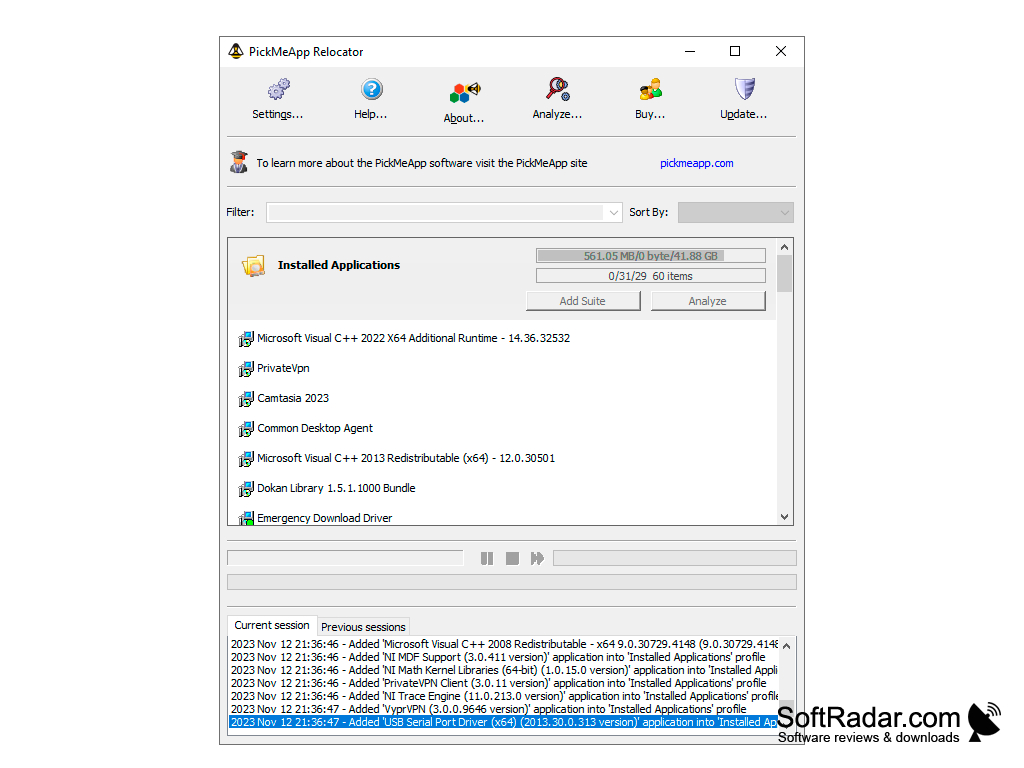
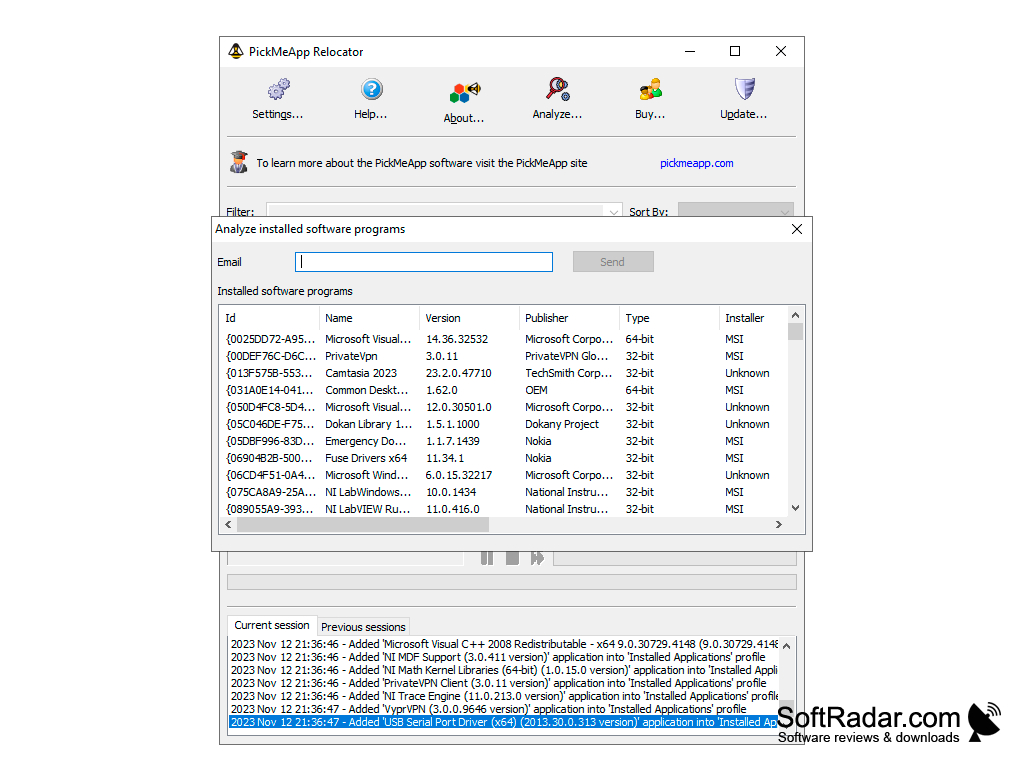
Windows 8 /10 OS Required (32bit or 64 bit)
PROS
Interface is user-friendly and intuitive.
Supports a wide range of applications.
CONS
Limited software compatibility, restricts application transfers.
Occasional software crashes affect productivity and usability.


