
Proxy Switcher Standard
This allows for automatic and anonymous surfing on the internet
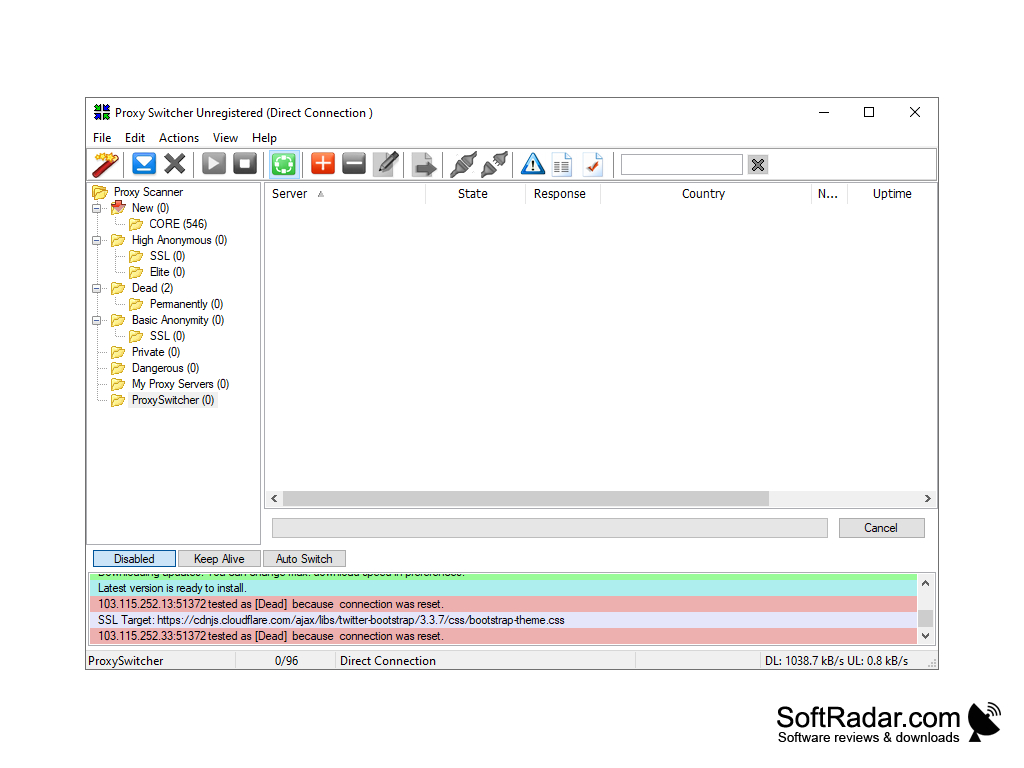
Sometimes you may need to change your connection settings to remain anonymous. But taking into account the fact that usually proxy servers do not live for a long time, the process of constant search and manual change of network parameters can take a lot of time and effort.
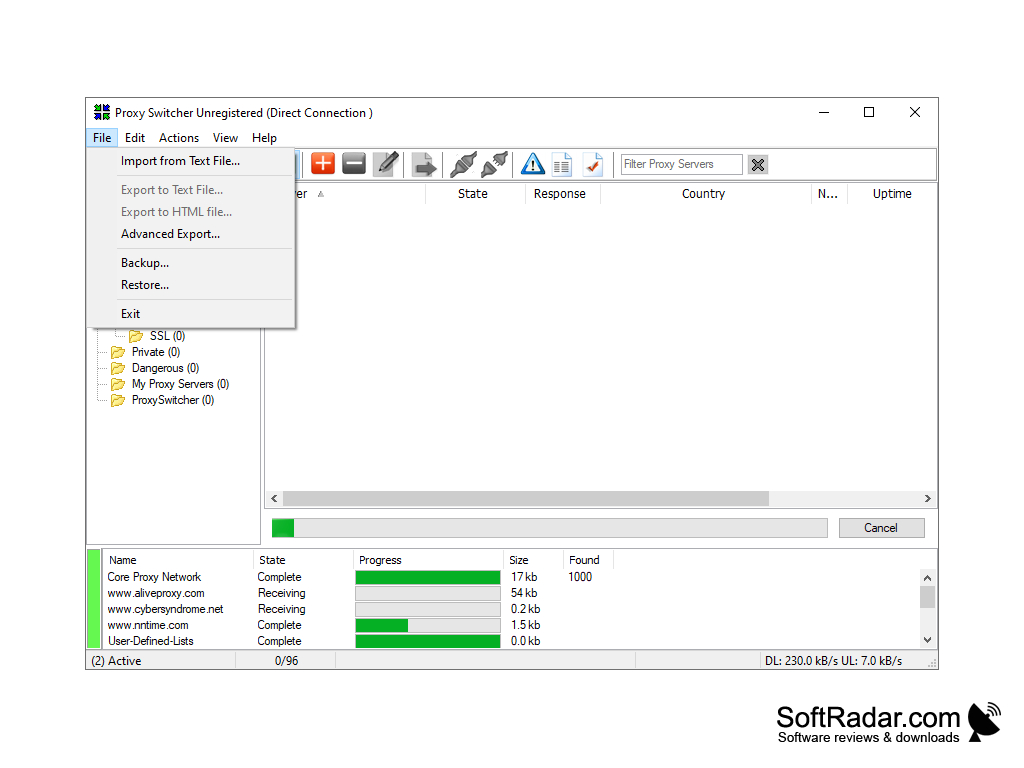
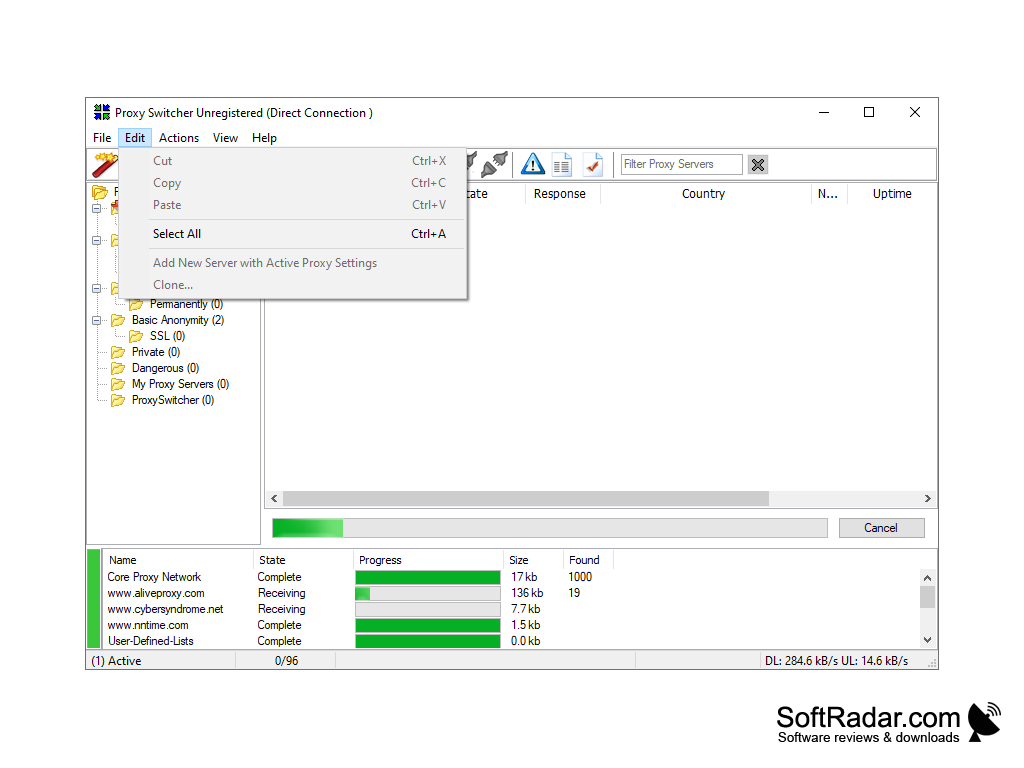
Therefore, we would like to introduce you the Proxy Switcher program, which is an excellent tool that allows you to literally change proxy server settings on the fly. The application automatically downloads the list of proxy servers and checks them for functionality. Thanks to this software you will be able to browse the web pages absolutely anonymously using both one proxy server and several at once. It is worth noting that it is very easy to switch between working proxy servers in the program. By the way, we would like to note that you can set automatic switching between proxy servers at the specified time interval.
A main benefit of Proxy Switcher Standard is it automatically downloads and switches between working proxy servers, ensuring constant anonymous browsing.
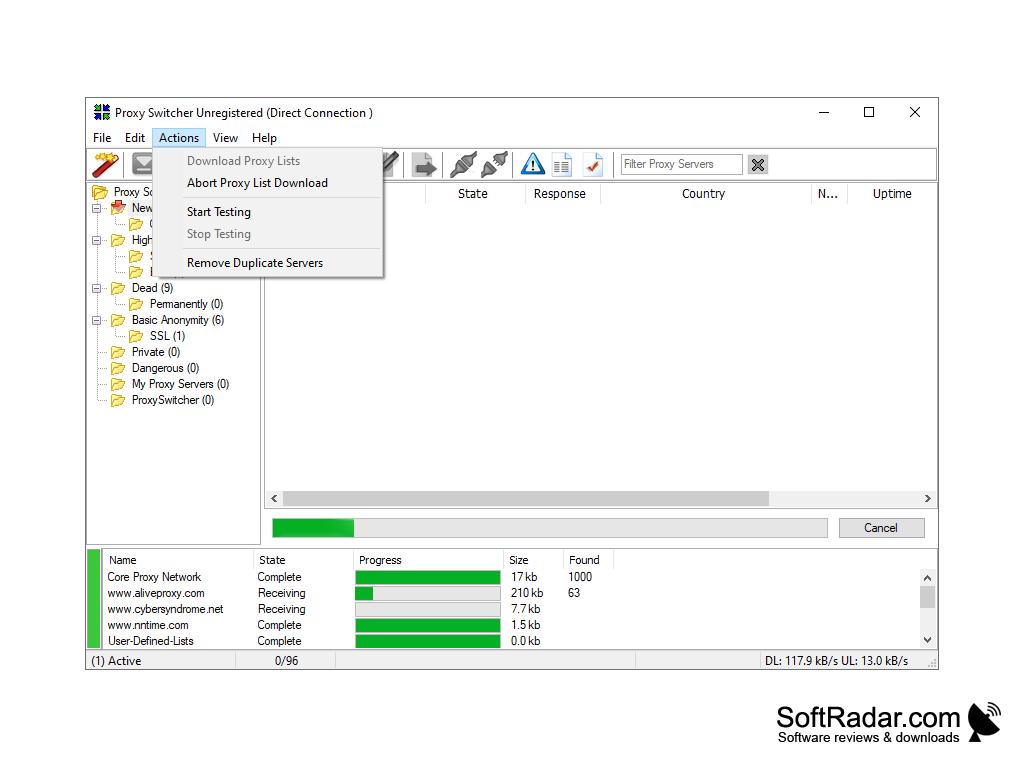
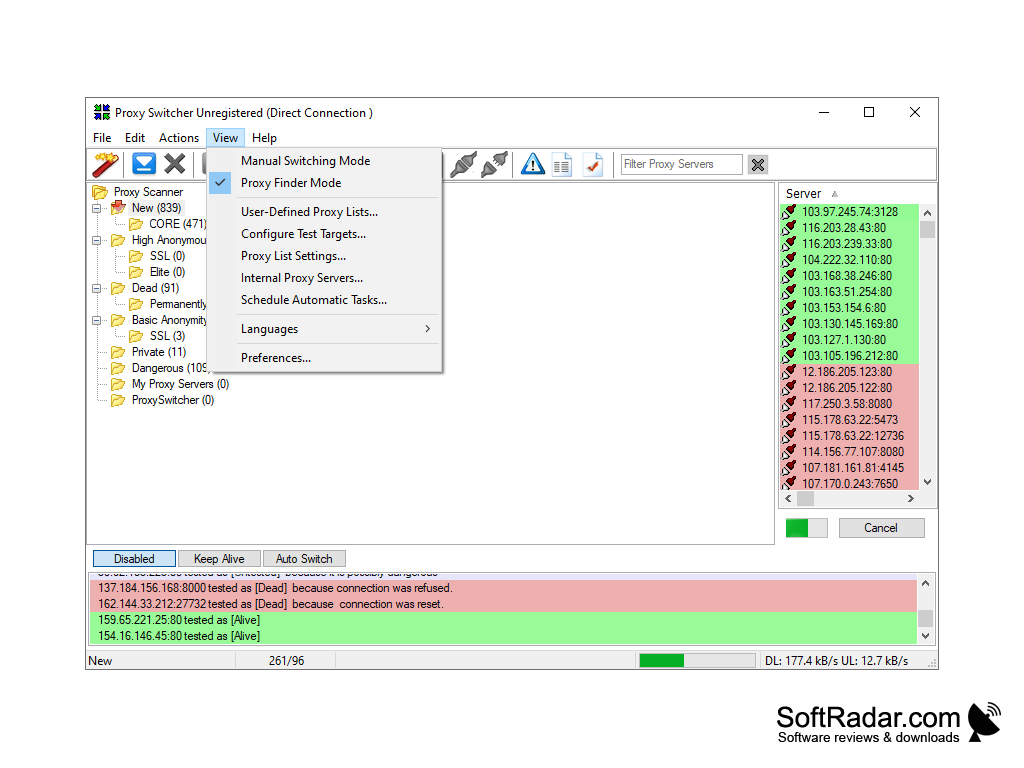
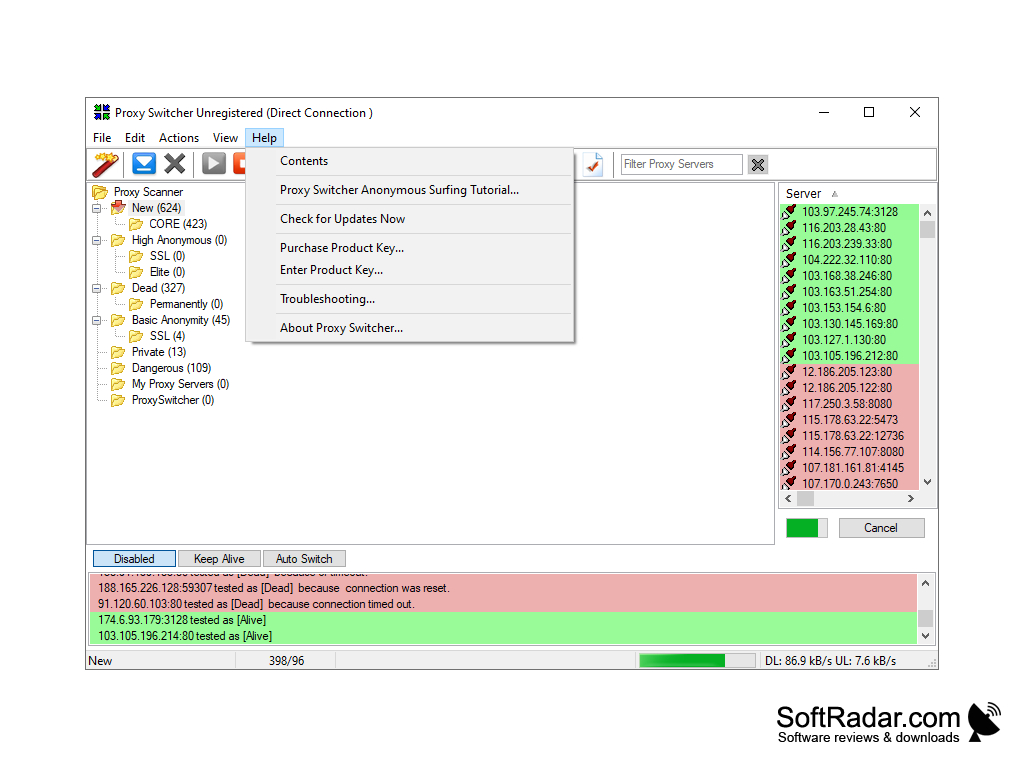
- Possibility to change proxy server settings on the fly;
- automatic connection of a proxy server for anonymous surfing on the Internet;
- support for such popular browsers as: Internet Explorer, Firefox, Opera, etc;
- Ability to easily manage the list of proxy servers;
- the ability to test proxy servers for performance;
- the ability to download a list of anonymous proxy servers.
PROS
Drag-and-drop feature for instant proxy server switching.
Offers automatic proxy server switching for uninterrupted browsing.
CONS
Lacks a detailed user guide or support.
Free version has limited features.


