Raycast
Raycast is a keyboard-driven Windows launcher for people who regularly open programs, locate files, and run everyday commands from their desktop.
Operating system: Windows
Publisher: Raycast Team
Release: Raycast 2.4.1.0
Antivirus check: VirusTotal report
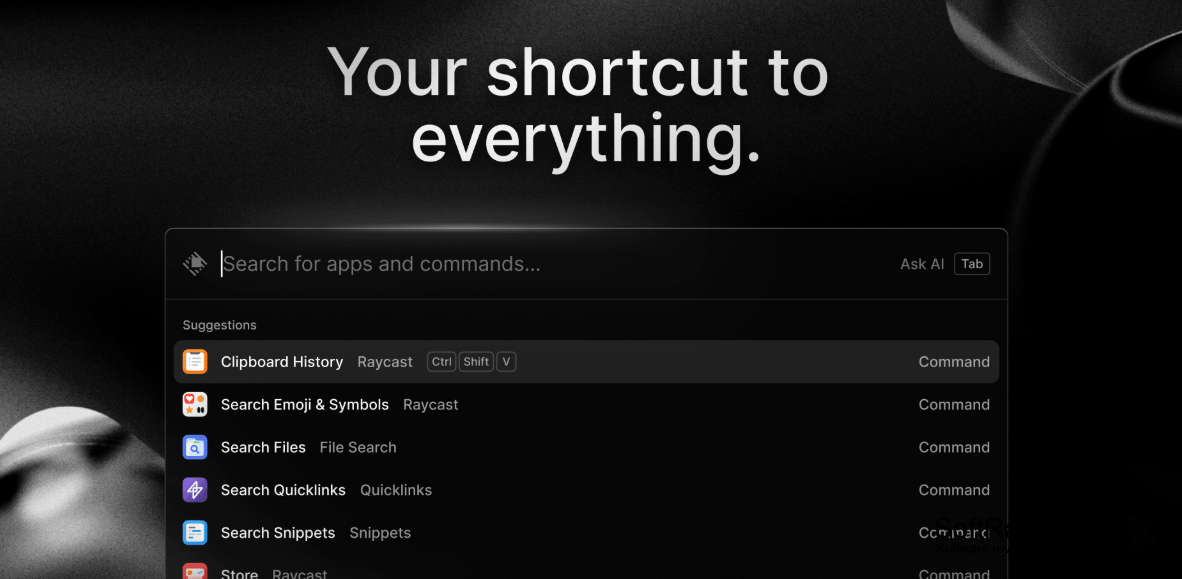
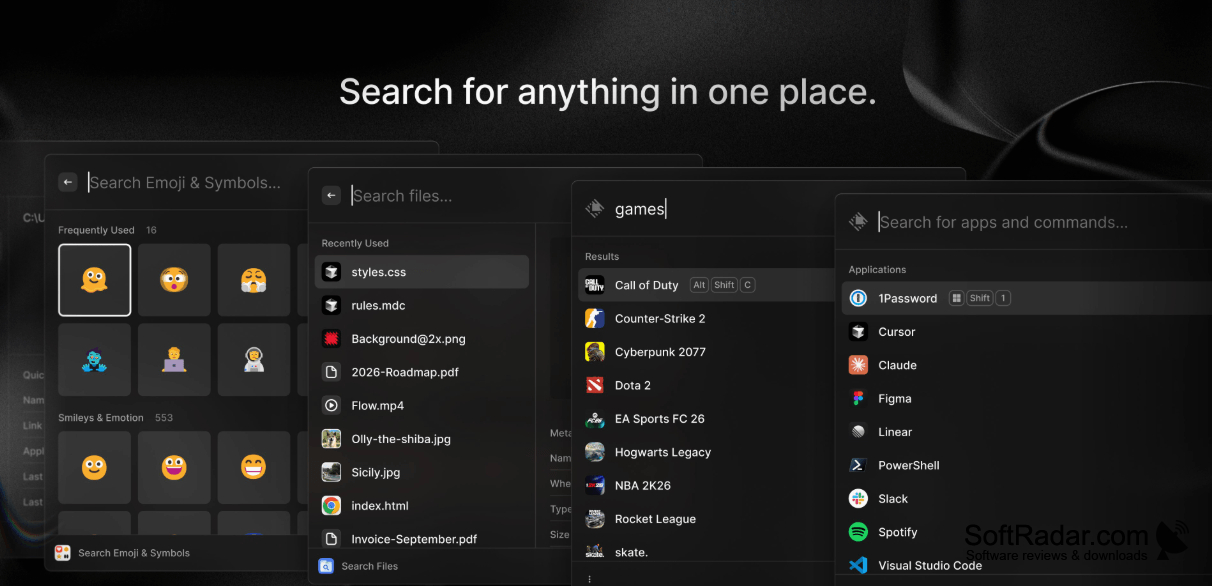
Raycast gives Windows users a central place to start common desktop tasks by typing rather than browsing menus. It suits anyone who frequently changes between applications, works with local documents, or repeats the same text and web destinations. Users can call up the launcher when they need a particular item or action.
A single keyboard prompt lets you reach apps, files, and routine actions without navigating several windows.
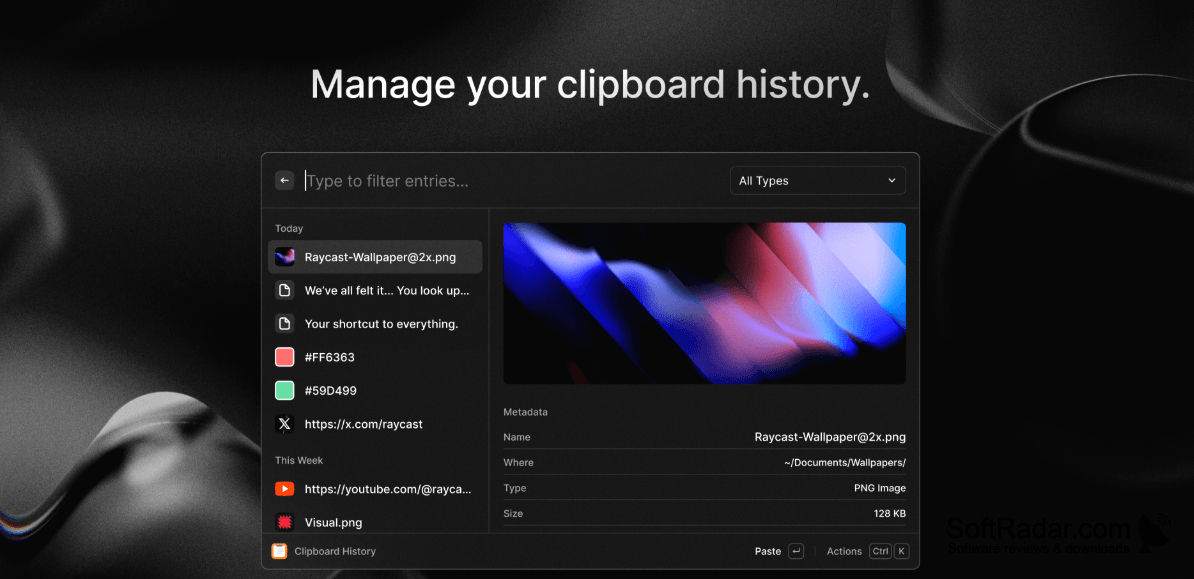
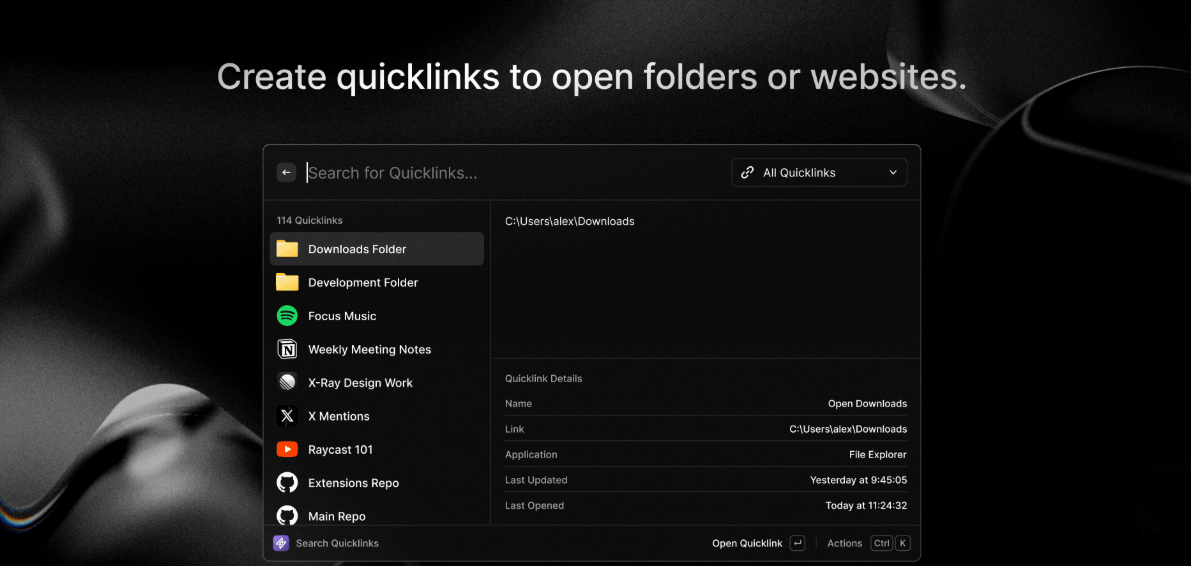
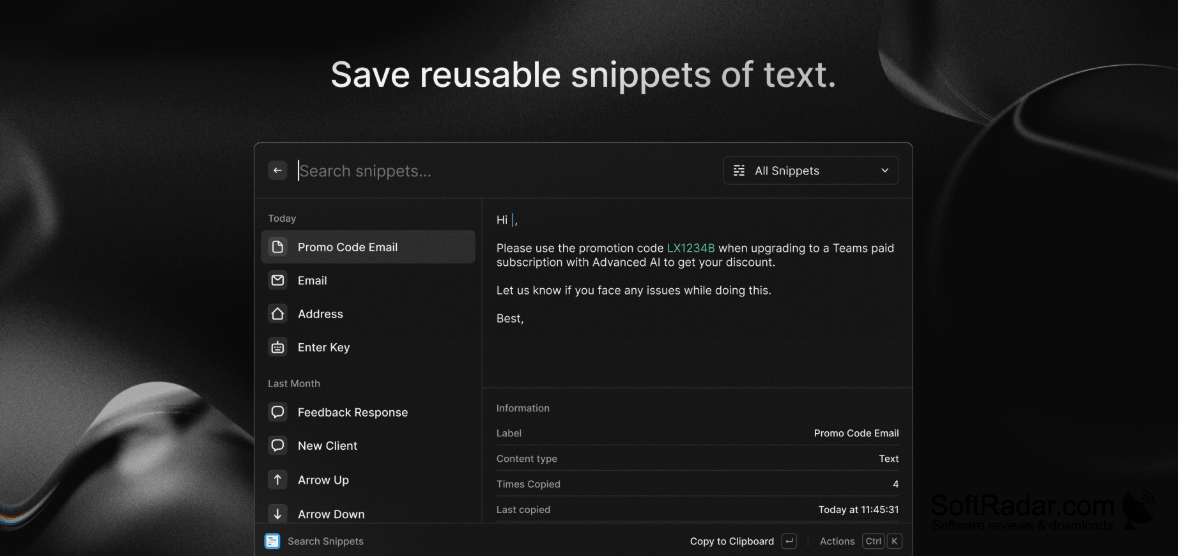
A chosen keyboard shortcut opens a search field where typed queries bring up matching programs, files, and commands. The app can recall copied text, store reusable passages, calculate expressions, and open saved web destinations. It also offers controls for arranging windows and carrying out Windows actions. Optional extensions add further commands, while configurable shortcuts put frequent actions within reach.
Features:
- Find installed applications by typing their names
- Search local documents and folders
- Retrieve text copied earlier
- Insert saved text into documents
- Open saved websites through short commands
- Move and resize open windows
PROS
Keeps clipboard history, snippets, and quicklinks together.
CONS
Learning keyboard commands takes time initially.


