
Reason Core Securit
Anti-malware program from the developers of HerdProtect
Operating system: Windows
Publisher: Reason Software
Release: Reason Core Securit 1.0.8.0
Antivirus check: VirusTotal report
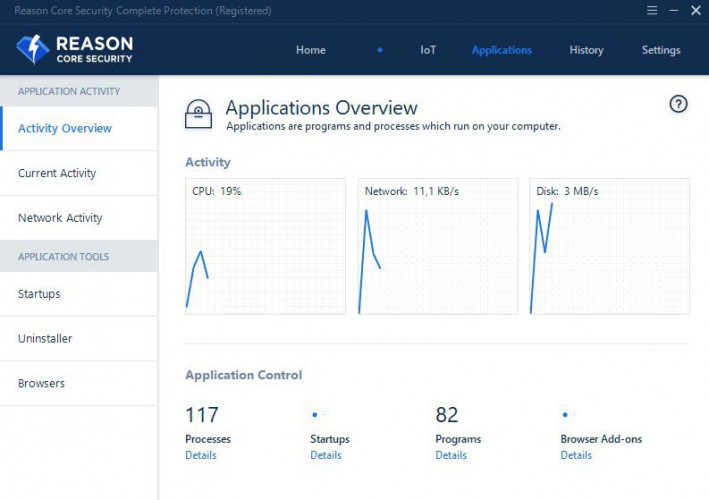
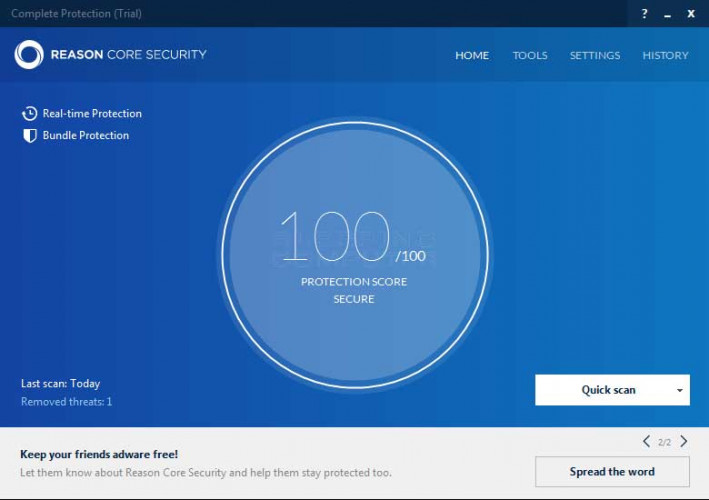
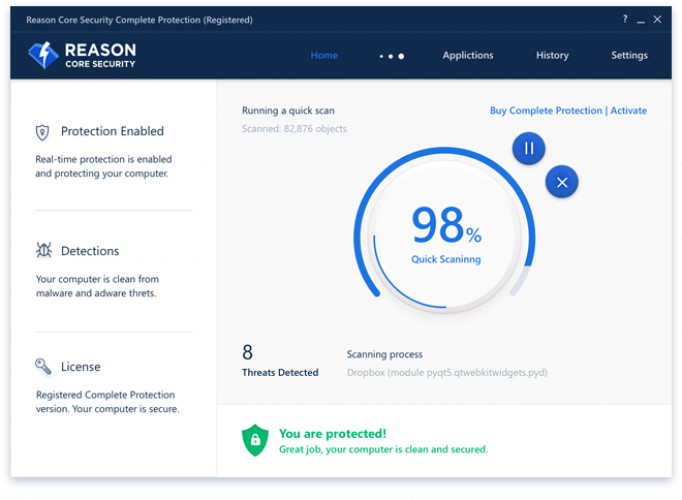
Reason Core Securit software is installed alongside an anti-virus, which adds another layer of security to your computer. This is useful because some adware, spyware, or malware can slip by your anti-virus or firewall, so this software adds that the second layer of defense needed.
Features:
- Real-time scanning - This means that adware and spyware are scanned constantly and are very fast at protecting your computer. No other programs are this fast at detecting and quarantine malware. This software also touts that it will not interfere with your current cyber-threat package, which is very nice considering many anti-malware services are detected as malware from an anti-virus program!
- Simple Interface - The GUI is very intuitive and is easy to navigate. It is always very annoying and difficult to sift through tons of menus in a complicated anti-malware program. This software allows for many advanced features like others but offers a very user-friendly main screen that holds all the essential info you would want instead of searching through menus to find it.
- Task Scheduler Integration - Another lovely addition to the program is the fact that it works very well with the Windows task scheduler. For many people, they use this very frequently, and to add an anti-malware service to the task scheduler queue is very helpful. Being real-time is also a great addition, but using task scheduler to schedule more complex scans is an outstanding feature, and one I would use very often as a network administrator.
Very inexpensive and offers the same results
In conclusion, the Reason Core Security for windows program does not offer anything new. It does not reinvent the wheel by any means but, it does provide excellent protection and real-time scanning that is faster than many competitors and is a cheaper option with many if not all of the main features.
At least 1GB of RAM
Minimum 100MB free hard disk space
Internet connection for updates
PROS
Rapid detection and removal of malware.
Lightweight and doesn't slow down the system.
CONS
Potentially high false positive rate in detection.
User interface is not intuitive.


