RPA Extract
RPA Extract is a small free Windows tool that unpacks the .rpa archive files of Ren'Py visual novel games to get their images and other assets.
RPA Extract (rpaExtract) is a small Windows utility by iwanPlays for the archive files of Ren'Py games.
Games made with the Ren'Py visual novel engine usually pack their pictures, audio and script files into one or more .rpa archives inside the game folder. RPA Extract unpacks these archives and writes the files they contain back to disk, so the artwork, sounds and other resources can be viewed or reused. The tool is built on unrpa by Lattyware, an open-source RPA extractor licensed under GPLv3, and is packaged as a standalone executable, so there is nothing to install. The author sums up its use in three steps: download, drag the .rpa file(s) onto rpaExtract.exe, done.
RPA Extract lets you get the images, audio and other files out of Ren'Py game archives with a simple drag and drop.
Features:
• Drag-and-Drop Operation: .rpa files are dragged in File Explorer onto the program icon, and extraction starts at once.
• Batch Extraction: one or more archives can be dropped on the program together and are processed in one go.
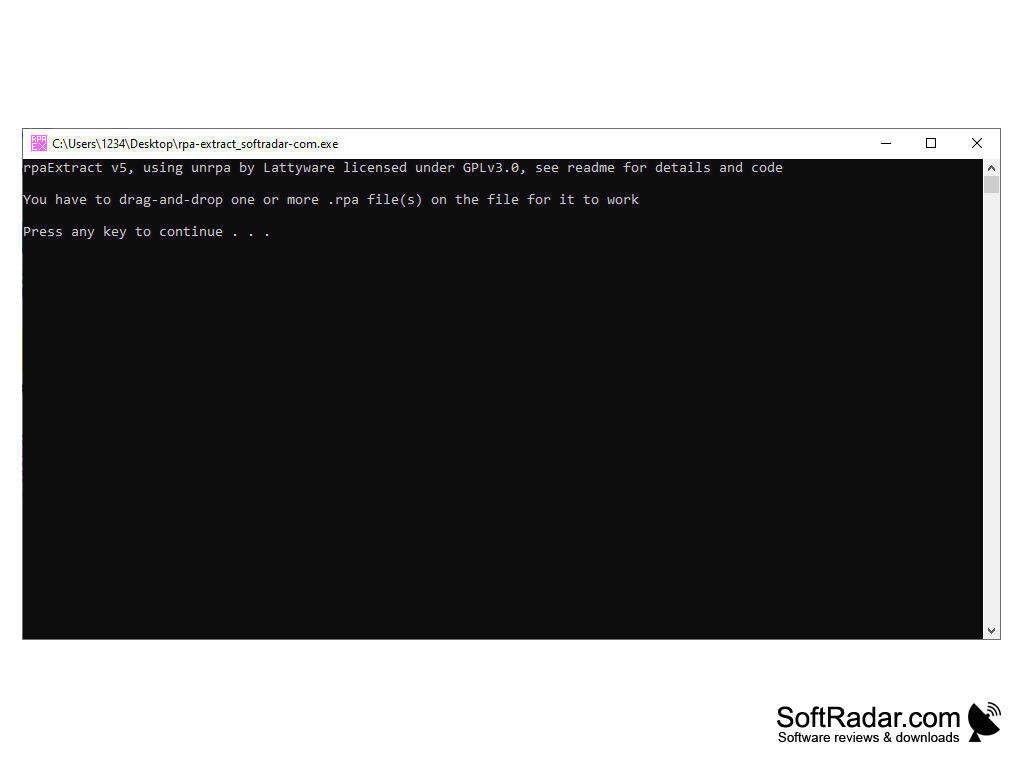
• Console Window: the program works in a simple text window that shows its messages instead of a graphical interface.
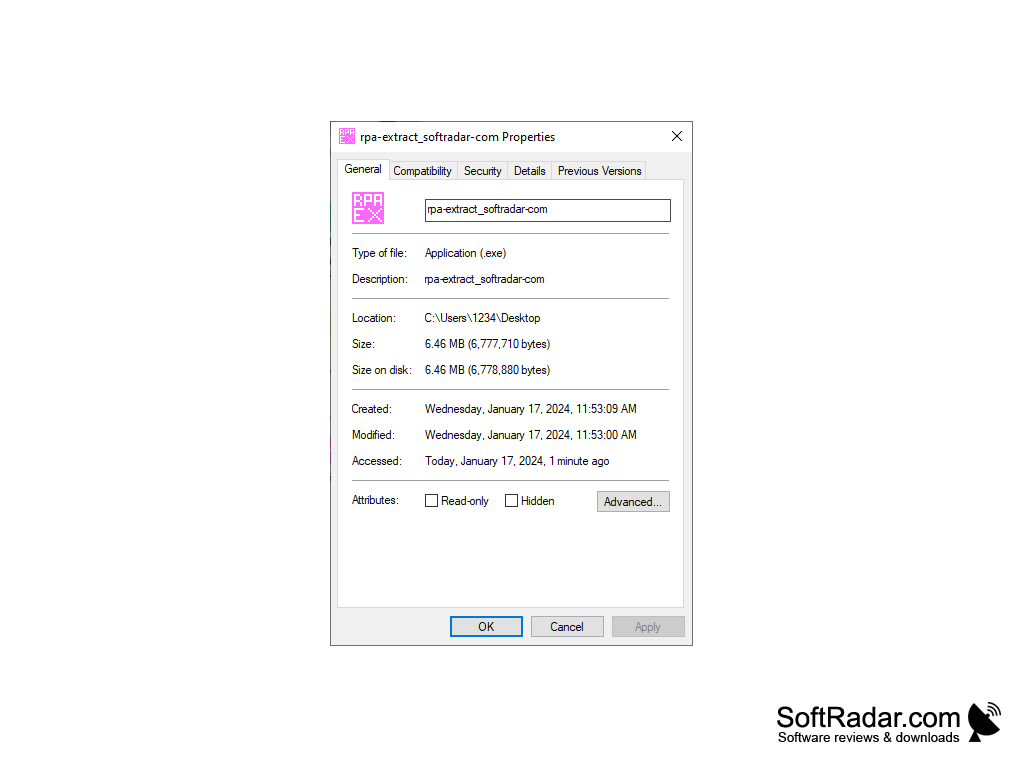
• Portable: rpaExtract.exe runs without installation and can be kept in any folder or next to the game.
• Several Builds: the download includes a 64-bit build, a 32-bit build (rpaExtract-32bit.exe), the previous version (rpaExtract-OldVersion.exe) and a README file.
• Open-Source Core: the extraction itself is done by the unrpa library, and the README gives the licence details and code references.
• Video Guides: the author links video guides on using the tool, modding Ren'Py games and decompiling .rpyc script files.
• Pricing: RPA Extract is distributed on itch.io under a name-your-own-price model, so it can be downloaded for free.
PROS
Free to download under a name-your-own-price model.
Runs without installation as a single executable.
CONS
No graphical interface or extraction options.
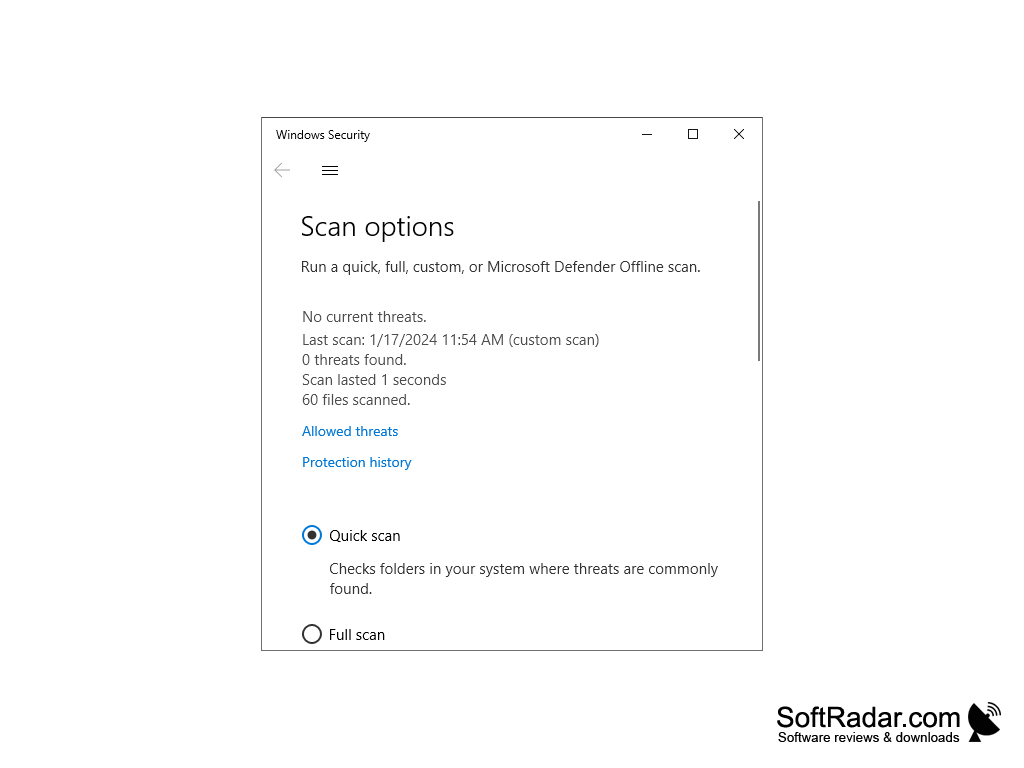
Some antivirus tools flag the packed executable.