
Shairport4w
Runs media from devices that has Apple's Airplay on a PC
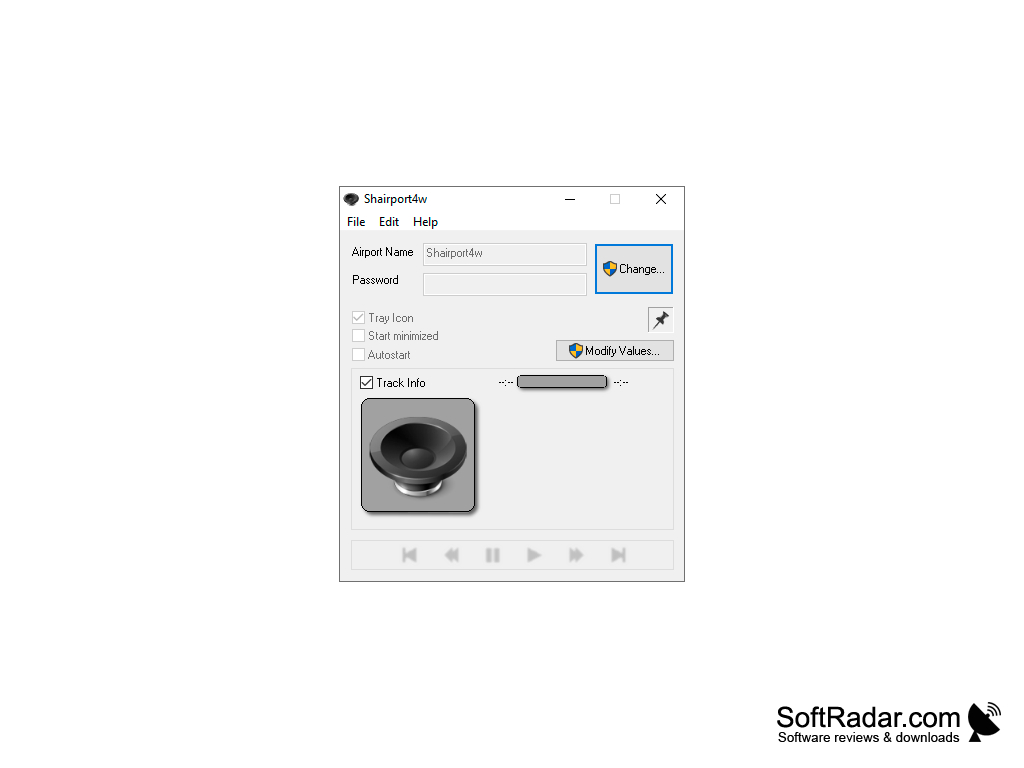
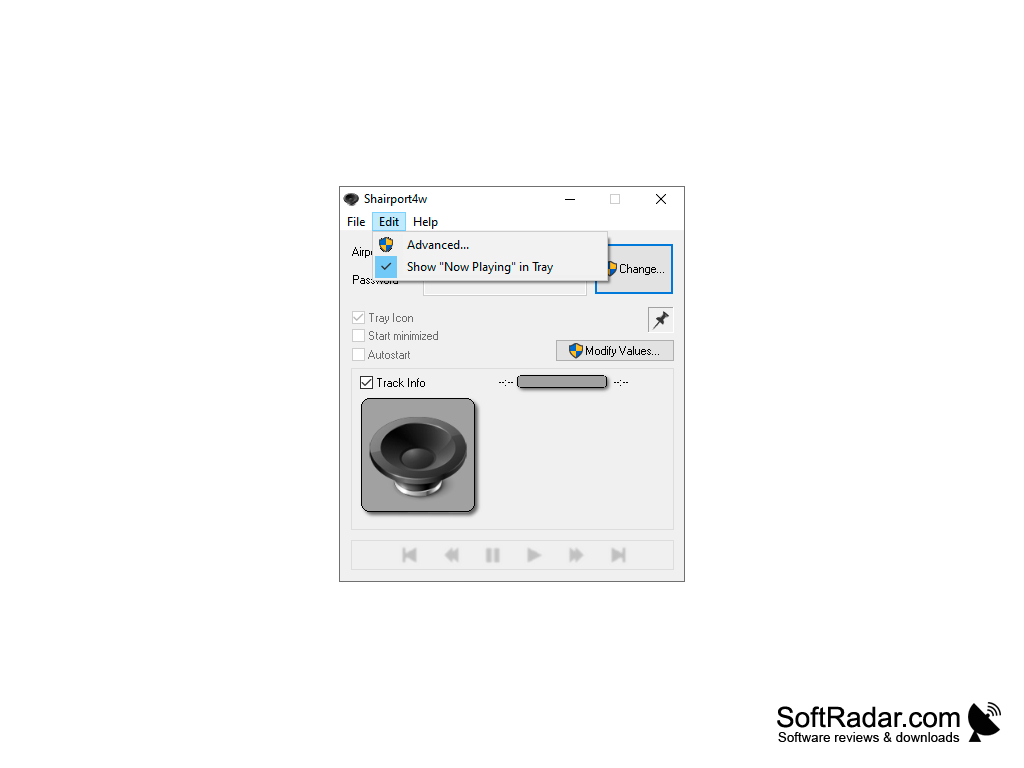

Shairport4w is a free third-party software that makes it easy for consumers to play media on Windows computers from devices that utilize Apple's Airplay feature. The software takes only a fraction of a Megabyte on your storage. Without this software, only devices which are approved by Apple can utilize this feature - wireless streaming.
Shairport4w is said to work on all Windows versions. However, many users experience problems streaming media on Windows 10. There's a lot of interruptions and there haven't been any fixed yet.
Features:
Shairport4w turns a Windows PC to a second speaker seamlessly
- Shairport4w is Airplay for Windows. It helps to stream media from an iOS device to another PC without the need of transferring any files. It is integrated with Itunes, iPad, iPod, and iPhone. Play anything using iTunes on your Mac or iPhone, and it can be seamlessly synced to your PC, turning it into another speaker.
- Shairport4w allows streaming media to be saved on disk. This feature means that users can utilize the AirPlay feature of Apple to transfer media files. This is similar to AirDrop, but for media files. Users would require to install a PlugIn, an extension of the app, to utilize this feature.
- Shairport4w works as a Bluetooth receiver, but for AirPlay. After installing the software, users can minimize it and let it run in the background. The software does not interfere with any activities on your computer. The only thing it does is allowing media from Apple-approved devices to be streamed on it.
Shairport4w is a light, simple but functional software that allows easy streaming of media from iOS to Windows. This software was released back in 2013 but is still being worked on as an open source project. It works great with Windows 7 and previous versions of Windows. As for Windows 10, many users are experiencing media interruptions now and then. However, it is still a great tool if you need to stream media once in a while.
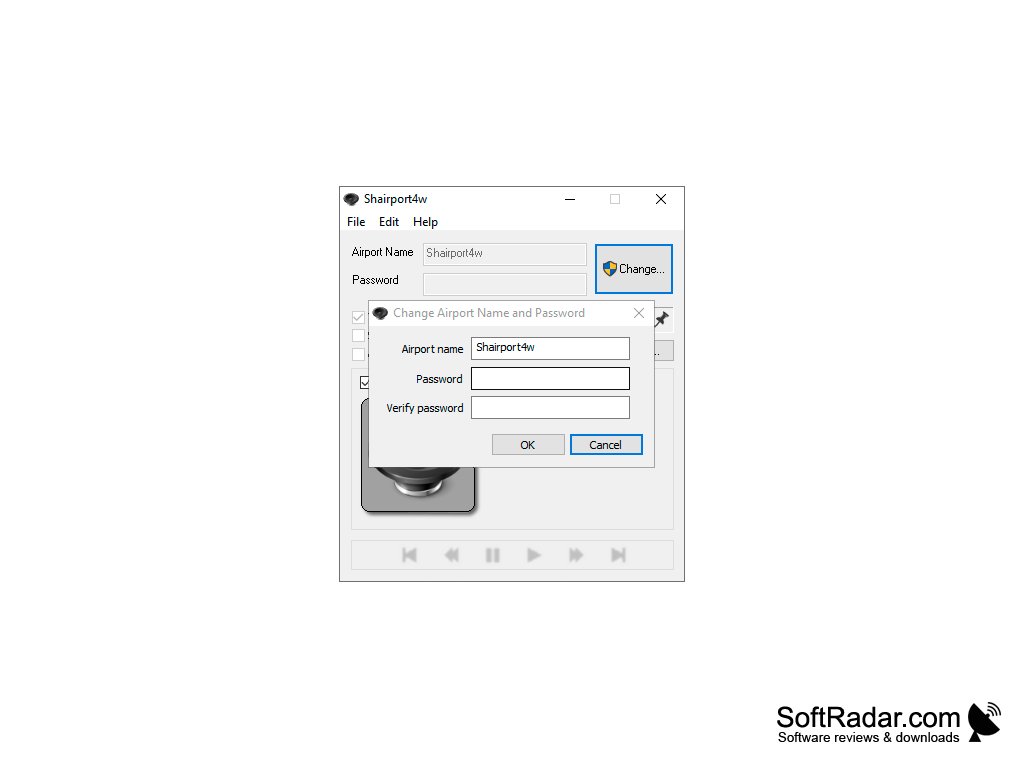
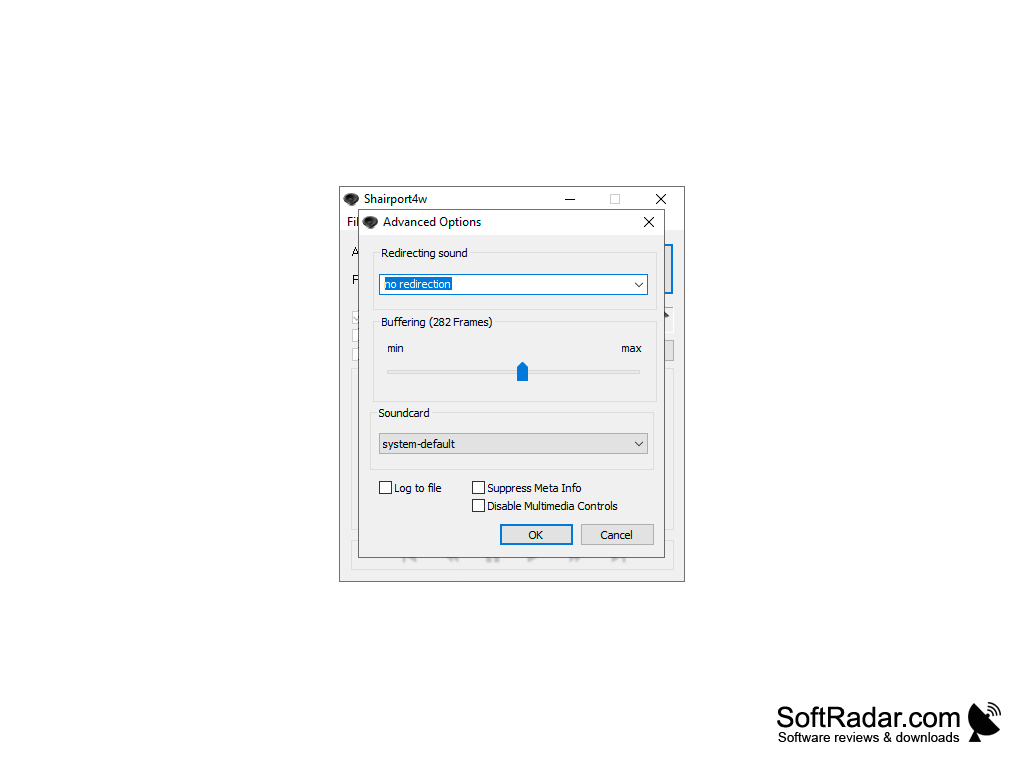
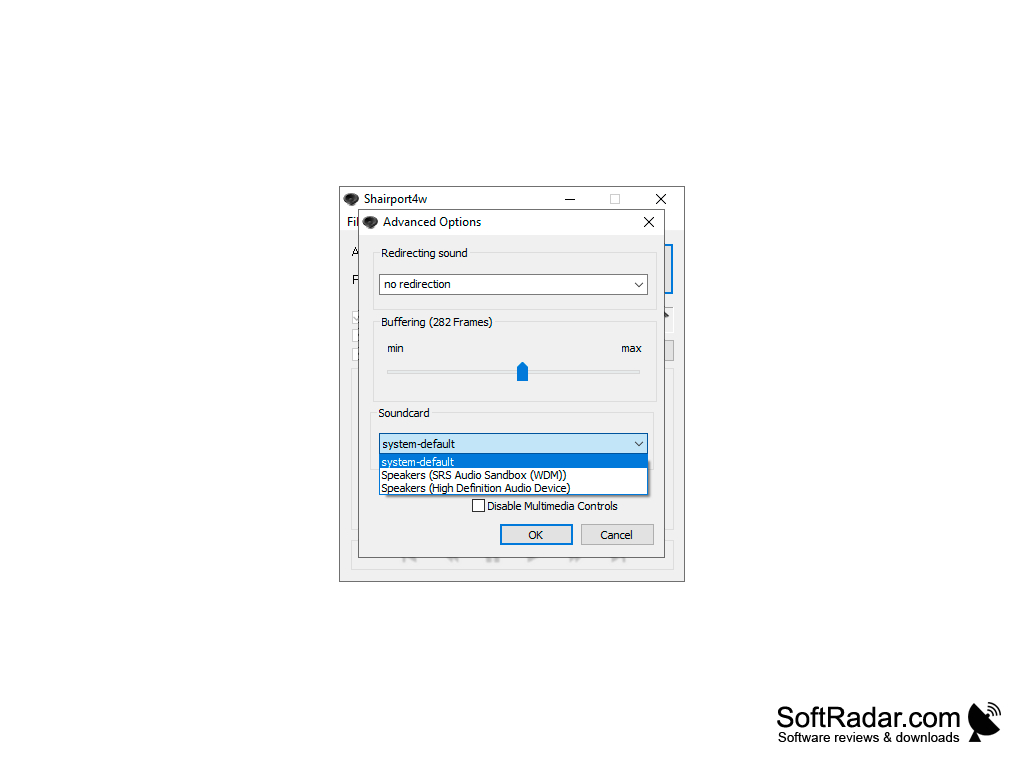
Works best on Windows 7 and previous versions
Needs very little storage space
PROS
Open-source software ensures continuous improvements and updates.
Simple and intuitive user interface enhances user experience.
CONS
Limited compatibility with non-Apple devices.
Lacks advanced customization options.


